鸿蒙三方库 | harmony-utils之RandomUtil随机数与随机字符串详解
·
前言
随机数和随机字符串在验证码、密码生成、数据打乱等场景中广泛使用。@pura/harmony-utils 的 RandomUtil 封装了随机生成方法,支持多种随机类型。本文将从API说明、代码实战、进阶用法、常见问题等多个维度进行全面讲解,帮助开发者快速掌握并应用到实际项目中。
一、RandomUtil核心API
RandomUtil 提供了以下随机生成方法:
| 方法 | 说明 | 返回类型 | 使用场景 |
|---|---|---|---|
randomInt(min, max) |
随机整数 | number | 随机选择 |
randomDouble(min, max) |
随机浮点数 | number | 模拟数据 |
randomString(length) |
随机字符串 | string | 验证码/密码 |
randomUUID() |
随机UUID | string | 唯一标识 |
shuffle(array) |
随机打乱数组 | T[] | 抽奖/洗牌 |
randomElement(array) |
随机取元素 | T | 随机选择 |
1.1 核心特性
- 简洁易用:封装复杂逻辑为一行调用,降低使用门槛
- 类型安全:完整的TypeScript类型定义,编译期即可发现错误
- 异常处理:内置异常捕获机制,避免运行时崩溃
- 多种类型:支持整数、浮点、字符串、UUID等随机类型
1.2 随机类型对照
| 类型 | 方法 | 范围 | 典型用途 |
|---|---|---|---|
| 整数 | randomInt | [min, max] | 随机索引 |
| 浮点 | randomDouble | [min, max) | 模拟数据 |
| 字符串 | randomString | 指定长度 | 验证码 |
| UUID | randomUUID | 标准格式 | 唯一ID |
二、完整使用步骤
2.1 安装依赖
ohpm install @pura/harmony-utils
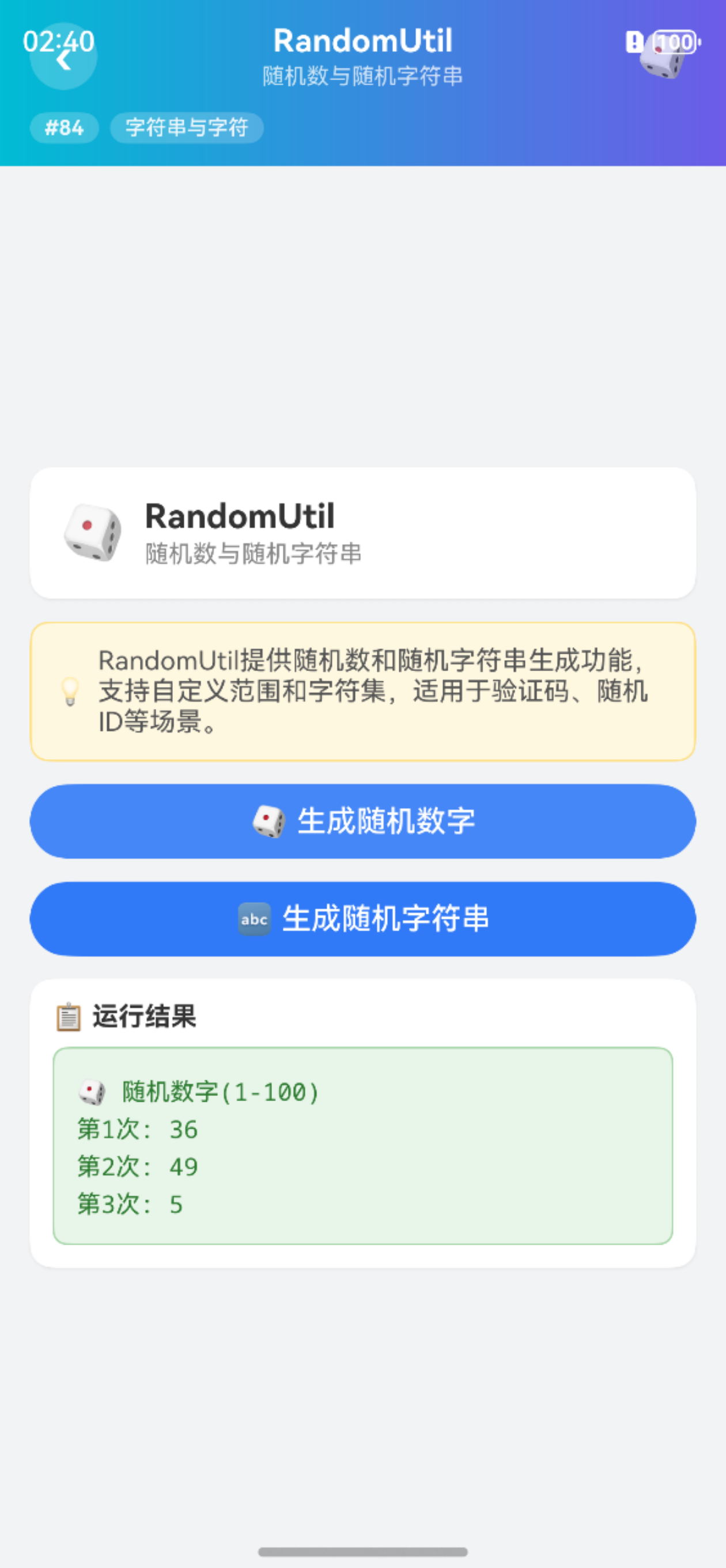
2.2 生成随机数
import { RandomUtil } from '@pura/harmony-utils';

Button('生成随机数')
  .width('100%')
  .onClick(() => {
    try {
      let int = RandomUtil.randomInt(1, 100);
      let double = RandomUtil.randomDouble(0, 1);
      this.result = `随机整数(1-100): ${int}\n随机浮点(0-1): ${double.toFixed(4)}`;
    } catch (e) {
      this.result = '异常: ' + e;
    }
  })
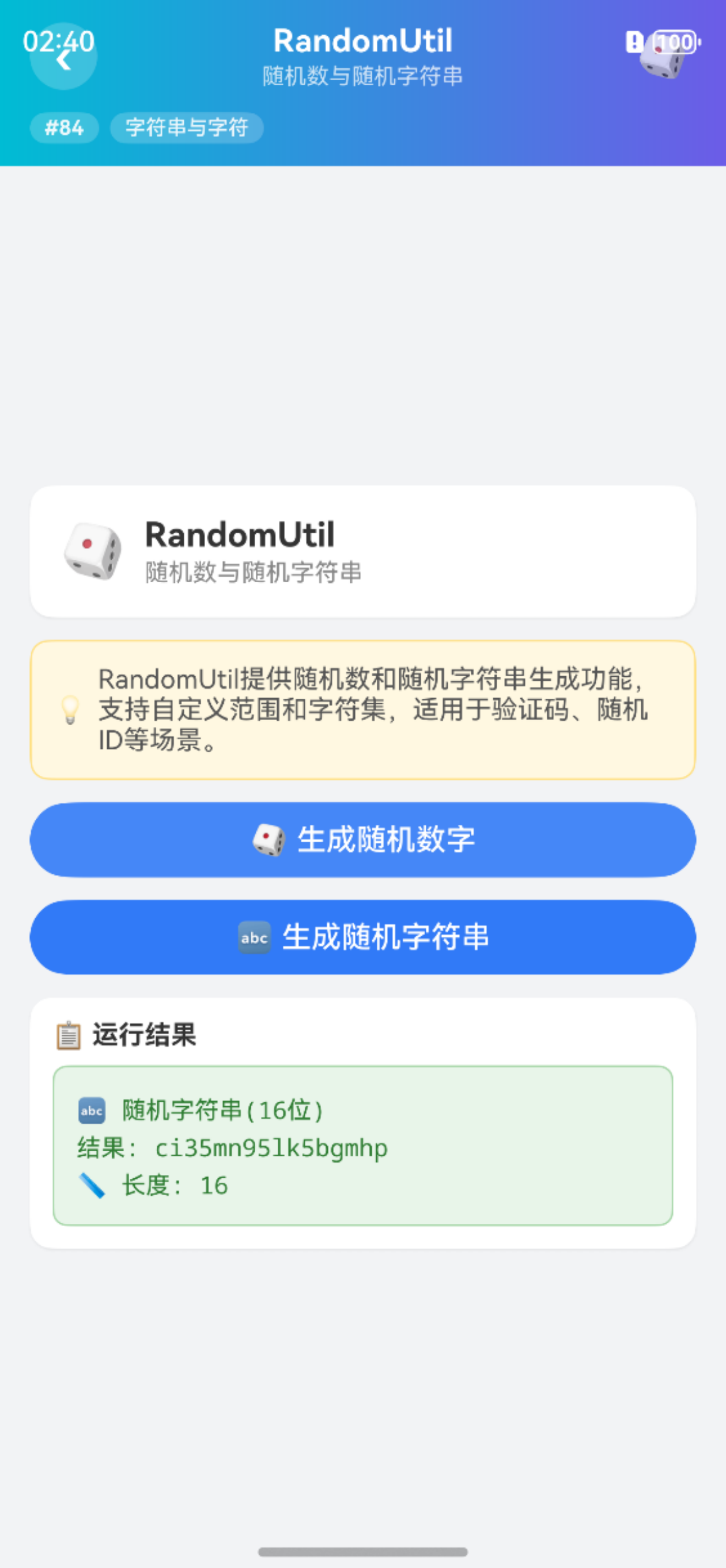
2.3 生成随机字符串
Button('生成随机字符串')
  .width('100%')
  .onClick(() => {
    try {
      let str8 = RandomUtil.randomString(8);
      let str16 = RandomUtil.randomString(16);
      let uuid = RandomUtil.randomUUID();
      this.result = `8位: ${str8}\n16位: ${str16}\nUUID: ${uuid}`;
    } catch (e) {
      this.result = '异常: ' + e;
    }
  })
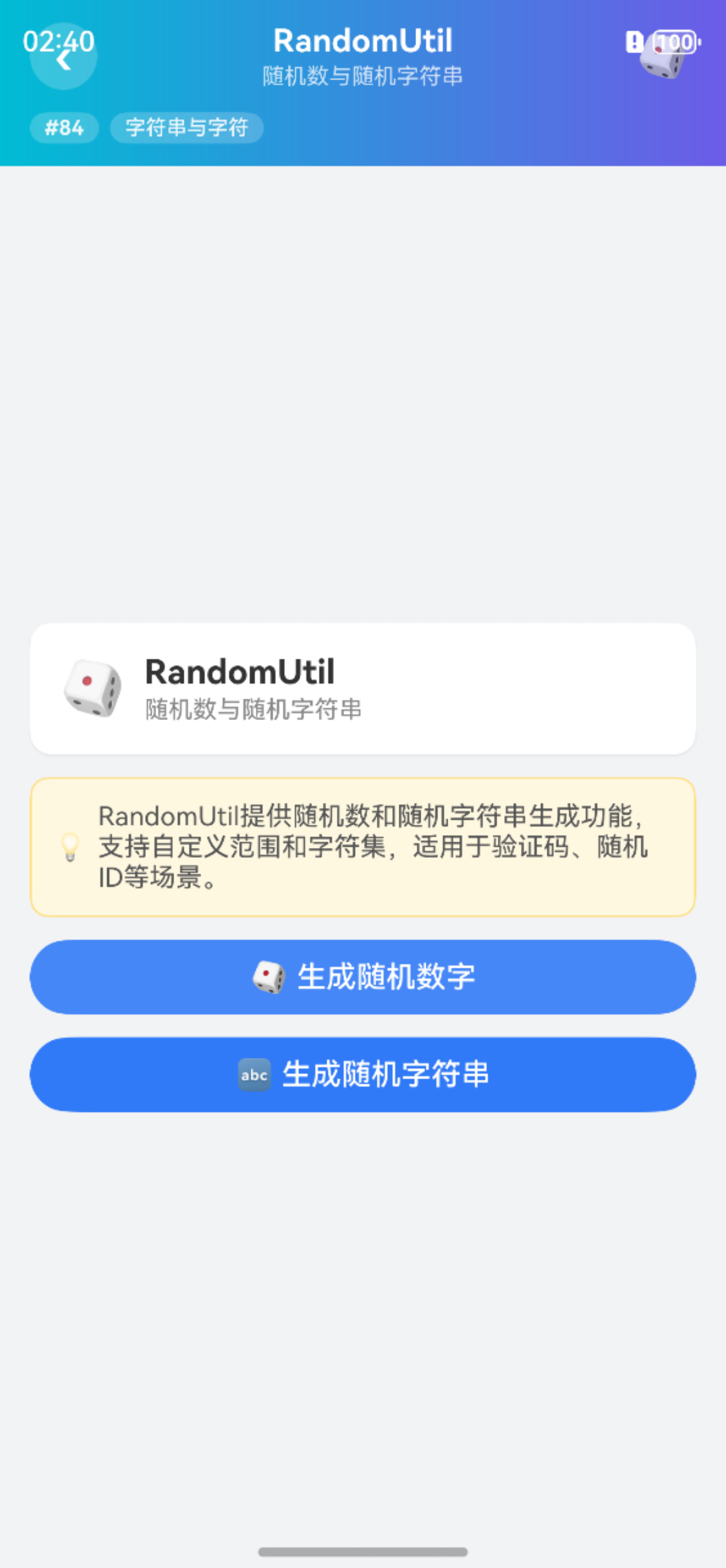
三、完整页面示例
import { RandomUtil } from '@pura/harmony-utils';

@Entry
@Component
struct RandomDemo {
  @State result: string = '';

  build() {
    Column({ space: 12 }) {
      Button('随机数').width('100%').onClick(() => {
        this.result = `整数: ${RandomUtil.randomInt(1, 100)}\n浮点: ${RandomUtil.randomDouble(0, 1).toFixed(4)}`;
      });
      Button('随机字符串').width('100%').onClick(() => {
        this.result = `8位: ${RandomUtil.randomString(8)}\nUUID: ${RandomUtil.randomUUID()}`;
      });
      Text(this.result).fontSize(14).fontColor('#333333')
    }
    .padding(16)
  }
}
四、进阶用法
4.1 验证码生成
import { RandomUtil } from '@pura/harmony-utils';

function generateCaptcha(length: number = 6): string {
  return RandomUtil.randomString(length).toUpperCase();
}
4.2 抽奖功能
function drawPrize(participants: string[]): string {
  let shuffled = RandomUtil.shuffle(participants);
  return RandomUtil.randomElement(shuffled);
}
五、注意事项
- 范围包含:randomInt包含max值
- 密码安全:randomString不适合密码学安全场景
- UUID格式:randomUUID遵循标准UUID格式
- 初始化依赖:使用前需确保
AppUtil.init()已调用 - shuffle修改:shuffle可能修改原数组
六、常见问题
Q1: randomInt(1, 10)包含10吗?
包含,randomInt的范围是闭区间[min, max]。
Q2: randomString包含哪些字符?
通常包含大小写字母和数字,具体取决于实现。
Q3: randomUUID是v4 UUID吗?
通常是v4版本(基于随机数),但具体版本取决于实现。
Q4: shuffle会修改原数组吗?
取决于实现,建议使用返回值而非依赖原数组。
总结
RandomUtil 的随机生成方法为验证码、密码、抽奖等场景提供了便捷支持。本文详细介绍了核心API、使用步骤、完整示例、进阶用法以及常见问题的解决方案。开发者可以利用这些方法快速生成各类随机数据。
本文基于
@pura/harmony-utils工具库,更多功能请参考官方文档与后续系列文章。

开源鸿蒙跨平台开发社区汇聚开发者与厂商,共建“一次开发,多端部署”的开源生态,致力于降低跨端开发门槛,推动万物智联创新。
更多推荐

 5
5 0
0- 0


 已为社区贡献47条内容

所有评论(0)