Flutter for OpenHarmony 实战:go_router 声明式路由完全指南
本文介绍了在Flutter for OpenHarmony中使用go_router实现声明式路由的完整指南。go_router作为新一代路由管理方案,通过简洁的声明式语法解决了传统Navigator在复杂导航场景中的不足。文章详细讲解了go_router的核心概念、基础配置、参数传递方法以及ShellRoute实现嵌套导航的技巧,并针对OpenHarmony平台提供了物理返回键处理和响应式布局适配

Flutter for OpenHarmony 实战:go_router 声明式路由完全指南
前言
随着 Flutter for OpenHarmony 的成熟,开发者在构建复杂的鸿蒙应用时,对路由管理的需求也日益增加。传统的 Navigator 1.0 虽然简单,但在处理复杂的嵌套导航、深层链接以及 URL 同步时显得力不从心。
go_router 建立在 Flutter 的 Router API(Navigator 2.0)之上,通过简洁的声明式语法,极大地简化了路由配置和页面跳转逻辑。
本文你将学到:
go_router的核心概念与配置- 参数传递与重定向逻辑
- 嵌套路由与 ShellRoute 的高级用法
- OpenHarmony 平台上的导航适配建议
一、go_router 基础概念
1.1 为什么选择 go_router
相比于传统的命名路由,go_router 具有以下优势:
- 声明式路由:路径结构一目了然。
- URL 驱动:完美支持浏览器地址同步及移动端深层链接。
- 嵌套导航:通过
ShellRoute轻松实现底部导航栏等嵌套布局。 - 重定向机制:方便处理登录鉴权等逻辑。
1.2 环境集成
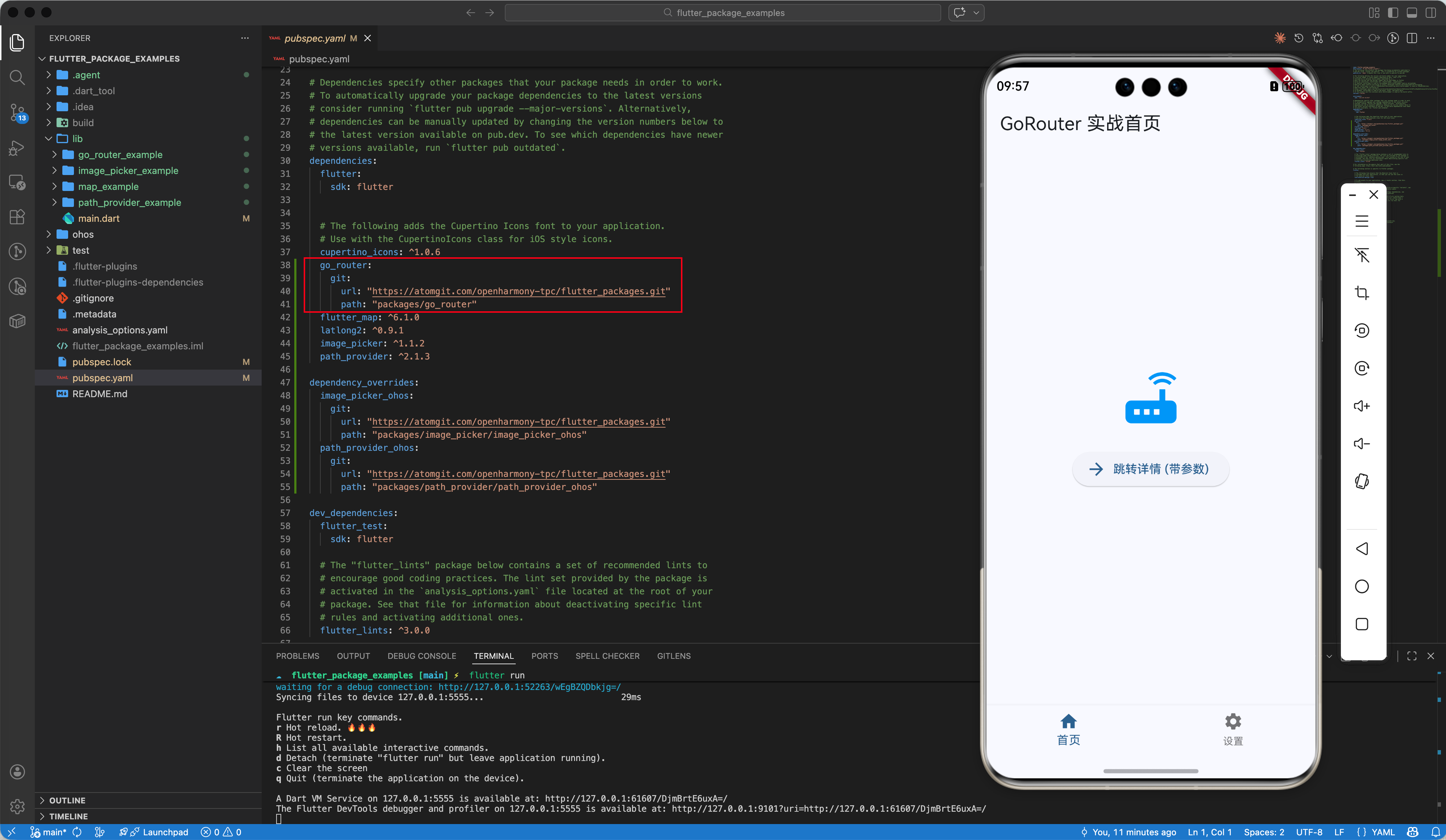
在项目的 pubspec.yaml 中添加依赖。在 OpenHarmony 平台上,推荐使用经过 TPC 社区适配的兼容版本:
dependencies:
  go_router:
    git:
      url: "https://atomgit.com/openharmony-tpc/flutter_packages.git"
      path: "packages/go_router"
💡 提示:go_router 是纯 Dart 包,不依赖原生代码,因此在 OpenHarmony 平台上具有完美的兼容性。
二、核心用法详解
2.1 简单路由配置
在应用入口处配置 GoRouter 实例:
import 'package:flutter/material.dart';
import 'package:go_router/go_router.dart';
final _router = GoRouter(
initialLocation: '/',
routes: [
GoRoute(
path: '/',
builder: (context, state) => const HomeScreen(),
routes: [
GoRoute(
path: 'details',
builder: (context, state) => const DetailsScreen(),
),
],
),
],
);
class MyApp extends StatelessWidget {
Widget build(BuildContext context) {
return MaterialApp.router(
routerConfig: _router,
title: 'Flutter OHOS Router',
);
}
}
2.2 页面跳转与参数传递
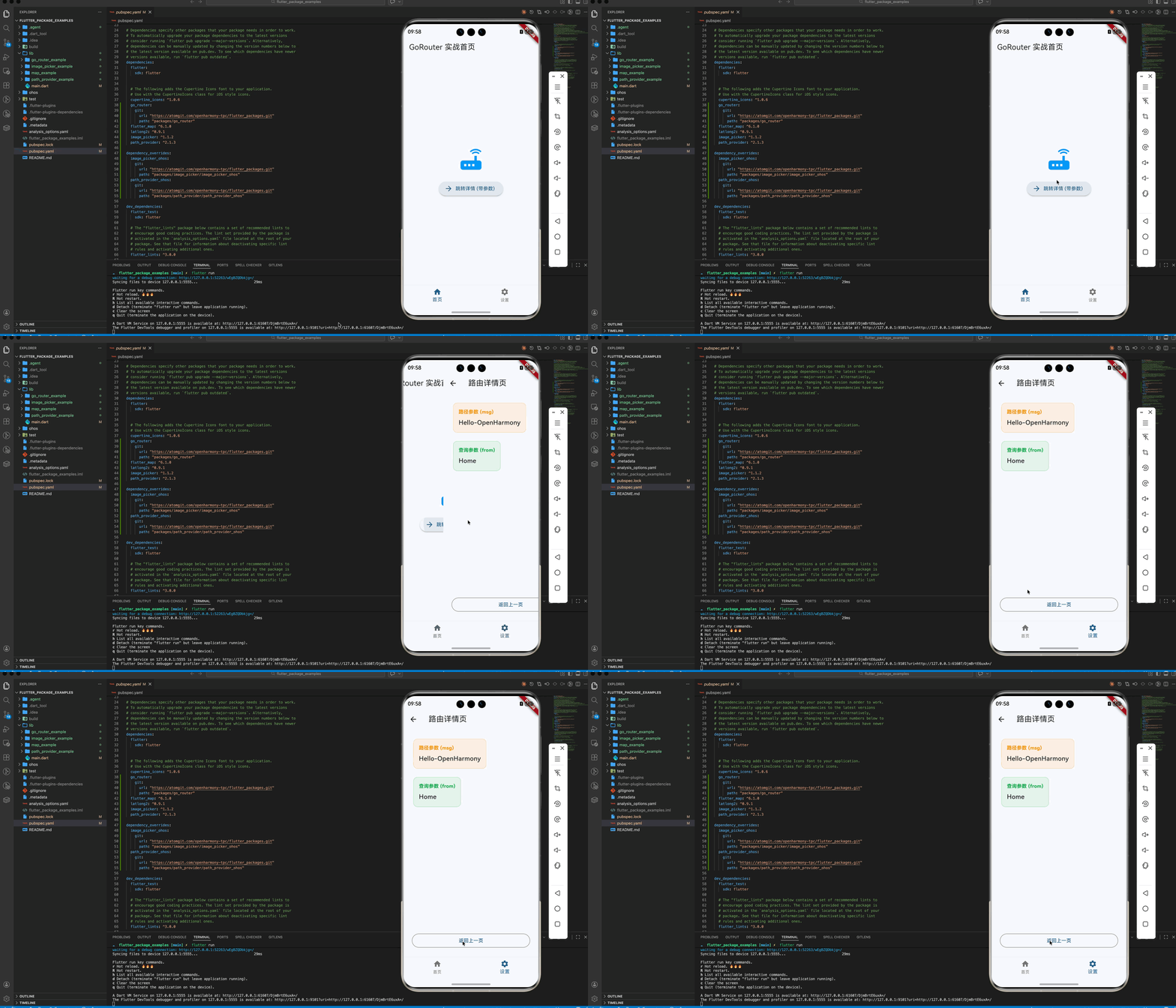
go_router 支持路径参数和查询参数:
// 跳转
context.go('/details/123?name=flutter');

// 定义路由获取参数
GoRoute(
  path: 'details/:id',
  builder: (context, state) {
    final id = state.pathParameters['id']; // 获取路径参数
    final name = state.uri.queryParameters['name']; // 获取查询参数
    return DetailsScreen(id: id, name: name);
  },
)
⚠️ 注意:context.go() 会替换当前路由栈,而 context.push() 会在栈顶压入新页面。
2.3 ShellRoute 嵌套导航
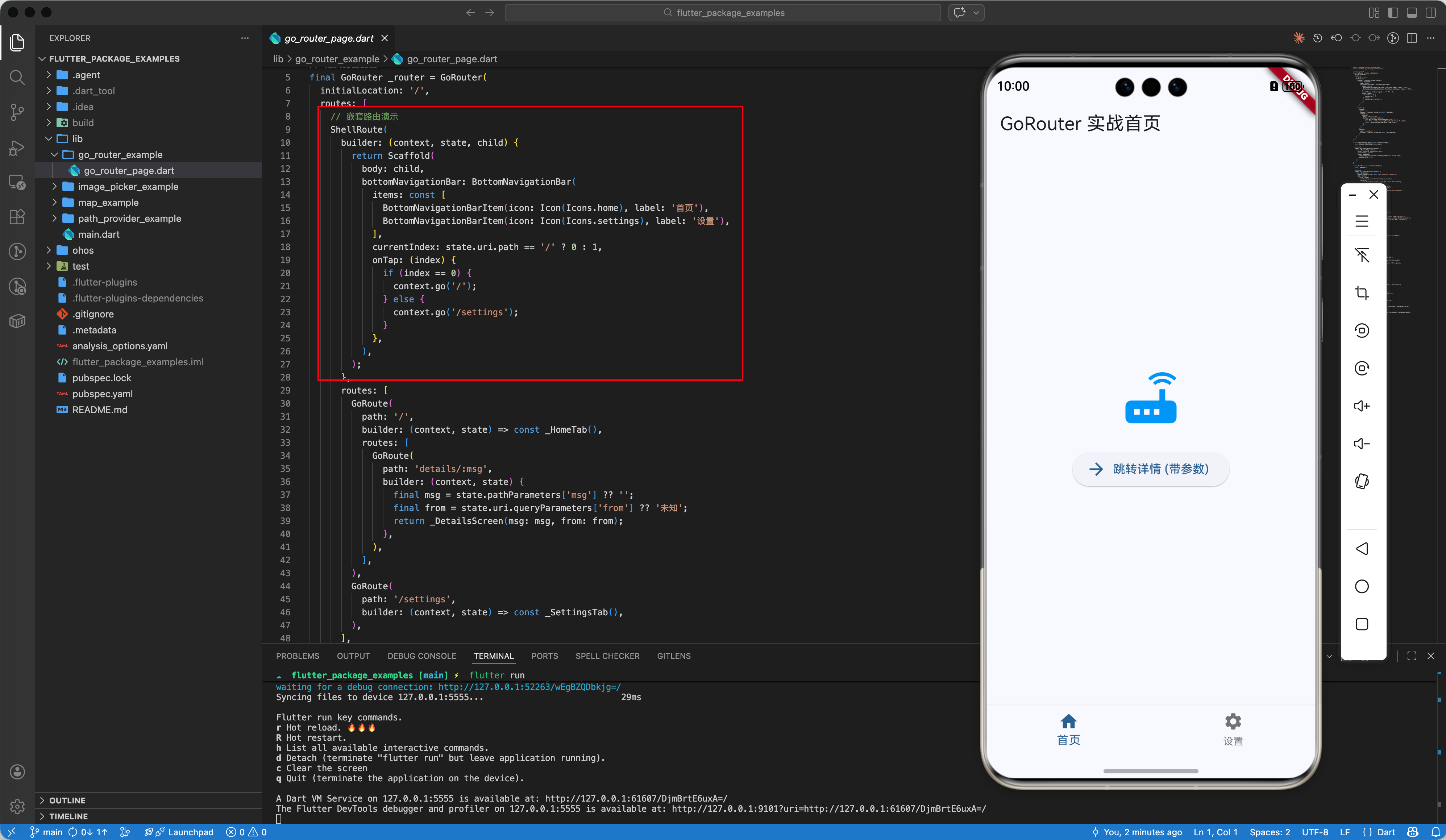
对于带有底部导航栏(BottomNavigationBar)的应用,ShellRoute 是最佳方案:
final _router = GoRouter(
  routes: [
    ShellRoute(
      builder: (context, state, child) {
        return Scaffold(
          body: child, // 这里的 child 就是子路由对应的页面
          bottomNavigationBar: BottomNavigationBar(
            items: const [
              BottomNavigationBarItem(icon: Icon(Icons.home), label: '首页'),
              BottomNavigationBarItem(icon: Icon(Icons.person), label: '我的'),
            ],
            onTap: (index) {
              if (index == 0) context.go('/');
              else context.go('/profile');
            },
          ),
        );
      },
      routes: [
        GoRoute(path: '/', builder: (context, state) => const HomeScreen()),
        GoRoute(path: '/profile', builder: (context, state) => const ProfileScreen()),
      ],
    ),
  ],
);
三、OpenHarmony 平台适配建议
3.1 物理返回键处理
在 OpenHarmony 设备上,物理返回键(或侧滑返回手势)默认由 Flutter 引擎接管。由于 go_router 深度集成了 Flutter 的 Router API,回退逻辑通常会自动生效。
如果你需要拦截返回键,建议使用 PopScope:
PopScope(
  canPop: false,
  onPopInvoked: (didPop) async {
    if (didPop) return;
    // 自定义返回逻辑
    final shouldPop = await _showExitDialog(context);
    if (shouldPop) {
      context.pop();
    }
  },
  child: const HomeScreen(),
)
3.2 响应式布局自适应
OpenHarmony 设备涵盖了手机、平板和折叠屏。结合 go_router 的响应式设计至关重要:
final isTablet = MediaQuery.of(context).size.width > 600;

// 在 Tablet 上可能希望使用左右分栏,而在手机上使用单页导航
💡 进阶技巧:可以利用 redirect 属性在跳转前根据屏幕尺寸重定向到不同的布局路由。
四、完整示例代码
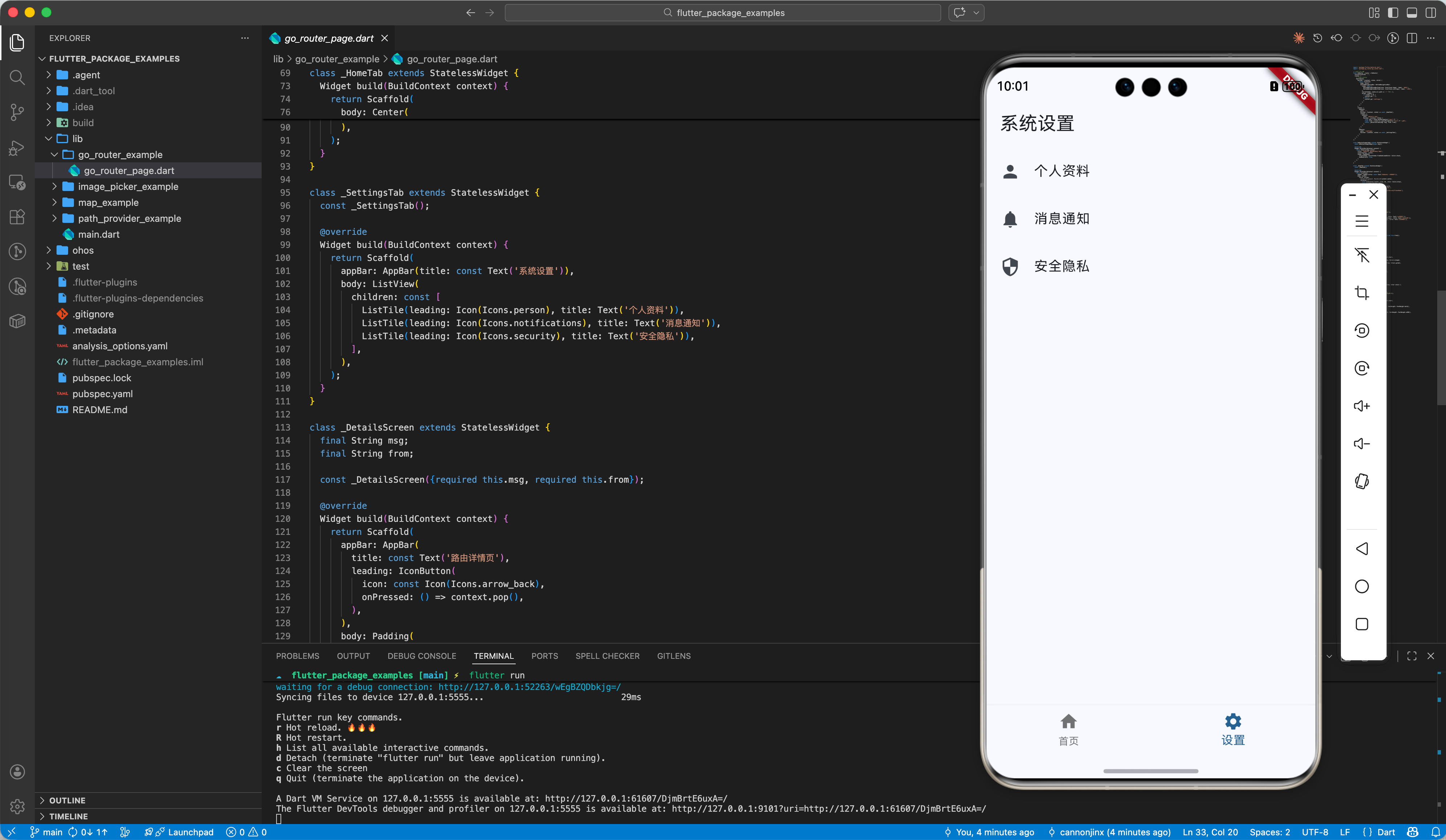
import 'package:flutter/material.dart';
import 'package:go_router/go_router.dart';
// 定义路由配置
final GoRouter _router = GoRouter(
initialLocation: '/',
routes: [
// 嵌套路由演示
ShellRoute(
builder: (context, state, child) {
return Scaffold(
body: child,
bottomNavigationBar: BottomNavigationBar(
items: const [
BottomNavigationBarItem(icon: Icon(Icons.home), label: '首页'),
BottomNavigationBarItem(icon: Icon(Icons.settings), label: '设置'),
],
currentIndex: state.uri.path == '/' ? 0 : 1,
onTap: (index) {
if (index == 0) {
context.go('/');
} else {
context.go('/settings');
}
},
),
);
},
routes: [
GoRoute(
path: '/',
builder: (context, state) => const _HomeTab(),
routes: [
GoRoute(
path: 'details/:msg',
builder: (context, state) {
final msg = state.pathParameters['msg'] ?? '';
final from = state.uri.queryParameters['from'] ?? '未知';
return _DetailsScreen(msg: msg, from: from);
},
),
],
),
GoRoute(
path: '/settings',
builder: (context, state) => const _SettingsTab(),
),
],
),
],
);
class GoRouterExampleApp extends StatelessWidget {
const GoRouterExampleApp({super.key});
Widget build(BuildContext context) {
return MaterialApp.router(
title: 'GoRouter OpenHarmony Demo',
routerConfig: _router,
theme: ThemeData(
colorScheme: ColorScheme.fromSeed(seedColor: Colors.blue),
useMaterial3: true,
),
);
}
}
class _HomeTab extends StatelessWidget {
const _HomeTab();
Widget build(BuildContext context) {
return Scaffold(
appBar: AppBar(title: const Text('GoRouter 实战首页')),
body: Center(
child: Column(
mainAxisAlignment: MainAxisAlignment.center,
children: [
const Icon(Icons.router, size: 80, color: Colors.blue),
const SizedBox(height: 20),
ElevatedButton.icon(
icon: const Icon(Icons.arrow_forward),
label: const Text('跳转详情 (带参数)'),
onPressed: () =>
context.go('/details/Hello-OpenHarmony?from=Home'),
),
],
),
),
);
}
}
class _SettingsTab extends StatelessWidget {
const _SettingsTab();
Widget build(BuildContext context) {
return Scaffold(
appBar: AppBar(title: const Text('系统设置')),
body: ListView(
children: const [
ListTile(leading: Icon(Icons.person), title: Text('个人资料')),
ListTile(leading: Icon(Icons.notifications), title: Text('消息通知')),
ListTile(leading: Icon(Icons.security), title: Text('安全隐私')),
],
),
);
}
}
class _DetailsScreen extends StatelessWidget {
final String msg;
final String from;
const _DetailsScreen({required this.msg, required this.from});
Widget build(BuildContext context) {
return Scaffold(
appBar: AppBar(
title: const Text('路由详情页'),
leading: IconButton(
icon: const Icon(Icons.arrow_back),
onPressed: () => context.pop(),
),
),
body: Padding(
padding: const EdgeInsets.all(24.0),
child: Column(
crossAxisAlignment: CrossAxisAlignment.start,
children: [
_buildInfoCard('路径参数 (msg)', msg, Colors.orange),
const SizedBox(height: 16),
_buildInfoCard('查询参数 (from)', from, Colors.green),
const Spacer(),
SizedBox(
width: double.infinity,
child: OutlinedButton(
onPressed: () => context.pop(),
child: const Text('返回上一页'),
),
),
],
),
),
);
}
Widget _buildInfoCard(String label, String value, Color color) {
return Card(
elevation: 0,
color: color.withOpacity(0.1),
shape: RoundedRectangleBorder(
borderRadius: BorderRadius.circular(12),
side: BorderSide(color: color.withOpacity(0.3)),
),
child: Padding(
padding: const EdgeInsets.all(16.0),
child: Column(
crossAxisAlignment: CrossAxisAlignment.start,
children: [
Text(label,
style: TextStyle(
fontSize: 14, color: color, fontWeight: FontWeight.bold)),
const SizedBox(height: 8),
Text(value,
style:
const TextStyle(fontSize: 18, fontWeight: FontWeight.w500)),
],
),
),
);
}
}
五、总结
go_router 在 Flutter for OpenHarmony 中提供了强大且稳定的路由管理能力。通过路径驱动的模式,不仅提升了代码的可维护性,也为未来支持多端、深层链接打下了坚实基础。
📦 完整代码已上传至 AtomGit:flutter_package_examples
🌐 欢迎加入开源鸿蒙跨平台社区:开源鸿蒙跨平台开发者社区

开源鸿蒙跨平台开发社区汇聚开发者与厂商,共建“一次开发,多端部署”的开源生态,致力于降低跨端开发门槛,推动万物智联创新。
更多推荐


 10
10 0
0- 0


 已为社区贡献14条内容

所有评论(0)