flutter 动画_《Flutter 动画系列》组合动画

老孟导读:在前面的文章中介绍了
《Flutter 动画系列》25种动画组件超全总结
http://laomengit.com/flutter/module/animated_1/
《Flutter 动画系列》Google工程师带你选择Flutter动画控件:
http://laomengit.com/flutter/module/animated_choose/
在项目中动画效果很多时候是几种动画的组合,比如颜色、大小、位移等属性同时变化或者顺序变化,这篇文章讲解如何实现组合动画
Flutter中组合动画使用Interval,Interval继承自Curve,用法如下:
Animation _sizeAnimation = Tween(begin: 100.0, end: 300.0).animate(CurvedAnimation( parent: _animationController, curve: Interval(0.5, 1.0)));表示_sizeAnimation动画从0.5(一半)开始到结束,如果动画时长为6秒,_sizeAnimation则从第3秒开始。
Interval中begin 和end参数值的范围是0.0到1.0。
下面实现一个先执行颜色变化,在执行大小变化,代码如下:
class AnimationDemo extends StatefulWidget { @override State createState() => _AnimationDemo();}class _AnimationDemo extends State with SingleTickerProviderStateMixin { AnimationController _animationController; Animation _colorAnimation; Animation _sizeAnimation; @override void initState() { _animationController = AnimationController(duration: Duration(seconds: 5), vsync: this) ..addListener((){setState(() { });}); _colorAnimation = ColorTween(begin: Colors.red, end: Colors.blue).animate( CurvedAnimation( parent: _animationController, curve: Interval(0.0, 0.5))); _sizeAnimation = Tween(begin: 100.0, end: 300.0).animate(CurvedAnimation( parent: _animationController, curve: Interval(0.5, 1.0))); //开始动画 _animationController.forward(); super.initState(); } @override Widget build(BuildContext context) { return Center( child: Column( mainAxisSize: MainAxisSize.min, children: [ Container( height: _sizeAnimation.value, width: _sizeAnimation.value, color: _colorAnimation.value), ], ), ); } @override void dispose() { _animationController.dispose(); super.dispose(); }}效果如下:
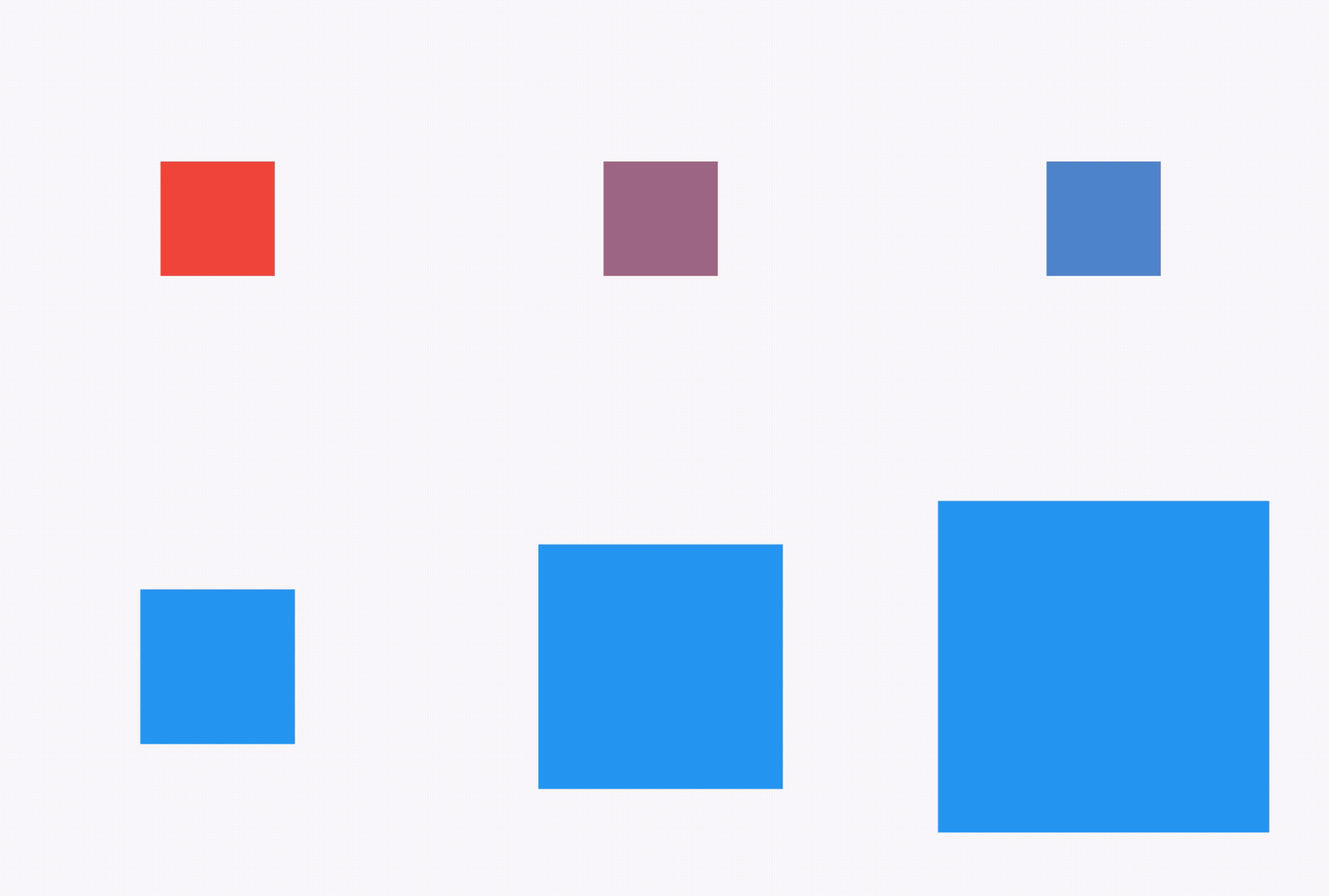
我们也可以设置同时动画,只需将2个Interval的值都改为Interval(0.0, 1.0)。
想象下面的场景,一个红色的盒子,动画时长为6秒,前40%的时间大小从100->200,然后保持200不变20%的时间,最后40%的时间大小从200->300,这种效果通过TweenSequence实现,代码如下:
_animation = TweenSequence([ TweenSequenceItem( tween: Tween(begin: 100.0, end: 200.0) .chain(CurveTween(curve: Curves.easeIn)), weight: 40), TweenSequenceItem(tween: ConstantTween(200.0), weight: 20), TweenSequenceItem(tween: Tween(begin: 200.0, end: 300.0), weight: 40),]).animate(_animationController);weight表示每一个Tween的权重。
最终效果如下:

交流
如果你对Flutter还有疑问或者技术方面的疑惑,欢迎加入Flutter交流群(微信:laomengit)。
同时也欢迎关注我的Flutter公众号【老孟程序员】,公众号首发Flutter的相关内容。
Flutter地址:http://laomengit.com 里面包含160多个组件的详细用法。

开源鸿蒙跨平台开发社区汇聚开发者与厂商,共建“一次开发,多端部署”的开源生态,致力于降低跨端开发门槛,推动万物智联创新。
更多推荐
 0
0 0
0- 0


 已为社区贡献1条内容

所有评论(0)