react native 开发注意点 (持续更)
目录
四、 React Native Could not expand ZIP
五 、Could not find support-vector-drawable.aar
接触RN也有一段时间了,从一个小白到一个不是那么小白的小白 ,开发过程中难免还是会遇到很多忘记掉知识点,或者一不容易就会写错的知识点,可能一个很小的错误,找了半天也不知道是什么原因。大大拖慢开发进程,在这里,个人将一些自己容易犯得错误都记录下来,供大家开发过程中参考参考!
好了,正文开始:
一、Image组件网络请求图片不显示
出现这种情况很可能是:
1、uri错写成url,特别注意这一点,因为在iOS上可能url是正确的,能够显示图片,但是在android上是错误的,所以,一定要 使用uri
        <Image
          style={[styles.image,]}
          source={{url:"http://h1.ioliu.cn/bing/DuskyDolphin_EN-AU11918143365_1920x1080.jpg"}}>//错误
        </Image>
        <Image
          style={[styles.image,]}
          source={{uri:"http://h1.ioliu.cn/bing/DuskyDolphin_EN-AU11918143365_1920x1080.jpg"}}>//正确
         </Image>
2、没有指定image 图片大小,很多要在App中显示的图片并不能在编译的时候获得,又或者有时候需要动态载入来减少打包后的二进制文件的大小。这些时候,与静态资源不同的是,你需要手动指定图片的尺寸
  image:{
    width:192,
    height:108,
    marginBottom:20
  }
二、 jsx注释
jsx是javascript的语法糖,实质上还是js,所以,在里面写注释的用{ }包裹起来,然后加上注释符/**/,即:
{/* 这里面写注释*/}注意很多其他语言转过来的很容易掉进这个坑,虽然很多编译器都有代码错误提示功能,但是记住还是比不清楚好!避免一些不必要的麻烦!
<View>
  <Text>Hello World</Text> {/*正确*/}
  <Text>Hello World</Text> <!--错误-->
  <Text>Hello World</Text> //错误
  <Text>Hello World</Text> /*错误*/
</View>
三、 React Native 安装指定版本
目前最新版问题比较多,建议大家不要安装,那么安装指定版本的代码如下:
react-native init exp --version 0.55.0注意:版本号必须是 主版本号.此版本号.修订版 也就是0.55.0,后面的修订版本如果是0千万不要少!
四、 React Native Could not expand ZIP
* What went wrong:
Execution failed for task ':app:prepareComAndroidSupportAppcompatV72301Library'.
> Could not expand ZIP 'C:\xxxxxxxx\Android\Sdk\extras\android\m2repository\com\android\support\appcompat-v7\23.0.1\appcompat-v7-23.0.1.aar'.
出现这个问题可能是gradle产生的,直接在android目录下运行:
gradlew clean
//清理编译环境 windows可能需要加 .\gradlew clean
然后在运行:
react-native run-android五 、Could not find support-vector-drawable.aar
最近最新版(0.57.3)的RN,在初始化项目后,运行项目时,可能会遇到以下问题:
FAILURE: Build failed with an exception.

* What went wrong:
Could not resolve all files for configuration ':app:debugCompileClasspath'.
> Could not find support-vector-drawable.aar (com.android.support:support-vector-drawable:27.1.1).
  Searched in the following locations:
      https://jcenter.bintray.com/com/android/support/support-vector-drawable/27.1.1/support-vector-drawable-27.1.1.aar
> Could not find livedata-core.aar (android.arch.lifecycle:livedata-core:1.1.0).
  Searched in the following locations:
      https://jcenter.bintray.com/android/arch/lifecycle/livedata-core/1.1.0/livedata-core-1.1.0.aar
> Could not find viewmodel.aar (android.arch.lifecycle:viewmodel:1.1.0).
  Searched in the following locations:
      https://jcenter.bintray.com/android/arch/lifecycle/viewmodel/1.1.0/viewmodel-1.1.0.aar
> Could not find runtime.aar (android.arch.core:runtime:1.1.0).
  Searched in the following locations:
https://jcenter.bintray.com/android/arch/core/runtime/1.1.0/runtime-1.1.0.aar这个问题应该是一些文件没有拉取到位导致的,在翻阅React Native github issues时,发现已经有伙伴遇到这个问题了,解决办法就是让安卓原生配置android/build.gradle文件里的google()仓库设置在jcenter()仓库前就行:
allprojects {
    repositories {
        google()//移动到前面
        mavenLocal()
        jcenter()
        maven {
            // All of React Native (JS, Obj-C sources, Android binaries) is installed from npm
            url "$rootDir/../node_modules/react-native/android"
        }
    }
}
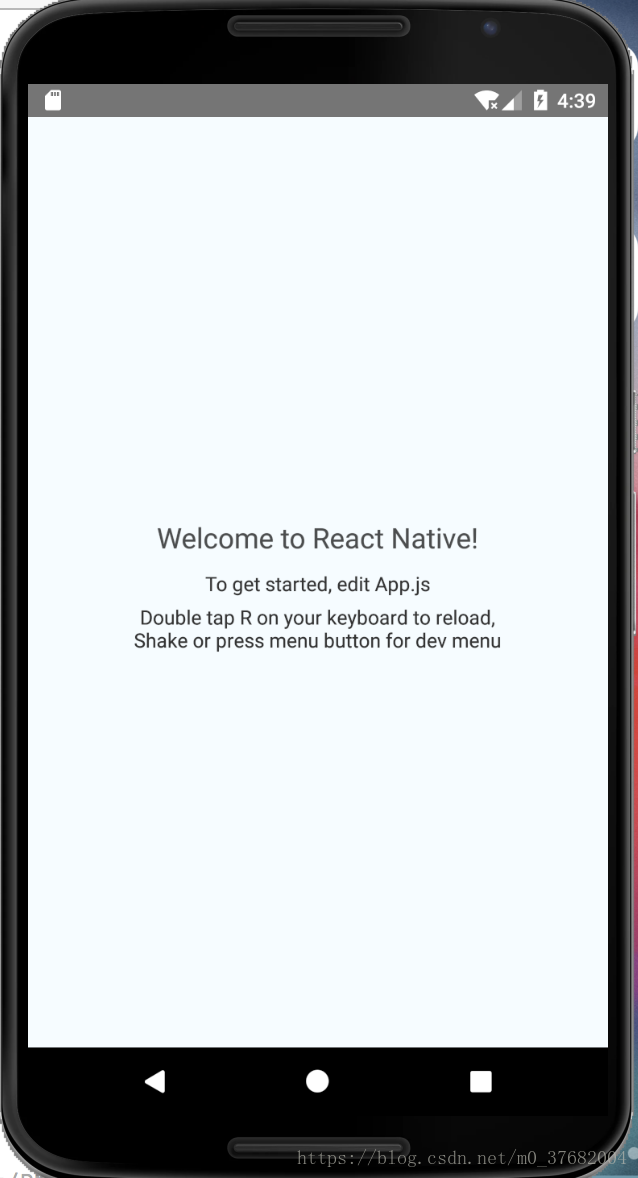
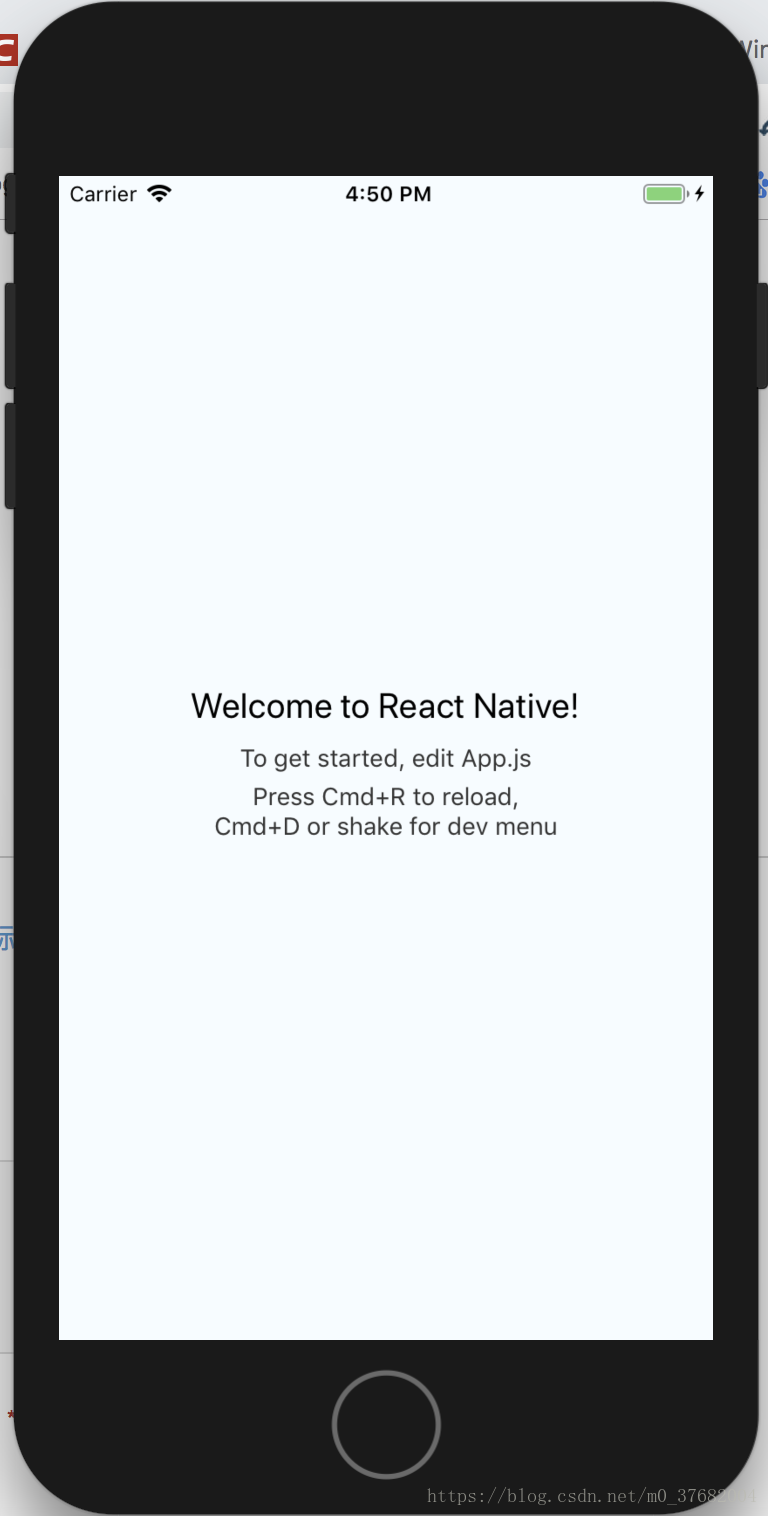
设置保存后,从新运行:

开源鸿蒙跨平台开发社区汇聚开发者与厂商,共建“一次开发,多端部署”的开源生态,致力于降低跨端开发门槛,推动万物智联创新。
更多推荐


 0
 0
- 0


 已为社区贡献1条内容

所有评论(0)