HarmonyOS 6.1 实战:通过 @Prop 单向同步父组件数据、@Builder 提取可复用UI片段
声明式UI的核心在于"数据驱动视图"——当 @State 装饰的变量发生变化,框架自动完成Diff计算并精确刷新受影响的UI节点,开发者只需关注数据流转与状态变更,无需手动操作DOM节点。这一范式让复杂交互场景的状态管理变得清晰可控。
在直播共创类应用中,多Tab页面间的数据共享与弹窗联动是架构设计的核心挑战。通过 @Prop 单向同步父组件数据、@Builder 提取可复用UI片段、bindSheet / bindContentCover 统一管理浮层,可以构建出高内聚低耦合的页面结构。
喷涂艺术与数字技术的碰撞,不仅是视觉层面的美学融合,更是一种将街头文化搬上云端、用代码重构创作流程的工程实践。每一面墙都是一块画布,每一次连麦都是一场共创。
引言
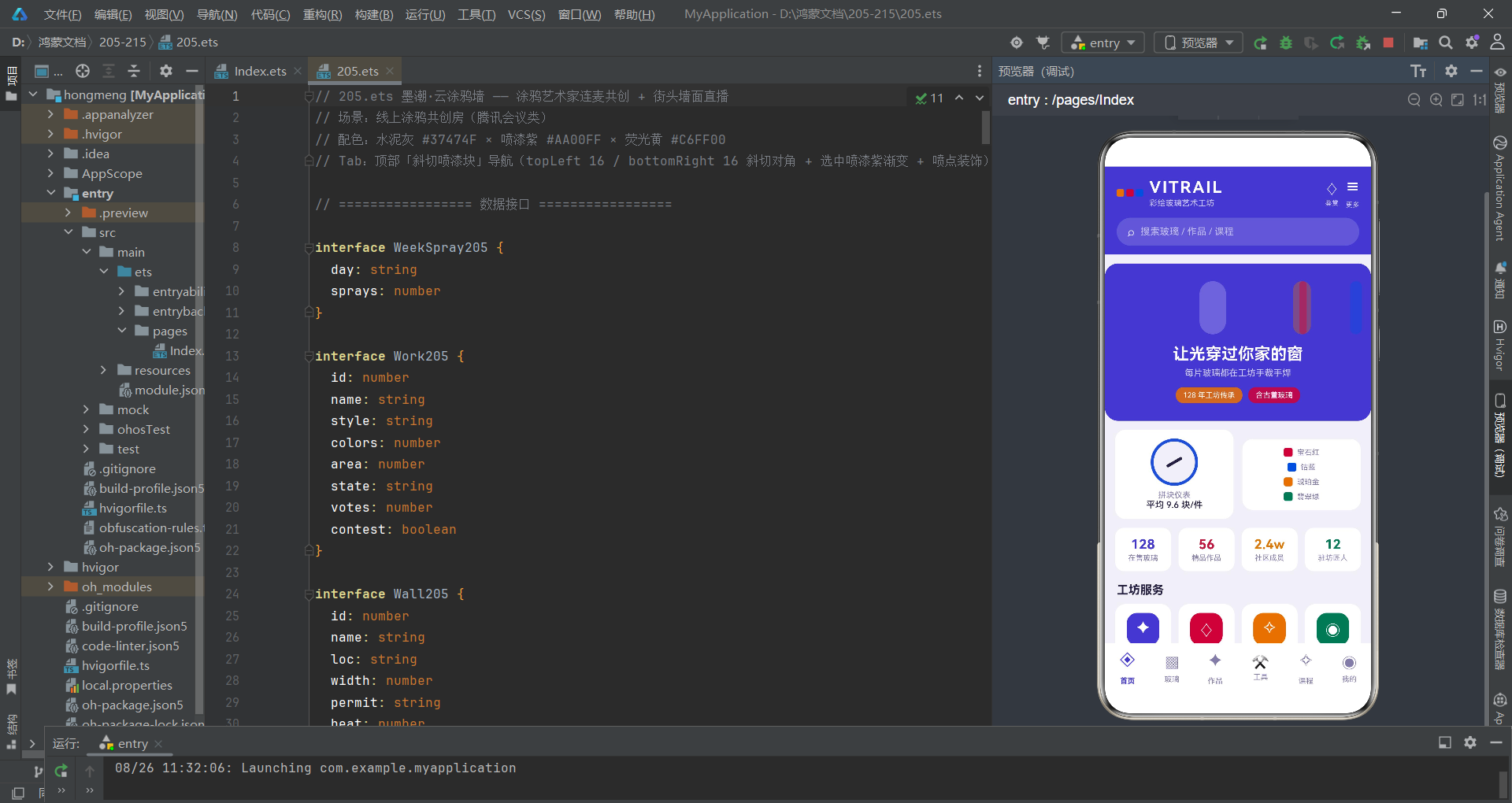
涂鸦艺术起源于上世纪六十年代的美国费城与纽约布朗克斯区,最初是街头青年在地铁车厢和废厂房墙面上用喷漆罐留下的签名与标记。经过半个多世纪的演进,涂鸦已从地下亚文化发展为全球性的街头艺术运动,衍生出 Oldschool、Wildstyle、Bubble、Stencil、Pixel 等多元风格流派。然而,传统的涂鸦创作受制于地理位置、墙面许可、材料成本和天气条件,许多爱好者难以参与。墨潮·云涂鸦墙正是在这一背景下诞生的数字化共创平台——它将线下墙面搬上云端,通过直播连线实现多画师同墙共创,让远程围观者也能连麦点评笔触、参与投票评选。
在技术架构层面,本应用采用 HarmonyOS ArkTS 声明式UI范式构建,以 @Entry + @Component 作为页面入口,通过 @State 管理全部可变状态。整体采用顶部「斜切喷漆块」Tab导航,每个Tab块使用 topLeft/bottomRight 不对称圆角模拟喷涂块的斜切外观,选中态叠加喷漆紫渐变背景与喷点装饰。六个Tab页分别承载直播共创、作品展、色彩库、团战、画师团和个人中心,形成从内容消费到创作管理的完整闭环。底部弹窗(bindSheet)承载报名表单、上传作品、编辑信息等交互密集型操作,居中弹窗(bindContentCover)处理删除确认和详情展示,两者各司其职。
配色体系上,应用以水泥灰 #37474F 作为主背景基调,呼应街头废厂房的粗粝质感;喷漆紫 #AA00FF 作为核心强调色,用于选中态、品牌标识和操作引导;荧光黄 #C6FF00 作为对比强调色,用于投票入口和评选标签。三色组合在深色背景上形成强烈的视觉冲击,既保留了街头文化的叛逆气质,又确保了信息层级的清晰可读。每种状态颜色均通过全局函数动态计算,如作品状态色、墙面许可色等,实现配色逻辑与UI渲染的解耦。
数据接口与类型体系
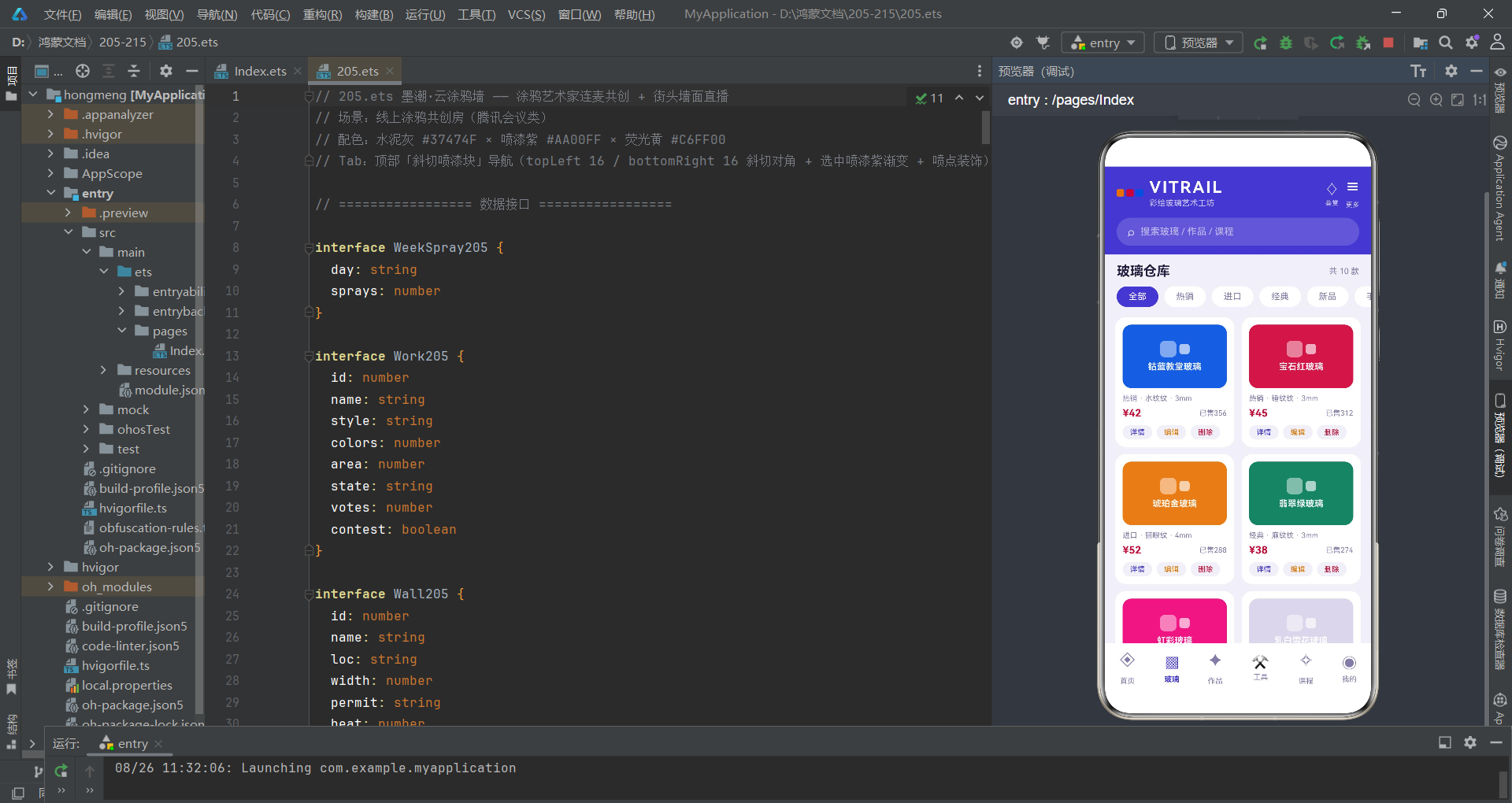
在声明式UI中,接口定义是整个应用的数据基石。应用首先定义了多个强类型接口,覆盖作品、墙面、画师、团队、弹幕、步骤等核心业务实体。
interface Work205 {
  id: number
  name: string
  style: string
  colors: number
  area: number
  state: string
  votes: number
  contest: boolean
}

interface Wall205 {
  id: number
  name: string
  loc: string
  width: number
  permit: string
  heat: number
}

interface Artist205 {
  id: number
  name: string
  city: string
  style: string
  years: number
  online: boolean
  heat: number
}

interface Team205 {
  id: number
  name: string
  city: string
  members: number
  wins: number
  online: boolean
}
每个接口都用明确的类型标注了字段类型,如 votes: number 表示票数、contest: boolean 表示是否参选、online: boolean 表示画师是否在线。这种严格的类型约束在编译阶段就能捕获类型不匹配的错误,大幅提升代码的可靠性。
在ArkTS中,interface定义的数据结构会贯穿组件的 @Prop 和 @State 全生命周期。类型安全不仅仅是一种编码规范,它是声明式UI数据驱动渲染的根本保障——当框架在Diff阶段比较新旧状态时,稳定的类型契约保证了属性访问的安全性。
弹幕与创作步骤也有独立的接口定义,体现了应用对直播互动场景的精细化建模:
interface Barrage205 {
  id: number
  text: string
}

interface SprayStep205 {
  id: number
  title: string
  tip: string
  done: boolean
}

interface StyleCount205 {
  label: string
  count: number
  color: string
}

interface VoteLog205 {
  day: string
  votes: number
}
SprayStep205 的 done 字段是一个布尔值,用于标记创作六步法中每一步的完成状态。用户在直播页面点击某一步即可切换其完成状态,框架通过 map 方法生成新数组实现不可变更新。StyleCount205 用于风格占比堆叠条形图的渲染,label 携带风格名称、count 记录数量、color 存储对应色值。VoteLog205 则记录七日票数走势,用于详情弹窗中的简易柱状图可视化。
全局标签与工具函数
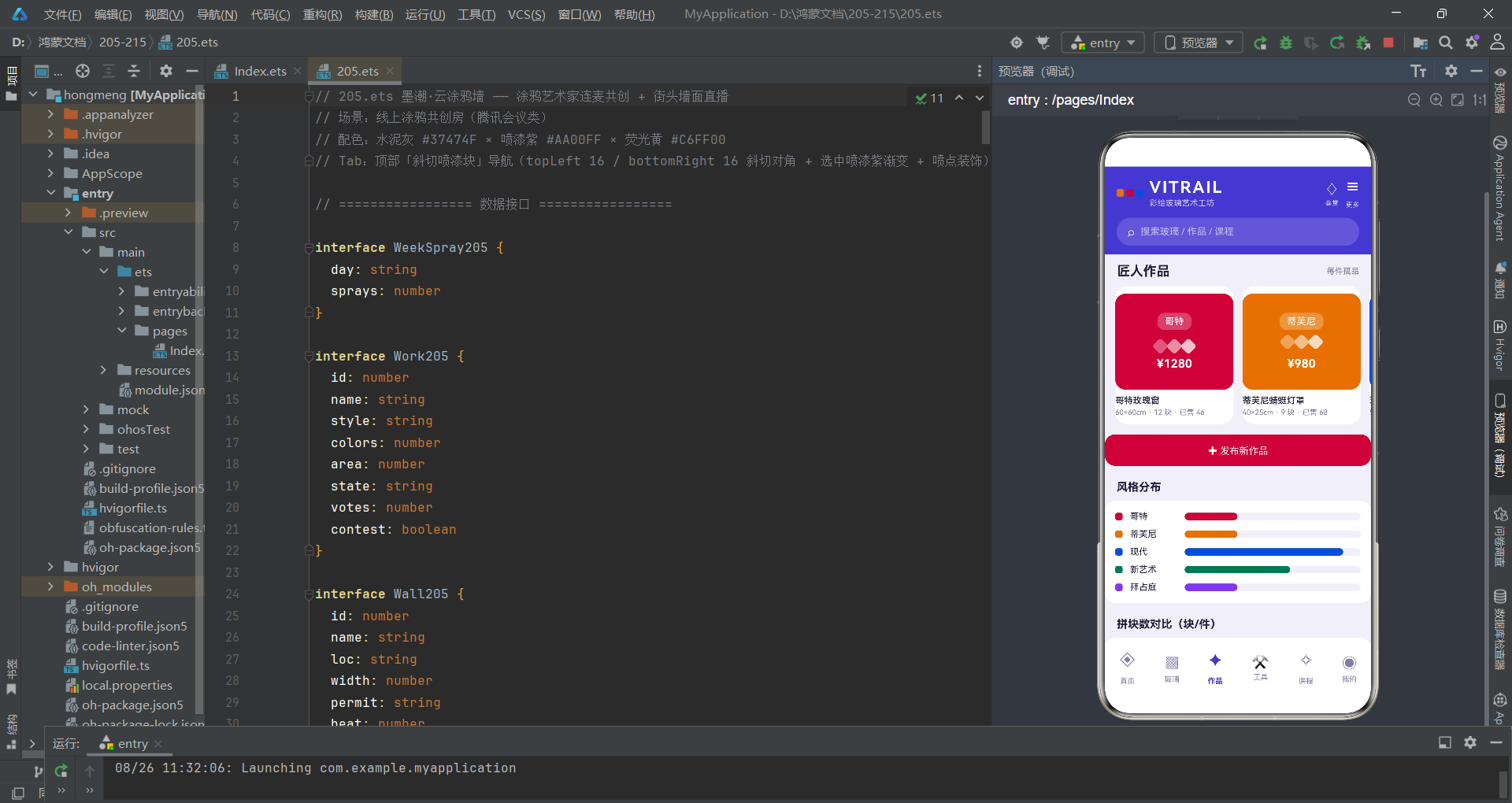
应用在组件外部定义了全局标签数组和工具函数,这些函数不依赖组件实例,可以在任何 struct 中直接调用。
const graffitiWallTags205: string[] = ['地铁旧墙', '废厂房', '滑板公园', '集装箱集市', '老街卷帘门']
const graffitiStyleTags205: string[] = ['Oldschool', 'Wildstyle', 'Bubble', 'Stencil', 'Pixel']
const permitTags205: string[] = ['已授权', '申请中', '限时开放']

function workStateColor205(state: string): string {
  if (state === '共创中') {
    return '#AA00FF'
  }
  if (state === '参选中') {
    return '#C6FF00'
  }
  if (state === '已完工') {
    return '#00BFA5'
  }
  return '#90A4AE'
}

function permitColor205(permit: string): string {
  if (permit === '已授权') {
    return '#00BFA5'
  }
  if (permit === '申请中') {
    return '#FFAB00'
  }
  return '#90A4AE'
}
workStateColor205 函数根据作品状态返回对应的主题色:共创中为喷漆紫、参选中为荧光黄、已完工为薄荷绿。这种将颜色映射逻辑提取为独立函数的做法,使得状态色管理集中而统一,当需要调整配色方案时只需修改一处。
将业务逻辑从UI模板中抽离是ArkTS工程实践的关键原则。当颜色计算、数据聚合等逻辑被提取为纯函数后,组件的 build() 方法可以专注于声明UI结构,代码的可读性和可维护性显著提升。
统计类函数负责数据聚合计算,为图表和仪表盘提供数据支撑:
function contestWorks205(works: Work205[]): number {
  let n: number = 0
  for (let i = 0; i < works.length; i++) {
    if (works[i].contest) {
      n++
    }
  }
  return n
}

function styleCounts205(works: Work205[]): StyleCount205[] {
  const counts: StyleCount205[] = []
  for (let i = 0; i < graffitiStyleTags205.length; i++) {
    let n: number = 0
    for (let j = 0; j < works.length; j++) {
      if (works[j].style === graffitiStyleTags205[i]) {
        n++
      }
    }
    counts.push({
      label: graffitiStyleTags205[i],
      count: n,
      color: ['#AA00FF', '#C6FF00', '#00E5FF', '#FF6D00', '#EC407A'][i]
    })
  }
  return counts
}

function totalVotes205(works: Work205[]): number {
  let n: number = 0
  for (let i = 0; i < works.length; i++) {
    n += works[i].votes
  }
  return n
}
styleCounts205 函数遍历所有风格标签,对每个风格统计作品数组中匹配的数量,并分配对应的主题色。返回的 StyleCount205[] 数组直接用于作品展Tab中的风格占比堆叠条形图渲染。totalVotes205 则累加所有作品的票数,用于统计面板的总票数展示。
主页面与状态管理
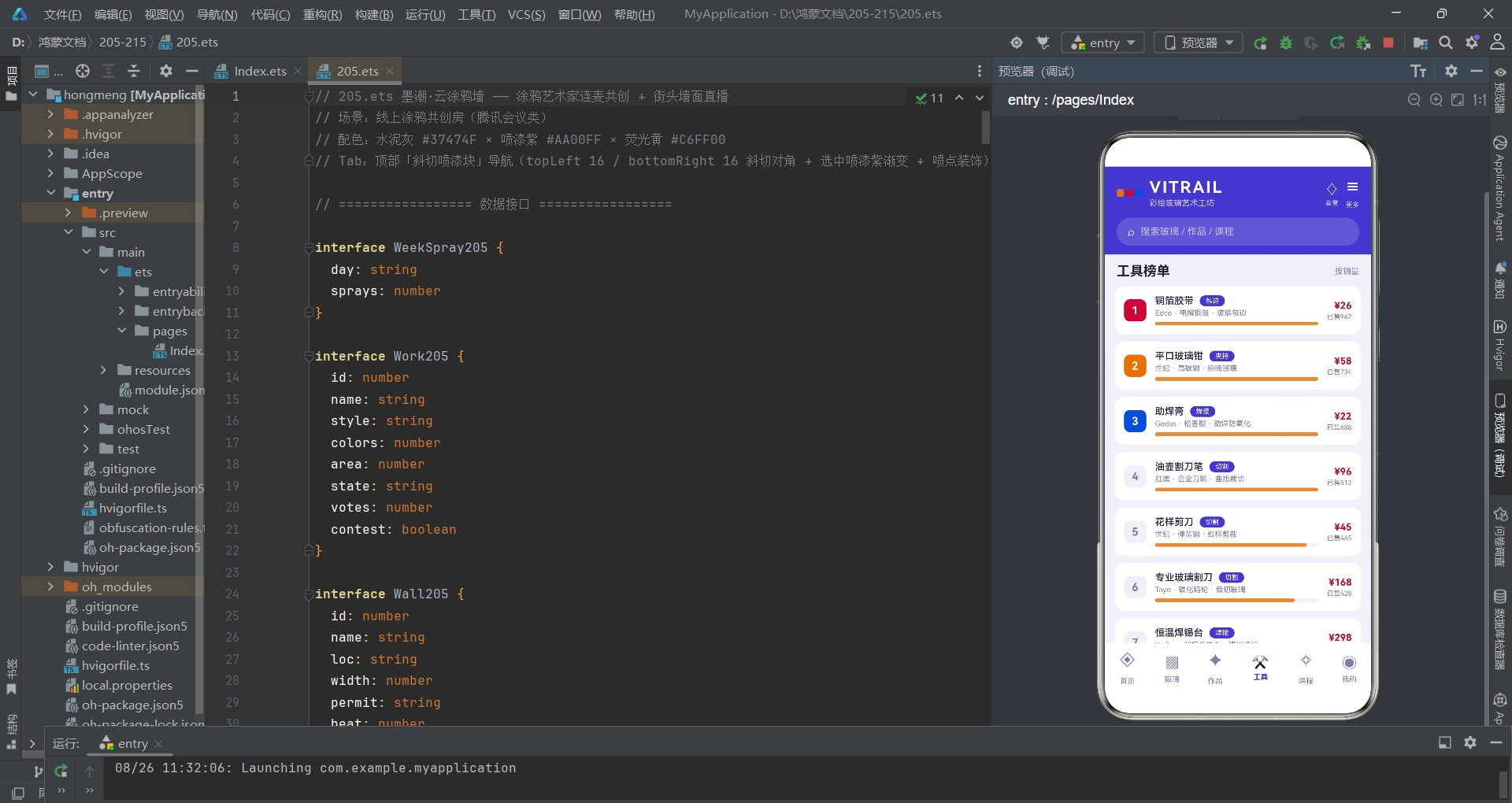
主页面 Index205 是整个应用的状态中枢,持有全部 @State 变量并通过回调函数将操作分发到各子组件。
@Entry
@Component
struct Index205 {
  @State tabIndex1: number = 0

  // 弹窗开关
  @State showJoinSheet: boolean = false
  @State showUploadSheet: boolean = false
  @State showEditSheet: boolean = false
  @State showDelDialog: boolean = false
  @State showDetailDialog: boolean = false

  // 报名共创位表单
  @State joinWall: number = 0
  @State joinStyle: number = 0
  @State joinCans: number = 6
  @State joinMask: boolean = true
  @State joinLive: boolean = true

  // 上传作品表单
  @State upName: string = ''
  @State upStyle: number = 0
  @State upColors: number = 4
  @State upContest: boolean = false
}
主页面持有五组 @State 变量:Tab索引、五个弹窗开关、报名表单字段、上传表单字段、编辑/删除/详情字段。这种集中式状态管理策略确保了所有子组件通过 @Prop 获取的数据都来自同一数据源,避免了多源数据同步的不一致风险。
在ArkTS的组件树中,父组件作为"单一数据源"(Single Source of Truth)向下传递数据,子组件通过 @Prop 进行单向只读接收,任何修改操作都通过回调函数上抛给父组件执行。这种自上而下的数据流模式是声明式UI区别于命令式框架的核心设计哲学。
数据初始化部分为每个实体类型预置了丰富的种子数据:
@State works: Work205[] = [
  { id: 1, name: '凤凰卷帘门', style: 'Wildstyle', colors: 7, area: 12, state: '共创中', votes: 1286, contest: true },
  { id: 2, name: '鲸鱼废厂房', style: 'Oldschool', colors: 5, area: 26, state: '参选中', votes: 2094, contest: true },
  { id: 3, name: '像素滑板道', style: 'Pixel', colors: 4, area: 18, state: '已完工', votes: 1750, contest: false },
  // ...更多作品
]

@State artists: Artist205[] = [
  { id: 1, name: '喷雾狼', city: '上海', style: 'Wildstyle', years: 12, online: true, heat: 96 },
  { id: 2, name: '泡泡糖', city: '广州', style: 'Bubble', years: 8, online: true, heat: 88 },
  // ...更多画师
]

@State spraySteps: SprayStep205[] = [
  { id: 1, title: '墙面预处理', tip: '清灰 · 补腻子 · 滚一遍浅底漆', done: true },
  { id: 2, title: '粉稿起形', tip: '炭条打大形 · 确定字母骨架走向', done: true },
  { id: 3, title: '铺大色块', tip: '宽帽喷底色 · 由浅入深 · 留出高光', done: true },
  { id: 4, title: '勾线塑形', tip: '细帽描边 · 压暗部 · 制造立体感', done: false },
  { id: 5, title: '细节与特效', tip: '星光点 · 渐层过渡 · 撒漆做质感', done: false },
  { id: 6, title: '罩光保护', tip: '整墙喷哑光清漆 · 延长寿命 3 年', done: false }
]
创作步骤数据 spraySteps 完整还原了涂鸦六步法——从墙面预处理到罩光保护,前三步已完成、后三步进行中。用户在直播页点击任意步骤即可切换其完成状态,触发父组件的 onStep 回调,通过 map 方法生成新数组实现不可变更新,框架自动刷新受影响的UI节点。
头部区域与斜切喷漆Tab导航
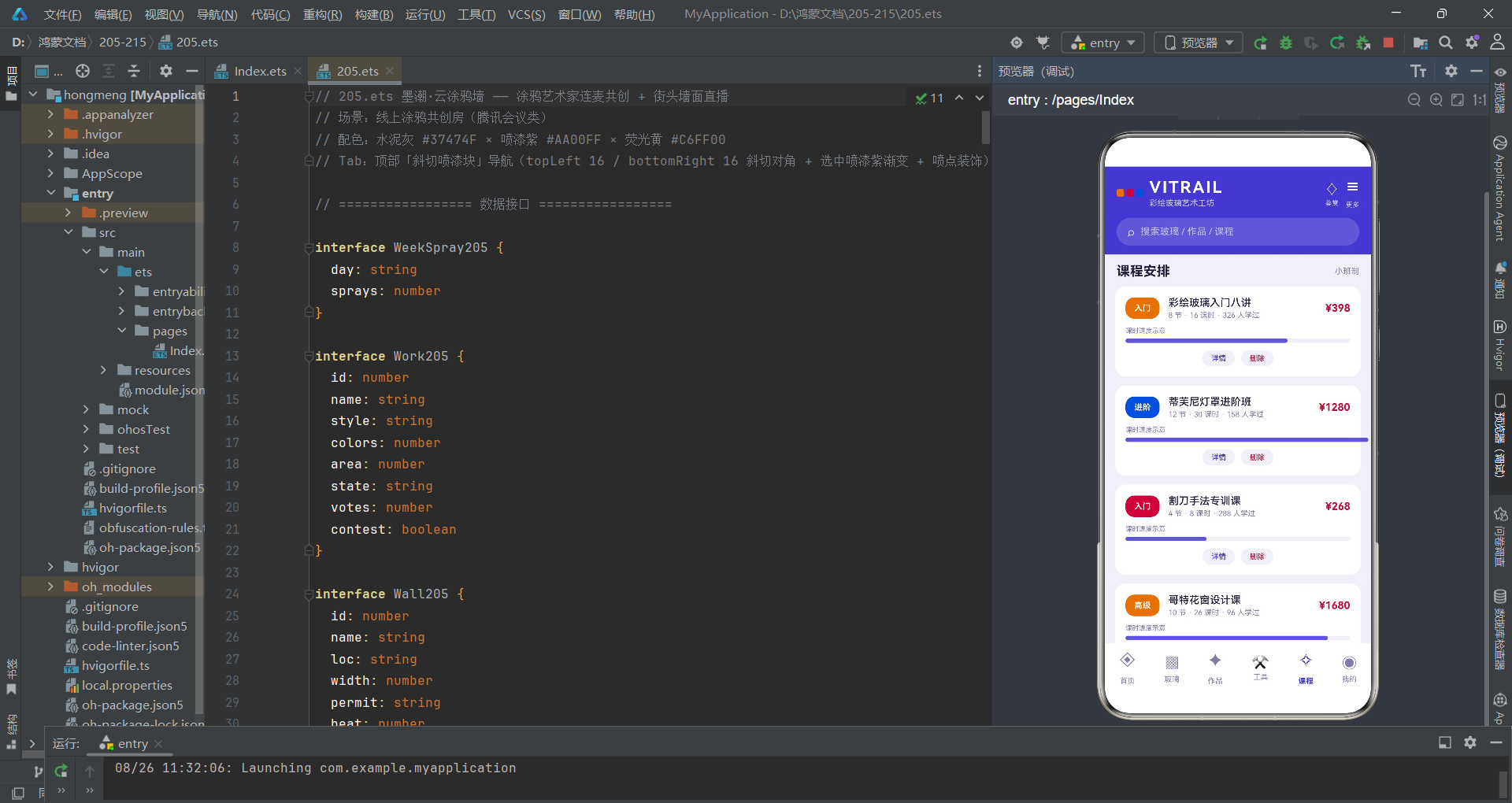
头部区域采用电商开放周的视觉风格,顶部信息栏展示应用名称与在线观喷人数,下方活动横幅引导用户跳转到投票页。
@Builder
header205() {
  Column({ space: 12 }) {
    Row({ space: 10 }) {
      Column({ space: 4 }) {
        Text('墨潮 · 云涂鸦墙').fontSize(19).fontColor('#FFFFFF').fontWeight(FontWeight.Bold)
        Text('涂鸦艺术家连麦共创 · 街头墙面直播').fontSize(11).fontColor('#E1BEE7')
      }
      .alignItems(HorizontalAlign.Start)
      Text('').layoutWeight(1)
      Column({ space: 2 }) {
        Text('🎨').fontSize(20)
        Text('1,742').fontSize(12).fontColor('#FFFFFF').fontWeight(FontWeight.Bold)
        Text('在线观喷').fontSize(9).fontColor('#E1BEE7')
      }
      .alignItems(HorizontalAlign.Center)
    }
    .width('100%')

    Row({ space: 10 }) {
      Column().width(4).height(34).borderRadius(2).backgroundColor('#C6FF00')
      Column({ space: 3 }) {
        Text('墙面开放周 · 投票进行中').fontSize(13).fontColor('#FFFFFF').fontWeight(FontWeight.Bold)
        Text('6 面新墙开放共创 · 投票抽限量喷漆套装').fontSize(10).fontColor('#F3E5F5')
      }
      .alignItems(HorizontalAlign.Start)
      Text('').layoutWeight(1)
      Column() {
        Text('去投票 →').fontSize(11).fontColor('#37474F').fontWeight(FontWeight.Bold)
      }
      .padding({ left: 12, right: 12, top: 7, bottom: 7 })
      .borderRadius(4)
      .backgroundColor('#C6FF00')
      .onClick(() => {
        this.tabIndex1 = 3
      })
    }
    .width('100%')
    .padding(12)
    .borderRadius(4)
    .backgroundColor('#6A1B9A')
  }
  .alignItems(HorizontalAlign.Start)
  .padding(14)
  .linearGradient({ angle: 140, colors: [['#546E7A', 0], ['#37474F', 1]] })
}
头部使用 linearGradient 从水泥灰到深水泥灰的渐变作为背景,活动横幅以紫色背景搭配荧光黄左侧竖条作为视觉强调。点击"去投票"按钮直接修改 tabIndex1 为3(团战Tab),实现Tab跳转联动。layoutWeight(1) 的空Text充当弹性占位符,将右侧内容推到行尾。
斜切喷漆Tab导航是本应用最具特色的UI元素:
@Builder
tabBar205() {
  Column({ space: 8 }) {
    Row({ space: 6 }) {
      ForEach(this.tabs205, (t: string, i: number) => {
        Column({ space: 4 }) {
          Row({ space: 4 }) {
            Text(this.tabIcons205[i]).fontSize(15)
            Text(t)
              .fontSize(10)
              .fontColor(this.tabIndex1 === i ? '#FFFFFF' : '#546E7A')
              .fontWeight(this.tabIndex1 === i ? FontWeight.Bold : FontWeight.Normal)
          }
          Row({ space: 4 }) {
            Text('')
              .width(4).height(4).borderRadius(2)
              .backgroundColor(this.tabIndex1 === i ? '#C6FF00' : '#CFD8DC')
              .opacity(0.9)
            Text('')
              .width(3).height(3).borderRadius(2)
              .backgroundColor(this.tabIndex1 === i ? '#00E5FF' : '#ECEFF1')
              .opacity(0.7)
            Text('')
              .width(5).height(5).borderRadius(3)
              .backgroundColor(this.tabIndex1 === i ? '#FF6D00' : '#ECEFF1')
              .opacity(0.8)
          }
        }
        .justifyContent(FlexAlign.Center)
        .padding({ left: 10, right: 12, top: 8, bottom: 8 })
        .borderRadius({ topLeft: 16, topRight: 0, bottomLeft: 0, bottomRight: 16 })
        .backgroundColor(this.tabIndex1 === i ? '#AA00FF' : '#ECEFF1')
        .shadow({
          radius: this.tabIndex1 === i ? 10 : 0,
          color: '#66AA00FF',
          offsetY: 3
        })
        .scale({ x: this.tabIndex1 === i ? 1.07 : 1, y: this.tabIndex1 === i ? 1.07 : 1 })
        .animation({ duration: 180 })
        .onClick(() => {
          this.tabIndex1 = i
        })
      }, (t: string) => t)
    }
    .width('100%')
    .justifyContent(FlexAlign.SpaceEvenly)
  }
  .width('100%')
  .padding({ left: 8, right: 8, top: 10, bottom: 10 })
  .backgroundColor('#FAFAFA')
}
每个Tab块使用 borderRadius({ topLeft: 16, topRight: 0, bottomLeft: 0, bottomRight: 16 }) 实现左上和右下不对称圆角,模拟喷漆块被对角斜切的视觉效果。选中态叠加喷漆紫背景、紫色阴影(color: '#66AA00FF')和1.07倍放大动画。下方三个大小不一的彩色圆点模拟喷漆喷溅的漆点装饰,选中时显示荧光黄、冰蓝和熔岩橙三色,未选中时为灰白。
不对称圆角是ArkTS声明式UI中实现创意造型的利器。通过
borderRadius对象参数为四个角分别设置不同的圆弧半径,可以在不使用图片资源的情况下创造出斜切、撕裂、锯齿等复杂视觉效果,极大降低了UI实现的资源成本。
底部抽屉弹窗系统
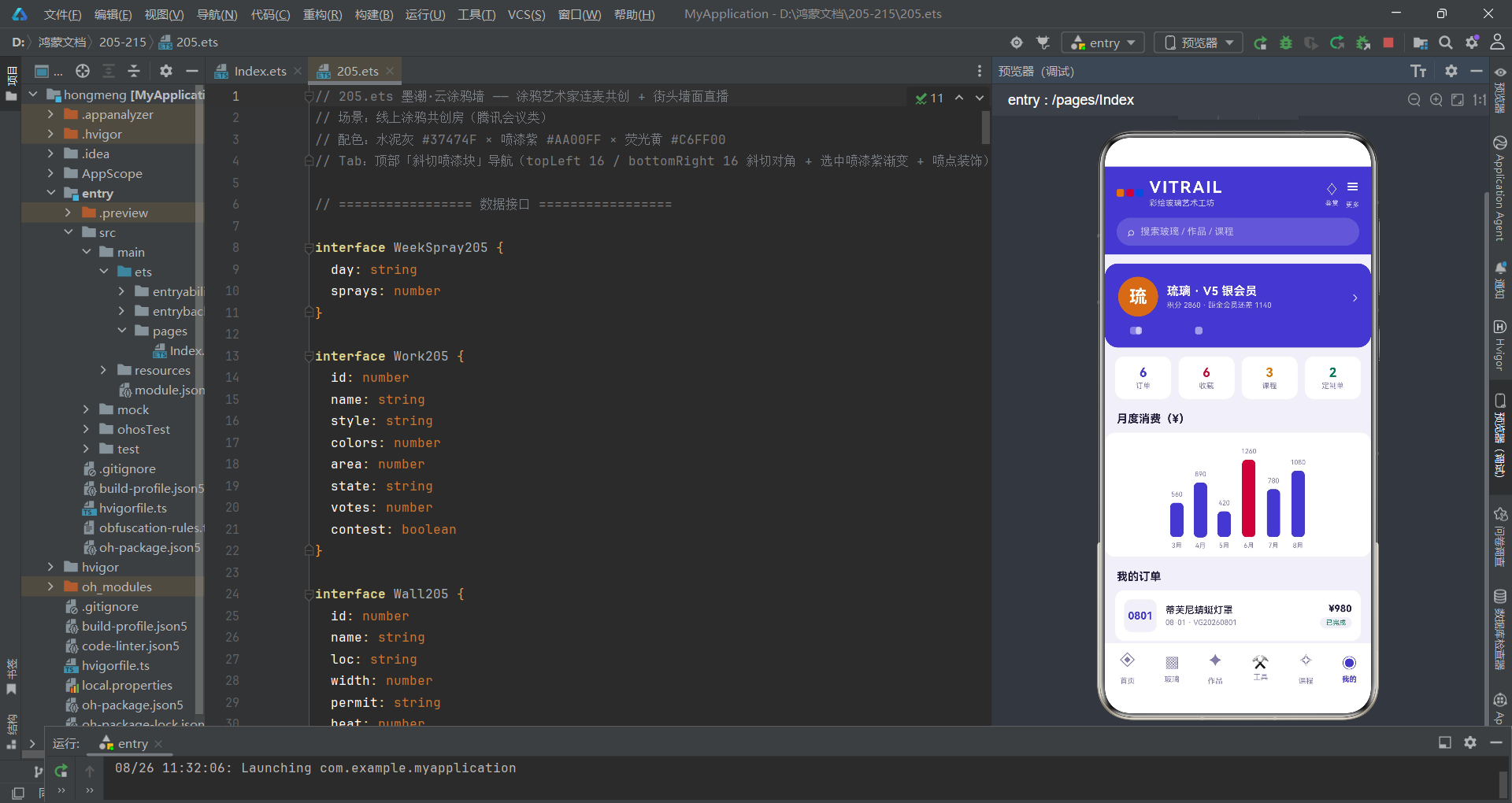
应用使用 bindSheet 和 bindContentCover 两种弹层机制,分别承载底部抽屉和居中弹窗。报名共创位抽屉是典型的表单交互场景:
@Builder
joinSheet205() {
  Column() {
    Column() {}
      .width(40).height(4).borderRadius(2)
      .backgroundColor('#CFD8DC').margin({ top: 10 })

    Row({ space: 8 }) {
      Text('报名墙面共创位').fontSize(17).fontWeight(FontWeight.Bold).fontColor('#AA00FF')
      Text('').layoutWeight(1)
      Column() {
        Text('×').fontSize(16).fontColor('#78909C')
      }
      .width(28).height(28).borderRadius(14)
      .backgroundColor('#ECEFF1')
      .justifyContent(FlexAlign.Center)
      .onClick(() => { this.showJoinSheet = false })
    }
    .width('100%').padding({ left: 16, right: 16, top: 12 })

    Scroll() {
      Column({ space: 16 }) {
        Column({ space: 8 }) {
          Text('目标墙面').fontSize(13).fontWeight(FontWeight.Bold).fontColor('#37474F')
          Flex({ wrap: FlexWrap.Wrap }) {
            ForEach(graffitiWallTags205, (tag: string, i: number) => {
              Text(tag)
                .fontSize(11)
                .fontColor(this.joinWall === i ? '#FFFFFF' : '#546E7A')
                .padding({ left: 12, right: 12, top: 6, bottom: 6 })
                .borderRadius(4)
                .backgroundColor(this.joinWall === i ? '#37474F' : '#ECEFF1')
                .margin(4)
                .onClick(() => { this.joinWall = i })
            }, (tag: string) => tag)
          }
        }
        .alignItems(HorizontalAlign.Start).width('100%')
      }
      .padding({ left: 16, right: 16, bottom: 8 })
    }
    .layoutWeight(1).scrollBar(BarState.Off)

    Row({ space: 12 }) {
      Column({ space: 2 }) {
        Text('共创位押金').fontSize(10).fontColor('#90A4AE')
        Text('¥ ' + (this.joinCans * 18 + (this.joinLive ? 20 : 0)))
          .fontSize(18).fontWeight(FontWeight.Bold).fontColor('#AA00FF')
      }
      .alignItems(HorizontalAlign.Start)
      Text('').layoutWeight(1)
      Button() {
        Text('提交报名').fontSize(14).fontColor('#FFFFFF').fontWeight(FontWeight.Bold)
      }
      .padding({ left: 28, right: 28, top: 11, bottom: 11 })
      .borderRadius(4).backgroundColor('#37474F')
      .onClick(() => { this.showJoinSheet = false })
    }
    .width('100%').padding(14)
  }
  .width('100%').height('100%').backgroundColor('#FFFFFF')
}
抽屉顶部有一个40x4的灰色拖拽指示条,下方是标题行和可滚动表单区域。表单使用 Flex({ wrap: FlexWrap.Wrap }) 实现标签的自动换行布局,选中标签以水泥灰背景高亮、其余以浅灰背景展示。喷罐数量通过加减按钮控制在3-12之间,押金金额根据喷罐数和直播开关动态计算:joinCans * 18 + (joinLive ? 20 : 0),这是一个实时响应式计算的典型示例。
$$this.showJoinSheet的双美元符号语法是ArkTS中双向绑定的标识符。它将 @State 布尔变量与 bindSheet 的显示状态建立双向绑定——当变量为 true 时弹窗弹出,当用户下滑关闭弹窗时变量自动回写为 false。这种机制省去了手动管理弹窗生命周期的繁琐代码。
编辑作品抽屉通过 map 方法实现不可变数据更新:
.onClick(() => {
  this.works = this.works.map((w: Work205, i: number) => i === this.editIndex ? {
    id: w.id,
    name: this.editName === '' ? w.name : this.editName,
    style: w.style,
    colors: this.editColors,
    area: w.area,
    state: w.state,
    votes: w.votes,
    contest: this.editContest
  } : w)
  this.showEditSheet = false
})
map 方法遍历整个数组,仅对索引匹配 editIndex 的元素进行替换,其余元素原样返回。新生成的数组赋值给 this.works,触发框架的Diff算法重新渲染受影响的作品卡片。这种不可变更新模式确保了状态变更的可追踪性,是声明式UI数据流的核心范式。
主页面build方法与弹层绑定
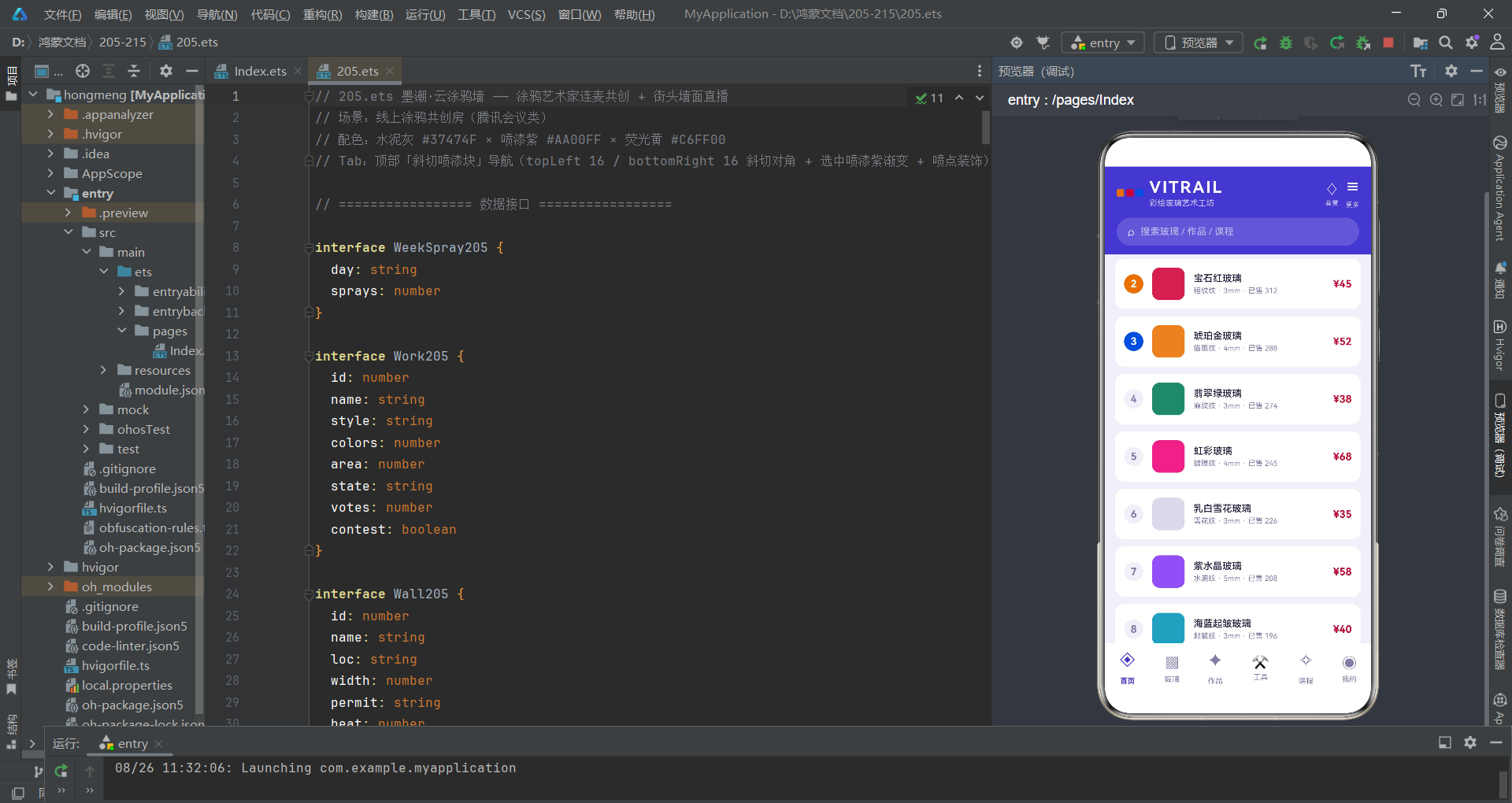
主入口的 build() 方法将所有组件组装起来,并通过 bindSheet 和 bindContentCover 挂载全部弹层。
build() {
  Column() {
    this.header205()
    this.tabBar205()

    Column() {
      if (this.tabIndex1 === 0) {
        LiveTab205({
          barrages: this.barrages,
          spraySteps: this.spraySteps,
          walls: this.walls,
          onJoin: () => { this.showJoinSheet = true },
          onStep: (i: number) => {
            this.spraySteps = this.spraySteps.map((s: SprayStep205, idx: number) =>
              idx === i ? {
                id: s.id, title: s.title, tip: s.tip, done: !s.done
              } : s
            )
          }
        })
      } else if (this.tabIndex1 === 1) {
        WorkTab205({
          works: this.works,
          onNew: () => { this.showUploadSheet = true },
          onEdit: (i: number) => {
            this.editIndex = i
            this.editName = this.works[i].name
            this.editColors = this.works[i].colors
            this.editContest = this.works[i].contest
            this.showEditSheet = true
          },
          onDelete: (i: number) => {
            this.delIndex = i
            this.delKeepDraft = true
            this.showDelDialog = true
          },
          onDetail: (i: number) => {
            this.detailIndex = i
            this.showDetailDialog = true
          }
        })
      }
      // ...其他Tab
    }
    .layoutWeight(1).width('100%')
  }
  .width('100%').height('100%').backgroundColor('#F5F5F5')
  .bindSheet($$this.showJoinSheet, this.joinSheet205(), {
    height: 620, dragBar: true, showClose: false, backgroundColor: '#FFFFFF'
  })
  .bindSheet($$this.showUploadSheet, this.uploadSheet205(), {
    height: 600, dragBar: true, showClose: false, backgroundColor: '#FFFFFF'
  })
  .bindSheet($$this.showEditSheet, this.editSheet205(), {
    height: 520, dragBar: true, showClose: false, backgroundColor: '#FFFFFF'
  })
  .bindContentCover($$this.showDelDialog, this.delDialog205(), {})
  .bindContentCover($$this.showDetailDialog, this.detailDialog205(), {})
}
Tab切换通过 if/else if 条件渲染实现,当 tabIndex1 变化时,框架自动卸载旧Tab组件并挂载新Tab组件。子组件通过参数传递接收数据(works、barrages 等)和回调函数(onJoin、onStep、onEdit 等),实现了数据下传、操作上抛的单向数据流。bindSheet 接受 $$ 双向绑定的布尔变量和 @Builder 返回的UI内容,配置项包括抽屉高度、是否显示拖拽条等。
直播共创Tab页
直播Tab是应用的核心场景,包含四机位网格、控制工具条、创作六步法、墙面清单和弹幕区。
@Component
struct LiveTab205 {
  @Prop barrages: Barrage205[] = []
  @Prop spraySteps: SprayStep205[] = []
  @Prop walls: Wall205[] = []
  @State micOn: boolean = true
  @State camOn: boolean = true
  @State sprayOn: boolean = true
  @State likeCount: number = 389
  onJoin: () => void = () => {}
  onStep: (i: number) => void = () => {}

  build() {
    Scroll() {
      Column({ space: 12 }) {
        Row({ space: 10 }) {
          Column() {
            Text('LIVE').fontSize(9).fontColor('#FFFFFF').fontWeight(FontWeight.Bold)
          }
          .padding({ left: 8, right: 8, top: 3, bottom: 3 })
          .borderRadius(4).backgroundColor('#E53935')
          Text('喷雾狼 · 纺织城废厂房北墙共创')
            .fontSize(13).fontColor('#AA00FF').fontWeight(FontWeight.Bold)
          Text('').layoutWeight(1)
          Text('🎨 第 4 罐 · 紫色渐层中').fontSize(10).fontColor('#90A4AE')
        }
        .width('100%').padding(12).borderRadius(4).backgroundColor('#FFFFFF')

        Grid() {
          GridItem() {
            Column({ space: 4 }) {
              Text('').layoutWeight(1)
              Row({ space: 6 }) {
                Text('🎨 主镜 · 墙面全景').fontSize(11).fontColor('#FFFFFF')
                Text('1.7万').fontSize(9).fontColor('#E1BEE7')
              }
            }
            .padding(8)
            .linearGradient({ angle: 140, colors: [['#AA00FF', 0], ['#37474F', 1]] })
          }
          // ...其他三个机位
        }
        .columnsTemplate('1fr 1fr')
        .rowsTemplate('1fr 1fr')
        .columnsGap(8).rowsGap(8)
        .height(210).borderRadius(4).width('100%')
      }
      .padding(12).alignItems(HorizontalAlign.Start)
    }
    .scrollBar(BarState.Off).width('100%').height('100%')
  }
}
四机位使用 Grid 的 columnsTemplate('1fr 1fr') 和 rowsTemplate('1fr 1fr') 构建2x2网格布局,每个机位使用不同的渐变色区分:主镜为紫灰渐变、喷罐特写为深绿渐变、共创画友位为橄榄渐变、我的围观位为蓝灰渐变。layoutWeight(1) 的空Text将标签推到底部,形成沉浸式直播画面效果。
Grid组件的
columnsTemplate和rowsTemplate属性是ArkTS中实现响应式网格的关键。'1fr 1fr'表示两等分列,结合columnsGap和rowsGap设置间距,可以快速构建出等分卡片矩阵,适用于多机位、相册、商品列表等场景。
创作六步法使用垂直时间线布局,每一步由序号圆块、标题、提示和连接线组成:
Column({ space: 10 }) {
  Text('整墙创作六步 · 喷雾狼现场演示')
    .fontSize(13).fontWeight(FontWeight.Bold).fontColor('#37474F')
  ForEach(this.spraySteps, (s: SprayStep205, i: number) => {
    Row({ space: 10 }) {
      Column() {
        Text(s.done ? '✓' : (i + 1) + '')
          .fontSize(12).fontColor('#FFFFFF')
          .textAlign(TextAlign.Center)
          .width(26).height(26).borderRadius(4)
          .backgroundColor(s.done ? '#C6FF00' : '#B0BEC5')
        if (i < this.spraySteps.length - 1) {
          Text('').width(2).layoutWeight(1)
            .backgroundColor('#CFD8DC')
            .margin({ top: 2, bottom: 2 })
        }
      }
      Column({ space: 3 }) {
        Row({ space: 8 }) {
          Text(s.title).fontSize(12).fontWeight(FontWeight.Bold)
            .fontColor(s.done ? '#827717' : '#37474F')
          Text(s.done ? '已完成' : '进行中').fontSize(9)
            .fontColor(s.done ? '#827717' : '#AA00FF')
        }
        Text(s.tip).fontSize(10).fontColor('#90A4AE')
      }
      .alignItems(HorizontalAlign.Start)
      .layoutWeight(1)
      .padding({ top: 2, bottom: 8 })
      .onClick(() => { this.onStep(i) })
    }
    .alignItems(VerticalAlign.Top).width('100%')
  }, (s: SprayStep205) => s.id.toString())
}
已完成步骤的序号块为荧光黄背景配对勾符号,进行中步骤为灰色背景配数字序号。每步之间的连接线通过 layoutWeight(1) 的空Text实现自适应高度,只有最后一步不显示连接线。用户点击任意步骤触发 onStep(i) 回调,切换该步骤的完成状态。
作品展Tab与风格占比可视化
作品展Tab展示全部作品的卡片列表,顶部统计面板显示作品总数、评选池数量和累计票数,中间是风格占比堆叠条形图。
@Component
struct WorkTab205 {
  @Prop works: Work205[] = []
  onNew: () => void = () => {}
  onEdit: (i: number) => void = () => {}
  onDelete: (i: number) => void = () => {}
  onDetail: (i: number) => void = () => {}

  build() {
    Scroll() {
      Column({ space: 12 }) {
        Row({ space: 8 }) {
          Column({ space: 2 }) {
            Text(this.works.length + '').fontSize(16)
              .fontWeight(FontWeight.Bold).fontColor('#AA00FF')
            Text('作品总数').fontSize(9).fontColor('#90A4AE')
          }
          .layoutWeight(1).alignItems(HorizontalAlign.Center)
          .padding({ top: 8, bottom: 8 }).borderRadius(4).backgroundColor('#FFFFFF')

          Column({ space: 2 }) {
            Text(contestWorks205(this.works) + '').fontSize(16)
              .fontWeight(FontWeight.Bold).fontColor('#827717')
            Text('评选池中').fontSize(9).fontColor('#90A4AE')
          }
          .layoutWeight(1).alignItems(HorizontalAlign.Center)
          .padding({ top: 8, bottom: 8 }).borderRadius(4).backgroundColor('#FFFFFF')

          Column({ space: 2 }) {
            Text((totalVotes205(this.works) / 1000).toFixed(1) + 'k')
              .fontSize(16).fontWeight(FontWeight.Bold).fontColor('#00BFA5')
            Text('累计票数').fontSize(9).fontColor('#90A4AE')
          }
          .layoutWeight(1).alignItems(HorizontalAlign.Center)
          .padding({ top: 8, bottom: 8 }).borderRadius(4).backgroundColor('#FFFFFF')
        }
        .width('100%')
统计面板使用三等分布局,每个数据卡通过 layoutWeight(1) 实现等宽分配。数值通过调用全局函数实时计算:contestWorks205(this.works) 统计参选作品数,totalVotes205(this.works) 累加总票数并除以1000保留一位小数显示为"k"单位。这些函数在每次UI刷新时都会重新执行,确保数据始终与 works 数组保持同步。
在声明式UI中,将数据计算放在build方法内或通过函数调用是常见的做法。框架在每次状态变更后会重新执行build方法,所有依赖 @Prop 数据的计算结果都会自动更新。这意味着统计面板的数值永远是最新的——无需手动触发刷新,这是声明式范式带来的核心便利。
风格占比堆叠条形图通过 layoutWeight 按比例分配色块宽度:
Column({ space: 8 }) {
  Text('风格占比').fontSize(12).fontWeight(FontWeight.Bold).fontColor('#37474F')
  Row() {
    ForEach(styleCounts205(this.works), (t: StyleCount205) => {
      Column() {}
        .layoutWeight(t.count > 0 ? t.count : 1)
        .height(14)
        .backgroundColor(t.color)
    }, (t: StyleCount205) => t.label)
  }
  .width('100%').borderRadius(7).clip(true)
  Row({ space: 8 }) {
    ForEach(styleCounts205(this.works), (t: StyleCount205) => {
      Row({ space: 4 }) {
        Text('').width(8).height(8).borderRadius(2).backgroundColor(t.color)
        Text(t.label + ' ' + t.count).fontSize(9).fontColor('#78909C')
      }
    }, (t: StyleCount205) => t.label)
  }
  .width('100%')
}
每个色块的 layoutWeight 值等于该风格的作品数量,框架自动按比例分配宽度。当某个风格没有作品时,layoutWeight 设为1以避免零权重导致的布局异常。clip(true) 确保圆角裁剪生效,堆叠条形图看起来是一个完整的圆角长条而非多个独立色块。下方图例使用小色块+标签的组合形式,帮助用户理解每种颜色对应的风格。
作品详情弹窗与数据联动
作品详情弹窗是一个居中浮层,展示作品的详细信息、七日票数走势柱状图和跳转入口。
@Builder
detailDialog205() {
  Column() {
    Scroll() {
      Column({ space: 0 }) {
        Column({ space: 6 }) {
          Text('🖼️').fontSize(40)
          Text(this.detailIndex >= 0 && this.detailIndex < this.works.length
            ? this.works[this.detailIndex].name : '')
            .fontSize(18).fontWeight(FontWeight.Bold).fontColor('#FFFFFF')
          Text(this.detailIndex >= 0 && this.detailIndex < this.works.length
            ? this.works[this.detailIndex].style + ' · '
              + this.works[this.detailIndex].colors + ' 色渐层' : '')
            .fontSize(11).fontColor('#E1BEE7')
        }
        .width('100%')
        .padding({ top: 28, bottom: 22 })
        .linearGradient({ angle: 140, colors: [['#AA00FF', 0], ['#37474F', 1]] })

        Column({ space: 14 }) {
          Row() {
            Column({ space: 3 }) {
              Text(this.detailIndex >= 0 && this.detailIndex < this.works.length
                ? this.works[this.detailIndex].votes + '' : '')
                .fontSize(15).fontWeight(FontWeight.Bold).fontColor('#AA00FF')
              Text('累计票数').fontSize(9).fontColor('#90A4AE')
            }
            .layoutWeight(1).alignItems(HorizontalAlign.Center)
            // ...其他数据卡
          }
          .width('100%')

          Column({ space: 8 }) {
            Text('七日票数走势').fontSize(12)
              .fontWeight(FontWeight.Bold).fontColor('#37474F')
            Row({ space: 8 }) {
              ForEach(this.voteLogs, (v: VoteLog205) => {
                Column({ space: 4 }) {
                  Text((v.votes / 100) + '').fontSize(8).fontColor('#AA00FF')
                  Text('')
                    .width(12).height(v.votes / 100)
                    .borderRadius(3)
                    .linearGradient({ angle: 180, colors: [['#E1BEE7', 0], ['#AA00FF', 1]] })
                  Text(v.day.slice(1)).fontSize(8).fontColor('#78909C')
                }
              }, (v: VoteLog205) => v.day)
            }
            .alignItems(VerticalAlign.Bottom).width('100%')
          }
        }
        .padding(16)
      }
      .constraintSize({ maxHeight: '80%' })
    }
    .scrollBar(BarState.Off)
  }
  .width('88%').borderRadius(4).backgroundColor('#FFFFFF')
}
详情弹窗顶部使用紫灰渐变背景展示作品名称和风格信息,下方数据卡以三等分布局展示累计票数、墙面面积和当前状态。七日票数走势通过简易柱状图实现——每根柱子的高度为 v.votes / 100(将票数除以100转换为像素高度),使用紫色渐变填充。底部"进共创墙围观"按钮点击后关闭详情弹窗并跳转到直播Tab,实现跨Tab联动跳转。
数据安全访问是详情弹窗实现中的重要细节。由于
detailIndex可能因数据变更而指向无效索引,每次访问this.works[this.detailIndex]前都需要进行边界检查:this.detailIndex >= 0 && this.detailIndex < this.works.length。这种防御性编程模式在ArkTS中被广泛使用,确保了空数组或越界访问时不会抛出运行时异常。
团战Tab与画师人气可视化
团战Tab展示战队胜场排行榜和战队卡片列表,用户可以为战队应援投票。
@Component
struct TeamBattleTab205 {
  @Prop teams: Team205[] = []
  @State votedTeam: number = -1

  build() {
    Scroll() {
      Column({ space: 12 }) {
        Column({ space: 10 }) {
          Text('墙面开放周 · 战队胜场榜')
            .fontSize(12).fontWeight(FontWeight.Bold).fontColor('#37474F')
          ForEach(this.teams, (t: Team205, i: number) => {
            Row({ space: 8 }) {
              Text(t.name).fontSize(11).fontColor('#37474F').width(72)
              Row() {
                Text('')
                  .height(10).borderRadius(5)
                  .backgroundColor(i === 0 ? '#AA00FF' : (i === 1 ? '#C6FF00' : '#00E5FF'))
                  .width((t.wins / 20 * 100) + '%')
                Text('').layoutWeight(1).height(10)
              }
              .layoutWeight(1).borderRadius(5).clip(true)
              Text(t.wins + ' 胜').fontSize(10).fontColor('#90A4AE').width(38)
            }
            .width('100%')
          }, (t: Team205) => t.id.toString())
        }
        .width('100%').padding(12).borderRadius(4).backgroundColor('#FFFFFF')
        .alignItems(HorizontalAlign.Start)
胜场排行榜使用水平进度条展示每个战队的胜场占比,进度条宽度为 (t.wins / 20 * 100) + '%'(以20胜为满刻度)。前三名分别使用喷漆紫、荧光黄和冰蓝色区分。votedTeam 状态记录用户已应援的战队ID,点击应援按钮后按钮变为"已应援"状态并切换背景色。
画师团Tab展示画师人气柱状图和在线画师列表:
Column({ space: 8 }) {
  Text('画师人气').fontSize(12).fontWeight(FontWeight.Bold).fontColor('#37474F')
  Row({ space: 10 }) {
    ForEach(this.artists, (a: Artist205) => {
      Column({ space: 4 }) {
        Text(a.heat + '').fontSize(9).fontColor('#AA00FF')
        Text('')
          .width(16).height(a.heat)
          .borderRadius(4)
          .linearGradient({ angle: 180, colors: [['#E1BEE7', 0], ['#AA00FF', 1]] })
        Text(a.name.slice(0, 2)).fontSize(8).fontColor('#78909C')
      }
    }, (a: Artist205) => a.id.toString())
  }
  .alignItems(VerticalAlign.Bottom).width('100%')
  .justifyContent(FlexAlign.SpaceBetween)
}
画师人气柱状图中每根柱子的高度直接等于画师的 heat 值(68-96之间),使用从浅紫到深紫的垂直渐变填充。这种将数据值直接映射为视觉高度的做法虽然简单,但在小数据量场景下效果直观。在线画师列表展示画师头像、名称、城市、风格、画龄和人气值,在线状态通过绿色小圆点在头像右下角标识。
创作流程与数据流
下图展示了应用从用户操作到UI刷新的完整数据流转过程:
技术点对比
| 技术点 | 实现方式 | 优势 | 适用场景 |
|---|---|---|---|
| 状态管理 | @State + @Prop 单向数据流 | 数据源唯一、可追踪、防不一致 | 父子组件间数据传递 |
| 弹窗管理 | bindSheet + bindContentCover | 底部抽屉与居中弹窗分离、$$双向绑定 | 表单输入、确认对话框、详情展示 |
| Tab导航 | if/else 条件渲染 | 切换时自动卸载旧组件、节省内存 | 页面级内容切换 |
| 列表渲染 | ForEach + keyGenerator | 增删项时精准Diff、避免全量重建 | 动态数据列表 |
| 数据更新 | map/filter 不可变更新 | 可追踪变更、触发Diff刷新 | 编辑、删除、切换状态 |
| 创意UI | borderRadius 不对称圆角 | 零图片资源实现斜切/撕裂效果 | 品牌化Tab、装饰性元素 |
| 渐变背景 | linearGradient | 纯代码实现深度感、无图片依赖 | 头部、卡片、弹窗头部 |
| 统计图表 | layoutWeight + height映射 | 无需第三方图表库、轻量实现 | 占比条、柱状图、进度条 |
| 工具函数 | 全局纯函数 | 可复用、逻辑与UI解耦 | 颜色映射、数据聚合 |
| 回调通信 | 箭头函数回调上抛 | 子组件不持有状态、职责单一 | 点击事件、表单提交 |
安装DevEco Studio程序

选择目标安装目录:

设置环境变量,但是需要重启一下:

新建一个空白模板:

设置API为24的模板项目:
初始化项目,自动下载相关依赖:

完整代码:
// 场景:线上涂鸦共创房(腾讯会议类)
// 配色:水泥灰 #37474F × 喷漆紫 #AA00FF × 荧光黄 #C6FF00
// Tab:顶部「斜切喷漆块」导航(topLeft 16 / bottomRight 16 斜切对角 + 选中喷漆紫渐变 + 喷点装饰)
// ================= 数据接口 =================
interface WeekSpray205 {
day: string
sprays: number
}
interface Work205 {
id: number
name: string
style: string
colors: number
area: number
state: string
votes: number
contest: boolean
}
interface Wall205 {
id: number
name: string
loc: string
width: number
permit: string
heat: number
}
interface Artist205 {
id: number
name: string
city: string
style: string
years: number
online: boolean
heat: number
}
interface Team205 {
id: number
name: string
city: string
members: number
wins: number
online: boolean
}
interface Barrage205 {
id: number
text: string
}
interface SprayStep205 {
id: number
title: string
tip: string
done: boolean
}
interface StyleCount205 {
label: string
count: number
color: string
}
interface VoteLog205 {
day: string
votes: number
}
// ================= 全局标签 =================
const graffitiWallTags205: string[] = ['地铁旧墙', '废厂房', '滑板公园', '集装箱集市', '老街卷帘门']
const graffitiStyleTags205: string[] = ['Oldschool', 'Wildstyle', 'Bubble', 'Stencil', 'Pixel']
const permitTags205: string[] = ['已授权', '申请中', '限时开放']
// ================= 全局函数 =================
function workStateColor205(state: string): string {
if (state === '共创中') {
return '#AA00FF'
}
if (state === '参选中') {
return '#C6FF00'
}
if (state === '已完工') {
return '#00BFA5'
}
return '#90A4AE'
}
function permitColor205(permit: string): string {
if (permit === '已授权') {
return '#00BFA5'
}
if (permit === '申请中') {
return '#FFAB00'
}
return '#90A4AE'
}
function maxArtistHeat205(artists: Artist205[]): number {
let m: number = 1
for (let i = 0; i < artists.length; i++) {
if (artists[i].heat > m) {
m = artists[i].heat
}
}
return m
}
function contestWorks205(works: Work205[]): number {
let n: number = 0
for (let i = 0; i < works.length; i++) {
if (works[i].contest) {
n++
}
}
return n
}
function styleCounts205(works: Work205[]): StyleCount205[] {
const counts: StyleCount205[] = []
for (let i = 0; i < graffitiStyleTags205.length; i++) {
let n: number = 0
for (let j = 0; j < works.length; j++) {
if (works[j].style === graffitiStyleTags205[i]) {
n++
}
}
counts.push({ label: graffitiStyleTags205[i], count: n, color: ['#AA00FF', '#C6FF00', '#00E5FF', '#FF6D00', '#EC407A'][i] })
}
return counts
}
function onlineArtistCount205(artists: Artist205[]): number {
let n: number = 0
for (let i = 0; i < artists.length; i++) {
if (artists[i].online) {
n++
}
}
return n
}
function totalVotes205(works: Work205[]): number {
let n: number = 0
for (let i = 0; i < works.length; i++) {
n += works[i].votes
}
return n
}
// ================= 主页面 =================
@Entry
@Component
struct Index205 {
@State tabIndex1: number = 0
// 弹框开关
@State showJoinSheet: boolean = false
@State showUploadSheet: boolean = false
@State showEditSheet: boolean = false
@State showDelDialog: boolean = false
@State showDetailDialog: boolean = false
// 报名共创位表单
@State joinWall: number = 0
@State joinStyle: number = 0
@State joinCans: number = 6
@State joinMask: boolean = true
@State joinLive: boolean = true
// 上传作品表单
@State upName: string = ''
@State upStyle: number = 0
@State upColors: number = 4
@State upContest: boolean = false
// 编辑表单
@State editIndex: number = -1
@State editName: string = ''
@State editColors: number = 4
@State editContest: boolean = false
// 删除
@State delIndex: number = -1
@State delKeepDraft: boolean = true
// 详情
@State detailIndex: number = 0
// 数据
@State works: Work205[] = [
{ id: 1, name: '凤凰卷帘门', style: 'Wildstyle', colors: 7, area: 12, state: '共创中', votes: 1286, contest: true },
{ id: 2, name: '鲸鱼废厂房', style: 'Oldschool', colors: 5, area: 26, state: '参选中', votes: 2094, contest: true },
{ id: 3, name: '像素滑板道', style: 'Pixel', colors: 4, area: 18, state: '已完工', votes: 1750, contest: false },
{ id: 4, name: '气泡字母墙', style: 'Bubble', colors: 3, area: 8, state: '共创中', votes: 932, contest: true },
{ id: 5, name: '钢模人像', style: 'Stencil', colors: 2, area: 6, state: '已完工', votes: 1498, contest: false },
{ id: 6, name: '地铁彩虹隧道', style: 'Oldschool', colors: 8, area: 32, state: '参选中', votes: 2340, contest: true },
{ id: 7, name: '集装箱鱼市', style: 'Wildstyle', colors: 6, area: 22, state: '共创中', votes: 1108, contest: true },
{ id: 8, name: '荧光夜光层', style: 'Pixel', colors: 3, area: 10, state: '参选中', votes: 866, contest: false },
{ id: 9, name: '老板娘肖像', style: 'Stencil', colors: 4, area: 9, state: '已完工', votes: 1622, contest: false },
{ id: 10, name: '雷霆滑板场', style: 'Wildstyle', colors: 6, area: 20, state: '共创中', votes: 1310, contest: true }
]
@State walls: Wall205[] = [
{ id: 1, name: '纺织城废厂房北墙', loc: '城东·纺织城', width: 30, permit: '已授权', heat: 95 },
{ id: 2, name: '滑板公园碗池外环', loc: '城南·滑板公园', width: 24, permit: '已授权', heat: 90 },
{ id: 3, name: '集装箱集市二层', loc: '城西·港口集市', width: 18, permit: '限时开放', heat: 84 },
{ id: 4, name: '老街卷帘门一条街', loc: '城中·骑楼老街', width: 12, permit: '申请中', heat: 78 },
{ id: 5, name: '地铁高架桥下旧墙', loc: '城北·地铁沿线', width: 40, permit: '已授权', heat: 88 },
{ id: 6, name: '江边护栏涂鸦带', loc: '滨江路·南段', width: 15, permit: '限时开放', heat: 72 }
]
@State artists: Artist205[] = [
{ id: 1, name: '喷雾狼', city: '上海', style: 'Wildstyle', years: 12, online: true, heat: 96 },
{ id: 2, name: '泡泡糖', city: '广州', style: 'Bubble', years: 8, online: true, heat: 88 },
{ id: 3, name: '钢板侠', city: '重庆', style: 'Stencil', years: 10, online: false, heat: 85 },
{ id: 4, name: '像素喵', city: '成都', style: 'Pixel', years: 6, online: true, heat: 79 },
{ id: 5, name: '老墨', city: '北京', style: 'Oldschool', years: 15, online: false, heat: 92 },
{ id: 6, name: '紫雾', city: '深圳', style: 'Wildstyle', years: 7, online: true, heat: 74 }
]
@State teams: Team205[] = [
{ id: 1, name: '墨潮主厂牌', city: '上海', members: 26, wins: 18, online: true },
{ id: 2, name: '街头研究所', city: '广州', members: 21, wins: 14, online: true },
{ id: 3, name: '水泥花匠', city: '成都', members: 17, wins: 9, online: false },
{ id: 4, name: '罐装叛逆', city: '北京', members: 19, wins: 12, online: true },
{ id: 5, name: '夜喷小队', city: '杭州', members: 13, wins: 7, online: false },
{ id: 6, name: '像素公社', city: '西安', members: 15, wins: 8, online: true }
]
@State weekSprays: WeekSpray205[] = [
{ day: '周一', sprays: 8 },
{ day: '周二', sprays: 12 },
{ day: '周三', sprays: 10 },
{ day: '周四', sprays: 15 },
{ day: '周五', sprays: 18 },
{ day: '周六', sprays: 26 },
{ day: '周日', sprays: 22 }
]
@State voteLogs: VoteLog205[] = [
{ day: '周一', votes: 1200 },
{ day: '周二', votes: 1800 },
{ day: '周三', votes: 1500 },
{ day: '周四', votes: 2200 },
{ day: '周五', votes: 2600 },
{ day: '周六', votes: 3200 },
{ day: '周日', votes: 2900 }
]
@State barrages: Barrage205[] = [
{ id: 1, text: '这个 Wildstyle 的箭头太狠了' },
{ id: 2, text: '紫色渐层居然是喷出来的' },
{ id: 3, text: '钢板侠的模版借我拓一下' },
{ id: 4, text: '小心别喷到环保督查来了' },
{ id: 5, text: '荧光层晚上会发光!' },
{ id: 6, text: '第一次看涂鸦直播,上头' },
{ id: 7, text: '这面墙昨晚刚刷的底漆' },
{ id: 8, text: '投票通道开了吗家人们' }
]
@State spraySteps: SprayStep205[] = [
{ id: 1, title: '墙面预处理', tip: '清灰 · 补腻子 · 滚一遍浅底漆', done: true },
{ id: 2, title: '粉稿起形', tip: '炭条打大形 · 确定字母骨架走向', done: true },
{ id: 3, title: '铺大色块', tip: '宽帽喷底色 · 由浅入深 · 留出高光', done: true },
{ id: 4, title: '勾线塑形', tip: '细帽描边 · 压暗部 · 制造立体感', done: false },
{ id: 5, title: '细节与特效', tip: '星光点 · 渐层过渡 · 撒漆做质感', done: false },
{ id: 6, title: '罩光保护', tip: '整墙喷哑光清漆 · 延长寿命 3 年', done: false }
]
tabs205: string[] = ['共创墙', '作品展', '色彩库', '团战', '画师团', '我的']
tabIcons205: string[] = ['🎨', '🖼️', '🧴', '⚔️', '👨🎨', '👤']
// ---------- 头部(电商开放周风,无动画) ----------
@Builder
header205() {
Column({ space: 12 }) {
Row({ space: 10 }) {
Column({ space: 4 }) {
Text('墨潮 · 云涂鸦墙').fontSize(19).fontColor('#FFFFFF').fontWeight(FontWeight.Bold)
Text('涂鸦艺术家连麦共创 · 街头墙面直播').fontSize(11).fontColor('#E1BEE7')
}
.alignItems(HorizontalAlign.Start)
Text('').layoutWeight(1)
Column({ space: 2 }) {
Text('🎨').fontSize(20)
Text('1,742').fontSize(12).fontColor('#FFFFFF').fontWeight(FontWeight.Bold)
Text('在线观喷').fontSize(9).fontColor('#E1BEE7')
}
.alignItems(HorizontalAlign.Center)
}
.width('100%')
Row({ space: 10 }) {
Column().width(4).height(34).borderRadius(2).backgroundColor('#C6FF00')
Column({ space: 3 }) {
Text('墙面开放周 · 投票进行中').fontSize(13).fontColor('#FFFFFF').fontWeight(FontWeight.Bold)
Text('6 面新墙开放共创 · 投票抽限量喷漆套装').fontSize(10).fontColor('#F3E5F5')
}
.alignItems(HorizontalAlign.Start)
Text('').layoutWeight(1)
Column() {
Text('去投票 →').fontSize(11).fontColor('#37474F').fontWeight(FontWeight.Bold)
}
.padding({ left: 12, right: 12, top: 7, bottom: 7 })
.borderRadius(4)
.backgroundColor('#C6FF00')
.onClick(() => {
this.tabIndex1 = 3
})
}
.width('100%')
.padding(12)
.borderRadius(4)
.backgroundColor('#6A1B9A')
}
.alignItems(HorizontalAlign.Start)
.padding(14)
.linearGradient({ angle: 140, colors: [['#546E7A', 0], ['#37474F', 1]] })
}
// ---------- 顶部「斜切喷漆块」tab ----------
@Builder
tabBar205() {
Column({ space: 8 }) {
Row({ space: 6 }) {
ForEach(this.tabs205, (t: string, i: number) => {
Column({ space: 4 }) {
Row({ space: 4 }) {
Text(this.tabIcons205[i]).fontSize(15)
Text(t)
.fontSize(10)
.fontColor(this.tabIndex1 === i ? '#FFFFFF' : '#546E7A')
.fontWeight(this.tabIndex1 === i ? FontWeight.Bold : FontWeight.Normal)
}
Row({ space: 4 }) {
Text('')
.width(4)
.height(4)
.borderRadius(2)
.backgroundColor(this.tabIndex1 === i ? '#C6FF00' : '#CFD8DC')
.opacity(0.9)
Text('')
.width(3)
.height(3)
.borderRadius(2)
.backgroundColor(this.tabIndex1 === i ? '#00E5FF' : '#ECEFF1')
.opacity(0.7)
Text('')
.width(5)
.height(5)
.borderRadius(3)
.backgroundColor(this.tabIndex1 === i ? '#FF6D00' : '#ECEFF1')
.opacity(0.8)
}
}
.justifyContent(FlexAlign.Center)
.padding({ left: 10, right: 12, top: 8, bottom: 8 })
.borderRadius({ topLeft: 16, topRight: 0, bottomLeft: 0, bottomRight: 16 })
.backgroundColor(this.tabIndex1 === i ? '#AA00FF' : '#ECEFF1')
.shadow({
radius: this.tabIndex1 === i ? 10 : 0,
color: '#66AA00FF',
offsetY: 3
})
.scale({ x: this.tabIndex1 === i ? 1.07 : 1, y: this.tabIndex1 === i ? 1.07 : 1 })
.animation({ duration: 180 })
.onClick(() => {
this.tabIndex1 = i
})
}, (t: string) => t)
}
.width('100%')
.justifyContent(FlexAlign.SpaceEvenly)
}
.width('100%')
.padding({ left: 8, right: 8, top: 10, bottom: 10 })
.backgroundColor('#FAFAFA')
}
// ---------- 弹框一:报名共创位(底部抽屉) ----------
@Builder
joinSheet205() {
Column() {
Column() {
}
.width(40)
.height(4)
.borderRadius(2)
.backgroundColor('#CFD8DC')
.margin({ top: 10 })
Row({ space: 8 }) {
Text('报名墙面共创位').fontSize(17).fontWeight(FontWeight.Bold).fontColor('#AA00FF')
Text('').layoutWeight(1)
Column() {
Text('×').fontSize(16).fontColor('#78909C')
}
.width(28)
.height(28)
.borderRadius(14)
.backgroundColor('#ECEFF1')
.justifyContent(FlexAlign.Center)
.onClick(() => {
this.showJoinSheet = false
})
}
.width('100%')
.padding({ left: 16, right: 16, top: 12 })
Scroll() {
Column({ space: 16 }) {
Column({ space: 8 }) {
Text('目标墙面').fontSize(13).fontWeight(FontWeight.Bold).fontColor('#37474F')
Flex({ wrap: FlexWrap.Wrap }) {
ForEach(graffitiWallTags205, (tag: string, i: number) => {
Text(tag)
.fontSize(11)
.fontColor(this.joinWall === i ? '#FFFFFF' : '#546E7A')
.padding({ left: 12, right: 12, top: 6, bottom: 6 })
.borderRadius(4)
.backgroundColor(this.joinWall === i ? '#37474F' : '#ECEFF1')
.margin(4)
.onClick(() => {
this.joinWall = i
})
}, (tag: string) => tag)
}
}
.alignItems(HorizontalAlign.Start)
.width('100%')
Column({ space: 8 }) {
Text('创作风格').fontSize(13).fontWeight(FontWeight.Bold).fontColor('#37474F')
Flex({ wrap: FlexWrap.Wrap }) {
ForEach(graffitiStyleTags205, (tag: string, i: number) => {
Text(tag)
.fontSize(11)
.fontColor(this.joinStyle === i ? '#FFFFFF' : '#546E7A')
.padding({ left: 12, right: 12, top: 6, bottom: 6 })
.borderRadius(4)
.backgroundColor(this.joinStyle === i ? '#AA00FF' : '#ECEFF1')
.margin(4)
.onClick(() => {
this.joinStyle = i
})
}, (tag: string) => tag)
}
}
.alignItems(HorizontalAlign.Start)
.width('100%')
Row({ space: 14 }) {
Column() {
Text('-').fontSize(16).fontColor('#AA00FF')
}
.width(34)
.height(34)
.borderRadius(4)
.backgroundColor('#F3E5F5')
.justifyContent(FlexAlign.Center)
.onClick(() => {
if (this.joinCans > 3) {
this.joinCans -= 1
}
})
Column({ space: 2 }) {
Text('喷罐 ' + this.joinCans + ' 罐').fontSize(14).fontWeight(FontWeight.Bold).fontColor('#AA00FF')
Text('按用色数推荐 3-12 罐').fontSize(9).fontColor('#90A4AE')
}
.alignItems(HorizontalAlign.Start)
Column() {
Text('+').fontSize(16).fontColor('#AA00FF')
}
.width(34)
.height(34)
.borderRadius(4)
.backgroundColor('#F3E5F5')
.justifyContent(FlexAlign.Center)
.onClick(() => {
if (this.joinCans < 12) {
this.joinCans += 1
}
})
Text('').layoutWeight(1)
}
.width('100%')
Row({ space: 10 }) {
Column({ space: 2 }) {
Text('佩戴防毒面罩').fontSize(13).fontColor('#37474F')
Text('现场将核验防护装备').fontSize(9).fontColor('#90A4AE')
}
.alignItems(HorizontalAlign.Start)
Text('').layoutWeight(1)
Toggle({ type: ToggleType.Switch, isOn: this.joinMask })
.onChange((v: boolean) => {
this.joinMask = v
})
}
.width('100%')
.padding(12)
.borderRadius(4)
.backgroundColor('#F1F8E9')
Row({ space: 10 }) {
Column({ space: 2 }) {
Text('开启直播共创').fontSize(13).fontColor('#37474F')
Text('云围观画友可连麦点评你的笔触').fontSize(9).fontColor('#90A4AE')
}
.alignItems(HorizontalAlign.Start)
Text('').layoutWeight(1)
Toggle({ type: ToggleType.Switch, isOn: this.joinLive })
.onChange((v: boolean) => {
this.joinLive = v
})
}
.width('100%')
.padding(12)
.borderRadius(4)
.backgroundColor('#F3E5F5')
}
.padding({ left: 16, right: 16, bottom: 8 })
}
.layoutWeight(1)
.scrollBar(BarState.Off)
Row({ space: 12 }) {
Column({ space: 2 }) {
Text('共创位押金').fontSize(10).fontColor('#90A4AE')
Text('¥ ' + (this.joinCans * 18 + (this.joinLive ? 20 : 0))).fontSize(18).fontWeight(FontWeight.Bold).fontColor('#AA00FF')
}
.alignItems(HorizontalAlign.Start)
Text('').layoutWeight(1)
Button() {
Text('提交报名').fontSize(14).fontColor('#FFFFFF').fontWeight(FontWeight.Bold)
}
.padding({ left: 28, right: 28, top: 11, bottom: 11 })
.borderRadius(4)
.backgroundColor('#37474F')
.onClick(() => {
this.showJoinSheet = false
})
}
.width('100%')
.padding(14)
}
.width('100%')
.height('100%')
.backgroundColor('#FFFFFF')
}
// ---------- 弹框二:上传作品(底部抽屉) ----------
@Builder
uploadSheet205() {
Column() {
Column() {
}
.width(40)
.height(4)
.borderRadius(2)
.backgroundColor('#CFD8DC')
.margin({ top: 10 })
Row({ space: 8 }) {
Text('上传涂鸦作品').fontSize(17).fontWeight(FontWeight.Bold).fontColor('#C6FF00')
Text('').layoutWeight(1)
Column() {
Text('×').fontSize(16).fontColor('#78909C')
}
.width(28)
.height(28)
.borderRadius(14)
.backgroundColor('#ECEFF1')
.justifyContent(FlexAlign.Center)
.onClick(() => {
this.showUploadSheet = false
})
}
.width('100%')
.padding({ left: 16, right: 16, top: 12 })
Scroll() {
Column({ space: 16 }) {
Column({ space: 8 }) {
Text('作品名称').fontSize(13).fontWeight(FontWeight.Bold).fontColor('#37474F')
TextInput({ placeholder: '例如:集装箱上的机械鲸', text: this.upName })
.fontSize(13)
.padding(12)
.borderRadius(4)
.backgroundColor('#F9FBE7')
.onChange((v: string) => {
this.upName = v
})
}
.alignItems(HorizontalAlign.Start)
.width('100%')
Column({ space: 8 }) {
Text('风格').fontSize(13).fontWeight(FontWeight.Bold).fontColor('#37474F')
Flex({ wrap: FlexWrap.Wrap }) {
ForEach(graffitiStyleTags205, (tag: string, i: number) => {
Text(tag)
.fontSize(11)
.fontColor(this.upStyle === i ? '#37474F' : '#546E7A')
.padding({ left: 12, right: 12, top: 6, bottom: 6 })
.borderRadius(4)
.backgroundColor(this.upStyle === i ? '#C6FF00' : '#ECEFF1')
.margin(4)
.onClick(() => {
this.upStyle = i
})
}, (tag: string) => tag)
}
}
.alignItems(HorizontalAlign.Start)
.width('100%')
Row({ space: 14 }) {
Column() {
Text('-').fontSize(16).fontColor('#827717')
}
.width(34)
.height(34)
.borderRadius(4)
.backgroundColor('#F9FBE7')
.justifyContent(FlexAlign.Center)
.onClick(() => {
if (this.upColors > 1) {
this.upColors -= 1
}
})
Column({ space: 2 }) {
Text('用色 ' + this.upColors + ' 色').fontSize(14).fontWeight(FontWeight.Bold).fontColor('#827717')
Text('多色渐层作品更容易上首页').fontSize(9).fontColor('#90A4AE')
}
.alignItems(HorizontalAlign.Start)
Column() {
Text('+').fontSize(16).fontColor('#827717')
}
.width(34)
.height(34)
.borderRadius(4)
.backgroundColor('#F9FBE7')
.justifyContent(FlexAlign.Center)
.onClick(() => {
if (this.upColors < 10) {
this.upColors += 1
}
})
Text('').layoutWeight(1)
}
.width('100%')
Row({ space: 10 }) {
Column({ space: 2 }) {
Text('报名墙面开放周评选').fontSize(13).fontColor('#37474F')
Text('获选作品将获得整墙授权与奖金').fontSize(9).fontColor('#90A4AE')
}
.alignItems(HorizontalAlign.Start)
Text('').layoutWeight(1)
Toggle({ type: ToggleType.Switch, isOn: this.upContest })
.onChange((v: boolean) => {
this.upContest = v
})
}
.width('100%')
.padding(12)
.borderRadius(4)
.backgroundColor('#F9FBE7')
}
.padding({ left: 16, right: 16, bottom: 8 })
}
.layoutWeight(1)
.scrollBar(BarState.Off)
Button() {
Text('发布到作品展').fontSize(14).fontColor('#37474F').fontWeight(FontWeight.Bold)
}
.width('90%')
.padding({ top: 12, bottom: 12 })
.borderRadius(4)
.backgroundColor('#C6FF00')
.margin({ bottom: 14 })
.onClick(() => {
this.showUploadSheet = false
this.upName = ''
this.upStyle = 0
this.upColors = 4
this.upContest = false
})
}
.width('100%')
.height('100%')
.backgroundColor('#FFFFFF')
}
// ---------- 弹框三:编辑作品(底部抽屉) ----------
@Builder
editSheet205() {
Column() {
Column() {
}
.width(40)
.height(4)
.borderRadius(2)
.backgroundColor('#CFD8DC')
.margin({ top: 10 })
Row({ space: 8 }) {
Text('编辑作品').fontSize(17).fontWeight(FontWeight.Bold).fontColor('#00BFA5')
Text('').layoutWeight(1)
Column() {
Text('×').fontSize(16).fontColor('#78909C')
}
.width(28)
.height(28)
.borderRadius(14)
.backgroundColor('#ECEFF1')
.justifyContent(FlexAlign.Center)
.onClick(() => {
this.showEditSheet = false
})
}
.width('100%')
.padding({ left: 16, right: 16, top: 12 })
Scroll() {
Column({ space: 16 }) {
Column({ space: 8 }) {
Text('作品名称').fontSize(13).fontWeight(FontWeight.Bold).fontColor('#37474F')
TextInput({ placeholder: '输入新名称', text: this.editName })
.fontSize(13)
.padding(12)
.borderRadius(4)
.backgroundColor('#E0F2F1')
.onChange((v: string) => {
this.editName = v
})
}
.alignItems(HorizontalAlign.Start)
.width('100%')
Row({ space: 14 }) {
Column() {
Text('-').fontSize(16).fontColor('#00897B')
}
.width(34)
.height(34)
.borderRadius(4)
.backgroundColor('#E0F2F1')
.justifyContent(FlexAlign.Center)
.onClick(() => {
if (this.editColors > 1) {
this.editColors -= 1
}
})
Column({ space: 2 }) {
Text('用色 ' + this.editColors + ' 色').fontSize(14).fontWeight(FontWeight.Bold).fontColor('#00897B')
Text('调整后重新计算创作难度分').fontSize(9).fontColor('#90A4AE')
}
.alignItems(HorizontalAlign.Start)
Column() {
Text('+').fontSize(16).fontColor('#00897B')
}
.width(34)
.height(34)
.borderRadius(4)
.backgroundColor('#E0F2F1')
.justifyContent(FlexAlign.Center)
.onClick(() => {
if (this.editColors < 10) {
this.editColors += 1
}
})
Text('').layoutWeight(1)
}
.width('100%')
Row({ space: 10 }) {
Column({ space: 2 }) {
Text('继续参选开放周').fontSize(13).fontColor('#37474F')
Text('关闭后退出本期评选池').fontSize(9).fontColor('#90A4AE')
}
.alignItems(HorizontalAlign.Start)
Text('').layoutWeight(1)
Toggle({ type: ToggleType.Switch, isOn: this.editContest })
.onChange((v: boolean) => {
this.editContest = v
})
}
.width('100%')
.padding(12)
.borderRadius(4)
.backgroundColor('#E0F2F1')
}
.padding({ left: 16, right: 16, bottom: 8 })
}
.layoutWeight(1)
.scrollBar(BarState.Off)
Button() {
Text('保存修改').fontSize(14).fontColor('#FFFFFF').fontWeight(FontWeight.Bold)
}
.width('90%')
.padding({ top: 12, bottom: 12 })
.borderRadius(4)
.backgroundColor('#00BFA5')
.margin({ bottom: 14 })
.onClick(() => {
this.works = this.works.map((w: Work205, i: number) => i === this.editIndex ? {
id: w.id,
name: this.editName === '' ? w.name : this.editName,
style: w.style,
colors: this.editColors,
area: w.area,
state: w.state,
votes: w.votes,
contest: this.editContest
} : w)
this.showEditSheet = false
})
}
.width('100%')
.height('100%')
.backgroundColor('#FFFFFF')
}
// ---------- 弹框四:删除作品(居中弹框) ----------
@Builder
delDialog205() {
Column({ space: 16 }) {
Text('🎨').fontSize(34)
Text('下架这件作品?').fontSize(16).fontWeight(FontWeight.Bold).fontColor('#37474F')
Text('「' + (this.delIndex >= 0 && this.delIndex < this.works.length ? this.works[this.delIndex].name : '') + '」将从作品展撤下,评选资格同步取消')
.fontSize(12)
.fontColor('#90A4AE')
.textAlign(TextAlign.Center)
Row({ space: 10 }) {
Column({ space: 2 }) {
Text('保留草稿快照').fontSize(12).fontColor('#546E7A')
}
.alignItems(HorizontalAlign.Start)
Text('').layoutWeight(1)
Toggle({ type: ToggleType.Switch, isOn: this.delKeepDraft })
.onChange((v: boolean) => {
this.delKeepDraft = v
})
}
.width('100%')
.padding(12)
.borderRadius(4)
.backgroundColor('#ECEFF1')
Row({ space: 12 }) {
Button() {
Text('再看看').fontSize(13).fontColor('#546E7A')
}
.layoutWeight(1)
.padding({ top: 10, bottom: 10 })
.borderRadius(4)
.backgroundColor('#ECEFF1')
.onClick(() => {
this.showDelDialog = false
})
Button() {
Text('确认下架').fontSize(13).fontColor('#FFFFFF')
}
.layoutWeight(1)
.padding({ top: 10, bottom: 10 })
.borderRadius(4)
.backgroundColor('#AA00FF')
.onClick(() => {
this.works = this.works.filter((w: Work205, i: number) => i !== this.delIndex)
this.showDelDialog = false
})
}
.width('100%')
}
.width('84%')
.padding(22)
.borderRadius(4)
.backgroundColor('#FFFFFF')
}
// ---------- 弹框五:作品详情(居中弹框) ----------
@Builder
detailDialog205() {
Column() {
Scroll() {
Column({ space: 0 }) {
Column({ space: 6 }) {
Text('🖼️').fontSize(40)
Text(this.detailIndex >= 0 && this.detailIndex < this.works.length ? this.works[this.detailIndex].name : '').fontSize(18).fontWeight(FontWeight.Bold).fontColor('#FFFFFF')
Text(this.detailIndex >= 0 && this.detailIndex < this.works.length ? this.works[this.detailIndex].style + ' · ' + this.works[this.detailIndex].colors + ' 色渐层' : '').fontSize(11).fontColor('#E1BEE7')
}
.width('100%')
.padding({ top: 28, bottom: 22 })
.linearGradient({ angle: 140, colors: [['#AA00FF', 0], ['#37474F', 1]] })
Column({ space: 14 }) {
Row() {
Column({ space: 3 }) {
Text(this.detailIndex >= 0 && this.detailIndex < this.works.length ? this.works[this.detailIndex].votes + '' : '').fontSize(15).fontWeight(FontWeight.Bold).fontColor('#AA00FF')
Text('累计票数').fontSize(9).fontColor('#90A4AE')
}
.layoutWeight(1)
.alignItems(HorizontalAlign.Center)
Column({ space: 3 }) {
Text(this.detailIndex >= 0 && this.detailIndex < this.works.length ? this.works[this.detailIndex].area + ' ㎡' : '').fontSize(15).fontWeight(FontWeight.Bold).fontColor('#827717')
Text('墙面面积').fontSize(9).fontColor('#90A4AE')
}
.layoutWeight(1)
.alignItems(HorizontalAlign.Center)
Column({ space: 3 }) {
Text(this.detailIndex >= 0 && this.detailIndex < this.works.length ? (this.works[this.detailIndex].contest ? '评选中' : '展示中') : '').fontSize(15).fontWeight(FontWeight.Bold).fontColor('#00BFA5')
Text('当前状态').fontSize(9).fontColor('#90A4AE')
}
.layoutWeight(1)
.alignItems(HorizontalAlign.Center)
}
.width('100%')
Column({ space: 8 }) {
Text('七日票数走势').fontSize(12).fontWeight(FontWeight.Bold).fontColor('#37474F')
Row({ space: 8 }) {
ForEach(this.voteLogs, (v: VoteLog205) => {
Column({ space: 4 }) {
Text((v.votes / 100) + '').fontSize(8).fontColor('#AA00FF')
Text('')
.width(12)
.height(v.votes / 100)
.borderRadius(3)
.linearGradient({ angle: 180, colors: [['#E1BEE7', 0], ['#AA00FF', 1]] })
Text(v.day.slice(1)).fontSize(8).fontColor('#78909C')
}
}, (v: VoteLog205) => v.day)
}
.alignItems(VerticalAlign.Bottom)
.width('100%')
}
.width('100%')
.padding(12)
.borderRadius(4)
.backgroundColor('#F3E5F5')
Row({ space: 8 }) {
ForEach(graffitiStyleTags205.slice(0, 3), (tag: string) => {
Text(tag)
.fontSize(10)
.fontColor('#827717')
.padding({ left: 10, right: 10, top: 5, bottom: 5 })
.borderRadius(4)
.backgroundColor('#F9FBE7')
}, (tag: string) => tag)
}
.width('100%')
Button() {
Text('进共创墙围观 →').fontSize(13).fontColor('#FFFFFF').fontWeight(FontWeight.Bold)
}
.width('100%')
.padding({ top: 11, bottom: 11 })
.borderRadius(4)
.backgroundColor('#37474F')
.onClick(() => {
this.showDetailDialog = false
this.tabIndex1 = 0
})
}
.padding(16)
}
.constraintSize({ maxHeight: '80%' })
}
.scrollBar(BarState.Off)
Column() {
Text('×').fontSize(16).fontColor('#FFFFFF')
}
.width(30)
.height(30)
.borderRadius(15)
.backgroundColor('#33000000')
.justifyContent(FlexAlign.Center)
.margin({ top: -44, right: 14 })
.onClick(() => {
this.showDetailDialog = false
})
}
.width('88%')
.borderRadius(4)
.backgroundColor('#FFFFFF')
}
build() {
Column() {
this.header205()
this.tabBar205()
Column() {
if (this.tabIndex1 === 0) {
LiveTab205({
barrages: this.barrages,
spraySteps: this.spraySteps,
walls: this.walls,
onJoin: () => {
this.showJoinSheet = true
},
onStep: (i: number) => {
this.spraySteps = this.spraySteps.map((s: SprayStep205, idx: number) => idx === i ? {
id: s.id,
title: s.title,
tip: s.tip,
done: !s.done
} : s)
}
})
} else if (this.tabIndex1 === 1) {
WorkTab205({
works: this.works,
onNew: () => {
this.showUploadSheet = true
},
onEdit: (i: number) => {
this.editIndex = i
this.editName = this.works[i].name
this.editColors = this.works[i].colors
this.editContest = this.works[i].contest
this.showEditSheet = true
},
onDelete: (i: number) => {
this.delIndex = i
this.delKeepDraft = true
this.showDelDialog = true
},
onDetail: (i: number) => {
this.detailIndex = i
this.showDetailDialog = true
}
})
} else if (this.tabIndex1 === 2) {
ColorTab205({
walls: this.walls
})
} else if (this.tabIndex1 === 3) {
TeamBattleTab205({
teams: this.teams
})
} else if (this.tabIndex1 === 4) {
ArtistTab205({
artists: this.artists,
onJoin: () => {
this.showJoinSheet = true
}
})
} else {
MineTab205({
works: this.works,
weekSprays: this.weekSprays,
onNew: () => {
this.showUploadSheet = true
},
onEdit: (i: number) => {
this.editIndex = i
this.editName = this.works[i].name
this.editColors = this.works[i].colors
this.editContest = this.works[i].contest
this.showEditSheet = true
},
onDelete: (i: number) => {
this.delIndex = i
this.delKeepDraft = true
this.showDelDialog = true
},
onDetail: (i: number) => {
this.detailIndex = i
this.showDetailDialog = true
}
})
}
}
.layoutWeight(1)
.width('100%')
}
.width('100%')
.height('100%')
.backgroundColor('#F5F5F5')
.bindSheet($$this.showJoinSheet, this.joinSheet205(), {
height: 620,
dragBar: true,
showClose: false,
backgroundColor: '#FFFFFF'
})
.bindSheet($$this.showUploadSheet, this.uploadSheet205(), {
height: 600,
dragBar: true,
showClose: false,
backgroundColor: '#FFFFFF'
})
.bindSheet($$this.showEditSheet, this.editSheet205(), {
height: 520,
dragBar: true,
showClose: false,
backgroundColor: '#FFFFFF'
})
.bindContentCover($$this.showDelDialog, this.delDialog205(), {
})
.bindContentCover($$this.showDetailDialog, this.detailDialog205(), {
})
}
}
// ================= Tab 1:共创墙(直播) =================
@Component
struct LiveTab205 {
@Prop barrages: Barrage205[] = []
@Prop spraySteps: SprayStep205[] = []
@Prop walls: Wall205[] = []
@State micOn: boolean = true
@State camOn: boolean = true
@State sprayOn: boolean = true
@State likeCount: number = 389
onJoin: () => void = () => {}
onStep: (i: number) => void = () => {}
build() {
Scroll() {
Column({ space: 12 }) {
Row({ space: 10 }) {
Column() {
Text('LIVE').fontSize(9).fontColor('#FFFFFF').fontWeight(FontWeight.Bold)
}
.padding({ left: 8, right: 8, top: 3, bottom: 3 })
.borderRadius(4)
.backgroundColor('#E53935')
Text('喷雾狼 · 纺织城废厂房北墙共创').fontSize(13).fontColor('#AA00FF').fontWeight(FontWeight.Bold)
Text('').layoutWeight(1)
Text('🎨 第 4 罐 · 紫色渐层中').fontSize(10).fontColor('#90A4AE')
}
.width('100%')
.padding(12)
.borderRadius(4)
.backgroundColor('#FFFFFF')
Grid() {
GridItem() {
Column({ space: 4 }) {
Text('').layoutWeight(1)
Row({ space: 6 }) {
Text('🎨 主镜 · 墙面全景').fontSize(11).fontColor('#FFFFFF')
Text('1.7万').fontSize(9).fontColor('#E1BEE7')
}
}
.padding(8)
.linearGradient({ angle: 140, colors: [['#AA00FF', 0], ['#37474F', 1]] })
}
GridItem() {
Column({ space: 4 }) {
Text('').layoutWeight(1)
Row({ space: 6 }) {
Text('✋ 喷罐特写位').fontSize(11).fontColor('#FFFFFF')
Text('细帽').fontSize(9).fontColor('#F9FBE7')
}
}
.padding(8)
.linearGradient({ angle: 140, colors: [['#00695C', 0], ['#004D40', 1]] })
}
GridItem() {
Column({ space: 4 }) {
Text('').layoutWeight(1)
Row({ space: 6 }) {
Text('👥 共创画友位').fontSize(11).fontColor('#FFFFFF')
Text('9 人同喷').fontSize(9).fontColor('#F9FBE7')
}
}
.padding(8)
.linearGradient({ angle: 140, colors: [['#9E9D24', 0], ['#827717', 1]] })
}
GridItem() {
Column({ space: 4 }) {
Text('').layoutWeight(1)
Row({ space: 6 }) {
Text('🎥 我的围观位').fontSize(11).fontColor('#FFFFFF')
Text(this.camOn ? '已开启' : '已关闭').fontSize(9).fontColor(this.camOn ? '#F9FBE7' : '#FFCDD2')
}
}
.padding(8)
.linearGradient({ angle: 140, colors: [['#546E7A', 0], ['#263238', 1]] })
}
}
.columnsTemplate('1fr 1fr')
.rowsTemplate('1fr 1fr')
.columnsGap(8)
.rowsGap(8)
.height(210)
.borderRadius(4)
.width('100%')
Row({ space: 10 }) {
Row({ space: 6 }) {
Text(this.micOn ? '🎤' : '🔇').fontSize(14)
Text('连麦').fontSize(11).fontColor(this.micOn ? '#AA00FF' : '#90A4AE')
}
.padding({ left: 12, right: 12, top: 8, bottom: 8 })
.borderRadius(4)
.backgroundColor(this.micOn ? '#F3E5F5' : '#ECEFF1')
.onClick(() => {
this.micOn = !this.micOn
})
Row({ space: 6 }) {
Text(this.camOn ? '📹' : '📷').fontSize(14)
Text('机位').fontSize(11).fontColor(this.camOn ? '#827717' : '#90A4AE')
}
.padding({ left: 12, right: 12, top: 8, bottom: 8 })
.borderRadius(4)
.backgroundColor(this.camOn ? '#F9FBE7' : '#ECEFF1')
.onClick(() => {
this.camOn = !this.camOn
})
Row({ space: 6 }) {
Text('🧴').fontSize(14)
Text(this.sprayOn ? '细帽' : '宽帽').fontSize(11).fontColor(this.sprayOn ? '#00897B' : '#90A4AE')
}
.padding({ left: 12, right: 12, top: 8, bottom: 8 })
.borderRadius(4)
.backgroundColor(this.sprayOn ? '#E0F2F1' : '#ECEFF1')
.onClick(() => {
this.sprayOn = !this.sprayOn
})
Text('').layoutWeight(1)
Row({ space: 6 }) {
Text('🎨').fontSize(14)
Text(this.likeCount + '').fontSize(11).fontColor('#AA00FF')
}
.padding({ left: 12, right: 12, top: 8, bottom: 8 })
.borderRadius(4)
.backgroundColor('#F3E5F5')
.onClick(() => {
this.likeCount++
})
}
.width('100%')
Column({ space: 10 }) {
Text('整墙创作六步 · 喷雾狼现场演示').fontSize(13).fontWeight(FontWeight.Bold).fontColor('#37474F')
ForEach(this.spraySteps, (s: SprayStep205, i: number) => {
Row({ space: 10 }) {
Column() {
Text(s.done ? '✓' : (i + 1) + '')
.fontSize(12)
.fontColor('#FFFFFF')
.textAlign(TextAlign.Center)
.width(26)
.height(26)
.borderRadius(4)
.backgroundColor(s.done ? '#C6FF00' : '#B0BEC5')
if (i < this.spraySteps.length - 1) {
Text('')
.width(2)
.layoutWeight(1)
.backgroundColor('#CFD8DC')
.margin({ top: 2, bottom: 2 })
}
}
Column({ space: 3 }) {
Row({ space: 8 }) {
Text(s.title).fontSize(12).fontWeight(FontWeight.Bold).fontColor(s.done ? '#827717' : '#37474F')
Text(s.done ? '已完成' : '进行中').fontSize(9).fontColor(s.done ? '#827717' : '#AA00FF')
}
Text(s.tip).fontSize(10).fontColor('#90A4AE')
}
.alignItems(HorizontalAlign.Start)
.layoutWeight(1)
.padding({ top: 2, bottom: 8 })
.onClick(() => {
this.onStep(i)
})
}
.alignItems(VerticalAlign.Top)
.width('100%')
}, (s: SprayStep205) => s.id.toString())
}
.width('100%')
.padding(12)
.borderRadius(4)
.backgroundColor('#FFFFFF')
Column({ space: 8 }) {
Text('开放墙面清单').fontSize(12).fontWeight(FontWeight.Bold).fontColor('#37474F')
ForEach(this.walls, (w: Wall205) => {
Row({ space: 8 }) {
Text('🧱').fontSize(14)
Column({ space: 2 }) {
Text(w.name).fontSize(11).fontWeight(FontWeight.Bold).fontColor('#37474F')
Text(w.loc + ' · ' + w.width + ' 米宽 · 热度 ' + w.heat).fontSize(9).fontColor('#90A4AE')
}
.alignItems(HorizontalAlign.Start)
.layoutWeight(1)
Text(w.permit)
.fontSize(8)
.fontColor('#FFFFFF')
.padding({ left: 5, right: 5, top: 2, bottom: 2 })
.borderRadius(4)
.backgroundColor(permitColor205(w.permit))
}
.width('100%')
.padding(8)
.borderRadius(4)
.backgroundColor('#ECEFF1')
}, (w: Wall205) => w.id.toString())
}
.width('100%')
.padding(12)
.borderRadius(4)
.backgroundColor('#FFFFFF')
.alignItems(HorizontalAlign.Start)
Column({ space: 8 }) {
Text('弹幕 · 围观喷墙').fontSize(12).fontWeight(FontWeight.Bold).fontColor('#37474F')
ForEach(this.barrages, (b: Barrage205, i: number) => {
Text(b.text)
.fontSize(11)
.fontColor(i % 2 === 0 ? '#6A1B9A' : '#827717')
.padding({ left: 10, right: 10, top: 5, bottom: 5 })
.borderRadius(4)
.backgroundColor(i % 2 === 0 ? '#F3E5F5' : '#F9FBE7')
.margin({ left: (i % 3) * 36 })
.alignSelf(ItemAlign.Start)
}, (b: Barrage205) => b.id.toString())
}
.width('100%')
.padding(12)
.borderRadius(4)
.backgroundColor('#FFFFFF')
.alignItems(HorizontalAlign.Start)
Button() {
Text('报名下一面墙共创位').fontSize(13).fontColor('#FFFFFF').fontWeight(FontWeight.Bold)
}
.width('100%')
.padding({ top: 11, bottom: 11 })
.borderRadius(4)
.backgroundColor('#AA00FF')
.onClick(() => {
this.onJoin()
})
}
.padding(12)
.alignItems(HorizontalAlign.Start)
}
.scrollBar(BarState.Off)
.width('100%')
.height('100%')
}
}
// ================= Tab 2:作品展 =================
@Component
struct WorkTab205 {
@Prop works: Work205[] = []
onNew: () => void = () => {}
onEdit: (i: number) => void = () => {}
onDelete: (i: number) => void = () => {}
onDetail: (i: number) => void = () => {}
build() {
Scroll() {
Column({ space: 12 }) {
Row({ space: 8 }) {
Column({ space: 2 }) {
Text(this.works.length + '').fontSize(16).fontWeight(FontWeight.Bold).fontColor('#AA00FF')
Text('作品总数').fontSize(9).fontColor('#90A4AE')
}
.layoutWeight(1)
.alignItems(HorizontalAlign.Center)
.padding({ top: 8, bottom: 8 })
.borderRadius(4)
.backgroundColor('#FFFFFF')
Column({ space: 2 }) {
Text(contestWorks205(this.works) + '').fontSize(16).fontWeight(FontWeight.Bold).fontColor('#827717')
Text('评选池中').fontSize(9).fontColor('#90A4AE')
}
.layoutWeight(1)
.alignItems(HorizontalAlign.Center)
.padding({ top: 8, bottom: 8 })
.borderRadius(4)
.backgroundColor('#FFFFFF')
Column({ space: 2 }) {
Text((totalVotes205(this.works) / 1000).toFixed(1) + 'k').fontSize(16).fontWeight(FontWeight.Bold).fontColor('#00BFA5')
Text('累计票数').fontSize(9).fontColor('#90A4AE')
}
.layoutWeight(1)
.alignItems(HorizontalAlign.Center)
.padding({ top: 8, bottom: 8 })
.borderRadius(4)
.backgroundColor('#FFFFFF')
}
.width('100%')
Column({ space: 8 }) {
Text('风格占比').fontSize(12).fontWeight(FontWeight.Bold).fontColor('#37474F')
Row() {
ForEach(styleCounts205(this.works), (t: StyleCount205) => {
Column() {
}
.layoutWeight(t.count > 0 ? t.count : 1)
.height(14)
.backgroundColor(t.color)
}, (t: StyleCount205) => t.label)
}
.width('100%')
.borderRadius(7)
.clip(true)
Row({ space: 8 }) {
ForEach(styleCounts205(this.works), (t: StyleCount205) => {
Row({ space: 4 }) {
Text('').width(8).height(8).borderRadius(2).backgroundColor(t.color)
Text(t.label + ' ' + t.count).fontSize(9).fontColor('#78909C')
}
}, (t: StyleCount205) => t.label)
}
.width('100%')
}
.width('100%')
.padding(12)
.borderRadius(4)
.backgroundColor('#FFFFFF')
.alignItems(HorizontalAlign.Start)
Row({ space: 8 }) {
Text('全部作品').fontSize(13).fontWeight(FontWeight.Bold).fontColor('#37474F')
Text('').layoutWeight(1)
Column() {
Text('+ 上传').fontSize(11).fontColor('#37474F').fontWeight(FontWeight.Bold)
}
.padding({ left: 12, right: 12, top: 6, bottom: 6 })
.borderRadius(4)
.backgroundColor('#C6FF00')
.onClick(() => {
this.onNew()
})
}
.width('100%')
ForEach(this.works, (w: Work205, i: number) => {
Column({ space: 10 }) {
Row({ space: 10 }) {
Stack() {
Column()
.width(48)
.height(48)
.borderRadius(4)
.linearGradient({ angle: 140, colors: [['#E1BEE7', 0], ['#AA00FF', 1]] })
Text('🖼️').fontSize(22)
}
.width(48)
.height(48)
Column({ space: 4 }) {
Row({ space: 6 }) {
if (w.contest) {
Text('评选').fontSize(8).fontColor('#37474F').padding({ left: 5, right: 5, top: 2, bottom: 2 }).borderRadius(4).backgroundColor('#C6FF00')
}
Text(w.name).fontSize(13).fontWeight(FontWeight.Bold).fontColor('#37474F')
Text(w.state)
.fontSize(8)
.fontColor('#FFFFFF')
.padding({ left: 5, right: 5, top: 2, bottom: 2 })
.borderRadius(4)
.backgroundColor(workStateColor205(w.state))
}
Text(w.style + ' · ' + w.colors + ' 色 · ' + w.area + ' ㎡').fontSize(10).fontColor('#90A4AE')
Row({ space: 8 }) {
Text('编辑').fontSize(10).fontColor('#00897B').padding({ left: 8, right: 8, top: 3, bottom: 3 }).borderRadius(4).backgroundColor('#E0F2F1')
.onClick(() => {
this.onEdit(i)
})
Text('下架').fontSize(10).fontColor('#AA00FF').padding({ left: 8, right: 8, top: 3, bottom: 3 }).borderRadius(4).backgroundColor('#F3E5F5')
.onClick(() => {
this.onDelete(i)
})
}
}
.alignItems(HorizontalAlign.Start)
.layoutWeight(1)
Column({ space: 4 }) {
Text('🗳 ' + w.votes).fontSize(11).fontColor('#AA00FF')
}
.alignItems(HorizontalAlign.Start)
}
.width('100%')
}
.width('100%')
.padding(12)
.borderRadius(4)
.backgroundColor('#FFFFFF')
.onClick(() => {
this.onDetail(i)
})
}, (w: Work205) => w.id.toString())
}
.padding(12)
.alignItems(HorizontalAlign.Start)
}
.scrollBar(BarState.Off)
.width('100%')
.height('100%')
}
}
// ================= Tab 3:色彩库 =================
@Component
struct ColorTab205 {
@Prop walls: Wall205[] = []
build() {
Scroll() {
Column({ space: 12 }) {
Column({ space: 8 }) {
Text('墙面宽度(米)').fontSize(12).fontWeight(FontWeight.Bold).fontColor('#37474F')
Row({ space: 10 }) {
ForEach(this.walls, (w: Wall205) => {
Column({ space: 4 }) {
Text(w.width + '').fontSize(9).fontColor('#AA00FF')
Text('')
.width(16)
.height(w.width)
.borderRadius(4)
.linearGradient({ angle: 180, colors: [['#E1BEE7', 0], ['#AA00FF', 1]] })
Text(w.name.slice(0, 2)).fontSize(8).fontColor('#78909C')
}
}, (w: Wall205) => w.id.toString())
}
.alignItems(VerticalAlign.Bottom)
.width('100%')
.justifyContent(FlexAlign.SpaceBetween)
}
.width('100%')
.padding(12)
.borderRadius(4)
.backgroundColor('#FFFFFF')
.alignItems(HorizontalAlign.Start)
Column({ space: 10 }) {
Text('喷漆色卡 · 本季热销').fontSize(13).fontWeight(FontWeight.Bold).fontColor('#37474F')
Row({ space: 8 }) {
Column({ space: 4 }) {
Text('').width(64).height(64).borderRadius(4).backgroundColor('#AA00FF')
Text('电光紫').fontSize(10).fontColor('#546E7A')
}
.alignItems(HorizontalAlign.Center)
Column({ space: 4 }) {
Text('').width(64).height(64).borderRadius(4).backgroundColor('#C6FF00')
Text('荧光黄').fontSize(10).fontColor('#546E7A')
}
.alignItems(HorizontalAlign.Center)
Column({ space: 4 }) {
Text('').width(64).height(64).borderRadius(4).backgroundColor('#00E5FF')
Text('冰蓝').fontSize(10).fontColor('#546E7A')
}
.alignItems(HorizontalAlign.Center)
Column({ space: 4 }) {
Text('').width(64).height(64).borderRadius(4).backgroundColor('#FF6D00')
Text('熔岩橙').fontSize(10).fontColor('#546E7A')
}
.alignItems(HorizontalAlign.Center)
}
.width('100%')
.justifyContent(FlexAlign.SpaceBetween)
Row({ space: 8 }) {
Column({ space: 4 }) {
Text('').width(64).height(64).borderRadius(4).backgroundColor('#EC407A')
Text('玫瑰粉').fontSize(10).fontColor('#546E7A')
}
.alignItems(HorizontalAlign.Center)
Column({ space: 4 }) {
Text('').width(64).height(64).borderRadius(4).backgroundColor('#37474F')
Text('水泥灰').fontSize(10).fontColor('#546E7A')
}
.alignItems(HorizontalAlign.Center)
Column({ space: 4 }) {
Text('').width(64).height(64).borderRadius(4).backgroundColor('#00BFA5')
Text('薄荷绿').fontSize(10).fontColor('#546E7A')
}
.alignItems(HorizontalAlign.Center)
Column({ space: 4 }) {
Text('').width(64).height(64).borderRadius(4).backgroundColor('#FFFFFF')
Text('打底白').fontSize(10).fontColor('#546E7A')
}
.alignItems(HorizontalAlign.Center)
}
.width('100%')
.justifyContent(FlexAlign.SpaceBetween)
}
.width('100%')
.padding(12)
.borderRadius(4)
.backgroundColor('#FFFFFF')
.alignItems(HorizontalAlign.Start)
ForEach(this.walls, (w: Wall205, i: number) => {
Row({ space: 10 }) {
Stack() {
Column()
.width(46)
.height(46)
.borderRadius(4)
.backgroundColor(i % 2 === 0 ? '#ECEFF1' : '#F3E5F5')
Text('🧱').fontSize(20)
}
.width(46)
.height(46)
Column({ space: 4 }) {
Row({ space: 6 }) {
Text(w.name).fontSize(12).fontWeight(FontWeight.Bold).fontColor('#37474F')
Text(w.permit)
.fontSize(8)
.fontColor('#FFFFFF')
.padding({ left: 5, right: 5, top: 2, bottom: 2 })
.borderRadius(4)
.backgroundColor(permitColor205(w.permit))
}
Text(w.loc + ' · 宽 ' + w.width + ' 米 · 热度 ' + w.heat).fontSize(10).fontColor('#90A4AE')
}
.alignItems(HorizontalAlign.Start)
.layoutWeight(1)
Column() {
Text('去申请').fontSize(11).fontColor('#FFFFFF')
}
.padding({ left: 12, right: 12, top: 7, bottom: 7 })
.borderRadius(4)
.backgroundColor('#37474F')
}
.width('100%')
.padding(12)
.borderRadius(4)
.backgroundColor('#FFFFFF')
}, (w: Wall205) => w.id.toString())
}
.padding(12)
.alignItems(HorizontalAlign.Start)
}
.scrollBar(BarState.Off)
.width('100%')
.height('100%')
}
}
// ================= Tab 4:团战 =================
@Component
struct TeamBattleTab205 {
@Prop teams: Team205[] = []
@State votedTeam: number = -1
build() {
Scroll() {
Column({ space: 12 }) {
Column({ space: 10 }) {
Text('墙面开放周 · 战队胜场榜').fontSize(12).fontWeight(FontWeight.Bold).fontColor('#37474F')
ForEach(this.teams, (t: Team205, i: number) => {
Row({ space: 8 }) {
Text(t.name).fontSize(11).fontColor('#37474F').width(72)
Row() {
Text('')
.height(10)
.borderRadius(5)
.backgroundColor(i === 0 ? '#AA00FF' : (i === 1 ? '#C6FF00' : '#00E5FF'))
.width((t.wins / 20 * 100) + '%')
Text('')
.layoutWeight(1)
.height(10)
}
.layoutWeight(1)
.borderRadius(5)
.clip(true)
Text(t.wins + ' 胜').fontSize(10).fontColor('#90A4AE').width(38)
}
.width('100%')
}, (t: Team205) => t.id.toString())
}
.width('100%')
.padding(12)
.borderRadius(4)
.backgroundColor('#FFFFFF')
.alignItems(HorizontalAlign.Start)
ForEach(this.teams, (t: Team205) => {
Column({ space: 10 }) {
Row({ space: 10 }) {
Stack() {
Column()
.width(48)
.height(48)
.borderRadius(4)
.backgroundColor('#ECEFF1')
Text('⚔️').fontSize(22)
if (t.online) {
Text('')
.width(10)
.height(10)
.borderRadius(5)
.backgroundColor('#C6FF00')
.position({ x: 36, y: 36 })
}
}
.width(48)
.height(48)
Column({ space: 4 }) {
Row({ space: 6 }) {
Text(t.name).fontSize(13).fontWeight(FontWeight.Bold).fontColor('#37474F')
Text(t.online ? '今晚开喷' : '休整中').fontSize(8).fontColor('#FFFFFF').padding({ left: 5, right: 5, top: 2, bottom: 2 }).borderRadius(4).backgroundColor(t.online ? '#00BFA5' : '#B0BEC5')
}
Text(t.city + ' · ' + t.members + ' 名队员 · ' + t.wins + ' 胜').fontSize(10).fontColor('#90A4AE')
}
.alignItems(HorizontalAlign.Start)
.layoutWeight(1)
Column() {
Text(this.votedTeam === t.id ? '已应援' : '应援').fontSize(11).fontColor(this.votedTeam === t.id ? '#37474F' : '#FFFFFF')
}
.padding({ left: 14, right: 14, top: 7, bottom: 7 })
.borderRadius(4)
.backgroundColor(this.votedTeam === t.id ? '#C6FF00' : '#AA00FF')
.onClick(() => {
this.votedTeam = t.id
})
}
.width('100%')
}
.width('100%')
.padding(12)
.borderRadius(4)
.backgroundColor('#FFFFFF')
}, (t: Team205) => t.id.toString())
}
.padding(12)
.alignItems(HorizontalAlign.Start)
}
.scrollBar(BarState.Off)
.width('100%')
.height('100%')
}
}
// ================= Tab 5:画师团 =================
@Component
struct ArtistTab205 {
@Prop artists: Artist205[] = []
onJoin: () => void = () => {}
build() {
Scroll() {
Column({ space: 12 }) {
Column({ space: 8 }) {
Text('画师人气').fontSize(12).fontWeight(FontWeight.Bold).fontColor('#37474F')
Row({ space: 10 }) {
ForEach(this.artists, (a: Artist205) => {
Column({ space: 4 }) {
Text(a.heat + '').fontSize(9).fontColor('#AA00FF')
Text('')
.width(16)
.height(a.heat)
.borderRadius(4)
.linearGradient({ angle: 180, colors: [['#E1BEE7', 0], ['#AA00FF', 1]] })
Text(a.name.slice(0, 2)).fontSize(8).fontColor('#78909C')
}
}, (a: Artist205) => a.id.toString())
}
.alignItems(VerticalAlign.Bottom)
.width('100%')
.justifyContent(FlexAlign.SpaceBetween)
}
.width('100%')
.padding(12)
.borderRadius(4)
.backgroundColor('#FFFFFF')
.alignItems(HorizontalAlign.Start)
Text('在线画师 · ' + onlineArtistCount205(this.artists) + ' 位').fontSize(13).fontWeight(FontWeight.Bold).fontColor('#37474F')
ForEach(this.artists, (a: Artist205) => {
Row({ space: 10 }) {
Stack() {
Column()
.width(46)
.height(46)
.borderRadius(23)
.backgroundColor('#F3E5F5')
Text('👨🎨').fontSize(20)
if (a.online) {
Text('')
.width(10)
.height(10)
.borderRadius(5)
.backgroundColor('#C6FF00')
.position({ x: 34, y: 34 })
}
}
.width(46)
.height(46)
Column({ space: 4 }) {
Row({ space: 6 }) {
Text(a.name).fontSize(13).fontWeight(FontWeight.Bold).fontColor('#37474F')
Text(a.online ? '可连麦' : '离线').fontSize(8).fontColor('#FFFFFF').padding({ left: 5, right: 5, top: 2, bottom: 2 }).borderRadius(4).backgroundColor(a.online ? '#00BFA5' : '#B0BEC5')
}
Text(a.city + ' · ' + a.style + ' · 画龄 ' + a.years + ' 年 · 人气 ' + a.heat).fontSize(10).fontColor('#90A4AE')
}
.alignItems(HorizontalAlign.Start)
.layoutWeight(1)
Column() {
Text('约共创').fontSize(11).fontColor('#FFFFFF')
}
.padding({ left: 12, right: 12, top: 7, bottom: 7 })
.borderRadius(4)
.backgroundColor('#AA00FF')
.onClick(() => {
this.onJoin()
})
}
.width('100%')
.padding(12)
.borderRadius(4)
.backgroundColor('#FFFFFF')
}, (a: Artist205) => a.id.toString())
}
.padding(12)
.alignItems(HorizontalAlign.Start)
}
.scrollBar(BarState.Off)
.width('100%')
.height('100%')
}
}
// ================= Tab 6:我的 =================
@Component
struct MineTab205 {
@Prop works: Work205[] = []
@Prop weekSprays: WeekSpray205[] = []
onNew: () => void = () => {}
onEdit: (i: number) => void = () => {}
onDelete: (i: number) => void = () => {}
onDetail: (i: number) => void = () => {}
build() {
Scroll() {
Column({ space: 12 }) {
Row({ space: 12 }) {
Column()
.width(56)
.height(56)
.borderRadius(28)
.linearGradient({ angle: 140, colors: [['#E1BEE7', 0], ['#AA00FF', 1]] })
.justifyContent(FlexAlign.Center)
Column({ space: 4 }) {
Text('半罐先生').fontSize(15).fontWeight(FontWeight.Bold).fontColor('#37474F')
Text('Bubble 入门 · 喷完 46 罐 · 参与 3 面墙').fontSize(10).fontColor('#90A4AE')
}
.alignItems(HorizontalAlign.Start)
.layoutWeight(1)
}
.width('100%')
.padding(14)
.borderRadius(4)
.linearGradient({ angle: 140, colors: [['#F3E5F5', 0], ['#F9FBE7', 1]] })
Column({ space: 8 }) {
Text('本周喷罐消耗(罐)').fontSize(12).fontWeight(FontWeight.Bold).fontColor('#37474F')
Row({ space: 10 }) {
ForEach(this.weekSprays, (w: WeekSpray205) => {
Column({ space: 4 }) {
Text(w.sprays + '').fontSize(9).fontColor('#AA00FF')
Text('')
.width(16)
.height(w.sprays * 3)
.borderRadius(4)
.linearGradient({ angle: 180, colors: [['#E1BEE7', 0], ['#AA00FF', 1]] })
Text(w.day.slice(1)).fontSize(9).fontColor('#78909C')
}
}, (w: WeekSpray205) => w.day)
}
.alignItems(VerticalAlign.Bottom)
.width('100%')
.justifyContent(FlexAlign.SpaceBetween)
}
.width('100%')
.padding(12)
.borderRadius(4)
.backgroundColor('#FFFFFF')
.alignItems(HorizontalAlign.Start)
Row({ space: 8 }) {
Text('我的作品管理').fontSize(13).fontWeight(FontWeight.Bold).fontColor('#37474F')
Text('').layoutWeight(1)
Column() {
Text('+ 上传新作品').fontSize(11).fontColor('#37474F').fontWeight(FontWeight.Bold)
}
.padding({ left: 12, right: 12, top: 6, bottom: 6 })
.borderRadius(4)
.backgroundColor('#C6FF00')
.onClick(() => {
this.onNew()
})
}
.width('100%')
ForEach(this.works, (w: Work205, i: number) => {
Row({ space: 10 }) {
Column() {
Text('🖼️').fontSize(20)
}
.width(40)
.height(40)
.borderRadius(4)
.backgroundColor('#F3E5F5')
.justifyContent(FlexAlign.Center)
Column({ space: 3 }) {
Text(w.name).fontSize(12).fontWeight(FontWeight.Bold).fontColor('#37474F')
Text(w.style + ' · ' + w.colors + ' 色').fontSize(9).fontColor('#90A4AE')
}
.alignItems(HorizontalAlign.Start)
.layoutWeight(1)
Row({ space: 6 }) {
Text('详情').fontSize(10).fontColor('#AA00FF').padding({ left: 8, right: 8, top: 4, bottom: 4 }).borderRadius(4).backgroundColor('#F3E5F5')
.onClick(() => {
this.onDetail(i)
})
Text('编辑').fontSize(10).fontColor('#00897B').padding({ left: 8, right: 8, top: 4, bottom: 4 }).borderRadius(4).backgroundColor('#E0F2F1')
.onClick(() => {
this.onEdit(i)
})
Text('下架').fontSize(10).fontColor('#E53935').padding({ left: 8, right: 8, top: 4, bottom: 4 }).borderRadius(4).backgroundColor('#FFEBEE')
.onClick(() => {
this.onDelete(i)
})
}
}
.width('100%')
.padding(10)
.borderRadius(4)
.backgroundColor('#FFFFFF')
}, (w: Work205) => ('m' + w.id))
Text('墨潮 · 云涂鸦墙 v1.2.0 · 让城市多点颜色').fontSize(10).fontColor('#B0BEC5').margin({ top: 8, bottom: 20 })
}
.padding(12)
.alignItems(HorizontalAlign.Start)
}
.scrollBar(BarState.Off)
.width('100%')
.height('100%')
}
}
总结
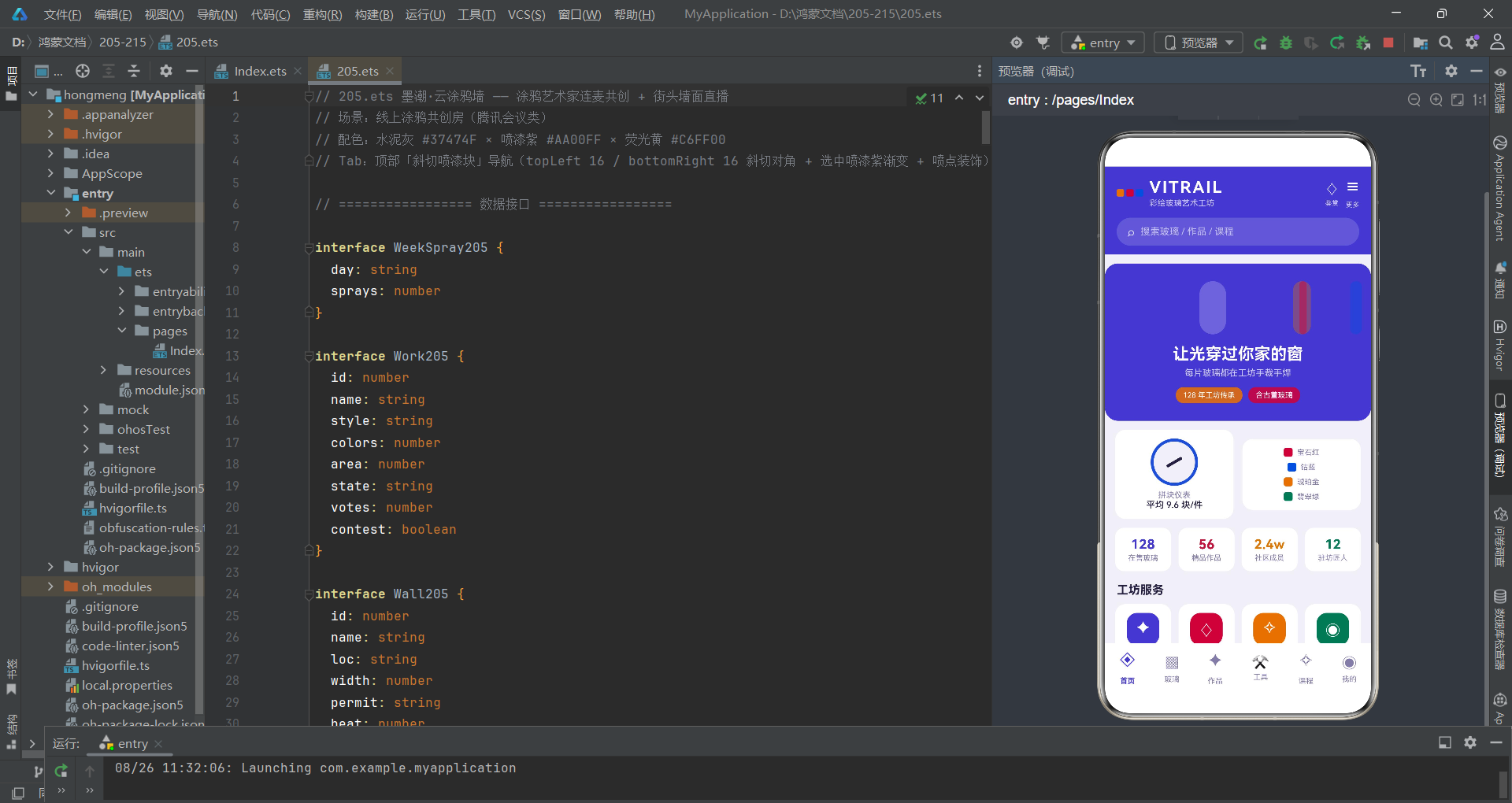
墨潮·云涂鸦墙应用完整展示了HarmonyOS ArkTS声明式UI在直播共创场景下的工程实践。通过 @State 集中管理全部状态、@Prop 向下传递只读数据、回调函数向上抛送用户操作,构建了清晰的单向数据流架构。六个Tab页面各司其职——直播页承载四机位网格与创作步骤时间线、作品展页提供风格占比可视化与作品管理、色彩库展示喷漆色卡与墙面申请、团战页支持战队应援投票、画师团页呈现人气排行与在线状态、个人页汇总创作数据与作品管理入口。每个功能模块都遵循了高内聚低耦合的设计原则,子组件仅负责UI渲染与事件上抛,状态变更全部由父组件统一执行。
在UI实现层面,斜切喷漆块Tab导航是不对称圆角的典型应用,通过 topLeft/bottomRight 差异化圆角值模拟喷涂块的对角斜切效果,配合选中态的放大动画、紫色阴影和三色喷点装饰,营造出强烈的街头涂鸦视觉语言。弹窗系统采用 bindSheet 和 bindContentCover 双轨制——底部抽屉承载表单密集型操作(报名、上传、编辑),居中弹窗处理确认与详情展示。$$ 双向绑定语法将弹窗显隐与 @State 布尔变量自动同步,省去了手动管理弹窗生命周期的冗余代码。简易图表(堆叠条形图、柱状图、进度条)通过 layoutWeight 和 height 属性映射实现,无需引入第三方图表库。
从工程方法论角度,应用将颜色映射、数据聚合等逻辑提取为全局纯函数,使 build() 方法专注于UI结构声明;数据更新采用 map/filter 不可变模式,确保状态变更可追踪;详情弹窗中的数组越界检查体现了防御性编程的严谨态度。这些实践共同构成了一套可复用的ArkTS工程范式,对类似直播共创、内容管理类应用的开发具有参考价值。随着 HarmonyOS 生态的持续演进,声明式UI的能力边界将不断扩展,而本应用展示的架构模式与编码实践也将随之迭代优化。

开源鸿蒙跨平台开发社区汇聚开发者与厂商,共建“一次开发,多端部署”的开源生态,致力于降低跨端开发门槛,推动万物智联创新。
更多推荐

 8
8 0
0- 0


 已为社区贡献29条内容

所有评论(0)