React Native环境搭建
mac搭建react native环境
1、安装HomeBrew
/bin/bash -c "$(curl -fsSL https://raw.githubusercontent.com/Homebrew/install/HEAD/install.sh)"
(1)出现错误:curl: (35) LibreSSL SSL_connect: SSL_ERROR_SYSCALL in connection to raw.githubusercontent.com:443
(2)原因:下载源在国外,所以导致下载很慢,将源切换到国内
(3)解决方法:
/bin/zsh -c "$(curl -fsSL https://gitee.com/cunkai/HomebrewCN/raw/master/Homebrew.sh)"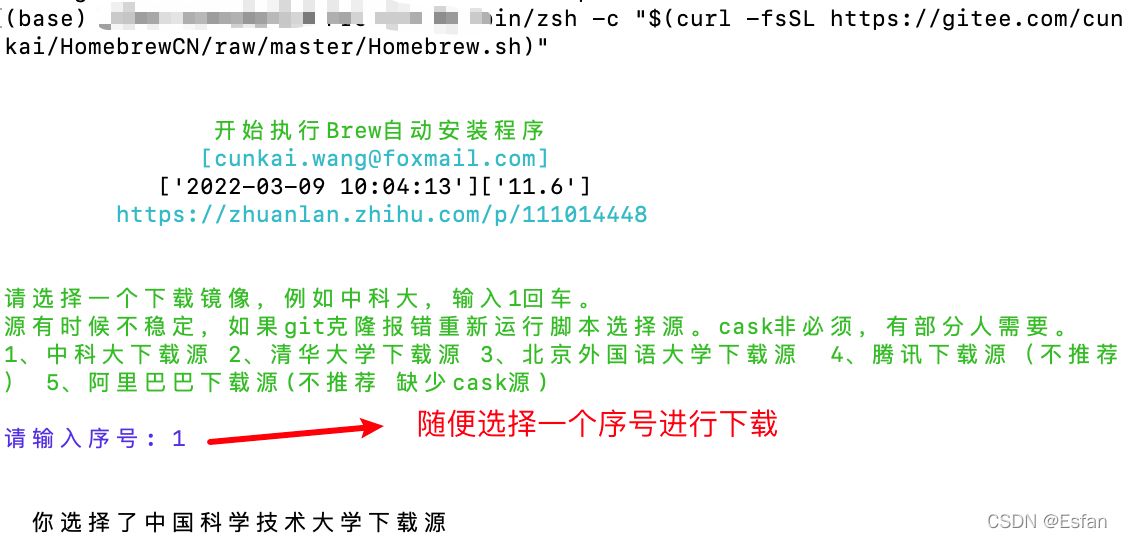
(4)安装完成后,重启终端,输入brew-v 查看是否安装成功。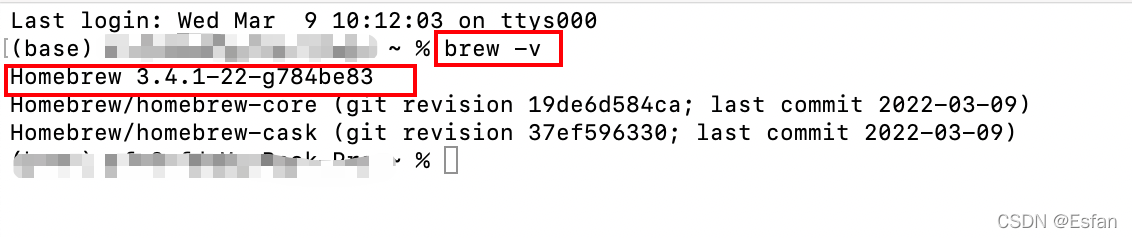
2、安装Node、watchman、cocoapods、yarn、并查看版本,是否安装成功。
brew install node
开发小米项目的小伙伴可以安装下面node版本
node-v16.20.2.pkg
brew install watchman
brew install cocoapods
brew install yarn
3、创建项目
安装命令:npm install -g react-native-cli
创建:react-native init HelloReact
这种经常报错TypeError: cli.init is not a function,用下面的命令:
npx react-native init HelloReactNative --version 0.68.2
4、运行项目
React Native应用创建完成之后呢,我们便可以运行它了,运行一个React Native应用通常有两种方式:
第一种方式:通过React Native命令行工具
打开终端进入React Native项目的根目录然后输入并运行下面命令即可:
npx react-native run-android //或者通过下面命令来运行
npm run android
第二种方式:通过Android Studio来运行
1、通过Android Studio打开项目下的android目录
2、然后等项目构建完成后通过Android Studio的运行按钮来和运行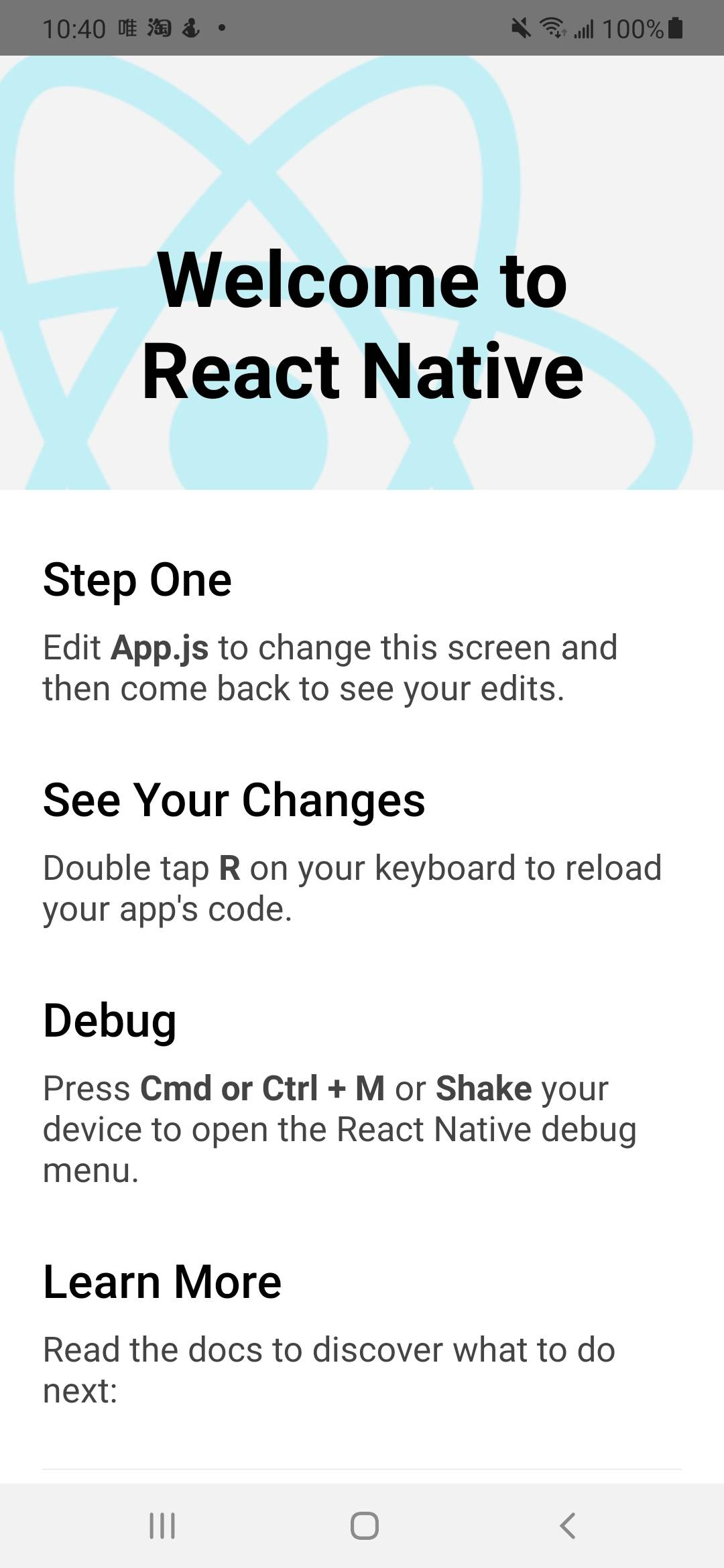

开源鸿蒙跨平台开发社区汇聚开发者与厂商,共建“一次开发,多端部署”的开源生态,致力于降低跨端开发门槛,推动万物智联创新。
更多推荐
 7
7 0
0- 0


 已为社区贡献1条内容

所有评论(0)