Flutter Code Sharing OpenHarmony 适配指南
code_sharing是一个Flutter示例项目,展示了如何在客户端和服务器端共享Dart代码,实现跨平台开发。核心功能包括:共享数据模型、不可变数据类(Freezed)、自动JSON序列化、HTTP通信示例,并支持OpenHarmony平台。通过创建独立的shared包,项目实现了客户端和服务器的代码复用,提高开发效率和一致性。安装时需添加Git依赖并配置网络权限,提供了完整的API调用示例
插件介绍
code_sharing 是一个 Flutter 示例项目,展示了如何在客户端和服务器端之间共享 Dart 代码,实现真正的"一次编写,多端使用"。该项目特别演示了 代码共享 功能,允许开发者在 Flutter 客户端和 Dart 服务器端使用相同的数据模型和业务逻辑,极大地提高了开发效率和代码一致性。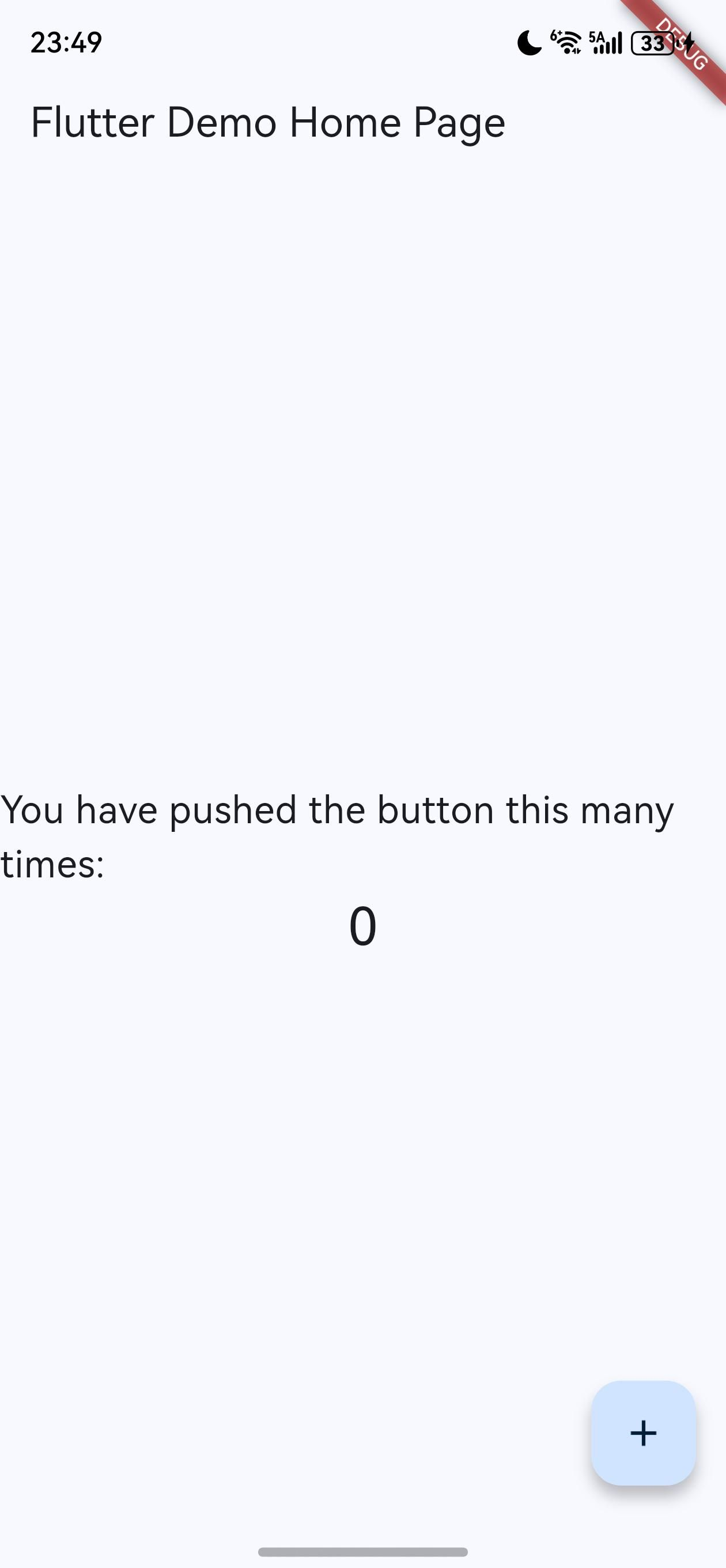
核心功能
- 跨平台代码共享:客户端和服务器端使用相同的 Dart 数据模型
- 不可变数据模型:使用 Freezed 生成不可变数据类
- 自动 JSON 序列化:通过 json_serializable 自动处理 JSON 转换
- HTTP 通信示例:展示 Flutter 客户端与 Dart 服务器的通信方式
- 适用于 OpenHarmony 平台:支持在 OpenHarmony 应用中使用共享代码
技术原理
该示例通过以下机制实现代码共享:
- 共享包设计:创建独立的
shared包,包含客户端和服务器端共用的数据模型 - 不可变数据模型:使用 Freezed 注解生成不可变数据类,确保线程安全
- JSON 序列化:通过 json_serializable 自动生成 JSON 转换代码
- HTTP 通信:使用
http包实现客户端与服务器端的 RESTful API 通信 - 环境变量配置:支持通过环境变量配置服务器地址和端口
安装使用
要在 OpenHarmony 项目中使用 code_sharing 的功能,需要通过 Git 引入相关依赖:
步骤 1:添加依赖
在 pubspec.yaml 文件中添加以下依赖:
dependencies:
  flutter:
    sdk: flutter
  http:
    git:
      url: "https://gitcode.com/openharmony-tpc/flutter_packages.git"
      path: "packages/http/http"
  shared:
    git:
      url: "https://gitcode.com/openharmony-tpc/flutter_samples.git"
      path: "code_sharing/shared"
步骤 2:获取依赖
flutter pub get
步骤 3:OpenHarmony 配置
确保在 OpenHarmony 项目中正确配置了 Flutter 引擎和相关依赖。对于需要与服务器通信的应用,还需要配置网络权限:
在 ohos/entry/src/main/module.json5 文件中添加网络权限:
{
  "module": {
    "requestPermissions": [
      {
        "name": "ohos.permission.INTERNET"
      }
    ]
  }
}
API 调用示例
以下是使用 code_sharing 实现原理的核心代码示例:
1. 使用共享数据模型
import 'package:shared/shared.dart';

// 创建 Count 对象
final count = Count(42);
print('Current count: ${count.value}');

// 创建 Increment 对象
final increment = Increment(by: 5);
print('Increment by: ${increment.by}');

// JSON 序列化
final countJson = count.toJson();
print('Count JSON: $countJson');

// JSON 反序列化
final countFromJson = Count.fromJson(countJson);
print('Count from JSON: ${countFromJson.value}');
2. 客户端与服务器通信
import 'dart:convert';
import 'dart:io' show Platform;
import 'package:http/http.dart' as http;
import 'package:shared/shared.dart';
import 'package:flutter/material.dart';
// 服务器配置
final port = Platform.environment['PORT'] ?? '8080';
final host = Platform.environment['SERVER_URL'] ?? '127.0.0.1';
final scheme = Platform.environment['SERVER_SCHEME'] ?? 'http';
final serverUrl = Uri.parse('$scheme://$host:$port/');
// 获取当前计数值
Future<int> getCount() async {
final response = await http.get(serverUrl);
final count = Count.fromJson(json.decode(response.body));
return count.value;
}
// 增加计数值
Future<int> increment(int by) async {
final increment = Increment(by: by);
final response = await http.post(
serverUrl,
body: json.encode(increment.toJson()),
headers: {'Content-Type': 'application/json'},
);
final count = Count.fromJson(json.decode(response.body));
return count.value;
}
// Flutter 界面示例
class CounterApp extends StatelessWidget {
const CounterApp({super.key});
Widget build(BuildContext context) {
return MaterialApp(
title: 'Code Sharing Demo',
theme: ThemeData(primarySwatch: Colors.blue),
home: const CounterPage(),
);
}
}
class CounterPage extends StatefulWidget {
const CounterPage({super.key});
State<CounterPage> createState() => _CounterPageState();
}
class _CounterPageState extends State<CounterPage> {
int _counter = 0;
bool _isLoading = false;
void initState() {
super.initState();
_loadCount();
}
void _loadCount() async {
setState(() => _isLoading = true);
try {
final count = await getCount();
setState(() => _counter = count);
} finally {
setState(() => _isLoading = false);
}
}
void _incrementCounter() async {
setState(() => _isLoading = true);
try {
final count = await increment(1);
setState(() => _counter = count);
} finally {
setState(() => _isLoading = false);
}
}
Widget build(BuildContext context) {
return Scaffold(
appBar: AppBar(title: const Text('Code Sharing Demo')),
body: Center(
child: Column(
mainAxisAlignment: MainAxisAlignment.center,
children: <Widget>[
const Text(
'Current count:',
style: TextStyle(fontSize: 20),
),
Text(
'$_counter',
style: Theme.of(context).textTheme.headlineMedium,
),
if (_isLoading) ...[
const SizedBox(height: 20),
const CircularProgressIndicator(),
],
],
),
),
floatingActionButton: FloatingActionButton(
onPressed: _isLoading ? null : _incrementCounter,
tooltip: 'Increment',
child: const Icon(Icons.add),
),
);
}
}
3. 服务器端实现
import 'dart:convert';
import 'dart:io';

import 'package:shared/shared.dart';
import 'package:shelf/shelf.dart';
import 'package:shelf/shelf_io.dart';
import 'package:shelf_router/shelf_router.dart';

int count = 0;

// 配置路由
final _router = Router()
  ..post('/', _incrementHandler)
  ..get('/', _getValueHandler);

// 处理增量请求
Future<Response> _incrementHandler(Request request) async {
  final incr = Increment.fromJson(json.decode(await request.readAsString()));
  count += incr.by;
  return Response.ok(json.encode(Count(count).toJson()));
}

// 处理获取值请求
Response _getValueHandler(Request request) =>
    Response.ok(json.encode(Count(count).toJson()));

void main(List<String> args) async {
  // 使用任何可用的主机或容器 IP
  final ip = InternetAddress.anyIPv4;

  // 配置请求日志中间件
  final handler = Pipeline().addMiddleware(logRequests()).addHandler(_router);

  // 尊重 PORT 环境变量
  final port = int.parse(Platform.environment['PORT'] ?? '8080');
  final server = await serve(handler, ip, port);
  print('Server listening on port ${server.port}');
}
总结
code_sharing 示例项目展示了如何在 Flutter 客户端和 Dart 服务器端之间共享代码,并在 OpenHarmony 平台上使用这些共享代码。通过 代码共享 功能,开发者可以:
- 在客户端和服务器端使用相同的数据模型,确保数据一致性
- 减少重复代码编写,提高开发效率
- 使用不可变数据模型,提高代码安全性和可维护性
- 自动处理 JSON 序列化/反序列化,减少手动转换错误
- 构建支持 OpenHarmony 平台的跨平台应用
该示例为 OpenHarmony 开发者提供了一个实用的代码共享解决方案,特别适用于需要客户端和服务器端协同开发的应用场景。
欢迎加入开源鸿蒙跨平台社区
更多关于 Flutter 插件 OpenHarmony 适配的信息,请访问:开源鸿蒙跨平台社区
本指南基于 code_sharing 示例项目,展示了如何在 OpenHarmony 平台上实现客户端和服务器端的代码共享。
欢迎加入开源鸿蒙跨平台社区: https://openharmonycrossplatform.csdn.net

开源鸿蒙跨平台开发社区汇聚开发者与厂商,共建“一次开发,多端部署”的开源生态,致力于降低跨端开发门槛,推动万物智联创新。
更多推荐

 5
5 0
0- 0


 已为社区贡献14条内容

所有评论(0)