0 基础入门React Native鸿蒙跨平台开发:React hook 提供useColorScheme颜色方案更新
useColorScheme是React Native提供的一个Hook,用于检测并响应系统颜色主题变化。它返回当前用户偏好的颜色方案(light/dark/null),并自动订阅更新。该Hook通常用于实现主题切换功能,可与Context API结合创建全局主题系统,或动态调整状态栏样式。示例代码展示了基本用法:获取当前主题并据此调整文本颜色。实际应用中,它支持构建响应式UI,自动适应系统主题变
useColorScheme
import { useColorScheme } from 'react-native';
useColorScheme 这个React hook 提供并订阅来自Appearance模块的颜色方案更新。返回值表示当前用户首选的颜色方案。该值可以稍后通过直接用户动作(例如,设备设置中的主题选择)或根据时间表(例如,遵循白天/夜晚周期的亮主题和暗主题)来更新。
支持的颜色方案
- “light”: 用户倾向于使用浅色主题。
- “dark”: 用户倾向于使用深色主题。
- null: 用户未指定首选颜色方案。
好的,下面将为您详细介绍 React Native 中的 useColorScheme Hook。
useColorScheme 是 React Native 内置的一个强大的 Hook,它允许您的应用感知并响应用户的系统级颜色主题偏好(如亮色模式和暗色模式),从而实现更符合用户习惯的个性化体验。
核心功能与返回值
useColorScheme 的主要功能是提供并订阅来自系统 Appearance 模块的颜色方案更新。
- 返回值:该 Hook 返回一个字符串,表示当前用户的首选颜色方案。这个值会根据用户的系统设置自动更新。
"light":用户倾向于使用浅色主题。"dark":用户倾向于使用深色主题。null:用户未指定首选颜色方案(这种情况较少见)。
基本使用方法
使用 useColorScheme 非常简单,它通常用于动态地根据当前主题设置组件的样式。
import React from 'react';
import { View, Text, StyleSheet, useColorScheme } from 'react-native';

const App = () => {
  // 使用 useColorScheme Hook
  const colorScheme = useColorScheme();

  // 根据颜色方案决定文本颜色
  const textColor = colorScheme === 'dark' ? 'FFFFFF' : '000000';

  return (
    <View style={styles.container}>
      <Text style={{ color: textColor }}>
        当前颜色方案: {colorScheme}
      </Text>
    </View>
  );
};

const styles = StyleSheet.create({
  container: {
    flex: 1,
    justifyContent: 'center',
    alignItems: 'center',
  },
});

export default App;
高级用法与最佳实践
为了构建一个完整的主题系统,useColorScheme 通常会与 React 的 Context API 结合使用。
-
与 Context 结合实现全局主题
单个组件使用useColorScheme可能不够,通常需要将主题逻辑提升到应用的顶层。你可以创建一个ThemeContext,在其中管理主题状态,并让所有组件通过useContext订阅它。// ThemeContext.js import React, { createContext, useContext, useMemo } from 'react'; import { useColorScheme } from 'react-native'; const ThemeContext = createContext(); export const ThemeProvider = ({ children }) => { // 获取系统颜色方案 const systemColorScheme = useColorScheme(); // 可以在此处添加用户自定义主题的逻辑,例如从 AsyncStorage 读取 // const [userTheme, setUserTheme] = useState(null); // const currentTheme = userTheme || systemColorScheme; // 根据方案定义主题对象 const theme = useMemo(() => ({ isDark: systemColorScheme === 'dark', colors: systemColorScheme === 'dark' ? { background: '121212', text: 'FFFFFF', primary: 'BB86FC', } : { background: 'FFFFFF', text: '000000', primary: '03DAC5', }, }), [systemColorScheme]); return ( <ThemeContext.Provider value={theme}> {children} </ThemeContext.Provider> ); }; export const useTheme = () => useContext(ThemeContext);然后在你的应用入口文件中包裹
ThemeProvider,这样任何子组件都可以通过useThemeHook 访问当前主题了。 -
适配状态栏
useColorScheme常用于动态设置状态栏的颜色,确保状态栏文字在不同背景下清晰可读。import React from 'react'; import { View, StatusBar, useColorScheme } from 'react-native'; const App = () => { const colorScheme = useColorScheme(); return ( <View style={{ flex: 1 }}> <StatusBar barStyle={colorScheme === 'dark' ? 'light-content' : 'dark-content'} backgroundColor={colorScheme === 'dark' ? '000000' : 'FFFFFF'} /> {/* 你的应用内容 */} </View> ); };
注意事项
- 版本兼容性:
useColorScheme是 React Native 0.57 及以上版本内置的 Hook。 如果您使用的是更早的版本,需要通过npm install react-native-appearance或
实际案例方案:
import React from 'react';
import { Text, StyleSheet, useColorScheme, View } from 'react-native';

const App = () => {
  const colorScheme = useColorScheme();
  return (
    <View style={styles.container}>
      <Text>useColorScheme(): {colorScheme}</Text>
    </View>
  );
};

const styles = StyleSheet.create({
  container: {
    flex: 1,
    alignItems: "center",
    justifyContent: "center"
  },
});

export default App;
这段React Native代码实现了一个动态主题模式检测应用,其核心功能是实时监测设备的当前颜色方案(如浅色或深色模式),并通过用户界面直观地反馈当前模式。代码通过React Hooks和React Native的系统主题感知机制,构建了一个响应式主题切换组件。
在组件初始化阶段,代码使用useColorScheme Hook获取设备的当前颜色方案。这个Hook返回一个字符串值,表示当前的系统主题模式。常见的返回值包括:
“light”:表示浅色模式(默认模式)
“dark”:表示深色模式
“no-preference”:表示系统未明确设置主题偏好(通常在iOS上出现)
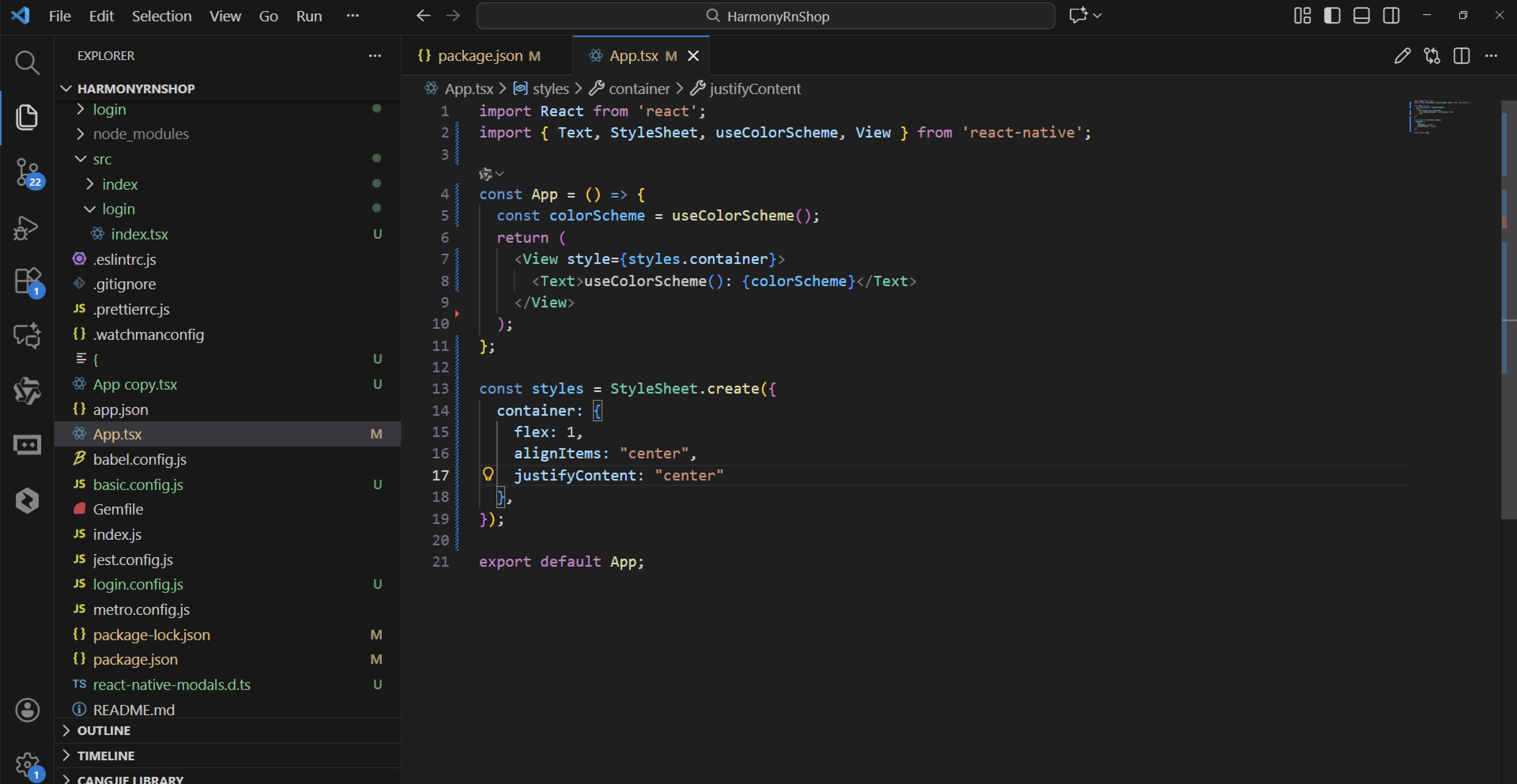
组件的渲染逻辑基于StyleSheet.create定义的样式系统。container样式配置了flex: 1属性,使容器占据整个屏幕空间,并通过alignItems和justifyContent属性实现内容的垂直和水平居中对齐。这种布局设计确保了文本内容在不同设备上都能保持良好的视觉效果。
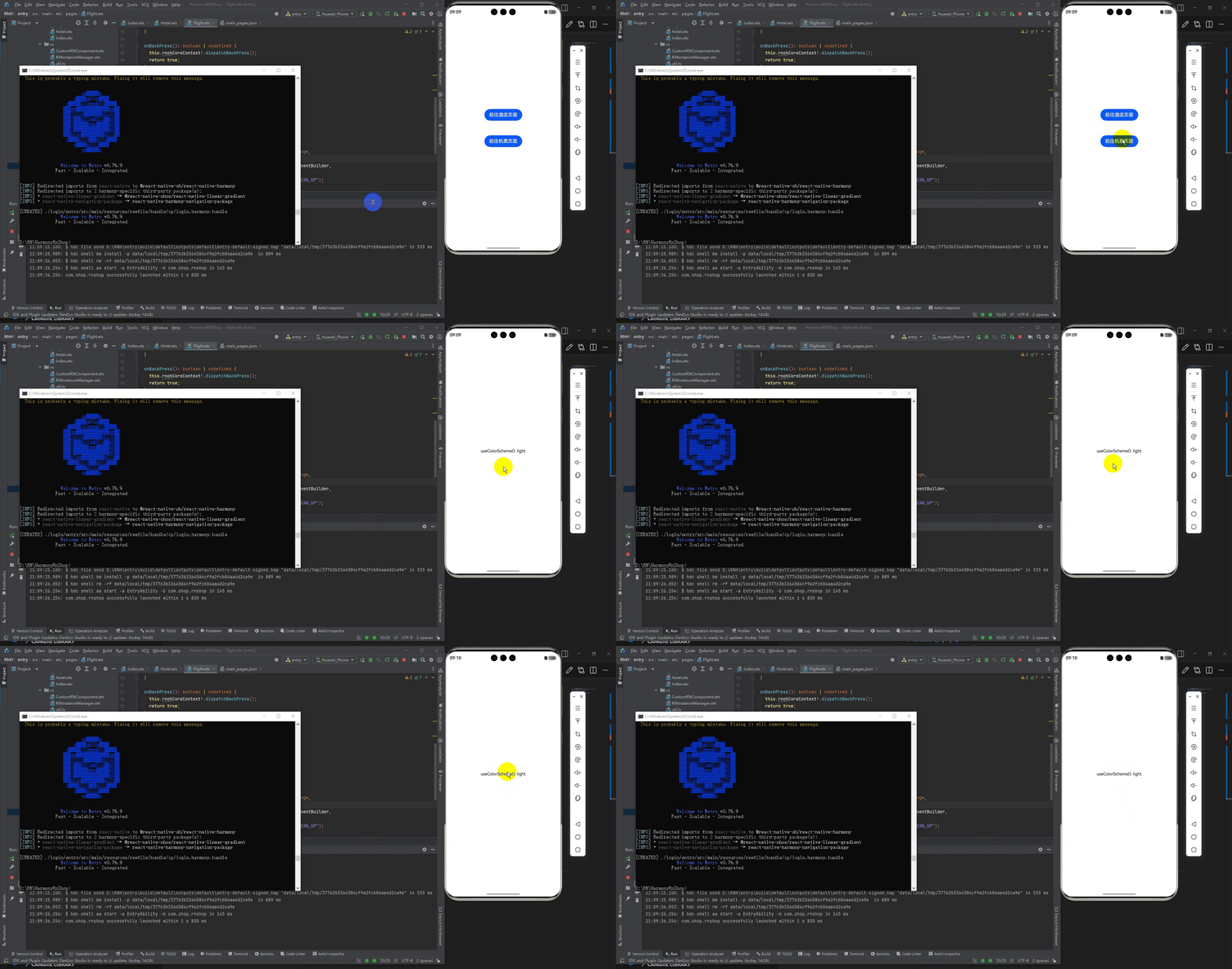
Text组件动态显示当前的颜色方案信息,格式为"useColorScheme(): [颜色方案值]"。这种实时更新机制使得用户能够随时查看当前设备的主题模式,这对于开发响应式应用或调试主题样式非常有用。
整个应用的架构体现了React Hooks在状态管理中的现代应用。通过useColorScheme Hook,代码实现了对系统主题的实时监听,避免了手动检测和事件监听的复杂性。同时,这种声明式的UI设计模式确保了界面与数据的一致性,符合React的函数式编程理念。
打包
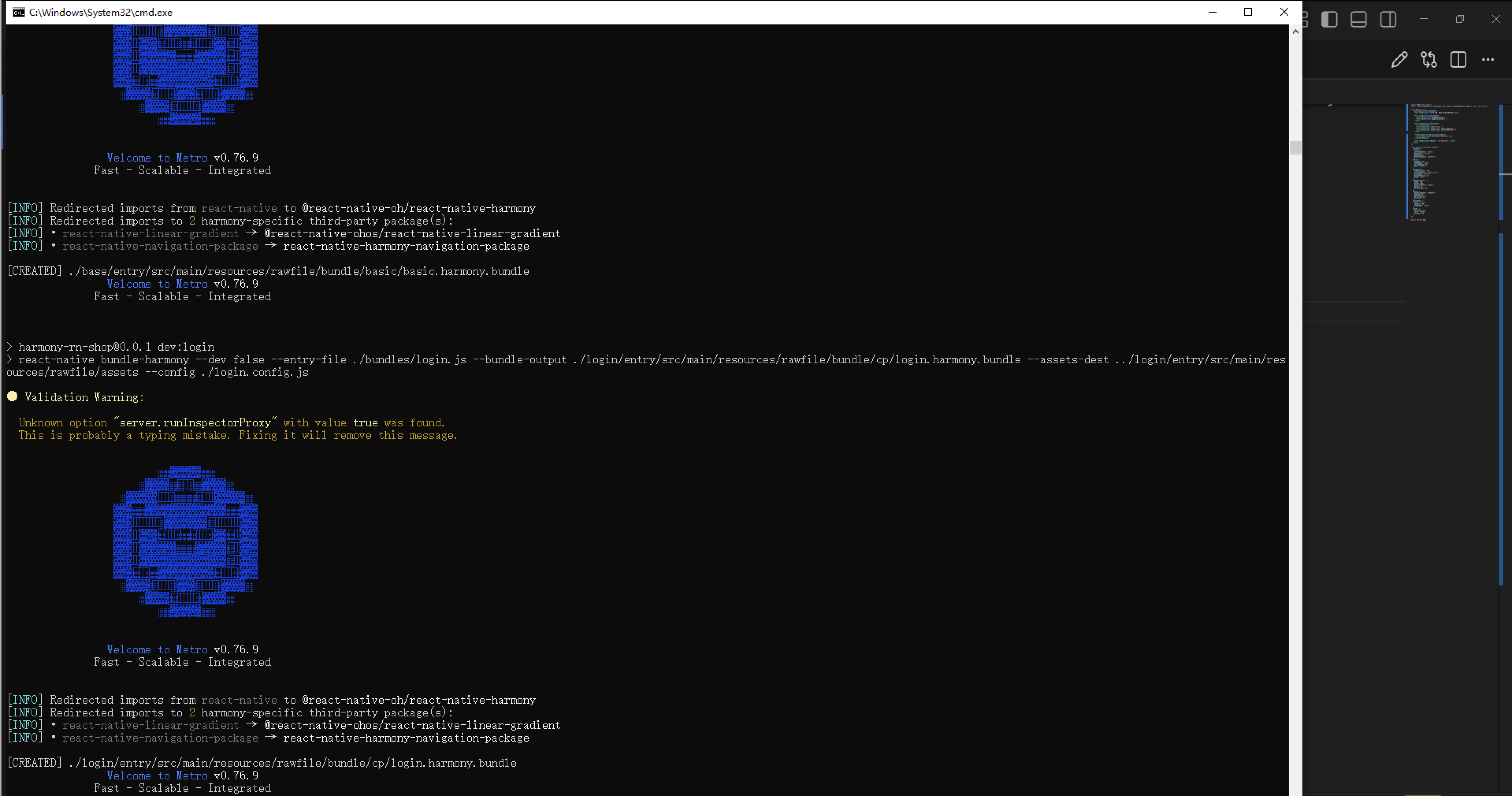
接下来通过打包命令npn run harmony将reactNative的代码打包成为bundle,这样可以进行在开源鸿蒙OpenHarmony中进行使用。
最后运行效果图如下显示:
欢迎大家加入开源鸿蒙跨平台开发者社区,一起共建开源鸿蒙跨平台生态。

开源鸿蒙跨平台开发社区汇聚开发者与厂商,共建“一次开发,多端部署”的开源生态,致力于降低跨端开发门槛,推动万物智联创新。
更多推荐

 6
6 0
0- 0


 已为社区贡献30条内容

所有评论(0)