Flutter for OpenHarmony音乐播放器App实战:启动闪屏实现
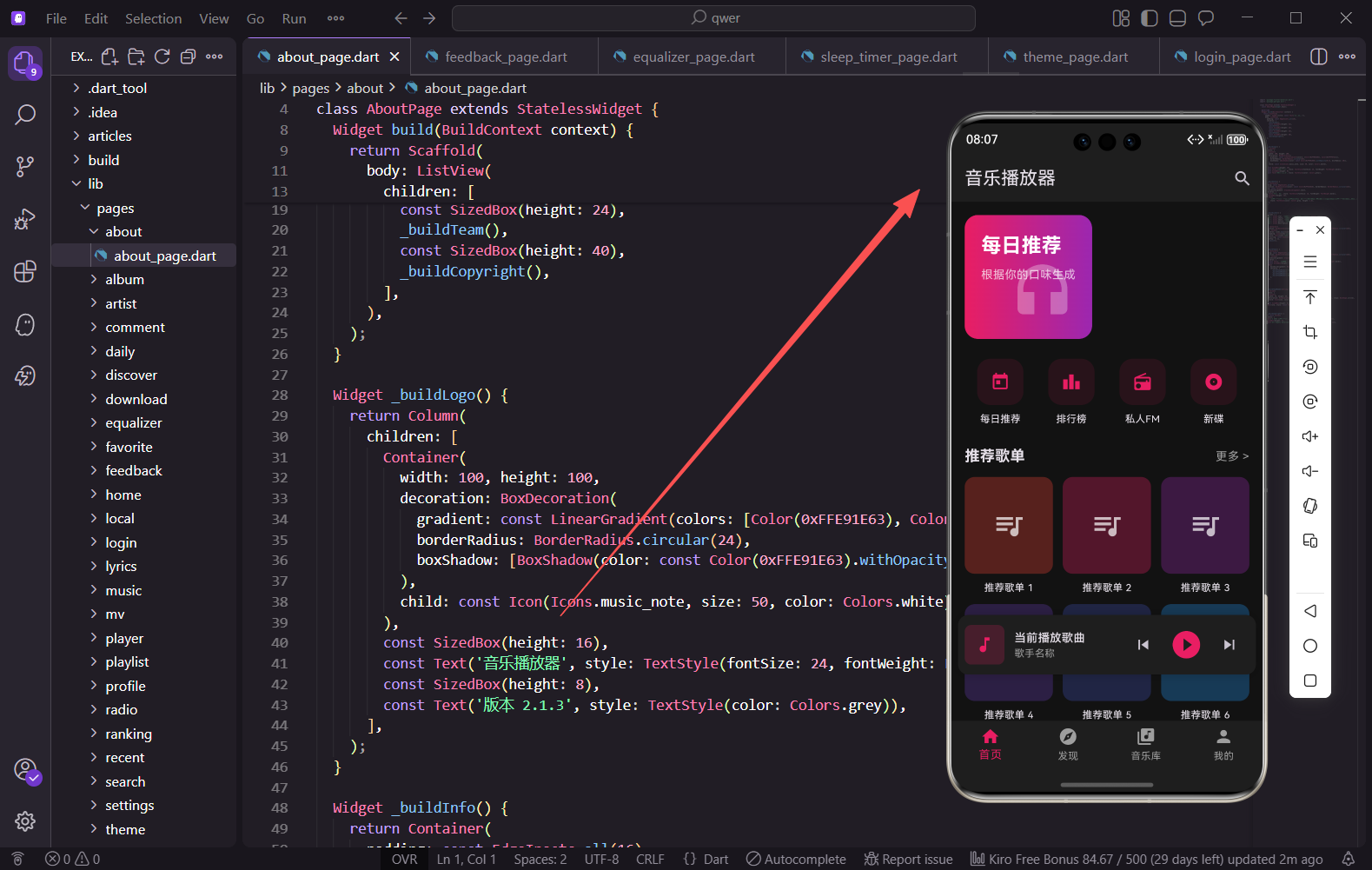
启动闪屏是用户打开App后看到的第一个画面,它不仅可以展示品牌形象,还能在后台完成一些初始化工作。本篇我们来实现音乐播放器的启动闪屏页面,包含Logo动画、倒计时跳过、渐变背景等功能。
功能分析
启动闪屏页面需要实现以下功能:渐变背景营造品牌氛围、Logo弹性动画效果、3秒倒计时自动跳转、跳过按钮快速进入主界面、版本号显示。
对应代码文件
lib/pages/splash_page.dart
完整代码实现
import 'package:flutter/material.dart';
import 'package:get/get.dart';
import 'main_page.dart';
class SplashPage extends StatefulWidget {
const SplashPage({super.key});
State<SplashPage> createState() => _SplashPageState();
}
class _SplashPageState extends State<SplashPage> with TickerProviderStateMixin {
late AnimationController _controller;
late Animation<double> _scaleAnimation;
late Animation<double> _fadeAnimation;
int _countdown = 3;
上面这段代码定义了闪屏页面的基本结构。使用StatefulWidget是因为需要管理动画和倒计时状态。混入TickerProviderStateMixin是AnimationController的必要条件,它提供了驱动动画的Ticker对象。
void initState() {
super.initState();
_initAnimations();
_startCountdown();
}
void _initAnimations() {
_controller = AnimationController(
duration: const Duration(milliseconds: 1200),
vsync: this,
);
_scaleAnimation = Tween<double>(begin: 0.3, end: 1.0).animate(
CurvedAnimation(
parent: _controller,
curve: Curves.elasticOut,
),
);
initState是Widget初始化时调用的方法,在这里启动动画和倒计时。AnimationController设置动画时长为1200毫秒,Tween定义缩放从0.3到1.0,配合elasticOut曲线产生弹跳效果。
    _fadeAnimation = Tween<double>(begin: 0.0, end: 1.0).animate(
      CurvedAnimation(
        parent: _controller,
        curve: const Interval(0.0, 0.5, curve: Curves.easeIn),
      ),
    );

    _controller.forward();
  }

  void _startCountdown() {
    Future.delayed(const Duration(seconds: 1), () {
      if (mounted && _countdown > 0) {
        setState(() => _countdown--);
        _startCountdown();
      } else if (mounted) {
        _navigateToMain();
      }
    });
  }
淡入动画使用Interval限制在前50%时间内完成,这样Logo会先淡入再弹跳。倒计时通过递归调用Future.delayed实现,mounted检查确保Widget还在树中,避免内存泄漏。
void _navigateToMain() {
Get.off(() => const MainPage());
}
void dispose() {
_controller.dispose();
super.dispose();
}
Widget build(BuildContext context) {
return Scaffold(
body: Container(
decoration: const BoxDecoration(
gradient: LinearGradient(
begin: Alignment.topLeft,
end: Alignment.bottomRight,
colors: [Color(0xFFE91E63), Color(0xFF9C27B0)],
),
),
Get.off会替换当前页面,用户无法返回闪屏。dispose中必须释放AnimationController防止内存泄漏。Container使用LinearGradient创建从粉色到紫色的对角渐变背景。
        child: SafeArea(
          child: Stack(
            children: [
              _buildBackgroundDecoration(),
              Center(child: _buildLogoSection()),
              Positioned(top: 16, right: 16, child: _buildSkipButton()),
              Positioned(bottom: 32, left: 0, right: 0, child: _buildVersionInfo()),
            ],
          ),
        ),
      ),
    );
  }

  Widget _buildBackgroundDecoration() {
    return Positioned.fill(
      child: CustomPaint(
        painter: CirclePatternPainter(),
      ),
    );
  }
SafeArea确保内容不被状态栏遮挡。Stack允许子组件层叠,Positioned精确定位跳过按钮和版本信息。CustomPaint使用自定义画笔绘制背景装饰圆形。
  Widget _buildLogoSection() {
    return ScaleTransition(
      scale: _scaleAnimation,
      child: FadeTransition(
        opacity: _fadeAnimation,
        child: Column(
          mainAxisAlignment: MainAxisAlignment.center,
          children: [
            Container(
              width: 120,
              height: 120,
              decoration: BoxDecoration(
                color: Colors.white,
                borderRadius: BorderRadius.circular(30),
                boxShadow: [
                  BoxShadow(
                    color: Colors.black.withOpacity(0.3),
                    blurRadius: 20,
                    offset: const Offset(0, 10),
                  ),
                ],
              ),
              child: const Icon(Icons.music_note, size: 60, color: Color(0xFFE91E63)),
            ),
ScaleTransition和FadeTransition嵌套使用,实现Logo先淡入再弹跳的效果。Logo容器使用白色背景、30像素圆角和阴影,内部放置粉色音符图标作为品牌标识。
            const SizedBox(height: 24),
            const Text(
              '音乐播放器',
              style: TextStyle(
                color: Colors.white,
                fontSize: 28,
                fontWeight: FontWeight.bold,
                letterSpacing: 2,
              ),
            ),
            const SizedBox(height: 8),
            const Text(
              '聆听世界的声音',
              style: TextStyle(color: Colors.white70, fontSize: 14, letterSpacing: 1),
            ),
          ],
        ),
      ),
    );
  }

  Widget _buildSkipButton() {
    return GestureDetector(
      onTap: _navigateToMain,
      child: Container(
        padding: const EdgeInsets.symmetric(horizontal: 16, vertical: 8),
        decoration: BoxDecoration(
          color: Colors.black26,
          borderRadius: BorderRadius.circular(20),
        ),
        child: Text('跳过 $_countdown', style: const TextStyle(color: Colors.white, fontSize: 14)),
      ),
    );
  }
App名称使用粗体白色大字,letterSpacing增加字符间距提升设计感。跳过按钮使用GestureDetector检测点击,半透明黑色背景配合圆角形成胶囊形状,显示倒计时秒数。
Widget _buildVersionInfo() {
return const Column(
children: [
Text('Flutter for OpenHarmony', style: TextStyle(color: Colors.white38, fontSize: 12)),
SizedBox(height: 4),
Text('Version 1.0.0', style: TextStyle(color: Colors.white38, fontSize: 12)),
],
);
}
}
class CirclePatternPainter extends CustomPainter {
void paint(Canvas canvas, Size size) {
final paint = Paint()
..color = Colors.white.withOpacity(0.05)
..style = PaintingStyle.fill;
canvas.drawCircle(Offset(size.width * 0.8, size.height * 0.2), 100, paint);
canvas.drawCircle(Offset(size.width * 0.2, size.height * 0.7), 80, paint);
canvas.drawCircle(Offset(size.width * 0.9, size.height * 0.8), 60, paint);
}
bool shouldRepaint(covariant CustomPainter oldDelegate) => false;
}
版本信息使用淡白色小字显示在底部。CirclePatternPainter继承CustomPainter,在Canvas上绘制三个半透明白色圆形作为背景装饰,shouldRepaint返回false表示静态内容无需重绘。
小结
本篇实现了音乐播放器的启动闪屏页面,通过AnimationController配合ScaleTransition实现Logo弹性动画,通过递归Future.delayed实现倒计时功能,使用LinearGradient创建渐变背景。整个页面简洁美观,给用户留下良好的第一印象。
欢迎加入开源鸿蒙跨平台社区:https://openharmonycrossplatform.csdn.net

开源鸿蒙跨平台开发社区汇聚开发者与厂商,共建“一次开发,多端部署”的开源生态,致力于降低跨端开发门槛,推动万物智联创新。
更多推荐

 23
23 0
0- 0


 已为社区贡献8条内容

所有评论(0)