Qt离线包安装
Download Source Package Offline Installers | Qtwindows zipLinux/Mac tar.xz qt-everywhere-src-6.7.1.zip
Download Source Package Offline Installers | Qt
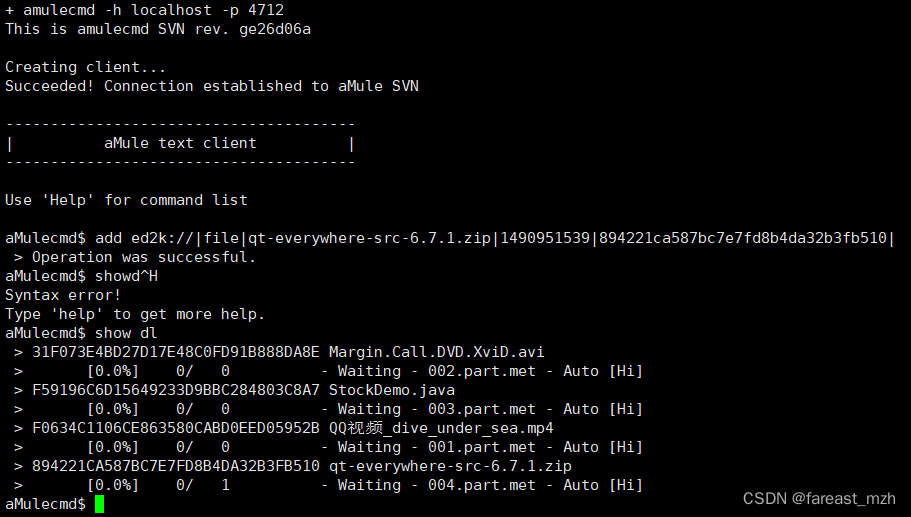
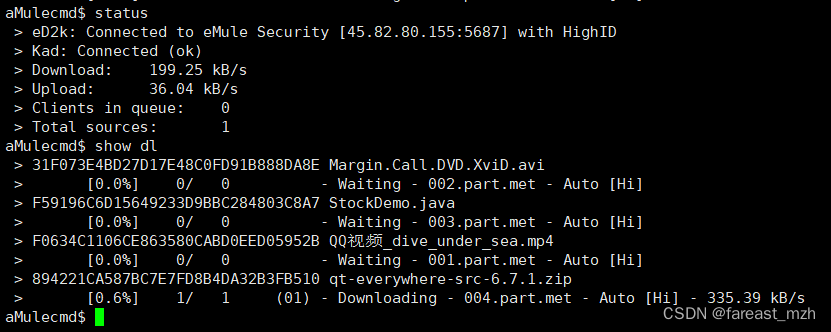
ou should download the Qt offline installer from the Qt Offline Installers page. This will allow you to install Qt without needing to register an account or be connected to the internet during the installation process. Here's a quick guide to help you:
-
Download the Offline Installer:
- Go to the Qt Offline Installers page.
- Select the appropriate offline installer for your system (e.g.,
Qt 6.x.x for Windows 64-bit (VS 2019)).
-
Run the Offline Installer:
- Once the download is complete, unzip the downloaded file if necessary.
- Run the executable file (e.g.,
qt-opensource-windows-x64-<version>.exe).
-
Follow Installation Steps:
- Follow the on-screen instructions provided by the installer.
- Choose the components you need. To save space, select only the essential components for your development needs.
- Complete the installation process.
-
Set Up Environment Variables (if needed):
- Add the path to the
bindirectory of your Qt installation to your system's environment variables.
- Add the path to the
-
Launch Qt Creator:
- Open Qt Creator from the Start menu or the installation directory.
- Configure your development environment by specifying the Qt version and compiler.
By following these steps, you can install Qt on your Windows 11 machine without registering an account and ensure that you only use the necessary disk space.

开源鸿蒙跨平台开发社区汇聚开发者与厂商,共建“一次开发,多端部署”的开源生态,致力于降低跨端开发门槛,推动万物智联创新。
更多推荐



 23
23 0
0- 0



 已为社区贡献1条内容

所有评论(0)