Qt学习总结2
1.Qt4程序如何向Qt5迁移?2.Qt中如何实现定时关机3.关于.ui文件如何生效?4.在模仿一个项目时,需要实现左键按下按钮,弹出菜单5.QWidget位置:
·
1.Qt4程序如何向Qt5迁移?
错误信息:
D:\Qt\myQt\bilibili\shutdown\shutdown_s\main.cpp:1: error: QtGui/QApplication: No such file or directory没有QtGui/QApplication这样的文件或目录
我找来一个Qt5下正常允许的程序进行对照:
Qt5:

Qt4
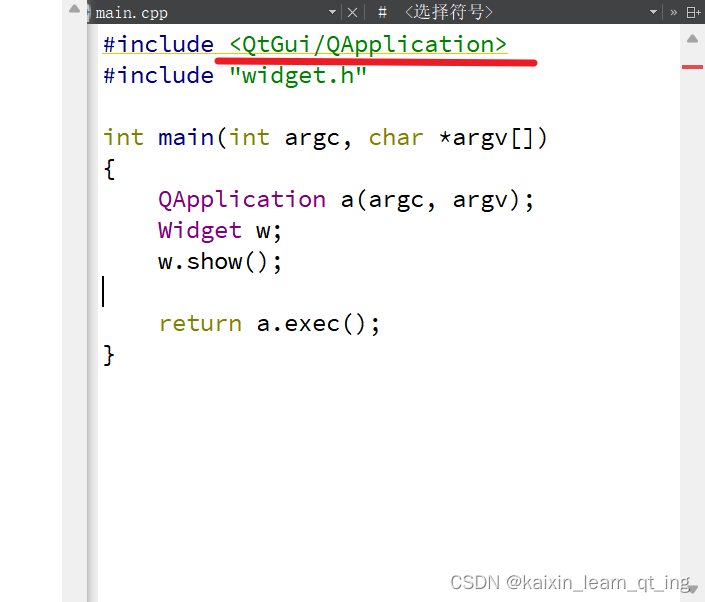
#include<QtGui/QApplication>
变为
#include <QApplication>
Qt5:
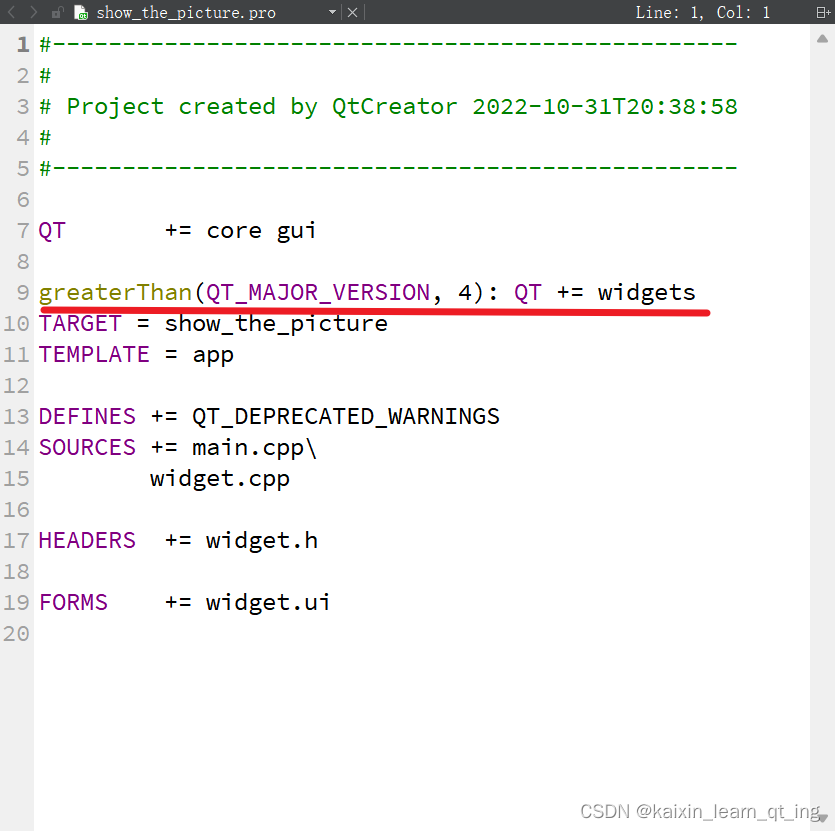
Qt4:
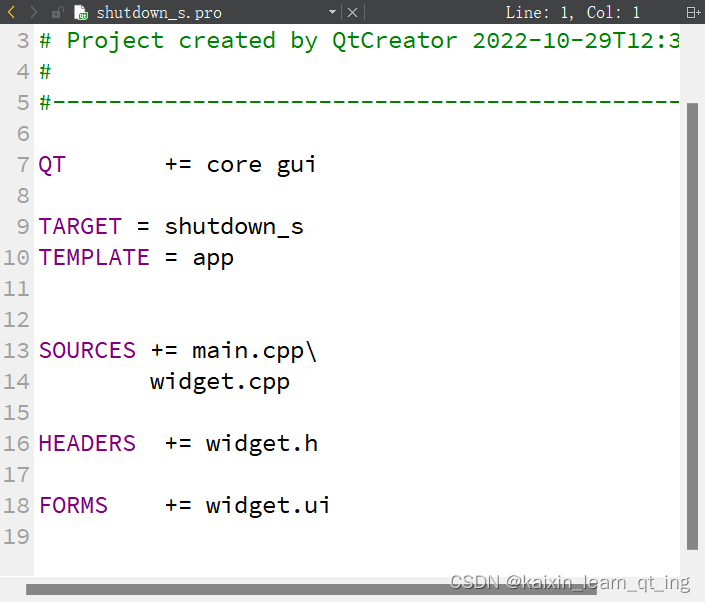
添加
greaterThan(QT_MAJOR_VERSION, 4): QT += widgets
2.Qt中如何实现定时关机
    #include "stdlib.h"
    int second=3600*ui->lineEdit->text().toInt();
    QString command="shutdown -s -t "+QString::number(second);
system(command.toStdString().data());//char*使用system函数
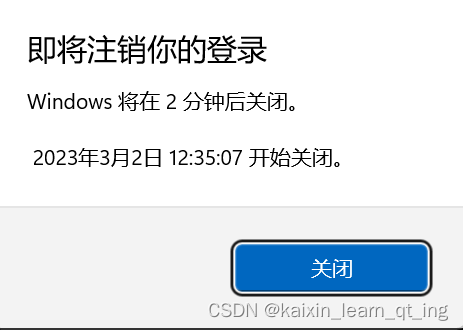
shutdown -s -t 秒数time:
time秒后关机
shutdown -a:取消关机

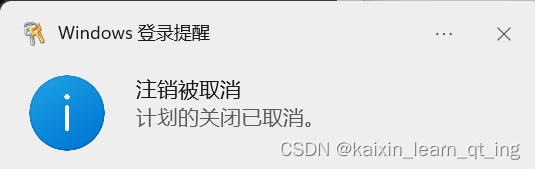
3.Qt5出现如下报错:
D:\Qt\myQt\helloworld_2\ui_hellodialog.h:14: error: QtGui/QAction: No such file or directory未解决???
4.关于.ui文件如何生效?
.ui文件进行编辑时
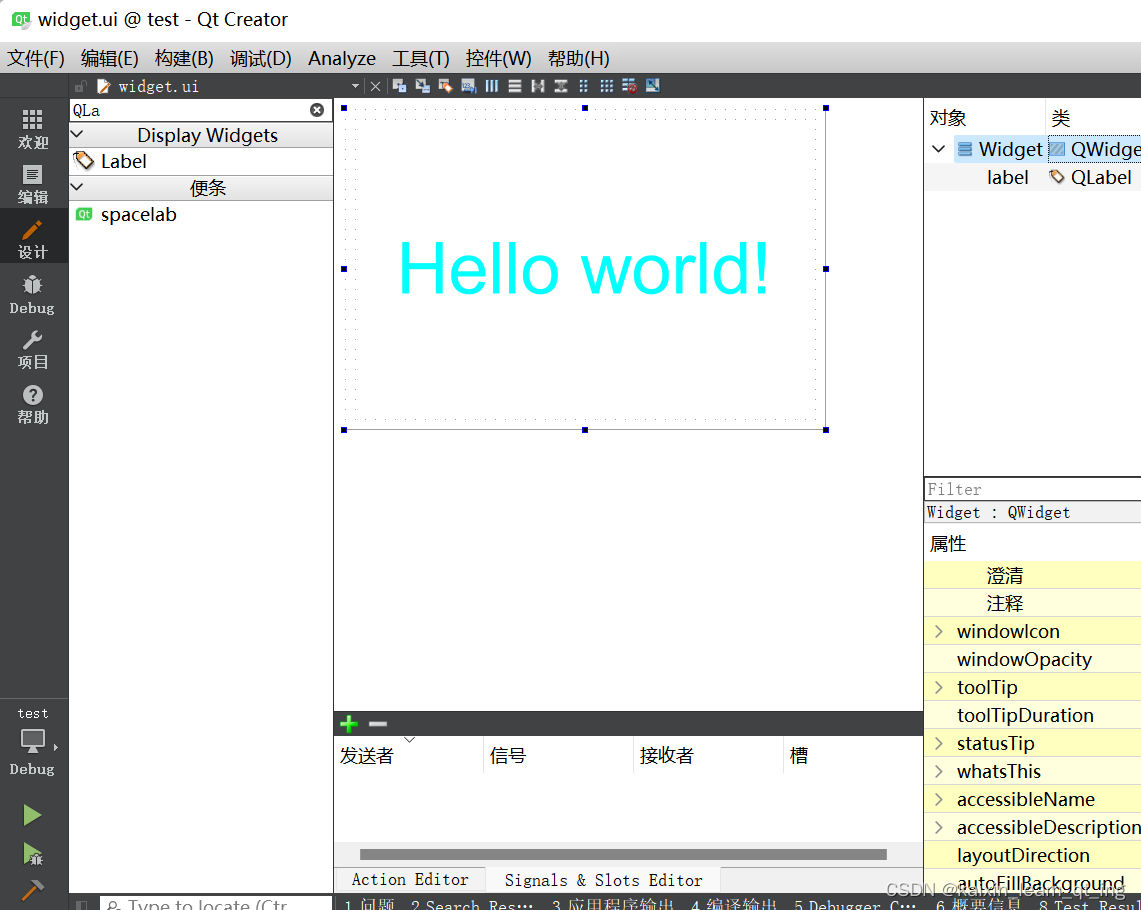
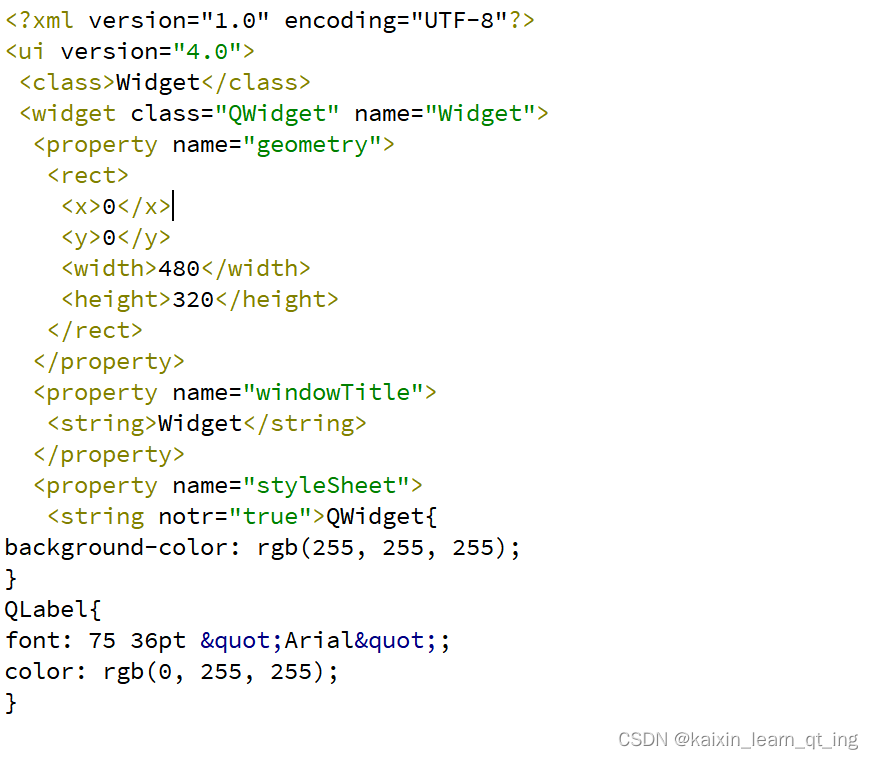
实际上.ui文件是xml文件。
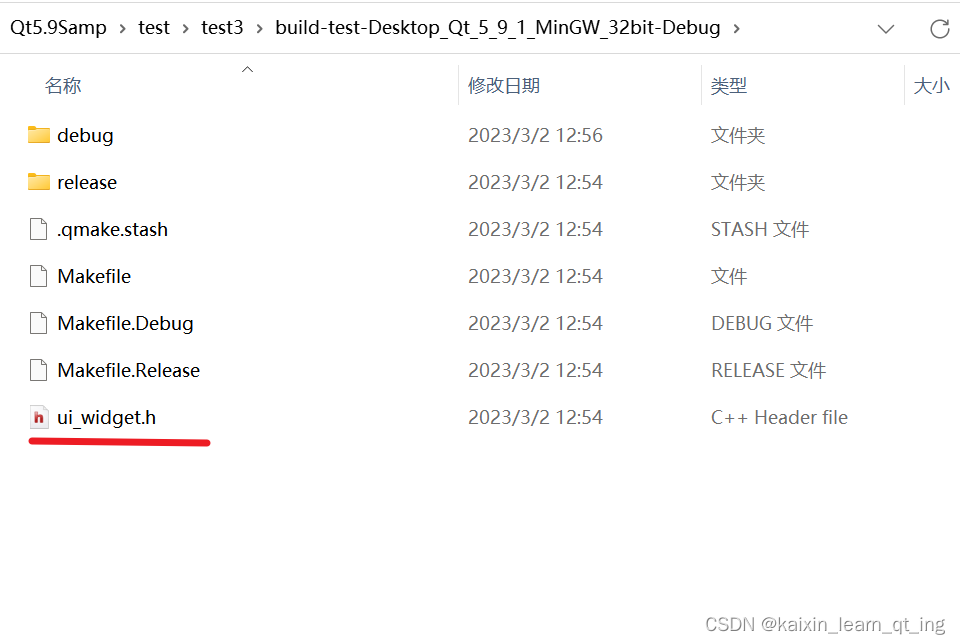
当我们编译运行后,会根据这个.ui文件自动生成对应的.h文件
使用下面的代码可以方便地把ui文件上的内容放到widget上。
    #include "ui_widget.h"
    QWidget w1;
    Ui::Widget ui;
    ui.setupUi(&w1);
w1.show(); 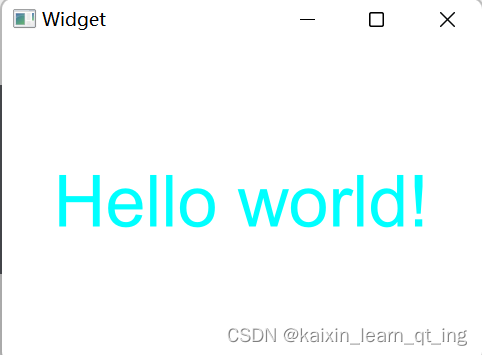
    Ui::Widget ui;
    ui.setupUi(&w1);//核心语句
4.在模仿一个项目时,需要实现左键按下按钮,弹出菜单
效果图:
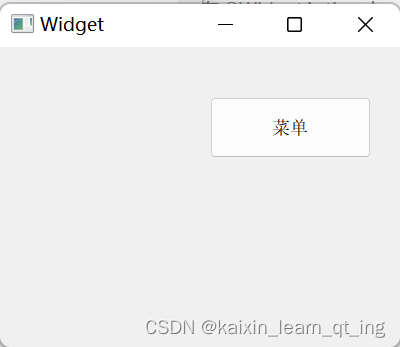
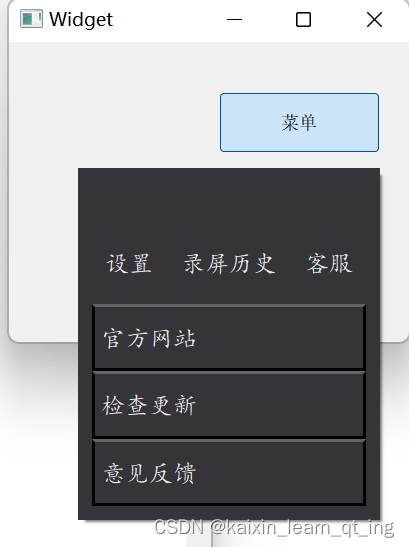
如何实现呢?
(1)创建继承自QWidget的类实现黑色方框效果。
(2)按钮使用QToolButton
(3)QWidgetAction可以在action中放置Widget
    QWidgetAction *Action = new QWidgetAction(this);
    menu *Menu = new menu(this);
    Action->setDefaultWidget(Menu);
    pMenu = new QMenu(this);
    pMenu->addAction(Action);
    ui->toolButton->setMenu(pMenu);
    pMenu->installEventFilter(this);
5.QWidget位置:
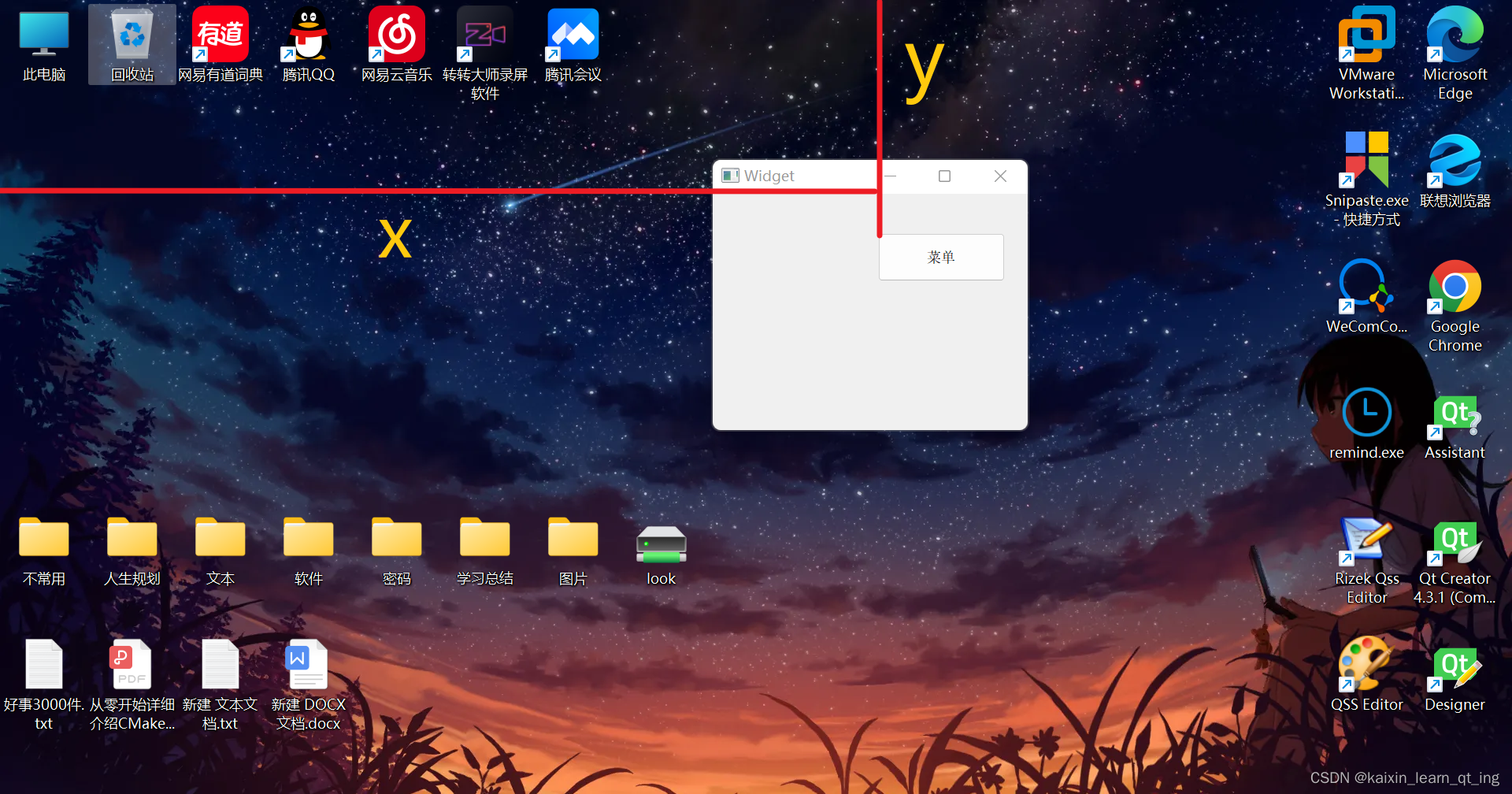
(1)相对位置:每个Qwidget都能通过pos()获取到相对自己父类窗口的位置,
(2)绝对位置:QPoint p=pWidget->mapToGlobal(QPoint(0,0)) ;将当前控件的相对位置转换为屏幕绝对位置
p的x和y如图:
参考文章:QT中的相对位置,绝对位置之间的转换(maptoglobal,mapfromglobal)_大楠树的博客-CSDN博客
6. 小感悟:
学习框架时,有很多的类,方法
我们常常是在熟悉这个类,这个方法怎么用,哪个参数是什么含义,有什么效果,它是如何实现的。

开源鸿蒙跨平台开发社区汇聚开发者与厂商,共建“一次开发,多端部署”的开源生态,致力于降低跨端开发门槛,推动万物智联创新。
更多推荐

 0
0 0
0- 0


 已为社区贡献4条内容

所有评论(0)