electron自定义-关闭图标按钮事件
·
先创建关闭图标
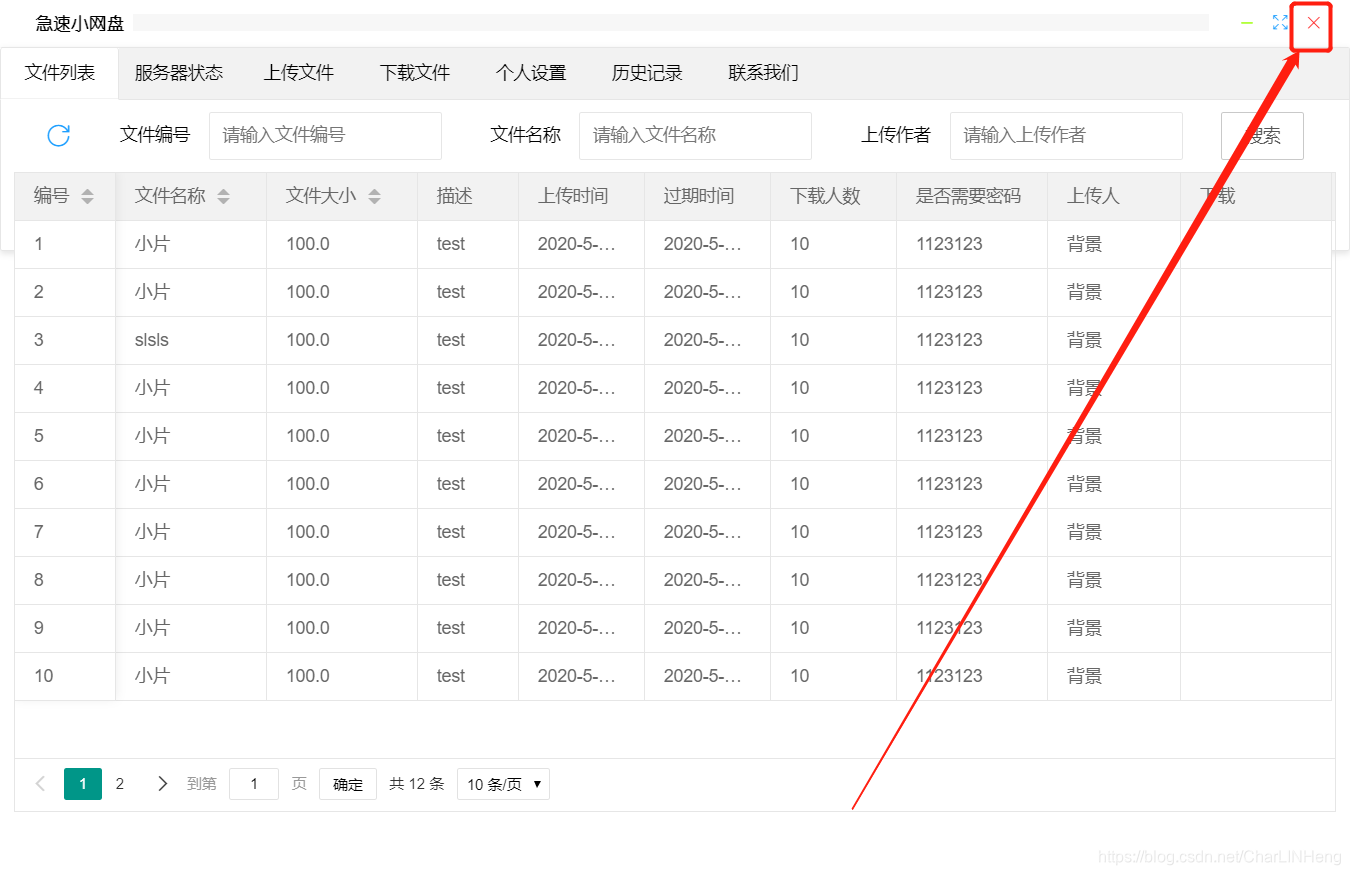 对应的图标代码如下:
<i id="minSize" class="layui-icon layui-icon-subtraction" title="最小化窗口" style="font-size: 15px; color: greenyellow;"></i>
<i id="fullSize" class="layui-icon layui-icon-screen-full" title="全屏" style="font-size: 15px; color: #1E9FFF;"></i>
<i id="closeWindow" class="layui-icon layui-icon-close " title="关闭" style="font-size: 15px; color: red;"></i>
在主进程main.js中声明动作(window-close)方法:
1.先引入electron模块:
//引入electron
const electron = require('electron')
//获取ipc对象
const ipc = electron.ipcMain
2.在createWindow方法中进行定义关闭事件:
function createWindow () {
  // Create the browser window.
  mainWindow = new BrowserWindow({
    width: 1080,
    height: 700,
    frame:false,
    resizable:false,
    webPreferences: {
      preload: path.join(__dirname, 'preload.js'),
      nodeIntegration:true
    }
  })
  // and load the index.html of the app.
  mainWindow.loadFile('index.html')
  // Open the DevTools.
  // mainWindow.webContents.openDevTools()
  // Emitted when the window is closed.
  mainWindow.on('closed', function () {
    // Dereference the window object, usually you would store windows
    // in an array if your app supports multi windows, this is the time
    // when you should delete the corresponding element.
    mainWindow = null
  })
 //定义你如果要关掉软件,那么在这里申明!
  ipc.on('window-close',function(){
    mainWindow.close();
  })
}
在渲染进程中调用
获取其点击监听事件,然后通过向ipc通信执行命令:
<scrpit>
var ipc = require('electron').ipcRenderer;
document.getElementById('closeWindow').addEventListener('click', () => {
        // alert("WWWWWW");
 	ipc.send('window-close');
})
</script>
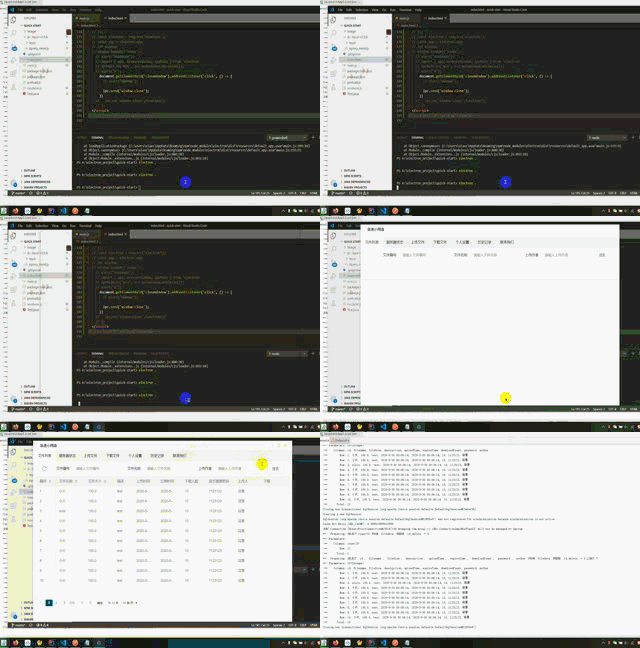
示例:

开源鸿蒙跨平台开发社区汇聚开发者与厂商,共建“一次开发,多端部署”的开源生态,致力于降低跨端开发门槛,推动万物智联创新。
更多推荐
 0
0 0
0- 0


 已为社区贡献3条内容

所有评论(0)