qt-C++笔记之QProcess
此代码省略了错误处理和信号/槽连接,适用于简单的同步命令执行。如果你想要异步处理或更复杂的错误处理,你需要采用第一个例子中的更详细的方法。代码应该具有清晰的命名,详细的注释,以及适当的输出信息。
qt-C++笔记之QProcess
code review!
文章目录
- qt-C++笔记之QProcess

零.示例:QProcess执行不带参数的系统命令ls并打印出结果
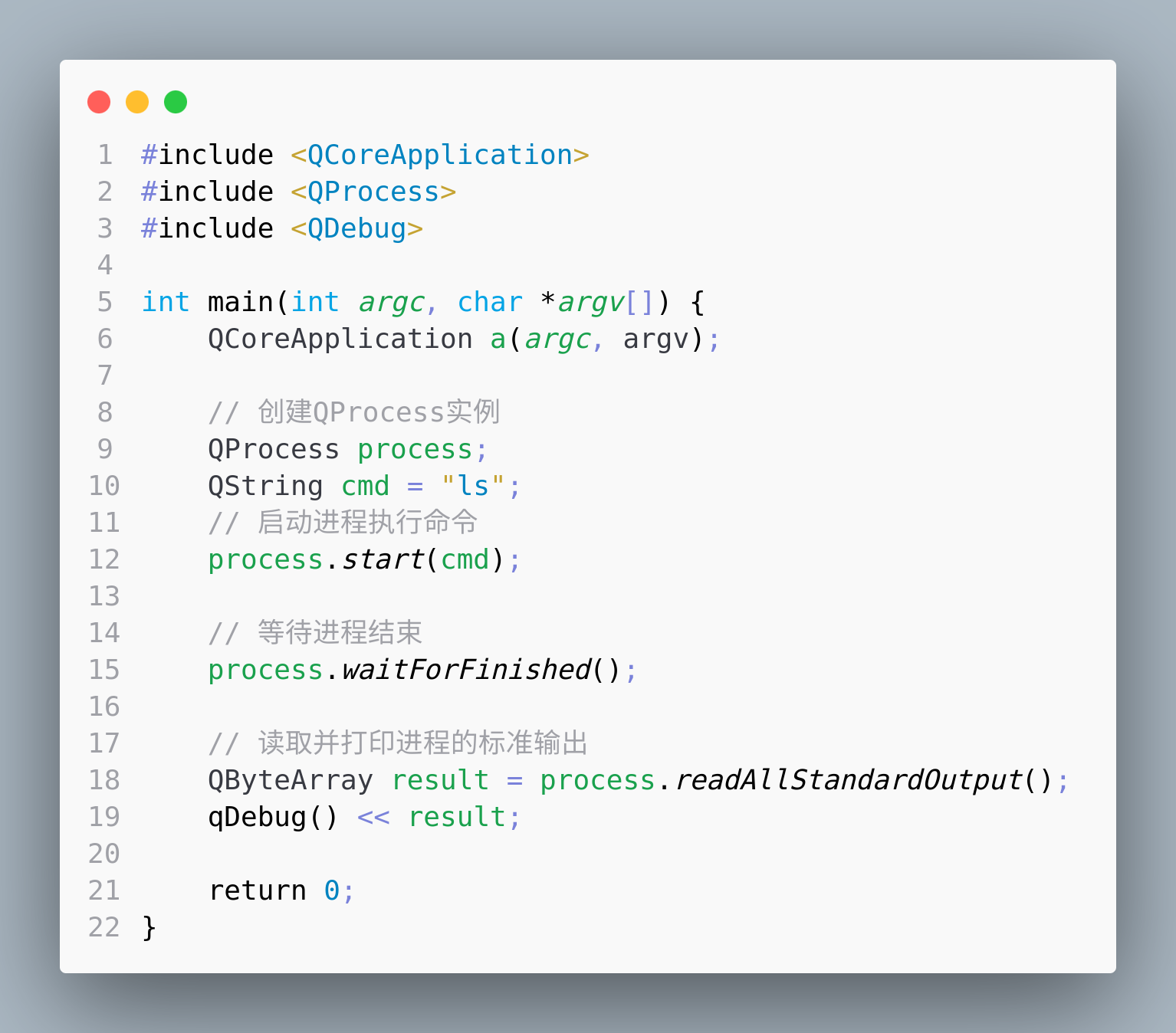
代码
#include <QCoreApplication>
#include <QProcess>
#include <QDebug>

int main(int argc, char *argv[]) {
    QCoreApplication a(argc, argv);

    // 创建QProcess实例
    QProcess process;
    QString cmd = "ls";
    // 启动进程执行命令
    process.start(cmd);

    // 等待进程结束
    process.waitForFinished();

    // 读取并打印进程的标准输出
    QByteArray result = process.readAllStandardOutput();
    qDebug() << result;

    return 0;
}
一.示例:QProcess执行带参数的系统命令ls -l命令并打印出结果
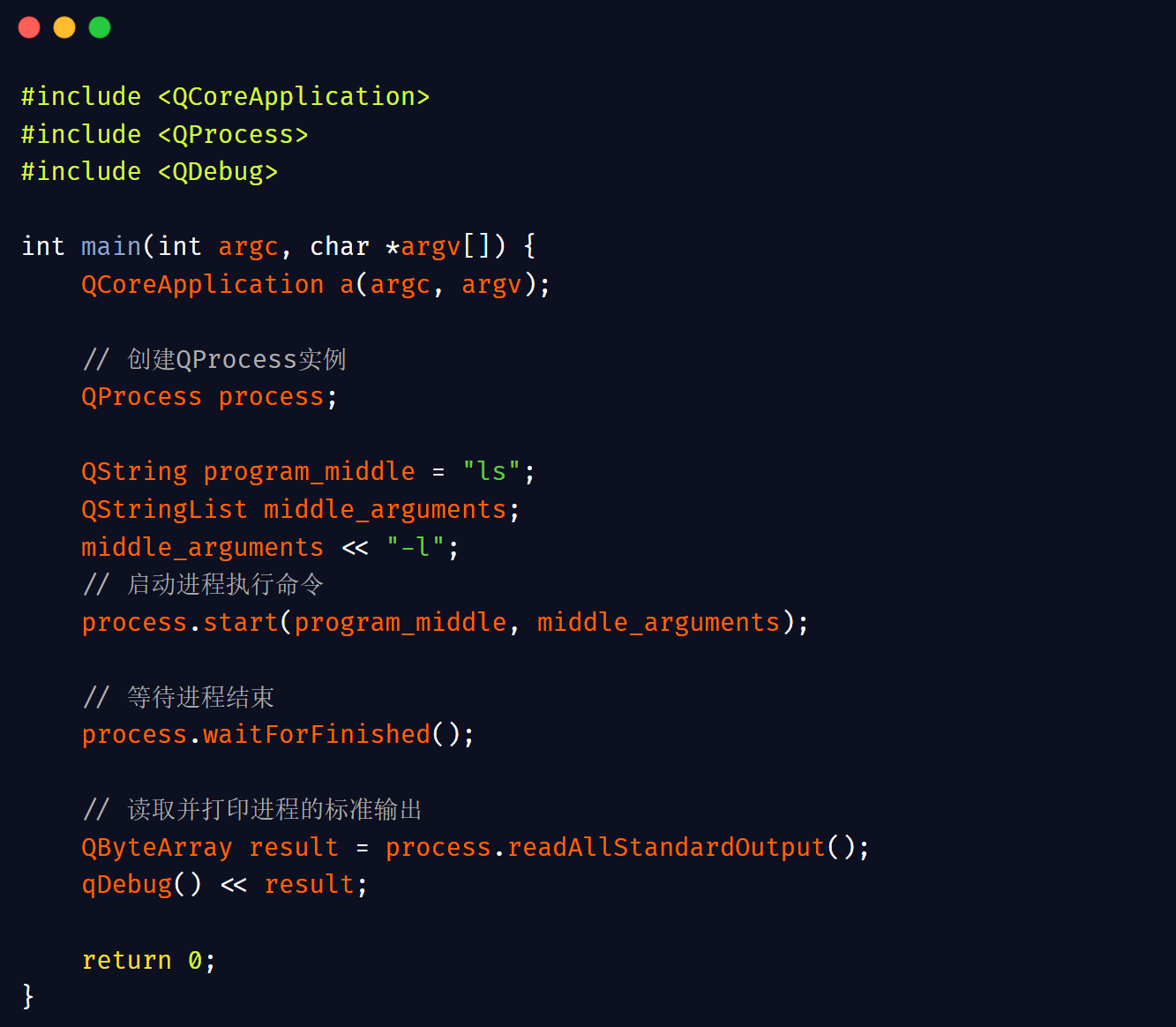
代码
#include <QCoreApplication>
#include <QProcess>
#include <QDebug>

int main(int argc, char *argv[]) {
    QCoreApplication a(argc, argv);

    // 创建QProcess实例
    QProcess process;

    QString program_middle = "ls";
    QStringList middle_arguments;
    middle_arguments << "-l";
    // 启动进程执行命令
    process.start(program_middle, middle_arguments);

    // 等待进程结束
    process.waitForFinished();

    // 读取并打印进程的标准输出
    QByteArray result = process.readAllStandardOutput();
    qDebug() << result;

    return 0;
}
or
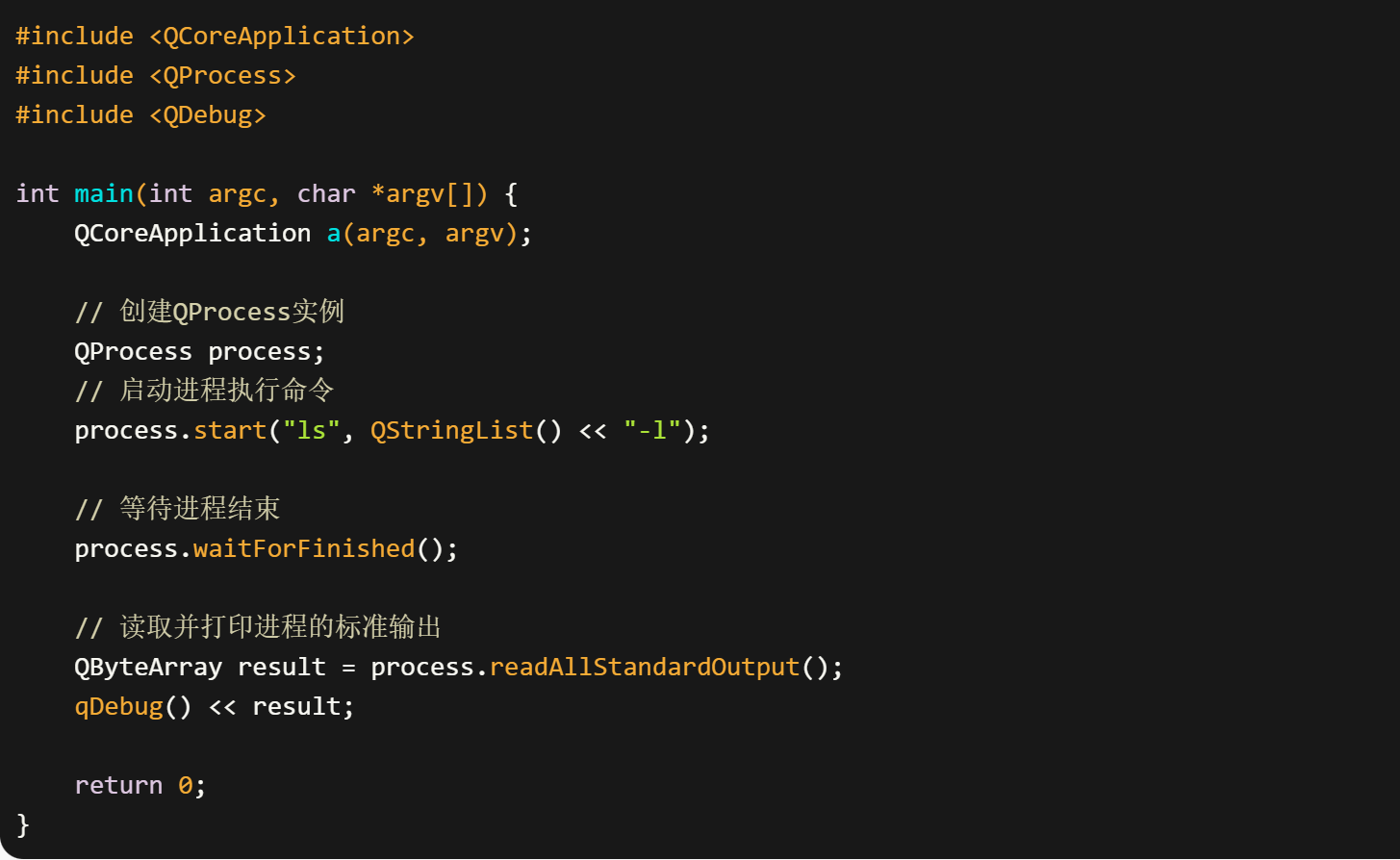
代码
#include <QCoreApplication>
#include <QProcess>
#include <QDebug>

int main(int argc, char *argv[]) {
    QCoreApplication a(argc, argv);

    // 创建QProcess实例
    QProcess process;
    // 启动进程执行命令
    process.start("ls", QStringList() << "-l");

    // 等待进程结束
    process.waitForFinished();

    // 读取并打印进程的标准输出
    QByteArray result = process.readAllStandardOutput();
    qDebug() << result;

    return 0;
}
说明
这个简短的示例中:
- 创建了
QProcess对象。 - 使用
start方法执行了ls -l命令。 - 使用
waitForFinished方法等待命令执行完成(请注意,这会阻塞,直到外部命令执行完成)。 - 读取了命令的标准输出,并使用
qDebug打印到控制台。
此代码省略了错误处理和信号/槽连接,适用于简单的同步命令执行。如果你想要异步处理或更复杂的错误处理,你需要采用第一个例子中的更详细的方法。
二.示例:QProcess执行带参数的系统命令ls -l /home命令并打印出结果,代码进一步丰富
代码应该具有清晰的命名,详细的注释,以及适当的输出信息。下面是修改后的示例:
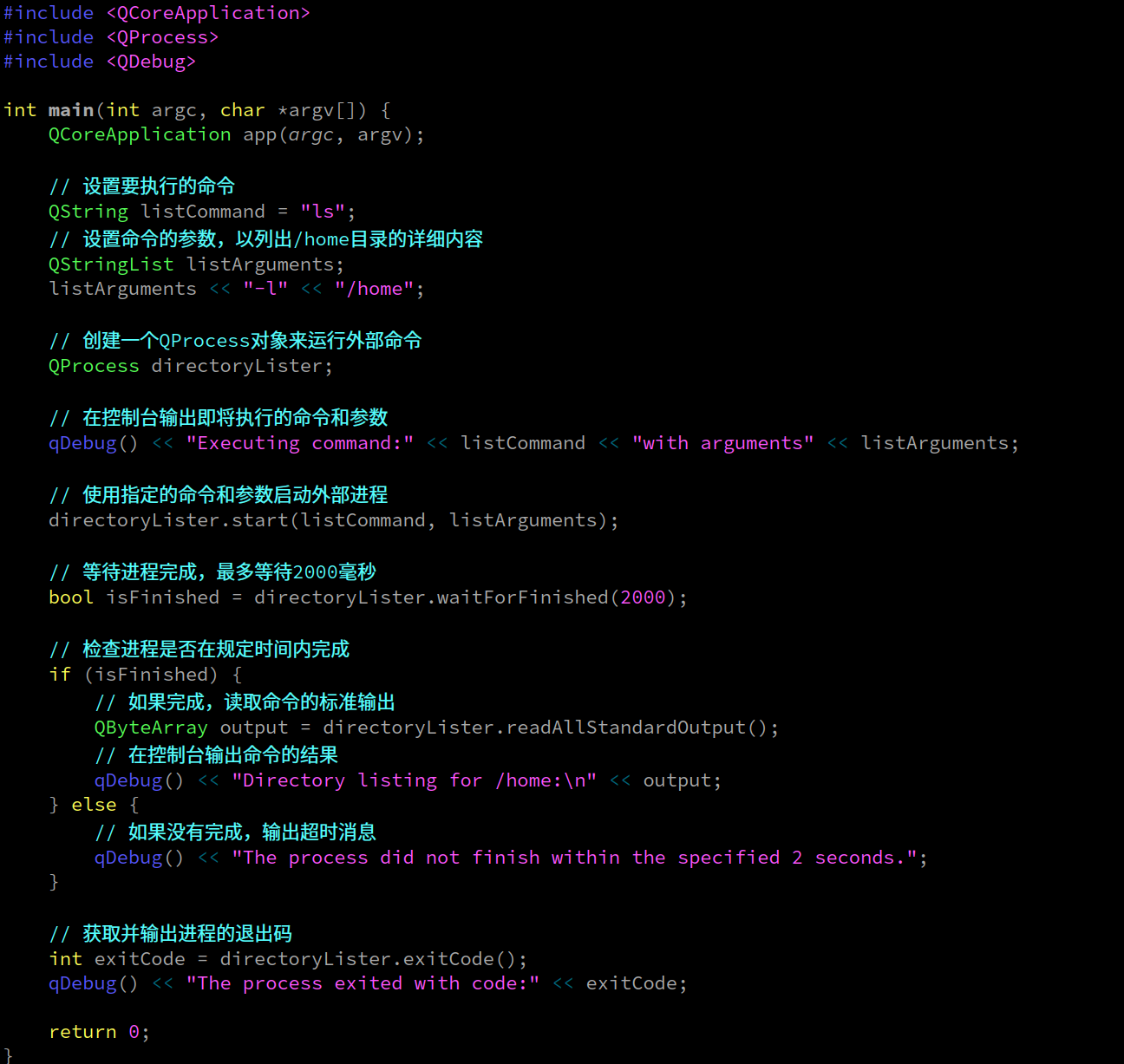
代码
#include <QCoreApplication>
#include <QProcess>
#include <QDebug>

int main(int argc, char *argv[]) {
    QCoreApplication app(argc, argv);

    // 设置要执行的命令
    QString listCommand = "ls";
    // 设置命令的参数,以列出/home目录的详细内容
    QStringList listArguments;
    listArguments << "-l" << "/home";

    // 创建一个QProcess对象来运行外部命令
    QProcess directoryLister;

    // 在控制台输出即将执行的命令和参数
    qDebug() << "Executing command:" << listCommand << "with arguments" << listArguments;

    // 使用指定的命令和参数启动外部进程
    directoryLister.start(listCommand, listArguments);

    // 等待进程完成,最多等待2000毫秒
    bool isFinished = directoryLister.waitForFinished(2000);

    // 检查进程是否在规定时间内完成
    if (isFinished) {
        // 如果完成,读取命令的标准输出
        QByteArray output = directoryLister.readAllStandardOutput();
        // 在控制台输出命令的结果
        qDebug() << "Directory listing for /home:\n" << output;
    } else {
        // 如果没有完成,输出超时消息
        qDebug() << "The process did not finish within the specified 2 seconds.";
    }

    // 获取并输出进程的退出码
    int exitCode = directoryLister.exitCode();
    qDebug() << "The process exited with code:" << exitCode;

    return 0;
}
在这个修改后的代码中:
- 变量
app代替了a,表示这是一个应用程序的实例。 - 变量
listCommand和listArguments直观地表示了将被执行的命令及其参数。 - 对象
directoryLister表示一个能够列出目录内容的进程。 - 注释详细描述了代码的每一个部分,帮助理解每一行代码的作用。
- 输出信息采用了更加清晰和教育性的语言,适合教科书风格。
三.示例:使用 QProcess 在 Qt 中执行 Bash 脚本并处理参数
1.运行
2.文件结构

3.cmd.sh
#!/bin/bash
# 这个脚本接受一个目录作为参数,并列出其内容

DIR=$1

if [ -z "$DIR" ]; then
    echo "Usage: $0 <directory>"
    exit 1
fi

ls $DIR
4.main.cpp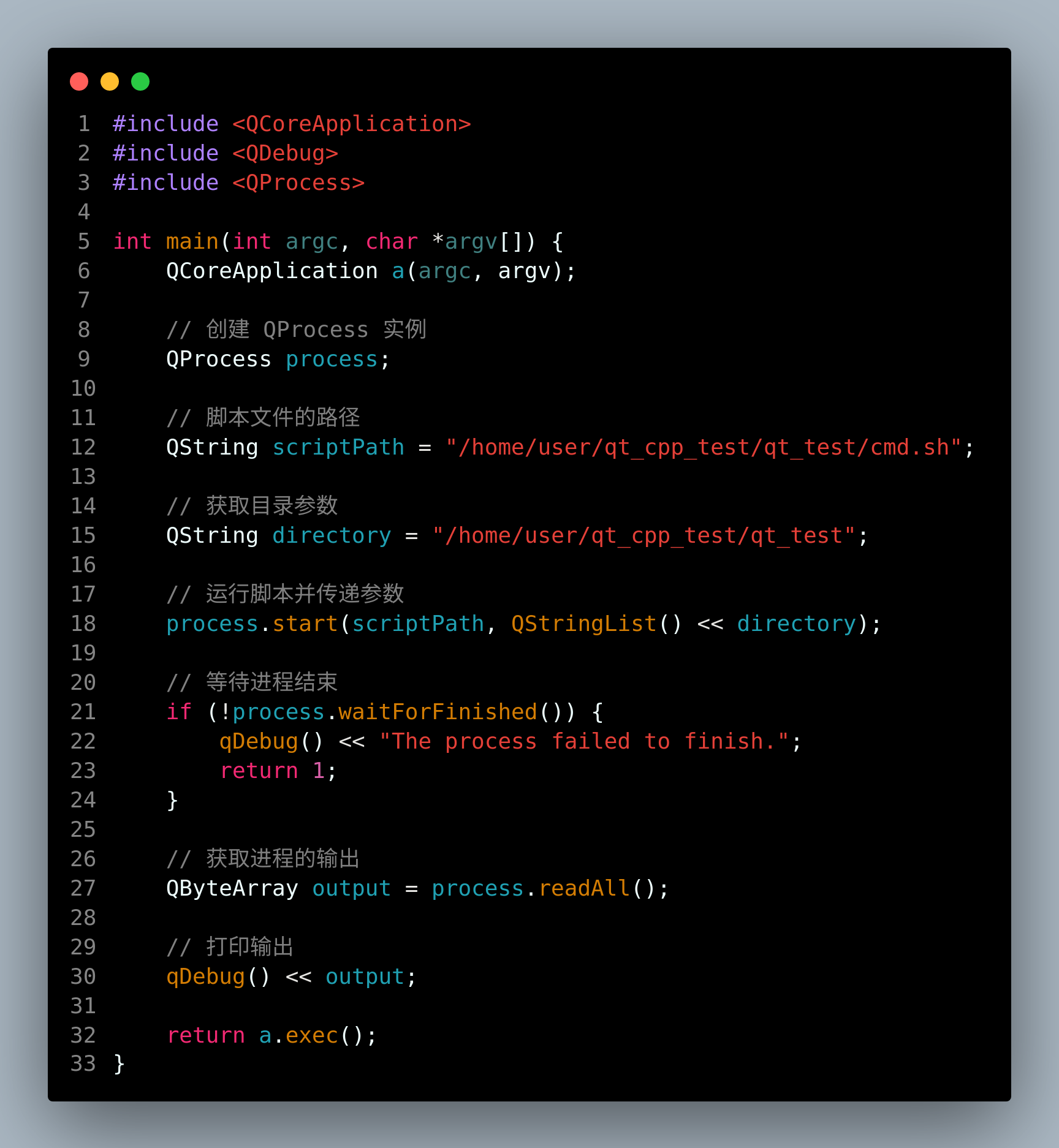
代码
#include <QCoreApplication>
#include <QDebug>
#include <QProcess>

int main(int argc, char *argv[]) {
    QCoreApplication a(argc, argv);

    // 创建 QProcess 实例
    QProcess process;

    // 脚本文件的路径
    QString scriptPath = "/home/user/qt_cpp_test/qt_test/cmd.sh";

    // 获取目录参数
    QString directory = "/home/user/qt_cpp_test/qt_test";

    // 运行脚本并传递参数
    process.start(scriptPath, QStringList() << directory);

    // 等待进程结束
    if (!process.waitForFinished()) {
        qDebug() << "The process failed to finish.";
        return 1;
    }

    // 获取进程的输出
    QByteArray output = process.readAll();

    // 打印输出
    qDebug() << output;

    return a.exec();
}
5.qt_test.pro
QT += widgets core
TARGET = qt_test
TEMPLATE = app
SOURCES += main.cpp
四.QProcess的state()方法:返回当前进程的状态
QProcess 类提供了一个 state() 方法,它返回当前进程的状态。这个状态是一个枚举类型 QProcess::ProcessState,包含以下几种状态:
QProcess::NotRunning: 进程未运行。QProcess::Starting: 进程正在启动。QProcess::Running: 进程正在运行。
示例代码:
QProcess process;
process.start("somecommand");

if (process.state() == QProcess::Running) {
    qDebug() << "进程正在运行";
} else if (process.state() == QProcess::NotRunning) {
    qDebug() << "进程未运行或已完成";
}
五.QProcess的waitForFinished()方法:阻塞当前线程,直到被监控的进程结束或给定的超时时间到达
QProcess 的 waitForFinished() 方法在 Qt 中用于阻塞当前线程,直到被监控的进程结束或给定的超时时间到达。此方法有几种不同的调用方式,可以接受不同类型的参数来影响其行为。下面是一个详细的比较表格,描述了 waitForFinished() 在不同参数下的行为:
| 方法调用 | 超时参数意义 | 行为描述 | 返回值意义 |
|---|---|---|---|
waitForFinished() |
默认值 -1,无超时 | 方法会一直等待直到进程结束。这是无限等待,只有进程结束后才返回。 | 如果进程结束,返回 true;如果进程因为错误而终止,也返回 true。 |
waitForFinished(-1) |
明确指定 -1,同上 | 行为与 waitForFinished() 完全相同,即无限等待直到进程结束。 |
同上 |
waitForFinished(0) |
超时时间为0毫秒 | 函数会立即检查进程是否已结束,不进行任何等待。 | 如果调用时进程已结束,返回 true;否则返回 false。 |
waitForFinished(2) |
超时时间为2毫秒 | 函数会等待最多2毫秒。如果进程在这2毫秒内结束,则返回 true,否则返回 false。 |
同上 |
waitForFinished(1000) |
超时时间为1000毫秒(1秒) | 函数会等待最多1秒。如果进程在这1秒内结束,则返回 true,如果1秒后进程仍在运行,则返回 false。 |
同上 |
waitForFinished(30000) |
超时时间为30000毫秒(30秒) | 函数会等待最多30秒。如果进程在这30秒内结束,则返回 true,如果30秒后进程仍在运行,则返回 false。 |
同上 |
六.state() 和 waitForFinished()比较
在 Qt 框架中,QProcess 类用于启动外部程序并与之通信。QProcess 提供了多种方法来管理和监控外部进程的状态。两个常用的方法是 state() 和 waitForFinished()。以下是这两个方法的比较表格,详细阐述了它们的功能、返回值和使用场景:
| 方法 | 描述 | 返回值或类型 | 使用场景 |
|---|---|---|---|
state() |
返回当前进程的状态。 | QProcess::ProcessState 枚举值:NotRunning, Starting, 或 Running |
用于检查进程的当前状态,例如判断进程是否正在运行或已停止。 |
waitForFinished() |
阻塞调用直到进程结束或达到指定的超时时间。 | bool:如果进程在超时时间内结束则返回 true,否则返回 false。 |
当需要确保进程完成后再继续执行当前程序的其他部分时使用。 |
七.ChatGPT讲解
QProcess is a class provided by the Qt framework to start external programs and communicate with them. It can be used to start, terminate, and communicate with external programs using standard input/output or through specific channels.
Here’s an overview of how you might use QProcess in a Qt application:
Including QProcess
Before using QProcess, you need to include the QProcess header:
#include <QProcess>
Creating a QProcess Object
You can create a QProcess object like any other object in Qt:
QProcess *process = new QProcess(parent);
The parent is a pointer to a parent QObject, which takes ownership of the QProcess object, ensuring that it will be deleted when the parent is.
Starting a Process
You can start a process by calling the start method, providing the command and arguments to run:
process->start("executable", QStringList() << "arg1" << "arg2");
Or if you just need to execute a command without arguments:
process->start("executable");
Reading Output
You can read the standard output and error of the process:
QObject::connect(process, &QProcess::readyReadStandardOutput, [=]() {
    QByteArray standardOutput = process->readAllStandardOutput();
    // Process standard output here
});

QObject::connect(process, &QProcess::readyReadStandardError, [=]() {
    QByteArray standardError = process->readAllStandardError();
    // Process standard error here
});
Writing to the Process
You can write to the standard input of the process:
process->write("input data");
Checking if the Process is Running
You can check if the process is still running:
if (process->state() == QProcess::Running) {
    // Process is running
}
Waiting for the Process to Finish
You can wait synchronously for the process to finish:
process->waitForFinished(); // Waits until the process has finished
Terminating the Process
You can terminate the process:
process->terminate(); // Sends a terminate signal
Or kill the process:
process->kill(); // Kills the process immediately
Getting the Exit Status
Once the process has finished, you can get the exit status:
int exitCode = process->exitCode();
QProcess::ExitStatus exitStatus = process->exitStatus();
Example Usage
Here’s a simple example of using QProcess to run a command and print its output:
#include <QCoreApplication>
#include <QProcess>
#include <QDebug>

int main(int argc, char *argv[]) {
    QCoreApplication a(argc, argv);

    QProcess process;
    process.start("ls", QStringList() << "-l" << "/");

    if (!process.waitForStarted()) // Default timeout is 30 seconds
        return 1;

    if (!process.waitForFinished()) // Default timeout is 30 seconds
        return 2;

    qDebug() << process.readAllStandardOutput().trimmed();

    return a.exec();
}
This example runs the ls -l / command, which lists the contents of the root directory in a detailed format, then prints the output. Remember that the waitForStarted() and waitForFinished() methods are blocking calls; in a GUI application, you would typically connect the finished() signal to a slot to handle the process completion asynchronously.

开源鸿蒙跨平台开发社区汇聚开发者与厂商,共建“一次开发,多端部署”的开源生态,致力于降低跨端开发门槛,推动万物智联创新。
更多推荐

 14
14 0
0- 0


 已为社区贡献12条内容

所有评论(0)