electron自定义边框_如何自定义Electron JS BrowserWindow的大小?
electron自定义边框
I will simply show you the basics or what you need to get started, but you can get more from the Electron JS official documentation.
我将仅向您展示基础知识或入门知识,但是您可以从Electron JS官方文档中获得更多信息。
The browser window is that box that displays the user interface of your desktop application where users interact or use it as a platform.
浏览器窗口是一个框,显示您的桌面应用程序的用户界面,用户可以在其中进行交互或将其用作平台。
We are therefore going to see how we can make it either big, small, resizable, fix which can be set using some optional properties of the BrowserWindow main process.
因此,我们将看到如何使它变大,变小,可调整大小,可以使用BrowserWindow主进程的一些可选属性进行设置。
Some of them include;
其中一些包括:
width: sets the width of the window, default is 800.
width :设置窗口的宽度,默认为800。
height: sets the height of the window, default is 600.
height :设置窗口的高度,默认为600。
const electron = require ('electron')

const app = electron.app
const BrowserWindow = electron.BrowserWindow
let mainWindow
app.on ('ready', _ => {
    mainWindow = new BrowserWindow({
        height : 400, // height
        width : 1000, // width
    })

    mainWindow.loadFile('src/index.html')

    mainWindow.on ('closed', _ => {
        console.log ('closed!')
        mainWindow = null
    })
})
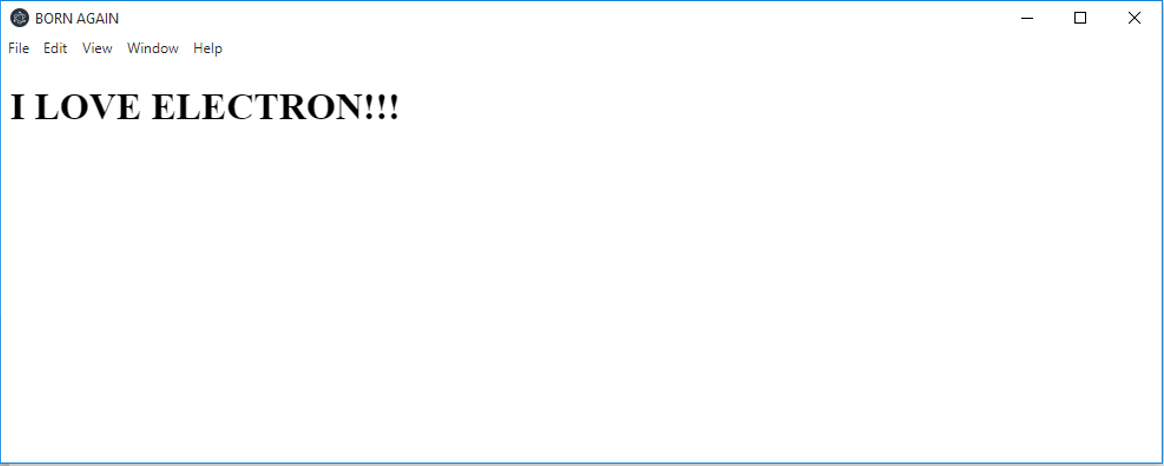
The code below displays a simple index.html file located in the src folder found in the project's directory.
下面的代码显示了一个简单的index.html文件,该文件位于项目目录中的src文件夹中。
Resizable: accepts either true or false and determines if the window can be adjusted by the user. The default is true.
可调整大小 :接受true或false并确定窗口是否可以由用户调整。 默认值为true 。
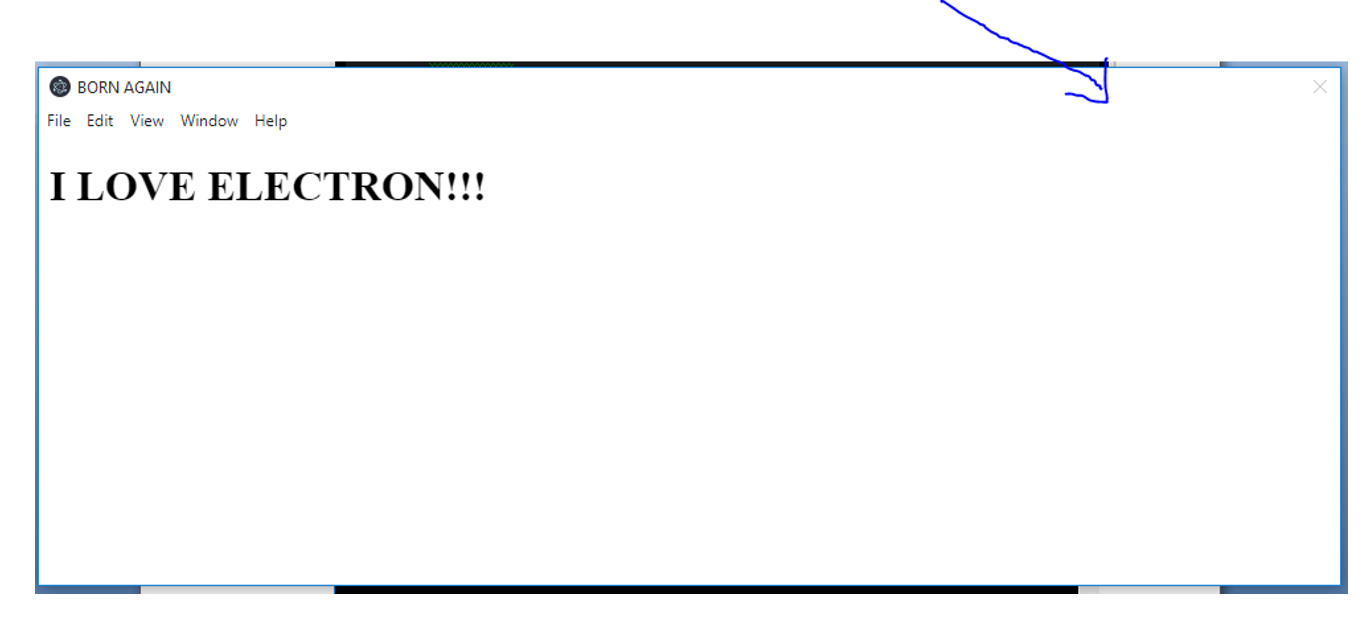
Movable: accepts either true or false and determines if the window can be moved by the user. The default is true. Not implemented on Linux
Movable :接受true或false并确定用户是否可以移动窗口。 默认值为true 。 未在Linux上实现
Minimizable: accepts either true or false and determines if the window can be minimized by the user. The default is true. Not implemented on Linux
最小化 :接受true或false并确定用户是否可以最小化窗口。 默认值为true 。 未在Linux上实现
Maximizable: accepts either true or false and determines if the window can be maximized by the user. The default is true. Not implemented on Linux
最大化 :接受true或false并确定用户是否可以最大化窗口。 默认值为true 。 未在Linux上实现
Closable: accepts either true or false and determines if the window can be closed by the user. The default is true.
Closable :接受true或false,并确定用户是否可以关闭窗口。 默认值为true 。
minWidth: Determines the minimum width of the window. The default is 0.
minWidth :确定窗口的最小宽度。 默认值为0。
minHeight: Determines the minimum height of the window. The default is 0.
minHeight :确定窗口的最小高度。 默认值为0。
const electron = require ('electron')

const app = electron.app
const BrowserWindow = electron.BrowserWindow
let mainWindow
app.on ('ready', _ => {
    mainWindow = new BrowserWindow({
        height : 400,
        width : 1000,
        movable : false,
        minimizable : false,
        maximizable : false,
        closable :false
    })

    mainWindow.loadFile('src/index.html')

    mainWindow.on ('closed', _ => {
        console.log ('closed!')
        mainWindow = null
    })
})
翻译自: https://www.includehelp.com/electron-js/customize-the-size-of-an-electron-js-browserwindow.aspx
electron自定义边框

开源鸿蒙跨平台开发社区汇聚开发者与厂商,共建“一次开发,多端部署”的开源生态,致力于降低跨端开发门槛,推动万物智联创新。
更多推荐
 0
0 0
0- 0


 已为社区贡献10条内容

所有评论(0)