记录篇:Flutter 的一些Bug
·
目录
3、onTap: () => _getImage()跟onTap: _getImage()区别
1、报错 没有SwiftyStoreKit
使用插件时报错 没有SwiftyStoreKit
在
ios/.symlinks/plugins/插件名字/ios/hashtags_iap.podspec
中加入
s.dependency 'SwiftyStoreKit'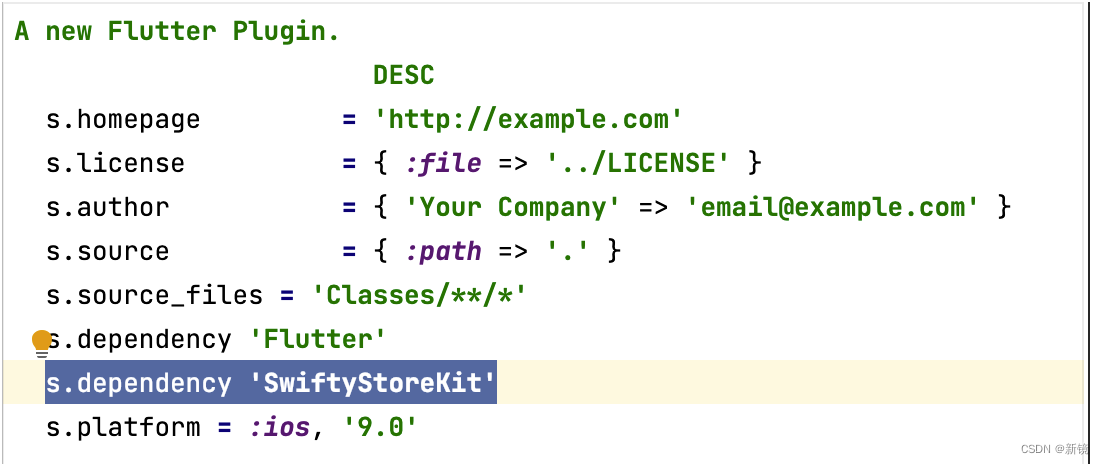
2、使用ScreenUtil报各种fragment的错
在main_page中编写了ScreenUtilInit(
designSize: const Size(375,667),
builder: (BuildContext context, Widget? child) {
return GetMaterialApp(
之后,在其他page也写了就会报各种fragment的错。
3、onTap: () => _getImage()跟onTap: _getImage()区别
1、onTap: () => _getImage()跟2、onTap: _getImage(),区别:1表示对是点击后对响应事件,2、是再运行时就会执行,而不是响应点击事件
4、修复图片权限为无时依然跳转页面
出错代码如下:
_getImage() async {
  var res = await ImageUtils.getPhotoFromPhone();
  debugPrint(res.toString());
  if (res is Error) {
    AppUtils.showToast(
        message:
            'Please go to the settings to open the app image access permission...');
  } else {
    if (res == null) {
      AppUtils.showToast(
          message:
          'You did not choose a picture...');
    }
    else {
      setState(() {
        _path = res.toString();
      });
    }
  }
}
修改后
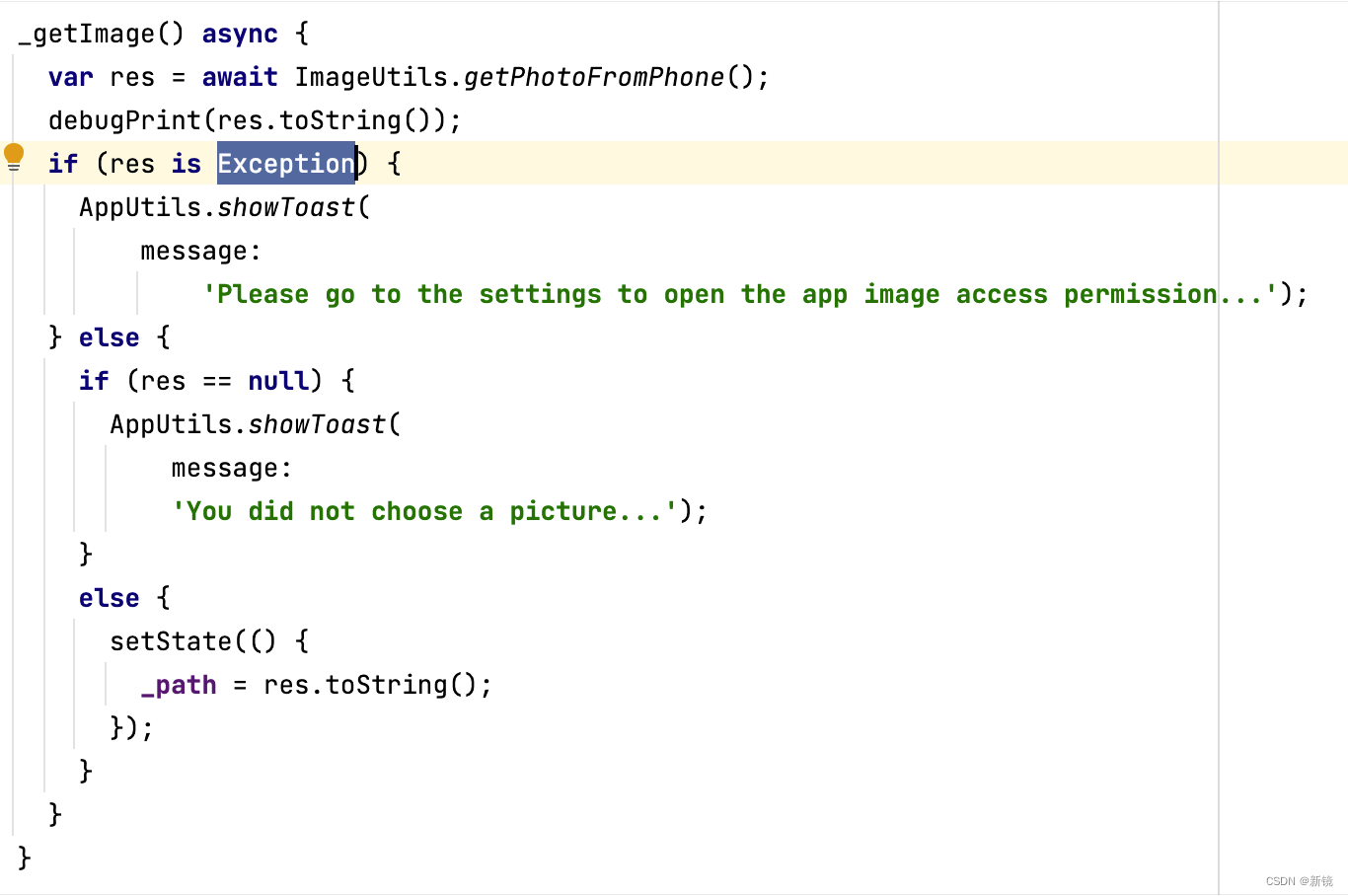
原因分析:Exception与Error之间是Exception包含Error,没有访问权限抛出的是platformException,所以res is Error返回的是false,依然会执行else处的代码,因为没有选择图片,所以_path为null,没有图片。

开源鸿蒙跨平台开发社区汇聚开发者与厂商,共建“一次开发,多端部署”的开源生态,致力于降低跨端开发门槛,推动万物智联创新。
更多推荐


 0
0 0
0- 0


 已为社区贡献3条内容

所有评论(0)