Flutter Container 宽度随内容变化,限制最大宽度,聊天气泡
如图片效果代码Row(mainAxisSize: MainAxisSize.min,children: <Widget>[Expanded(child: SizedBox()),Container(alignment: Alignment.centerRight,decoration: BoxDecoration(border: Border.
·
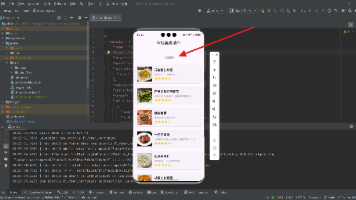
如图片效果
代码
Row(
      mainAxisSize: MainAxisSize.min,
      children: <Widget>[
        Expanded(child: SizedBox()),
        Container(
            alignment: Alignment.centerRight,
            decoration: BoxDecoration(
                border: Border.all(color: Colors.black12, width: 0.5),
                borderRadius: BorderRadius.all(Radius.circular(5.0))),
            padding: EdgeInsets.all(5.0),
            margin: EdgeInsets.fromLTRB(50.0, 10.0, 10.0, 10.0),
            child: ConstrainedBox(
              constraints: BoxConstraints(maxWidth: 200.0,),
              child: Text(
                msg.msgText,
                softWrap: true,
              ),
            ))
      ],
    )
虽然 Container 提供了 constraints 设置,但是设置完会发现并不能做到自适应,宽度会一直固定在 maxWidth ,想要自适应宽度就不行了,在字数少的情况下,宽度使用 maxWidth 不符合逻辑。
最后使用 ConstrainedBox 完美解决

开源鸿蒙跨平台开发社区汇聚开发者与厂商,共建“一次开发,多端部署”的开源生态,致力于降低跨端开发门槛,推动万物智联创新。
更多推荐
 5
5 0
0- 0


 已为社区贡献11条内容

所有评论(0)