flutter(5):在linux xubuntu 下安装解决Android Studio 连接不上虚拟设备问题,给当前账号授权,解决 /dev/kvm权限问题
目录前言1,关于flutter2,给 当前账号增加 sudo 权限3,总结前言相关arduino全部分类:https://blog.csdn.net/freewebsys/category_8957746.html本文的原文连接是:https://blog.csdn.net/freewebsys/article/details/104244090未经博主允许不得转载。博主地址是...
前言
相关arduino 全部分类:
https://blog.csdn.net/freewebsys/category_8957746.html
本文的原文连接是:
https://blog.csdn.net/freewebsys/article/details/104244090
未经博主允许不得转载。
博主地址是:http://blog.csdn.net/freewebsys
1,关于flutter
No connected devices found; please connect a device, or see flutter.io/setup 。 。。
emulator: ERROR: x86_64 emulation currently requires hardware acceleration!
Please ensure KVM is properly installed and usable. CPU acceleration status:
This user doesn't have permissions to use KVM (/dev/kvm) More info on configuring VM acceleration on Linux:

https://developer.android.com/studio/run/emulator-acceleration#vm-linux General information on acceleration:

https://developer.android.com/studio/run/emulator-acceleration.
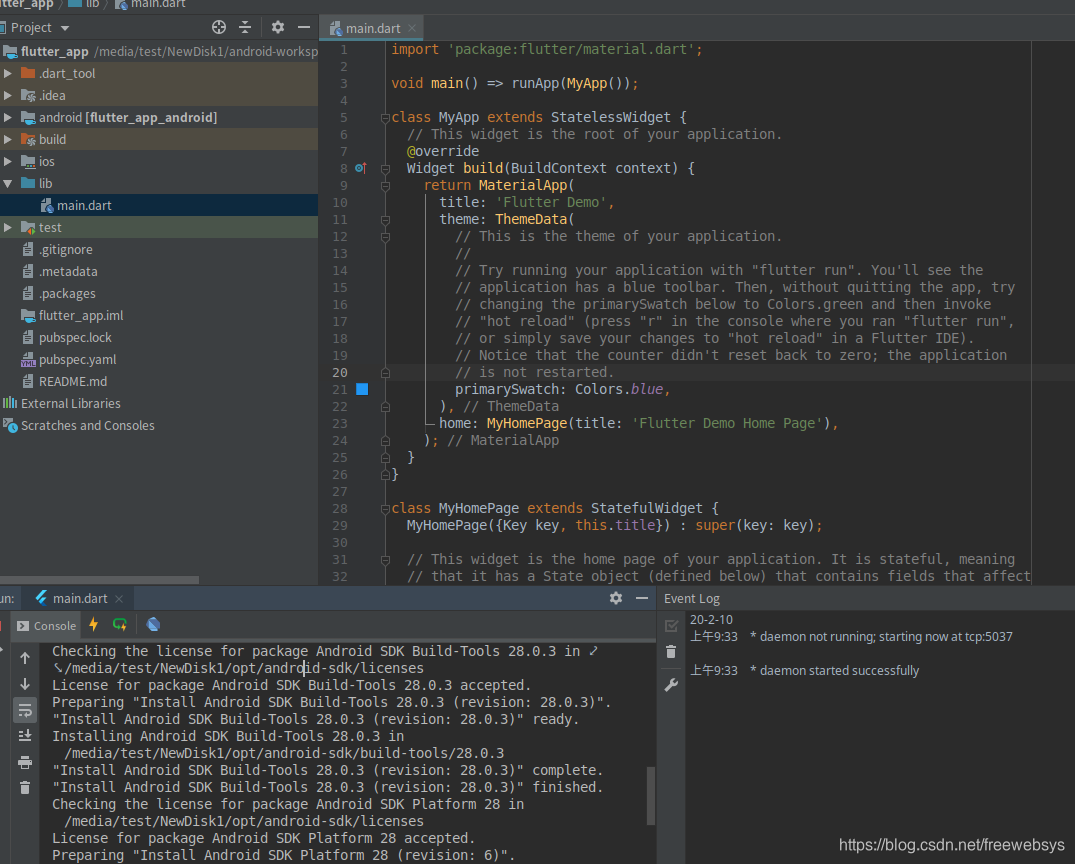
按照上回,Android Studio SDK 配置,和 flutter 配置都弄好了。
但是IDE 上连接不到 虚拟设备上。重启各种办法都实验了发现就是权限不对。
2,给 当前账号增加 sudo 权限
还是权限问题,不能访问设备。test 是我的账号。
在 /etc/sudoers.d/ 目录增加一个 文件 比如 testUser
然后增加内容:
test ALL = (ALL) ALL
重启电脑,启动 avd ,再给设备授权:(最后加到启动脚本上每次重启电脑都需要操作。)
sudo chown test:test /dev/kvm
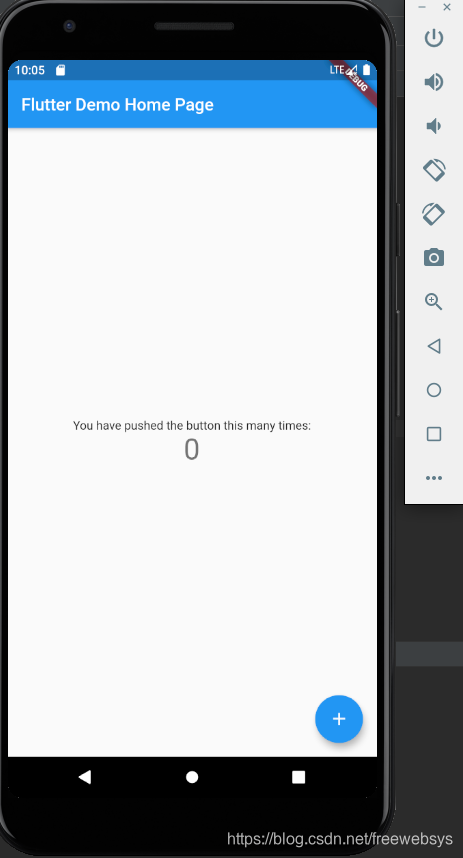
然后就可以启动成功了!
3,总结
flutter 现在已经非常的成熟了,都1.12 了。
Android Studio 设备也是非常好用了,在 linux 上面也会有些 windows 上遇不到的问题。
通过一些简单的权限配置可以解决了。!
本文的原文连接是:
https://blog.csdn.net/freewebsys/article/details/104244090


开源鸿蒙跨平台开发社区汇聚开发者与厂商,共建“一次开发,多端部署”的开源生态,致力于降低跨端开发门槛,推动万物智联创新。
更多推荐

 0
0 0
0- 0


 已为社区贡献4条内容

所有评论(0)