Flutter 动画容器 AnimatedContainer
在这里我和身边一些朋友特意整理了一份快速进阶为Android高级工程师的系统且全面的学习资料。涵盖了Android初级——Android高级架构师进阶必备的一些学习技能。附上:我们之前因为秋招收集的二十套一二线互联网公司Android面试真题(含BAT、小米、华为、美团、滴滴)和我自己整理Android复习笔记(包含Android基础知识点、Android扩展知识点、Android源码解析、设计模
);
}
Cubic easeIn = Cubic(0.42, 0.0, 1.0, 1.0)
缓慢开始、快速结束曲线动画


Curves.easeIn
@override
Widget build(BuildContext context) {
return MaterialApp(
home: Scaffold(
body: GestureDetector(
onTap: () {
setState(() {
selected = !selected;
});
},
child: Center(
child: AnimatedContainer(
width: selected ? 200.0 : 100.0,
height: selected ? 100.0 : 200.0,
color: selected ? Colors.red : Colors.blue,
duration: Duration(seconds: 2),
curve: Curves.easeIn,
child: Text(‘’),
),
),
),
),
);
}
Cubic easeOut = Cubic(0.0, 0.0, 0.58, 1.0)
立方体动画曲线,开始快,结束慢


Curves.easeOut
@override
Widget build(BuildContext context) {
return MaterialApp(
home: Scaffold(
body: GestureDetector(
onTap: () {
setState(() {
selected = !selected;
});
},
child: Center(
child: AnimatedContainer(
width: selected ? 200.0 : 100.0,
height: selected ? 100.0 : 200.0,
color: selected ? Colors.red : Colors.blue,
duration: Duration(seconds: 2),
curve: Curves.easeOut,
child: Text(‘’),
),
),
),
),
);
}
Cubic easeInOut = Cubic(0.42, 0.0, 0.58, 1.0)
开始缓慢,加速,然后缓慢结束的三次动画曲线


Curves.easeInOut
AnimatedContainer(
width: selected ? 200.0 : 100.0,
height: selected ? 100.0 : 200.0,
color: selected ? Colors.red : Colors.blue,
duration: Duration(seconds: 2),
curve: Curves.easeInOut,
child: Text(‘’),
),
Cubic easeInExpo = Cubic(0.95, 0.05, 0.795, 0.035)
立方体动画曲线开始缓慢,结束迅速


Curves.easeInExpo
AnimatedContainer(
width: selected ? 200.0 : 100.0,
height: selected ? 100.0 : 200.0,
color: selected ? Colors.red : Colors.blue,
duration: Duration(seconds: 2),
curve: Curves.easeInExpo,
child: Text(‘’),
),
Cubic easeInCubic = Cubic(0.55, 0.055, 0.675, 0.19)
立方体动画曲线开始缓慢,结束迅速


Curves.easeInCubic
AnimatedContainer(
width: selected ? 200.0 : 100.0,
height: selected ? 100.0 : 200.0,
color: selected ? Colors.red : Colors.blue,
duration: Duration(seconds: 2),
curve: Curves.easeInCubic,
child: Text(‘’),
),
Matrix4.rotationZ(selected?50.0:0.0)
绕Z轴旋转


Matrix4.rotationZ
AnimatedContainer(
width: 200.0,
height: 100.0,
color: selected ? Colors.red : Colors.blue,
duration: Duration(seconds: 2),
curve: Curves.easeInCubic,
transform: Matrix4.rotationZ(selected ? -90.0 : 0.0),
child: Text(‘’),
),
Matrix4.rotationX(selected ? 10.0 : 0.0)
绕X轴旋转


Matrix4.rotationX
AnimatedContainer(
width: 200.0,
height: 100.0,
color: selected ? Colors.red : Colors.blue,
duration: Duration(seconds: 2),
curve: Curves.easeInCubic,
transform: Matrix4.rotationX(selected ? 10.0 : 0.0),
child: Text(‘’),
),
Matrix4.rotationY(selected ? 10.0 : 0.0)
绕Y轴旋转


Matrix4.rotationY
多个 AnimatedContainer 绕X轴旋转效果

Matrix4.rotationX
var selected = false;
@override
Widget build(BuildContext context) {
return MaterialApp(
home: Scaffold(
body: Center(
child: Stack(
children: [
AnimatedContainer(
width: 200.0,
height: 100.0,
color: selected ? Colors.red : Colors.blue,
duration: Duration(seconds: 1),
curve: Curves.easeInCubic,
alignment: Alignment.center,
transform: Matrix4.rotationX(selected ? 10.0 : 0.0),
child: Text(‘1’),
),
AnimatedContainer(
width: 200.0,
height: 100.0,
color: selected ? Colors.red : Colors.blue,
duration: Duration(seconds: 2),
alignment: Alignment.center,
curve: Curves.easeInCubic,
transform: Matrix4.rotationX(selected ? 10.0 : 0.0),
child: Text(‘2’),
),
AnimatedContainer(
width: 200.0,
height: 100.0,
color: selected ? Colors.red : Colors.blue,
duration: Duration(seconds: 3),
curve: Curves.easeInCubic,
alignment: Alignment.center,
transform: Matrix4.rotationX(selected ? 10.0 : 0.0),
child: Text(‘3’),
),
AnimatedContainer(
width: 200.0,
height: 100.0,
color: selected ? Colors.red : Colors.blue,
duration: Duration(seconds: 4),
alignment: Alignment.center,
curve: Curves.easeInCubic,
transform: Matrix4.rotationX(selected ? 10.0 : 0.0),
child: Text(‘4’),
),
],
),
),
floatingActionButton: FloatingActionButton(
child: Icon(Icons.play_arrow),
onPressed: () {
setState(() {
selected = !selected;
});
},
),
),
);
}
多个AnimatedContainer组合动画式展开布局

最后
在这里我和身边一些朋友特意整理了一份快速进阶为Android高级工程师的系统且全面的学习资料。涵盖了Android初级——Android高级架构师进阶必备的一些学习技能。
附上:我们之前因为秋招收集的二十套一二线互联网公司Android面试真题(含BAT、小米、华为、美团、滴滴)和我自己整理Android复习笔记(包含Android基础知识点、Android扩展知识点、Android源码解析、设计模式汇总、Gradle知识点、常见算法题汇总。)
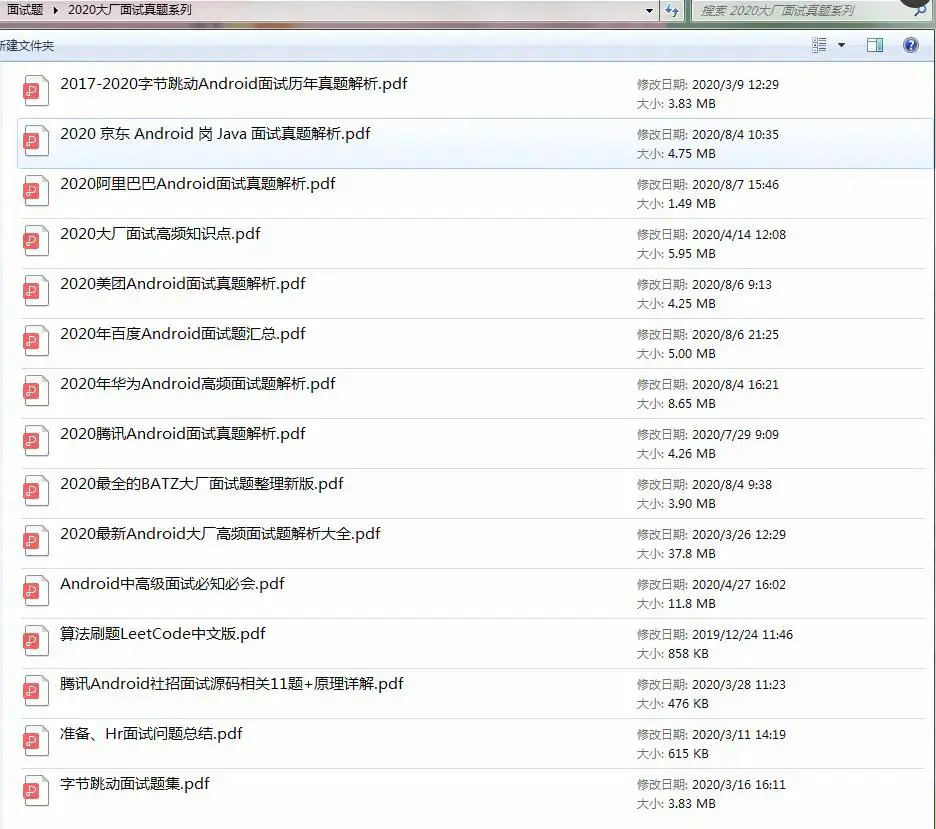
《Android学习笔记总结+移动架构视频+大厂面试真题+项目实战源码》,点击传送门,即可获取!
e(() {
selected = !selected;
});
},
),
),
);
}
多个AnimatedContainer组合动画式展开布局
最后
在这里我和身边一些朋友特意整理了一份快速进阶为Android高级工程师的系统且全面的学习资料。涵盖了Android初级——Android高级架构师进阶必备的一些学习技能。
附上:我们之前因为秋招收集的二十套一二线互联网公司Android面试真题(含BAT、小米、华为、美团、滴滴)和我自己整理Android复习笔记(包含Android基础知识点、Android扩展知识点、Android源码解析、设计模式汇总、Gradle知识点、常见算法题汇总。)
[外链图片转存中…(img-NUYpdx03-1714959897306)]
《Android学习笔记总结+移动架构视频+大厂面试真题+项目实战源码》,点击传送门,即可获取!

开源鸿蒙跨平台开发社区汇聚开发者与厂商,共建“一次开发,多端部署”的开源生态,致力于降低跨端开发门槛,推动万物智联创新。
更多推荐
 12
12 0
0- 0


 已为社区贡献5条内容

所有评论(0)