Flutter:如何使用 CustomPaint 绘制心形(1),头条android面试算法
1.通过扩展CustomPainter类来实现一个画笔:
class MyPainter extends CustomPainter {
// The color of the heart
final Color bodyColor;
// The color of the border of the heart
final Color borderColor;
// The thickness of the border
final double borderWith;
MyPainter(this.bodyColor, this.borderColor, this.borderWith);
@override
void paint(Canvas canvas, Size size) {
// The body of the heart
final Paint body = Paint();
body
…color = bodyColor
…style = PaintingStyle.fill
…strokeWidth = 0;
// The border of the heart
final Paint border = Paint();
border
…color = borderColor
…style = PaintingStyle.stroke
…strokeCap = StrokeCap.round
…strokeWidth = borderWith;
final double width = size.width;
final double height = size.height;
final Path path = Path();
path.moveTo(0.5 * width, height * 0.4);
path.cubicTo(0.2 * width, height * 0.1, -0.25 * width, height * 0.6,
0.5 * width, height);
path.moveTo(0.5 * width, height * 0.4);
path.cubicTo(0.8 * width, height * 0.1, 1.25 * width, height * 0.6,
0.5 * width, height);
canvas.drawPath(path, body);
canvas.drawPath(path, border);
}
2.使用 CustomPaint 小部件和我们之前创建的画家绘制心形:
// Non-border heart
CustomPaint(
size: const Size(280, 260),
painter: MyPainter(Colors.pink, Colors.transparent, 0),
),
// Hearts with borders
CustomPaint(
size: const Size(200, 120),
painter: MyPainter(Colors.purple, Colors.black, 10),
),
CustomPaint(
size: const Size(200, 240),
painter: MyPainter(Colors.red, Colors.redAccent, 5),
),
CustomPaint(
size: const Size(50, 100),
painter: MyPainter(Colors.amber, Colors.indigo, 10),
),
最终代码
这是main.dart中的完整代码,它生成了上面屏幕截图中显示的很酷的心形:
// main.dart
import ‘package:flutter/material.dart’;
void main() {
runApp(const MyApp());
}
class MyApp extends StatelessWidget {
const MyApp({Key? key}) : super(key: key);
@override
Widget build(BuildContext context) {
return MaterialApp(
// Hide the debug banner
debugShowCheckedModeBanner: false,
title: ‘breeze’,
theme: ThemeData(
primarySwatch: Colors.indigo,
),
home: const HomeScreen(),
);
}
}
// Implementing our heart painter
class MyPainter extends CustomPainter {
// The color of the heart
final Color bodyColor;
// The color of the border of the heart
final Color borderColor;
// The thickness of the border
final double borderWith;
MyPainter(this.bodyColor, this.borderColor, this.borderWith);
@override
void paint(Canvas canvas, Size size) {
// The body of the heart
final Paint body = Paint();
body
…color = bodyColor
…style = PaintingStyle.fill
…strokeWidth = 0;
// The border of the heart
final Paint border = Paint();
border
…color = borderColor
…style = PaintingStyle.stroke
…strokeCap = StrokeCap.round
…strokeWidth = borderWith;
final double width = size.width;
final double height = size.height;
final Path path = Path();
path.moveTo(0.5 * width, height * 0.4);
path.cubicTo(0.2 * width, height * 0.1, -0.25 * width, height * 0.6,
0.5 * width, height);
path.moveTo(0.5 * width, height * 0.4);
path.cubicTo(0.8 * width, height * 0.1, 1.25 * width, height * 0.6,
0.5 * width, height);
自我介绍一下,小编13年上海交大毕业,曾经在小公司待过,也去过华为、OPPO等大厂,18年进入阿里一直到现在。
深知大多数初中级Android工程师,想要提升技能,往往是自己摸索成长或者是报班学习,但对于培训机构动则近万的学费,着实压力不小。自己不成体系的自学效果低效又漫长,而且极易碰到天花板技术停滞不前!
因此收集整理了一份《2024年Android移动开发全套学习资料》,初衷也很简单,就是希望能够帮助到想自学提升又不知道该从何学起的朋友,同时减轻大家的负担。
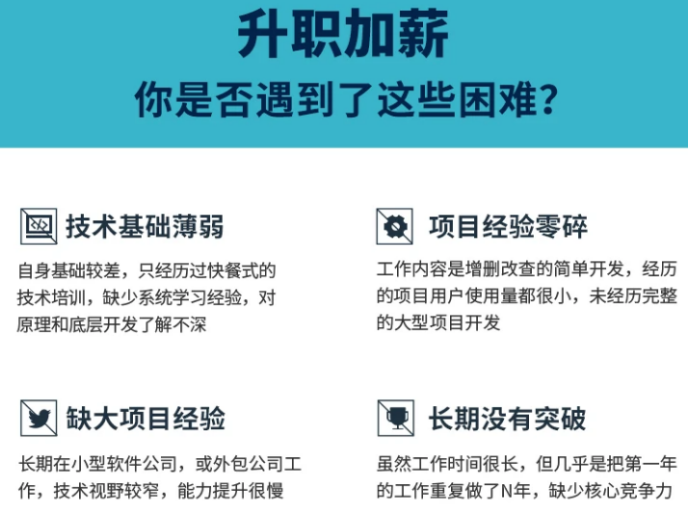
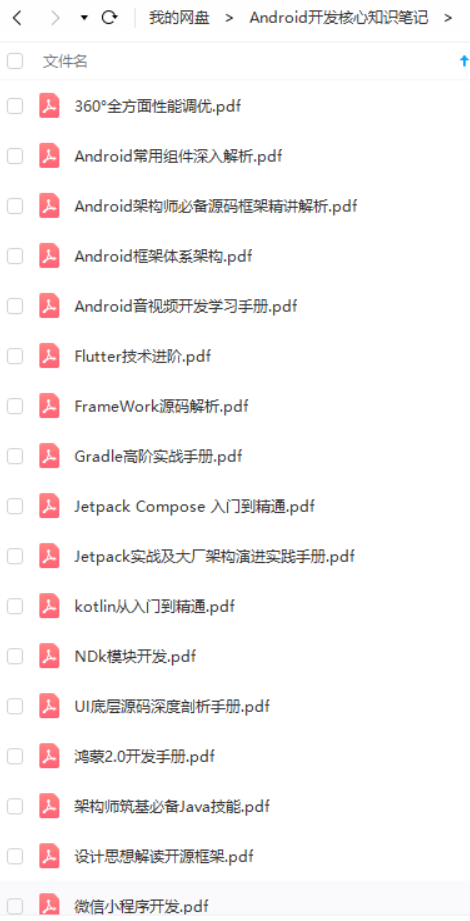

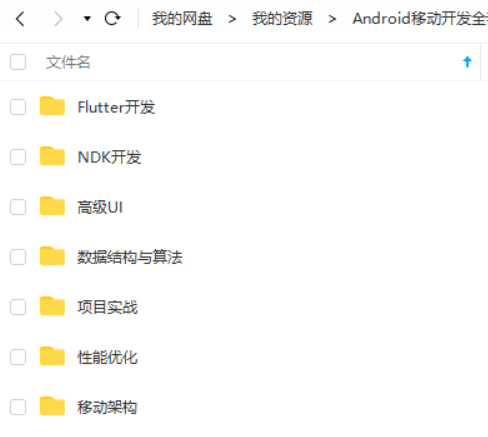
既有适合小白学习的零基础资料,也有适合3年以上经验的小伙伴深入学习提升的进阶课程,基本涵盖了95%以上Android开发知识点,真正体系化!
由于文件比较大,这里只是将部分目录截图出来,每个节点里面都包含大厂面经、学习笔记、源码讲义、实战项目、讲解视频,并且会持续更新!
如果你觉得这些内容对你有帮助,可以扫码获取!!(备注:Android)

总结
最后对于程序员来说,要学习的知识内容、技术有太多太多,要想不被环境淘汰就只有不断提升自己,从来都是我们去适应环境,而不是环境来适应我们!
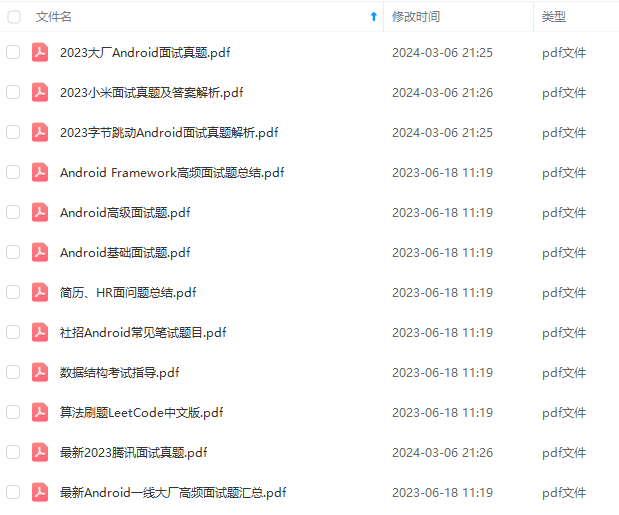
这里附上上述的技术体系图相关的几十套腾讯、头条、阿里、美团等公司2021年的面试题,把技术点整理成了视频和PDF(实际上比预期多花了不少精力),包含知识脉络 + 诸多细节,由于篇幅有限,这里以图片的形式给大家展示一部分。
相信它会给大家带来很多收获:
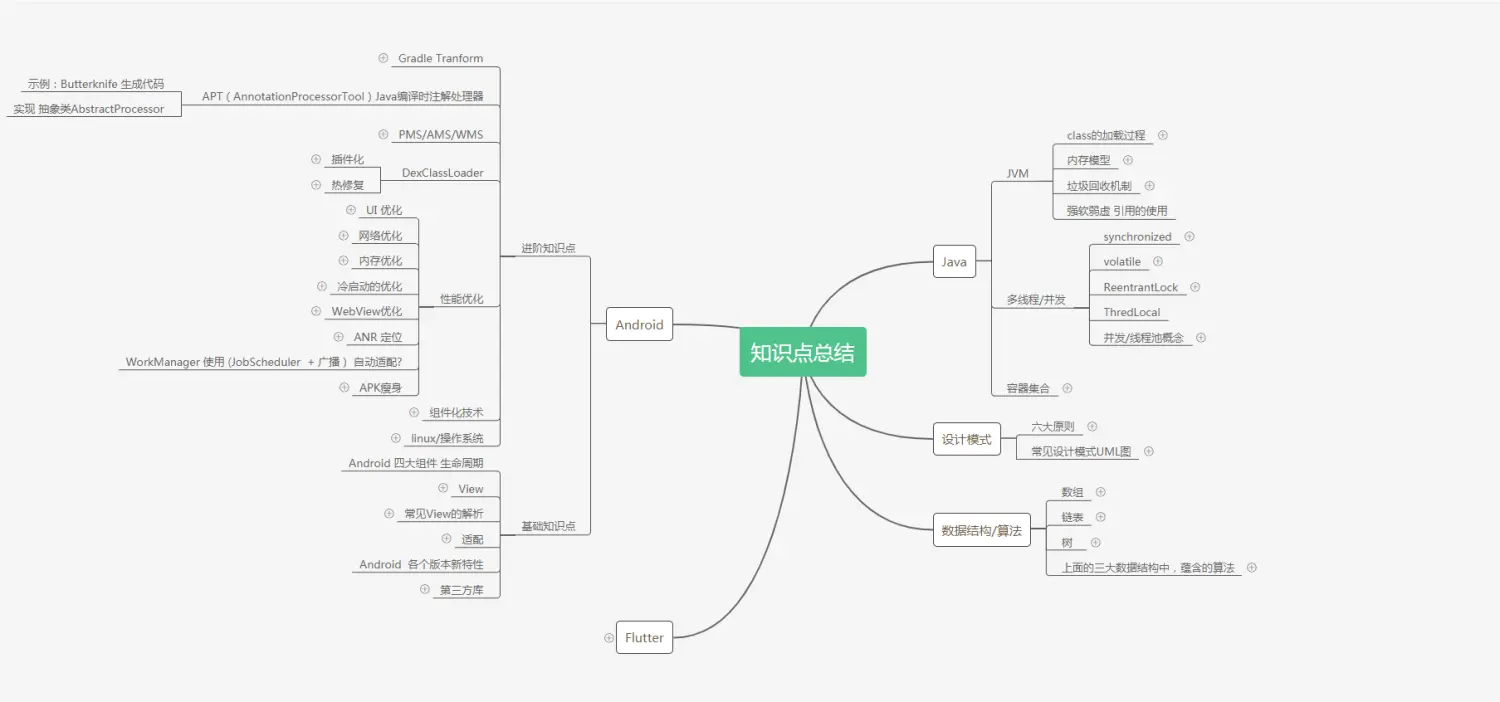
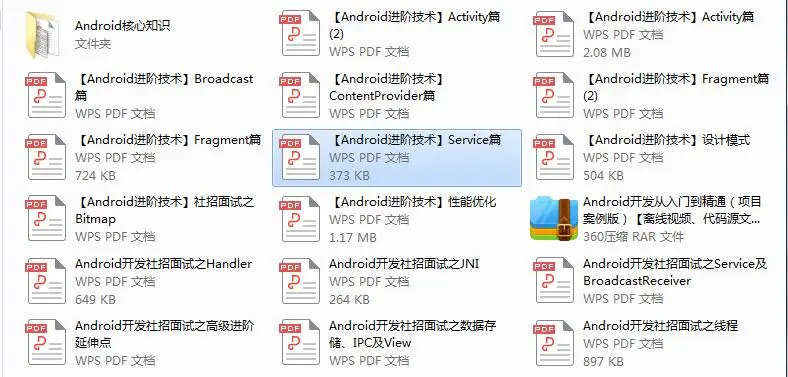
当程序员容易,当一个优秀的程序员是需要不断学习的,从初级程序员到高级程序员,从初级架构师到资深架构师,或者走向管理,从技术经理到技术总监,每个阶段都需要掌握不同的能力。早早确定自己的职业方向,才能在工作和能力提升中甩开同龄人。
《互联网大厂面试真题解析、进阶开发核心学习笔记、全套讲解视频、实战项目源码讲义》点击传送门即可获取!
链图片转存中…(img-pLMRQ9uS-1712536206605)]
[外链图片转存中…(img-iyD4uTNP-1712536206605)]
当程序员容易,当一个优秀的程序员是需要不断学习的,从初级程序员到高级程序员,从初级架构师到资深架构师,或者走向管理,从技术经理到技术总监,每个阶段都需要掌握不同的能力。早早确定自己的职业方向,才能在工作和能力提升中甩开同龄人。
《互联网大厂面试真题解析、进阶开发核心学习笔记、全套讲解视频、实战项目源码讲义》点击传送门即可获取!

开源鸿蒙跨平台开发社区汇聚开发者与厂商,共建“一次开发,多端部署”的开源生态,致力于降低跨端开发门槛,推动万物智联创新。
更多推荐


 5
5 0
0- 0


 已为社区贡献11条内容

所有评论(0)