Flutter之FutureBuilder的学习和使用
FutureBuilder(
future: _calculation, // a previously-obtained Future or null
builder: (BuildContext context, AsyncSnapshot snapshot) {
switch (snapshot.connectionState) {
case ConnectionState.none:
return Text(‘Press button to start.’);
case ConnectionState.active:
case ConnectionState.waiting:
return Text(‘Awaiting result…’);
case ConnectionState.done:
if (snapshot.hasError)
return Text(‘Error: ${snapshot.error}’);
return Text(‘Result: ${snapshot.data}’);
}
return null; // unreachable
},
)
3.实现思路,布局方式
-
网络请求:利用Dio库来请求玩Android的知识体系列表,api:www.wanandroid.com/tree/json
-
序列化json:利用json_serializable来解析返回的json数据
-
布局:加载过程显示CircularProgressIndicator,加载完成把数据显示到ListView中, 加载为空或者加载出错的话,显示相应的提示页面,并可以进行重试请求 一般。我们的列表页面都是有下拉刷新的功能,所以这里就用RefreshIndicator来实现。
4.代码实现
import ‘package:flutter/material.dart’;
import ‘package:dio/dio.dart’;
import ‘entity.dart’;
void main() => runApp(MyApp());
class MyApp extends StatelessWidget {
// This widget is the root of your application.
@override
Widget build(BuildContext context) {
return MaterialApp(
title: ‘Flutter Demo’,
theme: ThemeData(
// This is the theme of your application.
//
// Try running your application with “flutter run”. You’ll see the
// application has a blue toolbar. Then, without quitting the app, try
// changing the primarySwatch below to Colors.green and then invoke
// “hot reload” (press “r” in the console where you ran “flutter run”,
// or simply save your changes to “hot reload” in a Flutter IDE).
// Notice that the counter didn’t reset back to zero; the application
// is not restarted.
primarySwatch: Colors.blue,
),
home: FutureBuilderPage(),
);
}
}
class FutureBuilderPage extends StatefulWidget {
@override
_FutureBuilderPageState createState() => _FutureBuilderPageState();
}
class _FutureBuilderPageState extends State {
Future future;
@override
void initState() {
// TODO: implement initState
super.initState();
future = getdata();
}
@override
Widget build(BuildContext context) {
return new Scaffold(
appBar: new AppBar(
title: new Text(“知识体系”),
actions: [
new IconButton(
icon: Icon(
Icons.search,
color: Colors.white,
),
onPressed: null)
],
),
body: buildFutureBuilder(),
floatingActionButton: new FloatingActionButton(onPressed: () {
setState(() {
//测试futurebuilder是否进行没必要的重绘操作
});
}),
);
}
FutureBuilder<List> buildFutureBuilder() {
return new FutureBuilder<List>(
builder: (context, AsyncSnapshot<List> async) {
//在这里根据快照的状态,返回相应的widget
if (async.connectionState == ConnectionState.active ||
async.connectionState == ConnectionState.waiting) {
return new Center(
child: new CircularProgressIndicator(),
);
}
if (async.connectionState == ConnectionState.done) {
debugPrint(“done”);
if (async.hasError) {
return new Center(
child: new Text(“ERROR”),
);
} else if (async.hasData) {
List list = async.data;
return new RefreshIndicator(
child: buildListView(context, list),
onRefresh: refresh);
}
}
},
future: future,
);
}
buildListView(BuildContext context, List list) {
return new ListView.builder(
itemBuilder: (context, index) {
Data bean = list[index];
StringBuffer str = new StringBuffer();
for (Children children in bean.children) {
str.write(children.name + " ");
}
return new ListTile(
title: new Text(bean.name),
subtitle: new Text(str.toString()),
trailing: new IconButton(
icon: new Icon(
Icons.navigate_next,
color: Colors.grey,
),
onPressed: () {}),
);
},
itemCount: list.length,
);
}
最后
我见过很多技术leader在面试的时候,遇到处于迷茫期的大龄程序员,比面试官年龄都大。这些人有一些共同特征:可能工作了5、6年,还是每天重复给业务部门写代码,工作内容的重复性比较高,没有什么技术含量的工作。问到这些人的职业规划时,他们也没有太多想法。
其实30岁到40岁是一个人职业发展的黄金阶段,一定要在业务范围内的扩张,技术广度和深度提升上有自己的计划,才有助于在职业发展上有持续的发展路径,而不至于停滞不前。
不断奔跑,你就知道学习的意义所在!
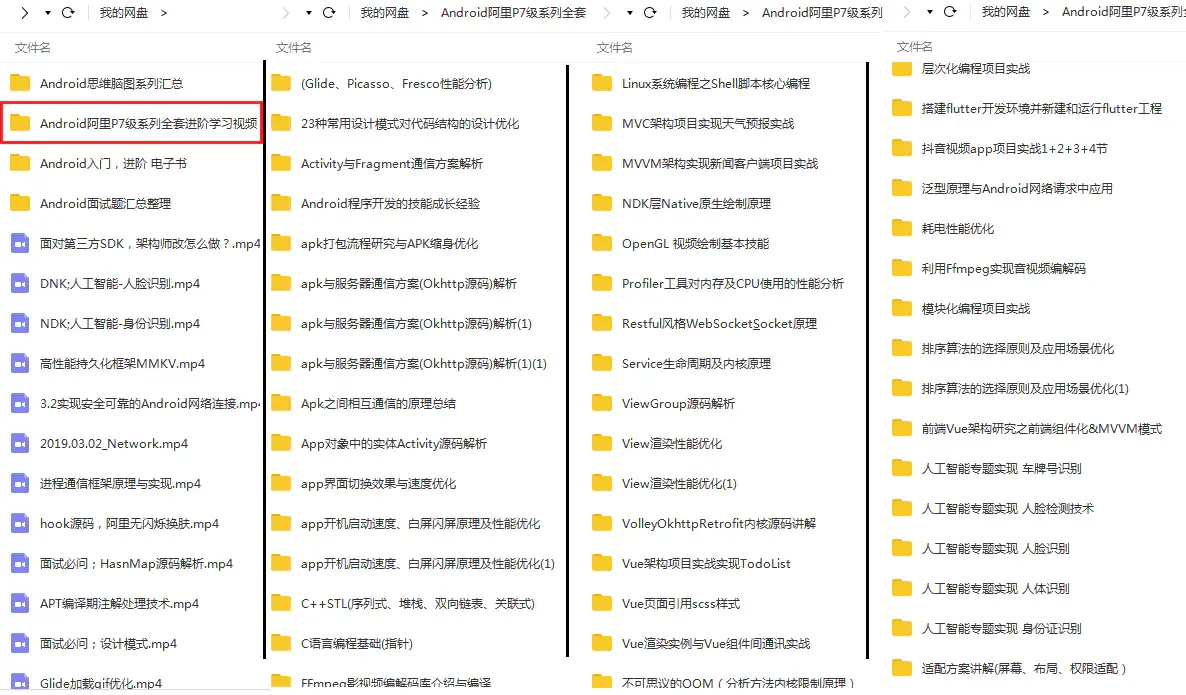
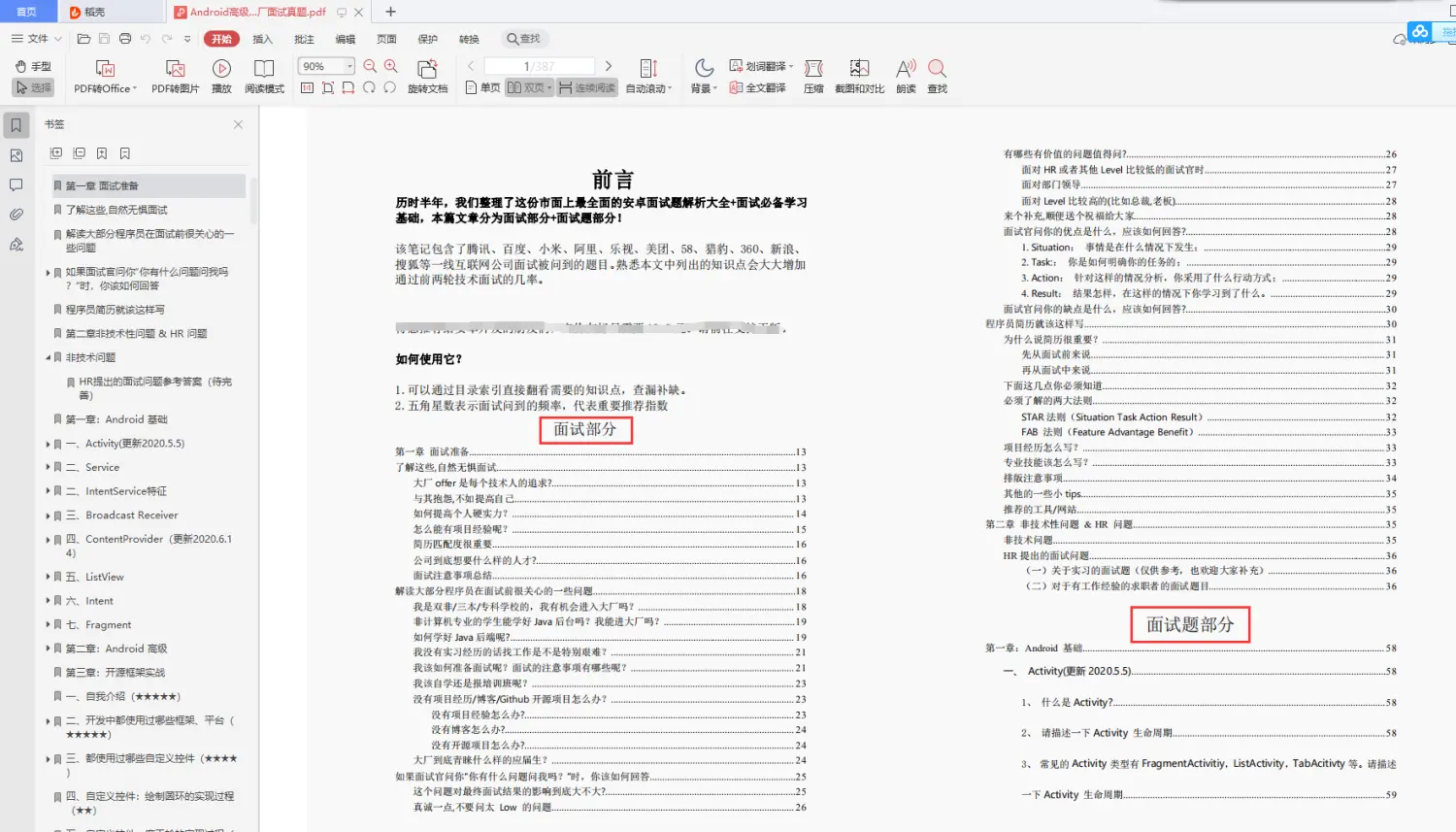
《Android学习笔记总结+移动架构视频+大厂面试真题+项目实战源码》,点击传送门,即可获取!
8Qae-1714705959246)]
[外链图片转存中…(img-xedtbzvq-1714705959250)]
《Android学习笔记总结+移动架构视频+大厂面试真题+项目实战源码》,点击传送门,即可获取!

开源鸿蒙跨平台开发社区汇聚开发者与厂商,共建“一次开发,多端部署”的开源生态,致力于降低跨端开发门槛,推动万物智联创新。
更多推荐

 13
13 0
0- 0


 已为社区贡献23条内容

所有评论(0)