Flutter 淡入淡出效果
),
curve: Curves.linear,
),
AnimatedOpacity(
opacity: _visible ? 1.0 : 0.0,
duration: Duration(milliseconds: 2500),
// The green box must be a child of the AnimatedOpacity widget.
child: Container(
width: 300.0,
height: 300.0,
color: Colors.blue.withOpacity(0.3),
child: Text(‘2’),
alignment: Alignment.bottomRight,
),
curve: Curves.linear,
),
AnimatedOpacity(
opacity: _visible ? 1.0 : 0.0,
duration: Duration(milliseconds: 2500),
// The green box must be a child of the AnimatedOpacity widget.
child: Container(
width: 250.0,
height: 250.0,
color: Colors.blue.withOpacity(0.4),
child: Text(‘3’),
alignment: Alignment.bottomRight,
),
curve: Curves.linear,
),
AnimatedOpacity(
opacity: _visible ? 1.0 : 0.0,
duration: Duration(milliseconds: 2000),
// The green box must be a child of the AnimatedOpacity widget.
child: Container(
width: 200.0,
height: 200.0,
color: Colors.blue.withOpacity(0.5),
child: Text(‘4’),
alignment: Alignment.bottomRight,
),
curve: Curves.linear,
),
AnimatedOpacity(
opacity: _visible ? 1.0 : 0.0,
duration: Duration(milliseconds: 1500),
// The green box must be a child of the AnimatedOpacity widget.
child: Container(
width: 150.0,
height: 150.0,
color: Colors.blue.withOpacity(0.6),
alignment: Alignment.bottomRight,
child: Text(‘5’),
),
curve: Curves.linear,
),
AnimatedOpacity(
opacity: _visible ? 1.0 : 0.0,
duration: Duration(milliseconds: 1000),
// The green box must be a child of the AnimatedOpacity widget.
child: Container(
width: 100.0,
height: 100.0,
color: Colors.blue.withOpacity(0.64),
alignment: Alignment.bottomRight,
child: Text(‘6’),
),
curve: Curves.linear,
),
AnimatedOpacity(
opacity: _visible ? 1.0 : 0.0,
duration: Duration(milliseconds: 500),
// The green box must be a child of the AnimatedOpacity widget.
child: Container(
width: 50.0,
height: 50.0,
alignment: Alignment.bottomRight,
color: Colors.blue.withOpacity(0.98),
child: Text(‘7’),
),
curve: Curves.linear,
),
],
),
),
floatingActionButton: FloatingActionButton(
child: Icon(Icons.play_arrow),
onPressed: () {
setState(() {
_visible = !_visible;
});
},
),
),
);
}
}
AnimatedContainer+AnimatedOpacity组合使用

class _AnimatedContainerAppState extends State {
bool _visible = true;
@override
Widget build(BuildContext context) {
return MaterialApp(
home: Scaffold(
body: Center(
child: AnimatedOpacity(
//opacity=0.0透明
//opacity=1.0完全显示
opacity: _visible ? 1.0 : 0.0,
duration: Duration(milliseconds: 500),
// The green box must be a child of the AnimatedOpacity widget.
child: AnimatedContainer(
width: _visible ? 200.0 : 100.0,
height: _visible ? 100.0 : 200.0,
color: _visible ? Colors.red : Colors.blue,
duration: Duration(seconds: 2),
curve: Curves.ease,
child: Row(
mainAxisAlignment: MainAxisAlignment.center,
children: [
Icon(Icons.ac_unit),
Icon(Icons.ac_unit),
Icon(Icons.ac_unit),
],
),
),
),
),
floatingActionButton: FloatingActionButton(
child: Icon(Icons.play_arrow),
onPressed: () {
setState(() {
_visible = !_visible;
});
},
),
),
);
自我介绍一下,小编13年上海交大毕业,曾经在小公司待过,也去过华为、OPPO等大厂,18年进入阿里一直到现在。
深知大多数初中级Android工程师,想要提升技能,往往是自己摸索成长或者是报班学习,但对于培训机构动则近万的学费,着实压力不小。自己不成体系的自学效果低效又漫长,而且极易碰到天花板技术停滞不前!
因此收集整理了一份《2024年Android移动开发全套学习资料》,初衷也很简单,就是希望能够帮助到想自学提升又不知道该从何学起的朋友,同时减轻大家的负担。
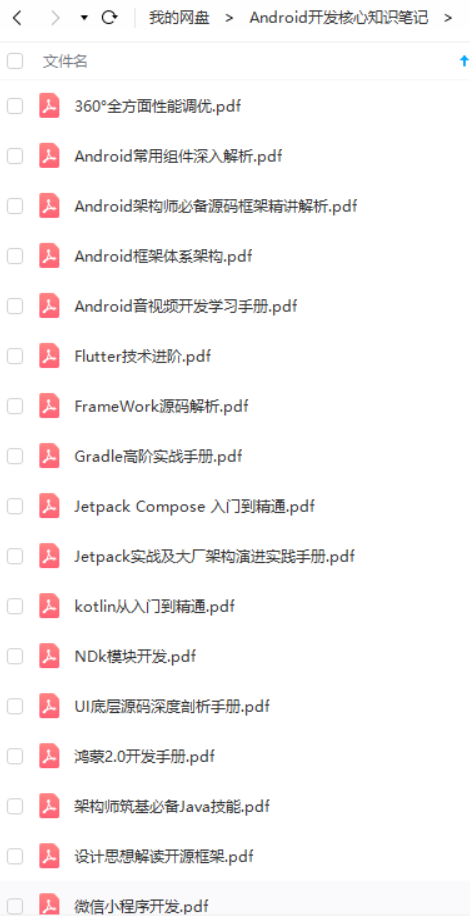
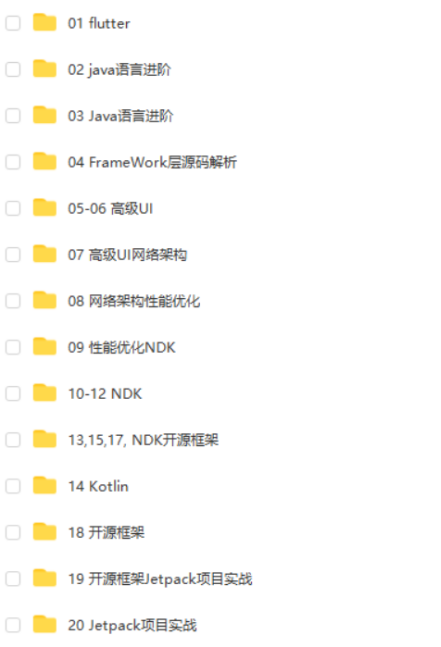
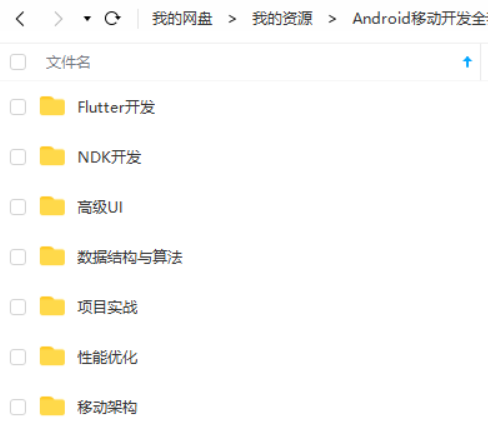
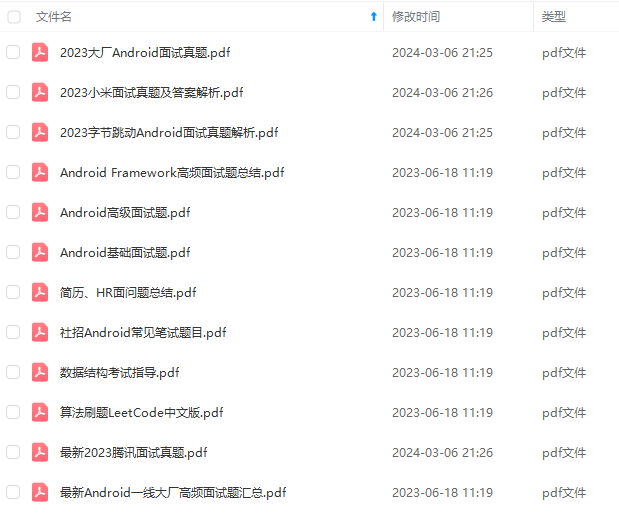
既有适合小白学习的零基础资料,也有适合3年以上经验的小伙伴深入学习提升的进阶课程,基本涵盖了95%以上Android开发知识点,真正体系化!
由于文件比较大,这里只是将部分目录截图出来,每个节点里面都包含大厂面经、学习笔记、源码讲义、实战项目、讲解视频,并且会持续更新!
如果你觉得这些内容对你有帮助,可以扫码获取!!(备注:Android)

最后是今天给大家分享的一些独家干货:
【Android开发核心知识点笔记】
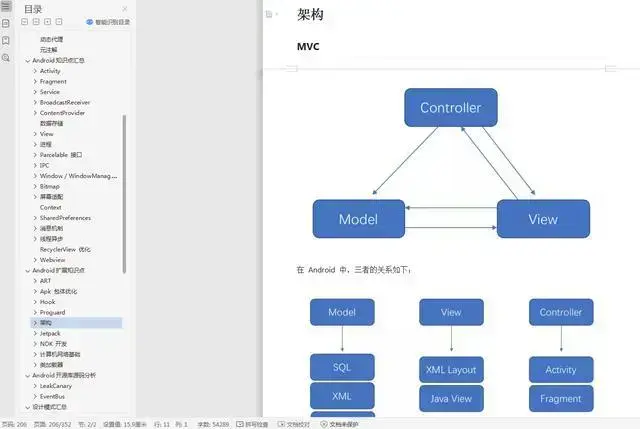
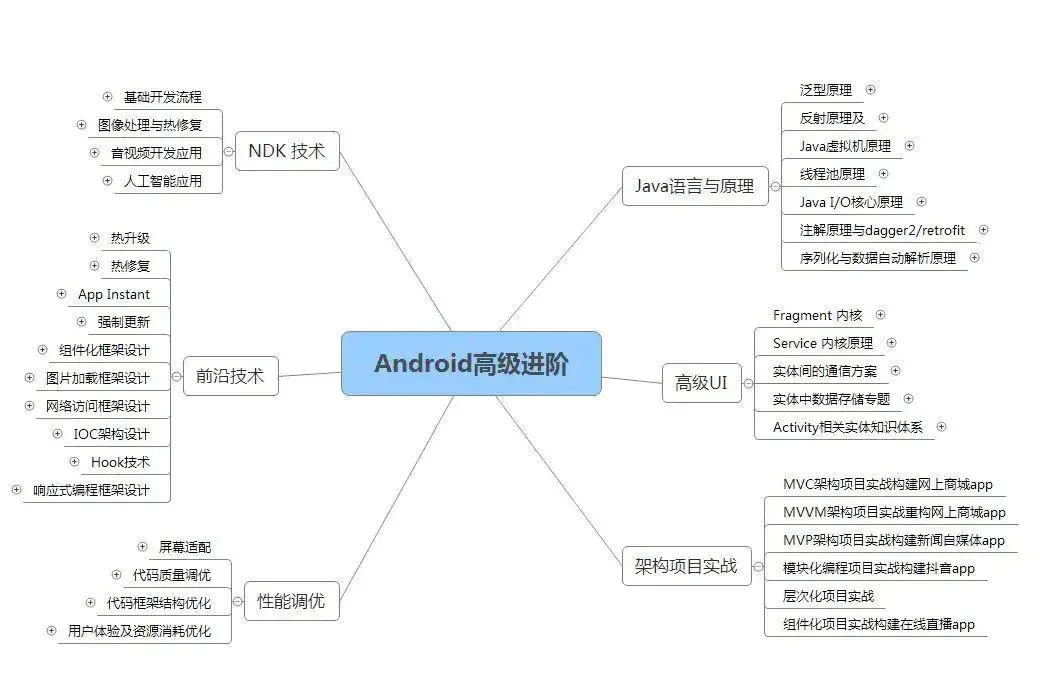
【Android思维脑图(技能树)】
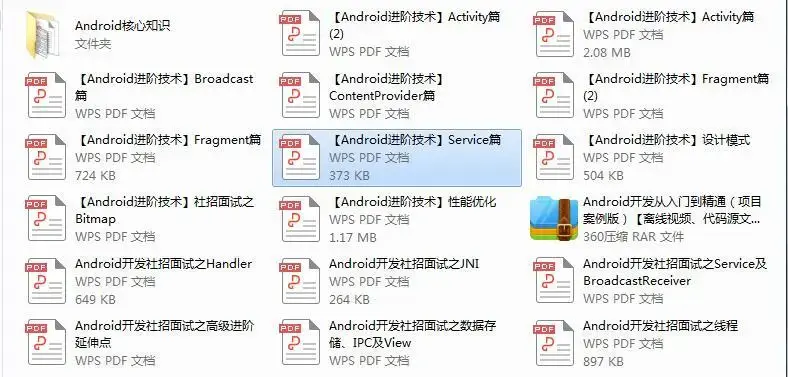
【Android核心高级技术PDF文档,BAT大厂面试真题解析】
【Android高级架构视频学习资源】
《互联网大厂面试真题解析、进阶开发核心学习笔记、全套讲解视频、实战项目源码讲义》点击传送门即可获取!
.(img-ss30pIkT-1712755105535)]
【Android思维脑图(技能树)】
[外链图片转存中…(img-pbfZMP9J-1712755105535)]
【Android核心高级技术PDF文档,BAT大厂面试真题解析】
[外链图片转存中…(img-tVRFi3aw-1712755105536)]
【Android高级架构视频学习资源】
《互联网大厂面试真题解析、进阶开发核心学习笔记、全套讲解视频、实战项目源码讲义》点击传送门即可获取!

开源鸿蒙跨平台开发社区汇聚开发者与厂商,共建“一次开发,多端部署”的开源生态,致力于降低跨端开发门槛,推动万物智联创新。
更多推荐


 10
10 0
0- 0


 已为社区贡献8条内容

所有评论(0)