Flutter开发之——Scaffold(1)
Key?key,this.appBar, //布局顶部的appBar工具栏this.body, //内容区域this.floatingActionButton, //悬浮按钮this.floatingActionButtonLocation, //悬浮按钮位置this.floatingActionButtonAnimator, //悬浮按钮动画this.persistentFooterButton
class Scaffold extends StatefulWidget {
/// Creates a visual scaffold for material design widgets.
const Scaffold({
Key? key,
this.appBar, //布局顶部的appBar工具栏
this.body, //内容区域
this.floatingActionButton, //悬浮按钮
this.floatingActionButtonLocation, //悬浮按钮位置
this.floatingActionButtonAnimator, //悬浮按钮动画
this.persistentFooterButtons,//介于[body]和[bottomNavigationBar]之间的一组按钮
this.drawer, //左边的抽屉
this.onDrawerChanged,//左边抽屉发生变化
this.endDrawer, //右边的抽屉
this.onEndDrawerChanged, //右边抽屉发生变化
this.bottomNavigationBar, //底部导航菜单
this.bottomSheet,//底部持久化提示框
this.backgroundColor, //内容背景色
this.resizeToAvoidBottomPadding,//键盘出现时,界面重新布局(已过时)
this.resizeToAvoidBottomInset, //键盘出现时,界面重新布局(代替resizeToAvoidBottomPadding)
this.primary = true,//AppBar是否显示在屏幕顶部(默认显示为true)
this.drawerDragStartBehavior = DragStartBehavior.start,
this.extendBody = false,
this.extendBodyBehindAppBar = false,
this.drawerScrimColor,
this.drawerEdgeDragWidth,
this.drawerEnableOpenDragGesture = true,
this.endDrawerEnableOpenDragGesture = true,
}) : assert(primary != null),
assert(extendBody != null),
assert(extendBodyBehindAppBar != null),
assert(drawerDragStartBehavior != null),
super(key: key);
2.2 属性解释
| 属性名 | 说明 | 取值 |
| :-: | :-: | :-: |
| appBar | 导航栏 | AppBar对象 |
| backgroundColor | 背景颜色 | Color对象 |
| body | 内容 | Widget |
| bottomNavigationBar | 底部导航栏 | Widget |
| bottomSheet | 持久化显示的底部抽屉 | Widget |
| drawer | 左侧抽屉 | Widget |
| endDrawer | 右侧抽屉 | Widget |
| floatingActionButton | 悬浮按钮 | Widget |
| persistentFooterButtons | 底部按钮组件 | List |
| primary | appBar是否从屏幕顶部布局 | bool对象 |
2.3 Scaffold中组件
2.3.1 AppBar
| 属性名 | 说明 | 取值 |
| :-: | :-: | :-: |
| actions | 按钮列表 | List |
| backgroundColor | 背景颜色 | Color |
| centerTitle | 是否居中 | bool |
| leading | 标题左侧组件 | Widget |
| title | 标题 | Widget |
2.3.2 BottomNavigationBar
| 属性名 | 说明 | 取值 |
| :-: | :-: | :-: |
| items | 标签组(多个值) | List |
| onTap | 点击标签的回调 | Func |
| BottomNavigationBarType | 设置类型 | fixed-自适应宽度
shifting-位置和尺寸都有单击动画 |
| fixedColor | 选中颜色 | Color |
| backgroundColor | 背景颜色 | Color |
| inconSize | 图标尺寸,默认24 | 数值 |
| selectedItemColor | 选中标签颜色 | Color |
| unselectedItemColor | 未选中标签颜色 | Color |
| selectedIconTheme | 选中风格 | |
| unselectedIconTheme | 未选中风格 | |
3.1 代码
Scaffold(
appBar: AppBar(title: Text(widget.title),
backgroundColor:Colors.orange ,
centerTitle: true,
//leading: Text(“左侧组件”),
),
bottomNavigationBar: BottomNavigationBar(items: [
BottomNavigationBarItem(icon: Icon(Icons.print),title: Text(“打印”)),
BottomNavigationBarItem(icon: Icon(Icons.stop),title: Text(“停止”)),
],
type: BottomNavigationBarType.fixed,
backgroundColor: Colors.blue,
iconSize: 34,
selectedItemColor: Colors.red,
unselectedItemColor: Colors.cyan,
),
//bottomSheet: Text(“持久化显示底部抽屉”),
resizeToAvoidBottomPadding: true,
resizeToAvoidBottomInset: true,
drawer: Drawer(
总结
最后对于程序员来说,要学习的知识内容、技术有太多太多,要想不被环境淘汰就只有不断提升自己,从来都是我们去适应环境,而不是环境来适应我们!
这里附上上述的技术体系图相关的几十套腾讯、头条、阿里、美团等公司20年的面试题,把技术点整理成了视频和PDF(实际上比预期多花了不少精力),包含知识脉络 + 诸多细节,由于篇幅有限,这里以图片的形式给大家展示一部分。
相信它会给大家带来很多收获: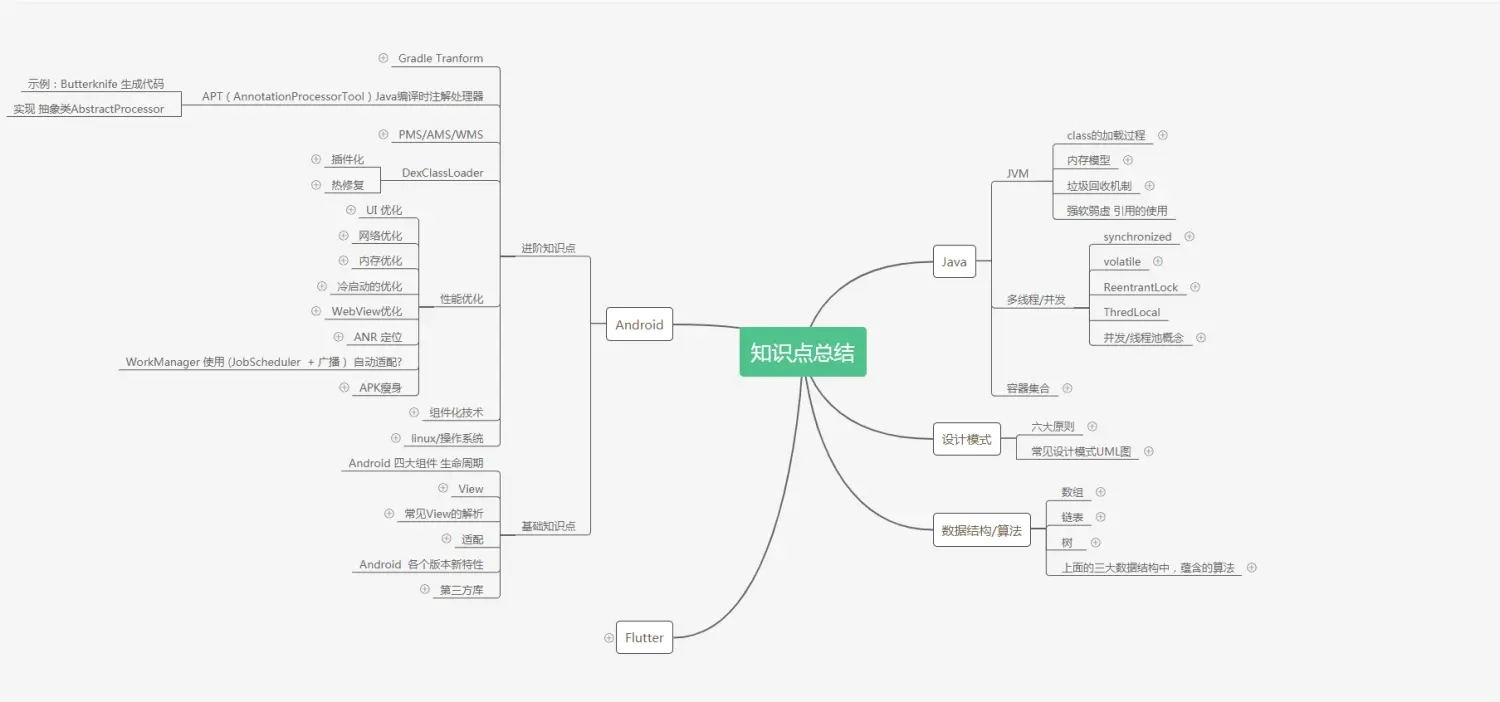
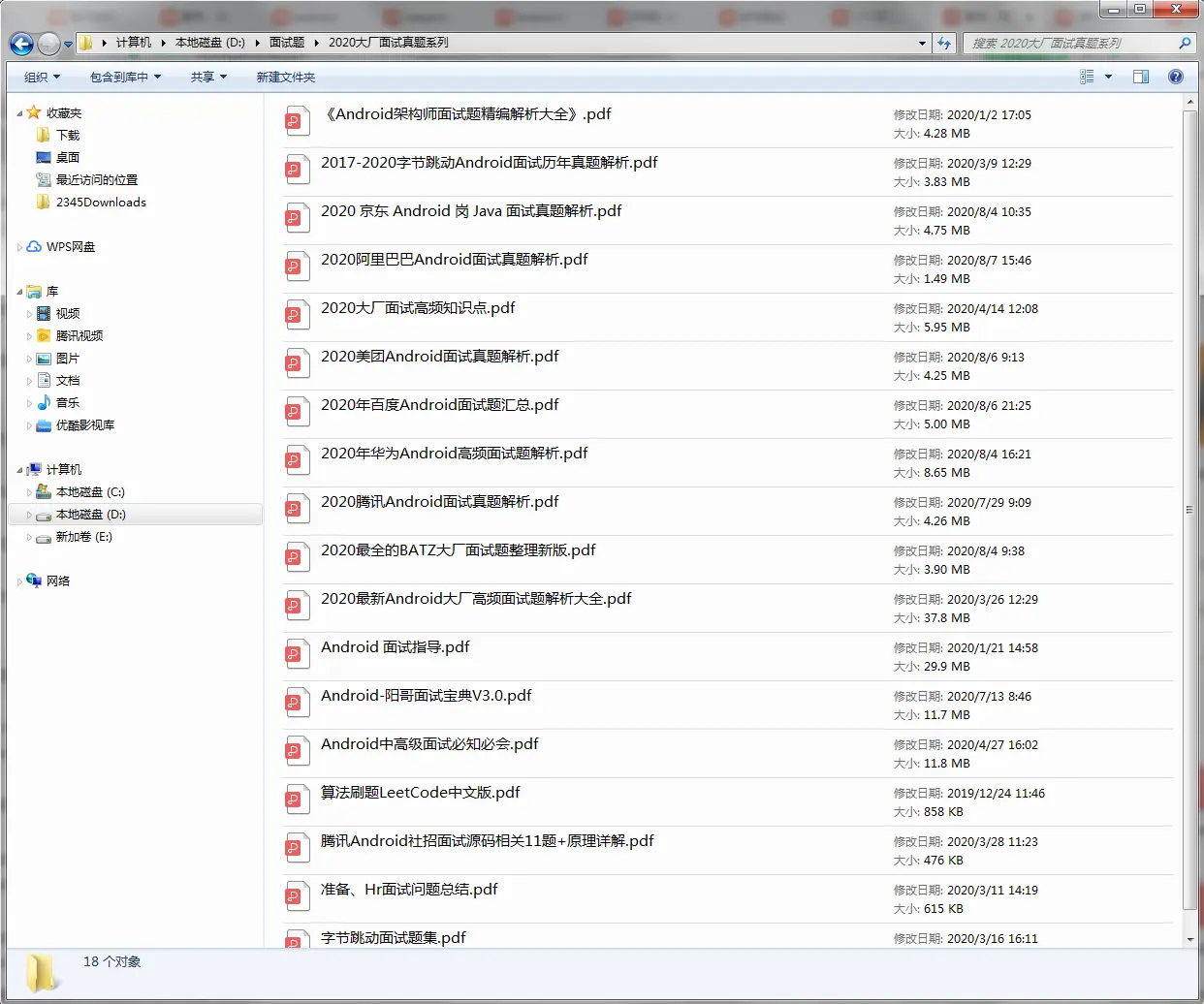
当程序员容易,当一个优秀的程序员是需要不断学习的,从初级程序员到高级程序员,从初级架构师到资深架构师,或者走向管理,从技术经理到技术总监,每个阶段都需要掌握不同的能力。早早确定自己的职业方向,才能在工作和能力提升中甩开同龄人。
《Android学习笔记总结+移动架构视频+大厂面试真题+项目实战源码》,点击传送门,即可获取!
985190844)]
当程序员容易,当一个优秀的程序员是需要不断学习的,从初级程序员到高级程序员,从初级架构师到资深架构师,或者走向管理,从技术经理到技术总监,每个阶段都需要掌握不同的能力。早早确定自己的职业方向,才能在工作和能力提升中甩开同龄人。
《Android学习笔记总结+移动架构视频+大厂面试真题+项目实战源码》,点击传送门,即可获取!

开源鸿蒙跨平台开发社区汇聚开发者与厂商,共建“一次开发,多端部署”的开源生态,致力于降低跨端开发门槛,推动万物智联创新。
更多推荐
 4
4 0
0- 0


 已为社区贡献5条内容

所有评论(0)