OkHttp初探2:如何使用OkHttp进行下载封装?带进度条?Kotlin+Flow版本。,2024最新腾讯Android高级面试题总结
state = DownloadState.Failure(e)
progressBlock(state)
}
override fun onResponse(call: Call, response: Response) {
response.use { res ->
//完整长度
var totalLength = 0L
//写入字节
val bytes = ByteArray(2048)
val fileOutputStream = FileOutputStream(file)
res.body?.also { responseBody ->
totalLength = responseBody.contentLength()
}?.byteStream()?.let { inputStream ->
try {
var currentProgress = 0L
var len = 0
state = DownloadState.Progress(totalLength, currentProgress)
do {
if (len != 0) {
currentProgress += len
fileOutputStream.write(bytes)
}
//状态改变
(state as DownloadState.Progress).current = currentProgress
progressBlock(state)
len = inputStream.read(bytes, 0, bytes.size)
} while (len != -1)
//状态改变完成
state = DownloadState.Complete(file)
progressBlock(state)
} catch (e: Exception) {
state = DownloadState.Failure(e)
progressBlock(state)
} finally {
inputStream.close()
fileOutputStream.close()
}
}
}
}
})
}
使用
downloadFile(
“https://dldir1.qq.com/weixin/Windows/WeChatSetup.exe”,
“download/WeChatSetup.exe”
) { state: DownloadState ->
when (val s = state) {
is DownloadState.Complete -> log(“下载完成 文件路径为 ${s.file?.absoluteFile}”)
is DownloadState.Failure -> log(“下载失败 ${s.e?.message}”)
is DownloadState.FileExistsNoDownload -> log(“已经存在 ${s.file?.absoluteFile}”)
is DownloadState.Progress -> log(“下载中 ${(s.current.toFloat() / s.totalNum) * 100}%”)
DownloadState.UnStart -> log(“下载未开始”)
}
}
对于上述封装使用起来没有问题,但是如果在android上面要把进度显示出来的话,就需要手动切换到UI线程了。不太方便。既然都用kotlin了,那么为什么不解除协程Flow封装呢?
所以,下面基于Flow的封装就来了。直接切换到Main线程,美滋滋。
知识储备:
/**
-
使用Flow改造文件下载
-
callbackFlow 可以保证线程的安全 底层是channel
*/
fun downloadFileUseFlow(url: String, destFileDirName: String) = callbackFlow {
var state: DownloadState = DownloadState.UnStart
send(state)
//获取文件对象
val file = File(destFileDirName).also { file ->
val parentFile = file.parentFile
if (!parentFile.exists()) {
parentFile.mkdirs()
}
if (file.exists()) {
state = DownloadState.FileExistsNoDownload(file)
send(state)
//流关闭,返回
close()
return@callbackFlow
} else {
file.createNewFile()
}
}
//下载
val okHttpClient = OkHttpClient().newBuilder()
.dispatcher(dispatcher)
.writeTimeout(30, TimeUnit.MINUTES)
.readTimeout(30, TimeUnit.MINUTES)
.build()
val request = Request.Builder()
.url(url)
.build()
okHttpClient.newCall(request).enqueue(object : Callback {
override fun onFailure(call: Call, e: IOException) {
//更新状态
state = DownloadState.Failure(e)
this@callbackFlow.trySendBlocking(state)
close()
}
override fun onResponse(call: Call, response: Response) {
//下载
val body = response.body
if (response.isSuccessful && body != null) {
//完整长度
val totalNum: Long = body.contentLength()
//当前下载的长度
var currentProgress: Long = 0L
var len = 0
response.use {
//等效于 FileOutputStream(file) 输出流
val outputStream = file.outputStream()
//输入流
val byteStream = body.byteStream()
try {
val bates = ByteArray(2048)
//设置状态对象拉出来,避免循环一直创建对象
state = DownloadState.Progress(totalNum, currentProgress)
//循环读写
do {
if (len != 0) {
currentProgress += len
outputStream.write(bates)
}
//更新进度
(state as DownloadState.Progress).current = currentProgress
this@callbackFlow.trySendBlocking(state)
len = byteStream.read(bates, 0, bates.size)
} while (len != -1)
//下载完成
state = DownloadState.Complete(file)
this@callbackFlow.trySendBlocking(state)
} catch (e: Exception) {
state = DownloadState.Failure(e)
this@callbackFlow.trySendBlocking(state)
} finally {
outputStream.close()
byteStream.close()
//关闭callbackFlow
this@callbackFlow.close()
}
}
} else {
//更新状态且关闭
state = DownloadState.Failure(Exception(response.message))
this@callbackFlow.trySendBlocking(state)
close()
}
}
})
//使用channelFlow 必须使用awaitClose 挂起flow等待channel结束
awaitClose {
log(“callbackFlow关闭 .”)
}
}
.buffer(Channel.CONFLATED) //设置 立即使用最新值 buffer里面会调用到fuse函数,继而调用到create函数重新创建channelFlow
.flowOn(Dispatchers.Default) //直接设置callbackFlow执行在异步线程
.catch { e ->
//异常捕获重新发射
emit(DownloadState.Failure(e))
}
使用
//这里使用runBlocking只是为了跑程序,一般和lifecycleScope等合作使用
runBlocking(Dispatchers.Main) {
downloadFileUseFlow(
“https://dldir1.qq.com/weixin/Windows/WeChatSetup.exe”,
“download/WeChatSetup.exe”
).onEach { downloadState ->
自我介绍一下,小编13年上海交大毕业,曾经在小公司待过,也去过华为、OPPO等大厂,18年进入阿里一直到现在。
深知大多数初中级Android工程师,想要提升技能,往往是自己摸索成长或者是报班学习,但对于培训机构动则近万的学费,着实压力不小。自己不成体系的自学效果低效又漫长,而且极易碰到天花板技术停滞不前!
因此收集整理了一份《2024年Android移动开发全套学习资料》,初衷也很简单,就是希望能够帮助到想自学提升又不知道该从何学起的朋友,同时减轻大家的负担。
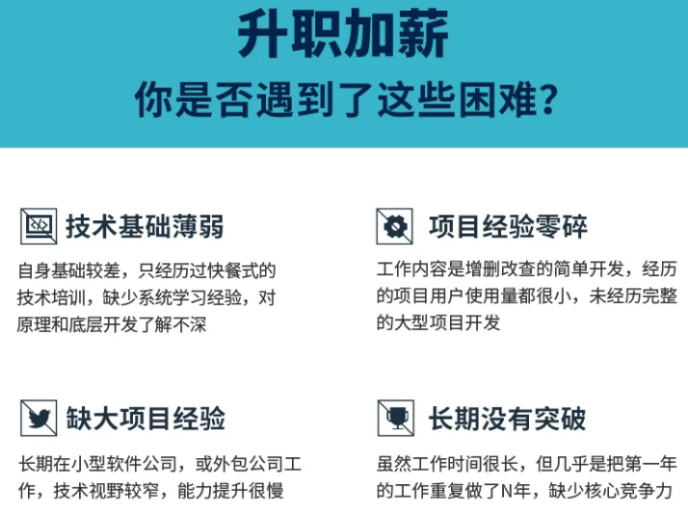
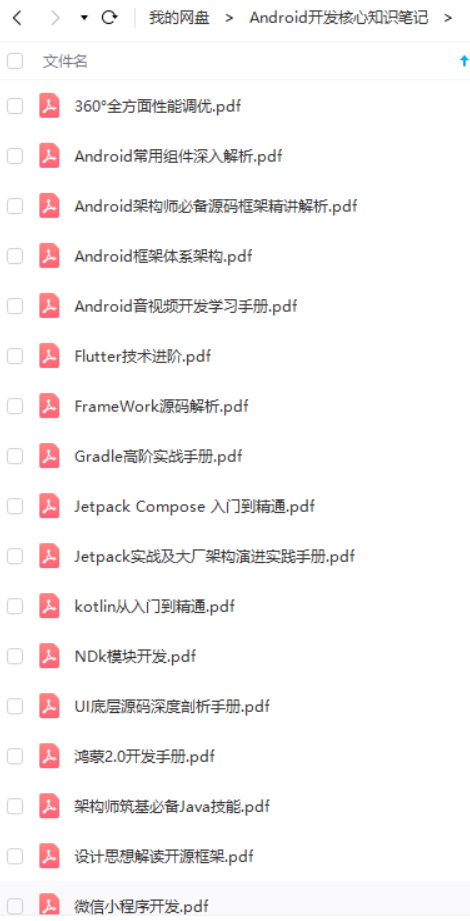
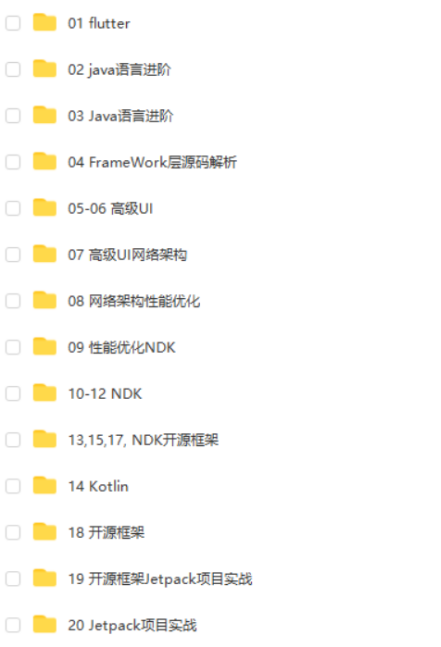

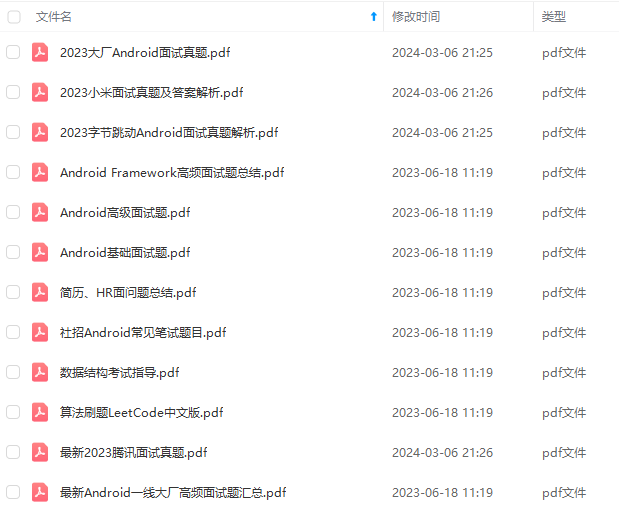
既有适合小白学习的零基础资料,也有适合3年以上经验的小伙伴深入学习提升的进阶课程,基本涵盖了95%以上Android开发知识点,真正体系化!
由于文件比较大,这里只是将部分目录截图出来,每个节点里面都包含大厂面经、学习笔记、源码讲义、实战项目、讲解视频,并且会持续更新!
如果你觉得这些内容对你有帮助,可以扫码获取!!(备注:Android)

最后
我见过很多技术leader在面试的时候,遇到处于迷茫期的大龄程序员,比面试官年龄都大。这些人有一些共同特征:可能工作了7、8年,还是每天重复给业务部门写代码,工作内容的重复性比较高,没有什么技术含量的工作。问到这些人的职业规划时,他们也没有太多想法。
其实30岁到40岁是一个人职业发展的黄金阶段,一定要在业务范围内的扩张,技术广度和深度提升上有自己的计划,才有助于在职业发展上有持续的发展路径,而不至于停滞不前。
不断奔跑,你就知道学习的意义所在!
《互联网大厂面试真题解析、进阶开发核心学习笔记、全套讲解视频、实战项目源码讲义》点击传送门即可获取!
=“https://i-blog.csdnimg.cn/blog_migrate/7efd260fb3691bb36f6b74565ee1a38f.jpeg” />
最后
我见过很多技术leader在面试的时候,遇到处于迷茫期的大龄程序员,比面试官年龄都大。这些人有一些共同特征:可能工作了7、8年,还是每天重复给业务部门写代码,工作内容的重复性比较高,没有什么技术含量的工作。问到这些人的职业规划时,他们也没有太多想法。
其实30岁到40岁是一个人职业发展的黄金阶段,一定要在业务范围内的扩张,技术广度和深度提升上有自己的计划,才有助于在职业发展上有持续的发展路径,而不至于停滞不前。
不断奔跑,你就知道学习的意义所在!
《互联网大厂面试真题解析、进阶开发核心学习笔记、全套讲解视频、实战项目源码讲义》点击传送门即可获取!

开源鸿蒙跨平台开发社区汇聚开发者与厂商,共建“一次开发,多端部署”的开源生态,致力于降低跨端开发门槛,推动万物智联创新。
更多推荐


 19
19 0
0- 0


 已为社区贡献19条内容

所有评论(0)