【自学Flutter】32 交错动画的使用,先收藏了
void main() => runApp(MyApp());class MyApp extends StatefulWidget {@override_MyAppState createState() => _MyAppState();}class _MyAppState extends State with TickerProviderStateMixin {AnimationControll
void main() => runApp(MyApp());
class MyApp extends StatefulWidget {
@override
_MyAppState createState() => _MyAppState();
}
class _MyAppState extends State with TickerProviderStateMixin {
AnimationController controller;
@override
void initState() {
super.initState();
controller = AnimationController(
duration: const Duration(milliseconds: 2000),
vsync: this
);
}
Future playAnimation() async {
//先正向执行动画
await controller.forward().orCancel;
//再反向执行动画
await controller.reverse().orCancel;
}
@override
Widget build(BuildContext context) {
return MaterialApp(
home: Scaffold(
body: GestureDetector(
//自己处理事件
behavior: HitTestBehavior.opaque,
onTap: () {
//播放动画
playAnimation();
},
child: Center(
child: Container(
width: 300.0,
height: 300.0,
decoration: BoxDecoration(
color: Colors.black.withOpacity(0.1),
border: Border.all(
color: Colors.black.withOpacity(0.5),
),
),
//调用我们定义的交错动画Widget
child: StaggerAnimation(
controller: controller
),
),
),
),
),
);
}
}
//定义交错动画Widget
class StaggerAnimation extends StatelessWidget {
final Animation controller;
Animation height;
Animation padding;
Animation color;
StaggerAnimation({ Key key, this.controller }): super(key: key){
//高度动画
height = Tween(
begin:.0 ,
end: 300.0,
).animate(
CurvedAnimation(
parent: controller,
//间隔,前60%的动画时间
curve: Interval(
0.0, 0.6,
curve: Curves.ease,
),
),
);
color = ColorTween(
begin:Colors.green ,
end:Colors.red,
).animate(
CurvedAnimation(
parent: controller,
//间隔,前60%的动画时间
curve: Interval(
0.0, 0.6,
curve: Curves.ease,
),
),
);
padding = Tween(
begin:EdgeInsets.only(left: 0.0),
end:EdgeInsets.only(left: 300),
).animate(
CurvedAnimation(
parent: controller,
//间隔,后40%的动画时间
curve: Interval(
0.6, 1.0,
curve: Curves.ease,
),
),
);
}
@override
Widget build(BuildContext context) {
return AnimatedBuilder(
builder: (context,child){
return Container(
alignment: Alignment.bottomLeft,
padding: padding.value ,
child: Container(
color: color.value,
width: 30.0,
height: height.value,
),
);
},
animation: controller,
);
}
}
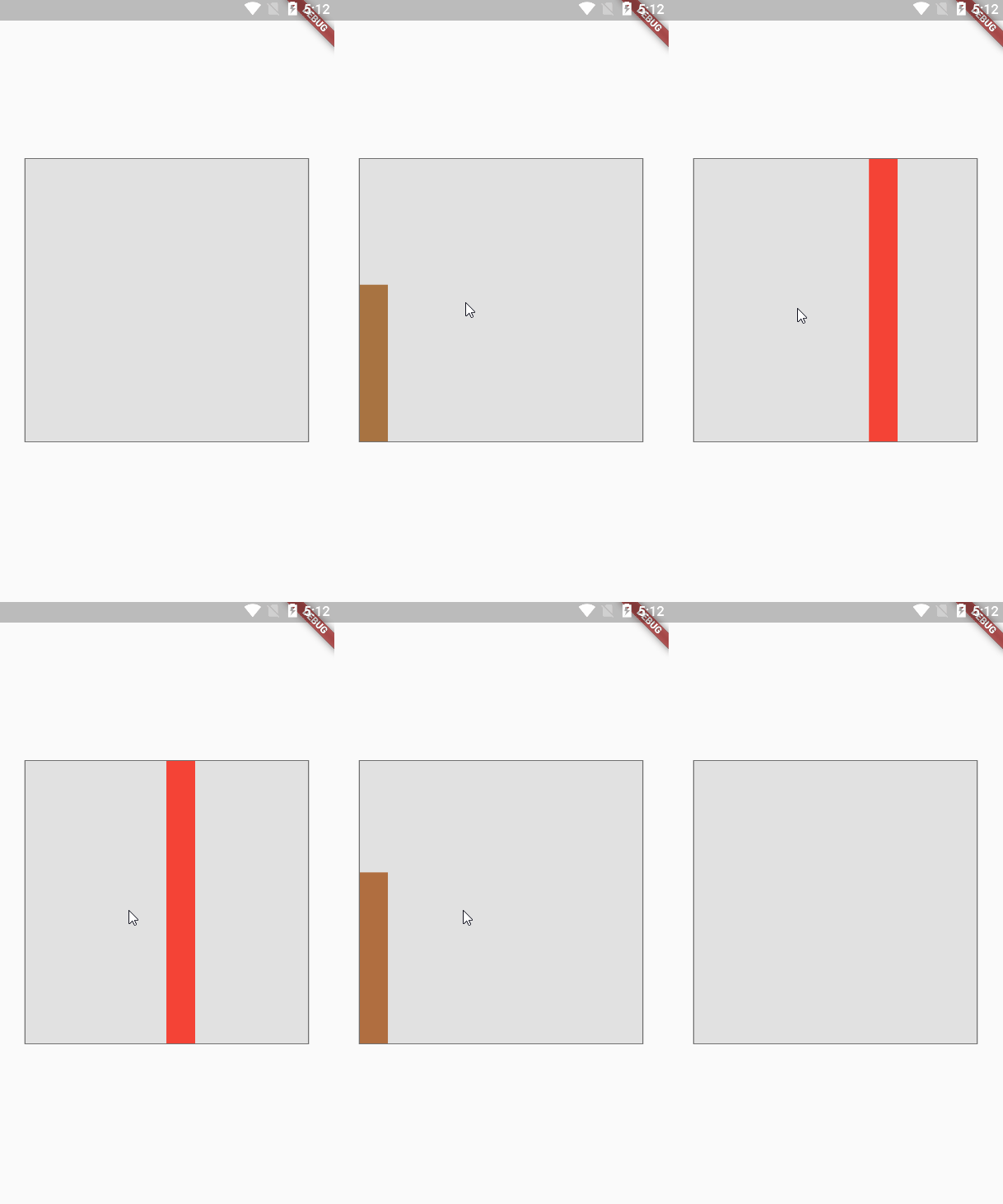
3.效果图
自我介绍一下,小编13年上海交大毕业,曾经在小公司待过,也去过华为、OPPO等大厂,18年进入阿里一直到现在。
深知大多数初中级安卓工程师,想要提升技能,往往是自己摸索成长,但自己不成体系的自学效果低效又漫长,而且极易碰到天花板技术停滞不前!
因此收集整理了一份《2024年最新Android移动开发全套学习资料》送给大家,初衷也很简单,就是希望能够帮助到想自学提升又不知道该从何学起的朋友,同时减轻大家的负担。
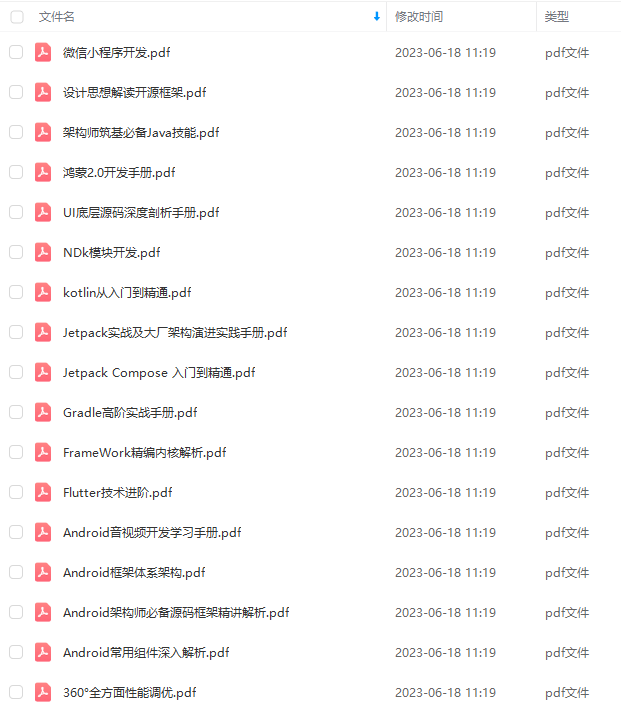
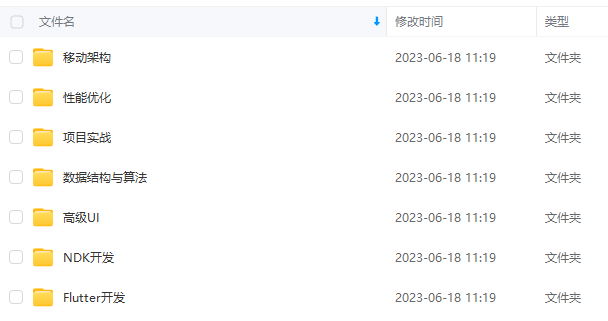
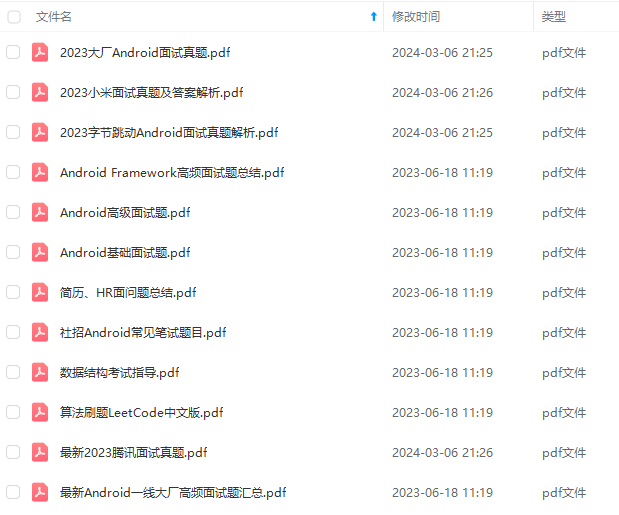
由于文件比较大,这里只是将部分目录截图出来,每个节点里面都包含大厂面经、学习笔记、源码讲义、实战项目、讲解视频
如果你觉得这些内容对你有帮助,可以添加下面V无偿领取!(备注Android)
本文在开源项目:Android开发不会这些?如何面试拿高薪! 中已收录,里面包含不同方向的自学编程路线、面试题集合/面经、及系列技术文章等,资源持续更新中…
991)]
由于文件比较大,这里只是将部分目录截图出来,每个节点里面都包含大厂面经、学习笔记、源码讲义、实战项目、讲解视频
如果你觉得这些内容对你有帮助,可以添加下面V无偿领取!(备注Android)
[外链图片转存中…(img-JUCsZGXY-1711075393991)]
本文在开源项目:Android开发不会这些?如何面试拿高薪! 中已收录,里面包含不同方向的自学编程路线、面试题集合/面经、及系列技术文章等,资源持续更新中…

开源鸿蒙跨平台开发社区汇聚开发者与厂商,共建“一次开发,多端部署”的开源生态,致力于降低跨端开发门槛,推动万物智联创新。
更多推荐
 26
26 0
0- 0


 已为社区贡献4条内容

所有评论(0)