

设置一个按钮调用 打开showCupertinoModalPopup
FloatingActionButton(onPressed: (){
            _showDialog(context);
          },

            child: Text('aaaaaa'),),
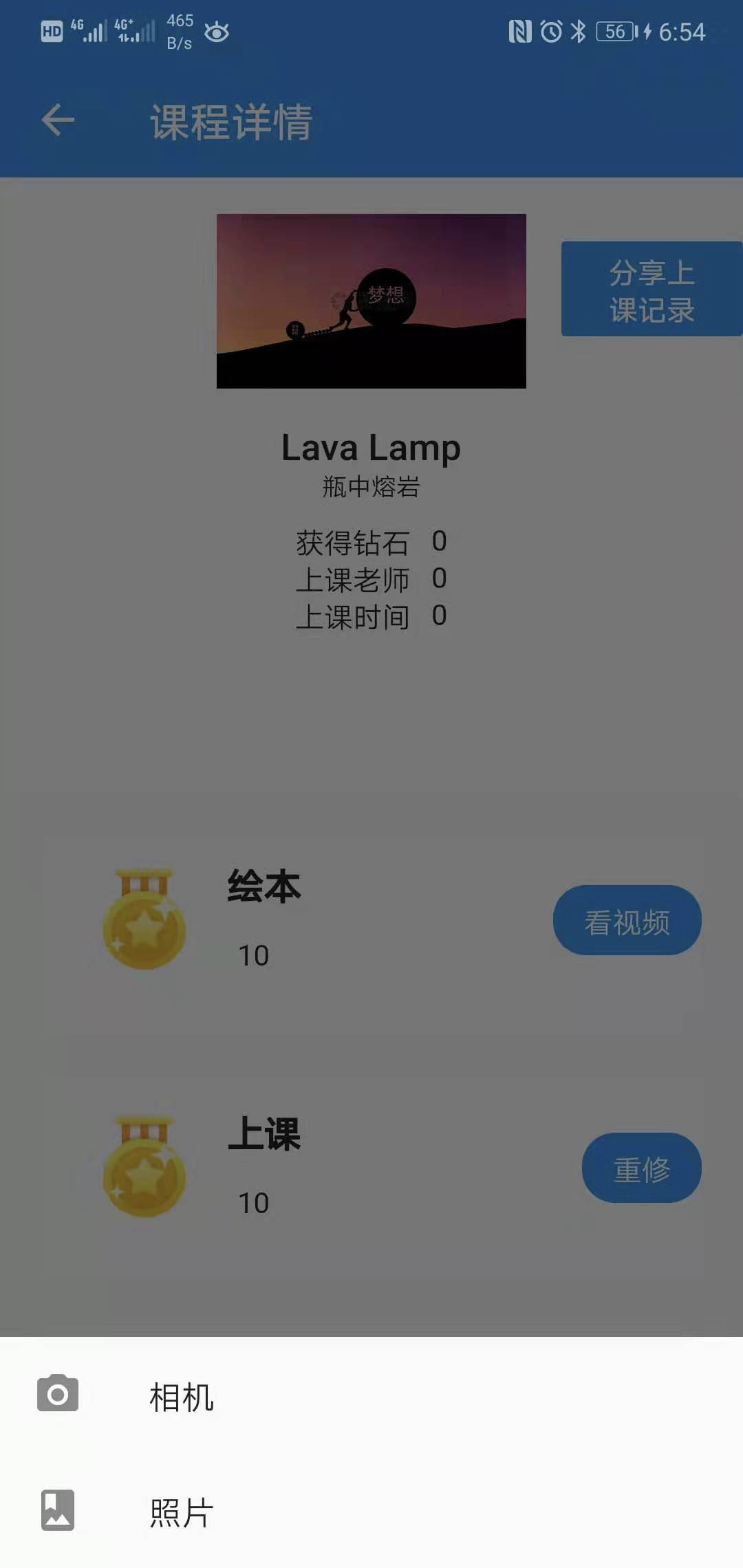
  打开底部弹出框
void _showDialog(BuildContext cxt){
showCupertinoModalPopup<int>(context: cxt, builder:(cxt){
var dialog =CupertinoActionSheet(
title: Text("请选择"),
// message: Text('上传作业!'),
cancelButton: CupertinoActionSheetAction(onPressed: (){
Navigator.pop(cxt,0);
}, child: Text("取消")),
actions: <Widget>[
CupertinoActionSheetAction(onPressed: (){
showImagePicker(1);
Navigator.pop(cxt,1);
}, child: Text('相机')),
CupertinoActionSheetAction(onPressed: (){
showImagePicker(2);
Navigator.pop(cxt,2);
}, child: Text('相册')),
],
);
return dialog;
});
}
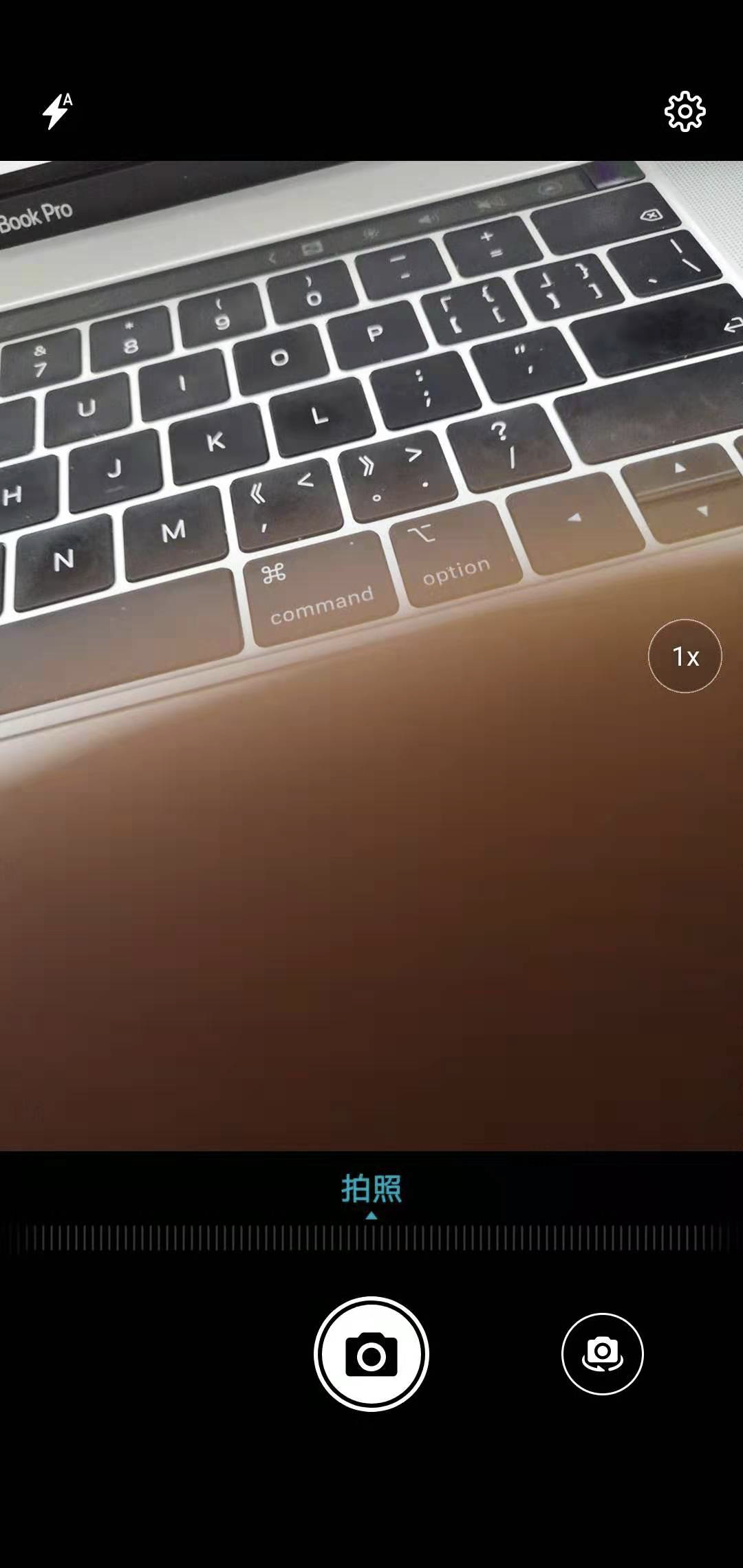
根据选择的设备进行调用相机或者相册
showImagePicker(type) async{
/// Specifies the source where the picked image should come from.
enum ImageSource {  这个是调用源码
  /// Opens up the device camera, letting the user to take a new picture.
  camera,

  /// Opens the user's photo gallery.
  gallery,
}
var image = await ImagePicker.pickImage(source: type ==1?ImageSource.camera: ImageSource.gallery); 枚举类型 设置调用的类型camera 相机 另外一个是本地相册
  setState(() {
    _image = image;
  });

}

需要引入的包:
import 'package:image_picker/image_picker.dart';
import 'package:flutter/cupertino.dart';





 已为社区贡献1条内容

所有评论(0)