Flutter动画 5 - Flutter内置动画组件
decoration: decorationTween.animate(_controller),
child: Container(
width: 200,
height: 200,
padding: const EdgeInsets.all(10),
child: const FlutterLogo(),
),
),
),
);
}
FadeTransition示例
late AnimationController _controller = AnimationController(
duration: const Duration(seconds: 2),
vsync: this,
)…repeat(reverse: true);
late Animation _animation = CurvedAnimation(
parent: _controller,
curve: Curves.easeIn,
);
@override
void dispose() {
_controller.
dispose();
super.dispose();
}
@override
Widget build(BuildContext context) {
return Container(
color: Colors.white,
child: FadeTransition(
opacity: _animation,
child: const Padding(
padding: EdgeInsets.all(8),
child: FlutterLogo()
),
),
);
}
PositionedTransition示例
late AnimationController _controller = AnimationController(
duration: const Duration(seconds: 2),
vsync: this,
)…repeat(reverse: true);
@override
void dispose() {
_controller.dispose();
super.dispose();
}
@override
Widget build(BuildContext context) {
final double smallLogo = 100;
final double bigLogo = 200;
return LayoutBuilder(
builder: (context, constraints) {
final Size biggest = constraints.biggest;
return Stack(
children: [
PositionedTransition(
rect: RelativeRectTween(
begin: RelativeRect.fromSize(Rect.fromLTWH(0, 0, smallLogo, smallLogo), biggest),
end: RelativeRect.fromSize(Rect.fromLTWH(biggest.width - bigLogo, biggest.height - bigLogo, bigLogo, bigLogo), biggest),
).animate(CurvedAnimation(
parent: _controller,
curve: Curves.elasticInOut,
)),
child: Padding(
padding: const EdgeInsets.all(8),
child: FlutterLogo()
),
),
],
);
},
);
}
RotationTransition示例
late AnimationController _controller = AnimationController(
duration: const Duration(seconds: 2),
vsync: this,
)…repeat(reverse: true);
late Animation _animation = CurvedAnimation(
parent: _controller,
curve: Curves.elasticOut,
);
@override
void dispose() {
_controller.dispose();
super.dispose();
}
@override
Widget build(BuildContext context) {
return Scaffold(
body: Center(
child: RotationTransition(
turns: _animation,
child: const Padding(
padding: EdgeInsets.all(8.0),
child: FlutterLogo(size: 150.0),
),
),
),
);
}
ScaleTransition示例
late AnimationController _controller = AnimationController(
duration: const Duration(seconds: 2),
vsync: this,
)…repeat(reverse: true);
late Animation _animation = CurvedAnimation(
parent: _controller,
curve: Curves.fastOutSlowIn,
);
@override
void dispose() {
super.dispose();
_controller.dispose();
}
@override
Widget build(BuildContext context) {
return Scaffold(
body: Center(
child: ScaleTransition(
scale: _animation,
child: const Padding(
padding: EdgeInsets.all(8.0),
child: FlutterLogo(size: 150.0),
),
),
),
);
}
SizeTransition示例
late AnimationController _controller = AnimationController(
duration: const Duration(seconds: 3),
vsync: this,
)…repeat();
late Animation _animation = CurvedAnimation(
parent: _controller,
curve: Curves.fastOutSlowIn,
);
@override
void dispose() {
super.dispose();
_controller.dispose();
}
@override
Widget build(BuildContext context) {
return Scaffold(
body: SizeTransition(
sizeFactor: _animation,
axis: Axis.horizontal,
axisAlignment: -1,
child: Center(
child: FlutterLogo(size: 200.0),
),
),
);
}
SlideTransition示例
class _MyStatefulWidgetState extends State with SingleTickerProviderStateMixin {
late AnimationController _controller = AnimationController(
duration: const Duration(seconds: 2),
vsync: this,
)…repeat(reverse: true);
late Animation _offsetAnimation = Tween(
begin: Offset.zero,
end: const Offset(1.5, 0.0),
).animate(CurvedAnimation(
parent: _controller,
curve: Curves.elasticIn,
));
@override
void dispose() {
super.dispose();
_controller.dispose();
}
@override
Widget build(BuildContext context) {
return SlideTransition(
position: _offsetAnimation,
child: const Padding(
padding: EdgeInsets.all(8.0),
child: FlutterLogo(size: 150.0),
),
);
}
}
不需要外部Animation支持组件示例
AnimatedPadding示例
double padValue = 0.0;
_updatePadding(double value) {
setState(() {
padValue = value;
});
}
@override
Widget build(BuildContext context) {
return Column(
mainAxisAlignment: MainAxisAlignment.center,
children: [
AnimatedPadding(
padding: EdgeInsets.all(padValue),
duration: const Duration(seconds: 2),
curve: Curves.easeInOut,
child: Container(
width: MediaQuery.of(context).size.width,
height: MediaQuery.of(context).size.height / 5,
color: Colors.blue,
),
),
Text(‘Padding: $padValue’),
ElevatedButton(
child: Text(‘Change padding’),
onPressed: () {
_updatePadding(padValue == 0.0 ? 100.0 : 0.0);
}
),
],
);
}
AnimatedPositioned示例
bool selected = false;
@override
Widget build(BuildContext context) {
return Container(
width: 200,
height: 350,
child: Stack(
children: [
AnimatedPositioned(
width: selected ? 200.0 : 50.0,
height: selected ? 50.0 : 200.0,
top: selected ? 50.0 : 150.0,
duration: Duration(seconds: 2),
curve: Curves.fastOutSlowIn,
child: GestureDetector(
onTap: () {
setState(() {
selected = !selected;
});
},
child: Container(
color: Colors.blue,
child: Center(child: Text(‘Tap me’)),
),
),
),
],
),
);
}
AnimatedOpacity示例
class LogoFade extends StatefulWidget {
@override
createState() => LogoFadeState();
}
class LogoFadeState extends State {
double opacityLevel = 1.0;
void _changeOpacity() {
setState(() => opacityLevel = opacityLevel == 0 ? 1.0 : 0.0);
}
@override
Widget build(BuildContext context) {
return Column(
mainAxisAlignment: MainAxisAlignment.center,
children: [
AnimatedOpacity(
opacity: opacityLevel,
duration: Duration(seconds: 3),
child: FlutterLogo(),
),
ElevatedButton(
child: Text(‘Fade Logo’),
onPressed: _changeOpacity,
),
],
);
}
}
AnimatedAlign示例
bool selected = false;
@override
Widget build(BuildContext context) {
return GestureDetector(
onTap: () {
setState(() {
selected = !selected;
});
},
child: Center(
child: Container(
width: 250.0,
height: 250.0,
color: Colors.red,
child: AnimatedAlign(
alignment: selected ? Alignment.topRight : Alignment.bottomLeft,
duration: const Duration(seconds: 1),
curve: Curves.fastOutSlowIn,
child: const FlutterLogo(size: 50.0),
),
),
),
);
}
AnimatedContainer示例
bool selected = false;
@override
Widget build(BuildContext context) {
return GestureDetector(
onTap: () {
setState(() {
selected = !selected;
});
},
child: Center(
child: AnimatedContainer(
width: selected ? 200.0 : 100.0,
height: selected ? 100.0 : 200.0,
color: selected ? Colors.red : Colors.blue,
alignment: selected ? Alignment.center : AlignmentDirectional.topCenter,
duration: Duration(seconds: 2),
curve: Curves.fastOutSlowIn,
child: FlutterLogo(size: 75),
),
),
);
}
AnimatedDefaultTextStyle示例
var duration = Duration(seconds: 5);
TextStyle _style = TextStyle(color: Colors.black);
@override
Widget build(BuildContext context) {
return AnimatedDefaultTextStyle(
child: GestureDetector(
child: Text(“hello world”),
onTap: () {
setState(() {
_style = TextStyle(
color: Colors.blue,
decorationStyle: TextDecorationStyle.solid,
decorationColor: Colors.blue,
);
});
},
),
style: _style,
duration: duration,
);
}
结语
最后
小编这些年深知大多数初中级Android工程师,想要提升自己,往往是自己摸索成长,自己不成体系的自学效果低效漫长且无助。
因此我收集整理了一份《2024年Android移动开发全套学习资料》,初衷也很简单,就是希望能够帮助到想自学提升又不知道该从何学起的朋友。
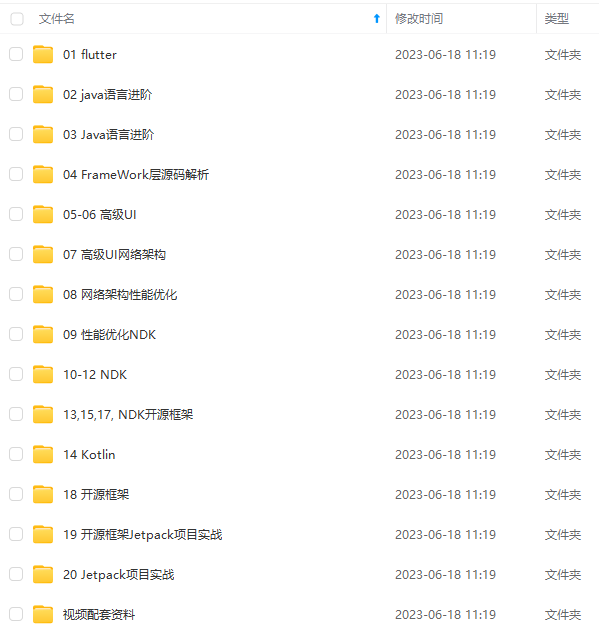
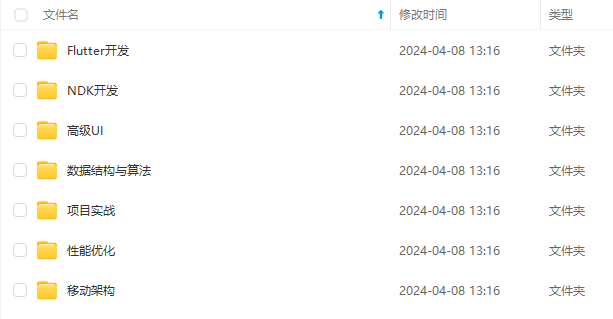
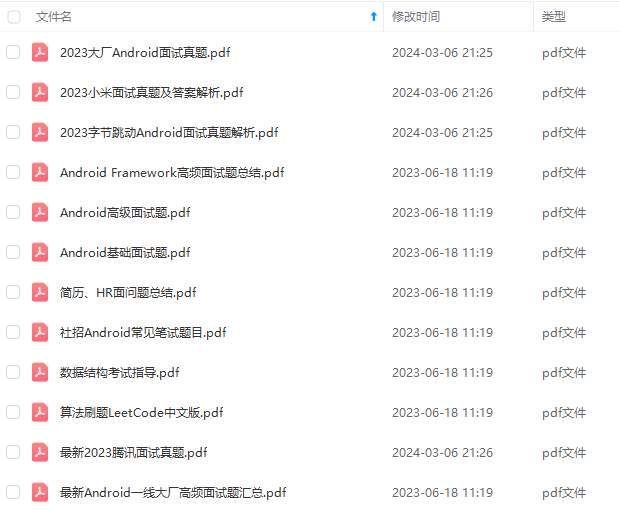
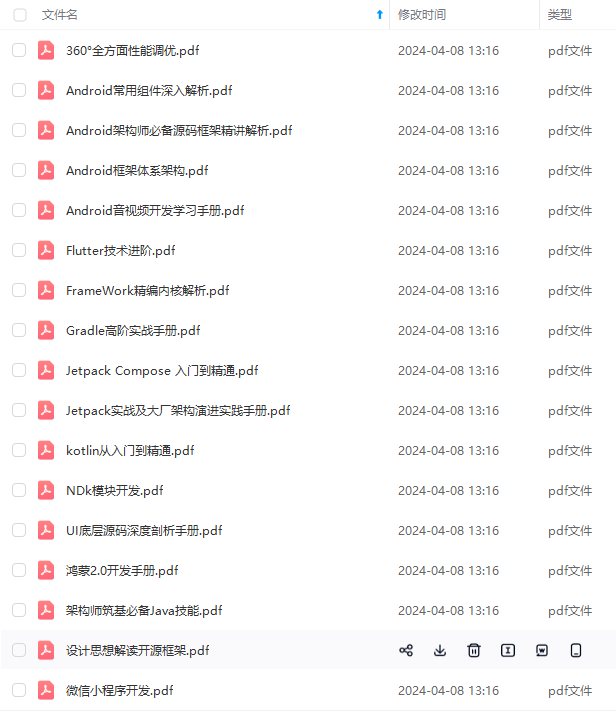
由于文件比较多,这里只是将部分目录截图出来,全套包含大厂面经、学习笔记、源码讲义、实战项目、大纲路线、电子书籍、讲解视频,并且后续会持续更新
一个人可以走的很快,但一群人才能走的更远!不论你是正从事IT行业的老鸟或是对IT行业感兴趣的新人
都欢迎加入我们的的圈子(技术交流、学习资源、职场吐槽、大厂内推、面试辅导),让我们一起学习成长!
如果你需要这些资料, ⬅ 专栏获取
因此我收集整理了一份《2024年Android移动开发全套学习资料》,初衷也很简单,就是希望能够帮助到想自学提升又不知道该从何学起的朋友。**
[外链图片转存中…(img-pX2Gjohl-1719184995508)]
[外链图片转存中…(img-7Cb93xhf-1719184995509)]
[外链图片转存中…(img-cpMhGfti-1719184995509)]
[外链图片转存中…(img-kQFurnCy-1719184995510)]
由于文件比较多,这里只是将部分目录截图出来,全套包含大厂面经、学习笔记、源码讲义、实战项目、大纲路线、电子书籍、讲解视频,并且后续会持续更新
一个人可以走的很快,但一群人才能走的更远!不论你是正从事IT行业的老鸟或是对IT行业感兴趣的新人
都欢迎加入我们的的圈子(技术交流、学习资源、职场吐槽、大厂内推、面试辅导),让我们一起学习成长!
如果你需要这些资料, ⬅ 专栏获取

开源鸿蒙跨平台开发社区汇聚开发者与厂商,共建“一次开发,多端部署”的开源生态,致力于降低跨端开发门槛,推动万物智联创新。
更多推荐
 25
25 0
0- 0


 已为社区贡献3条内容

所有评论(0)