超超超详细Contentful CMS与react-native的使用
没有使用Contentful CMS时,页面使用静态数据
const cards = [
     {
       image:require('../assets/background11.jpg'),
       title:'Styled Components',
       caption:'1 of 12 sections',
       subtitle:'react native',
       logo:require('../assets/logo-react.png')
     },
     {
       image:require('../assets/background12.jpg'),
       title:'Props and State',
       caption:'1 of 5 sections',
       subtitle:'react',
       logo:require('../assets/logo-react.png')
     },
     {
       image:require('../assets/background13.jpg'),
       title:'Components',
       caption:'1 of 5 sections',
       subtitle:'react',
       logo:require('../assets/logo-react.png')
     },
     {
       image:require('../assets/background14.jpg'),
       title:'Styled Components',
       caption:'4 of 12 sections',
       subtitle:'react native',
       logo:require('../assets/logo-react.png')
     }

   ]
咱们看看使用Contentful CMS如何去更好地直接管理我们的数据。
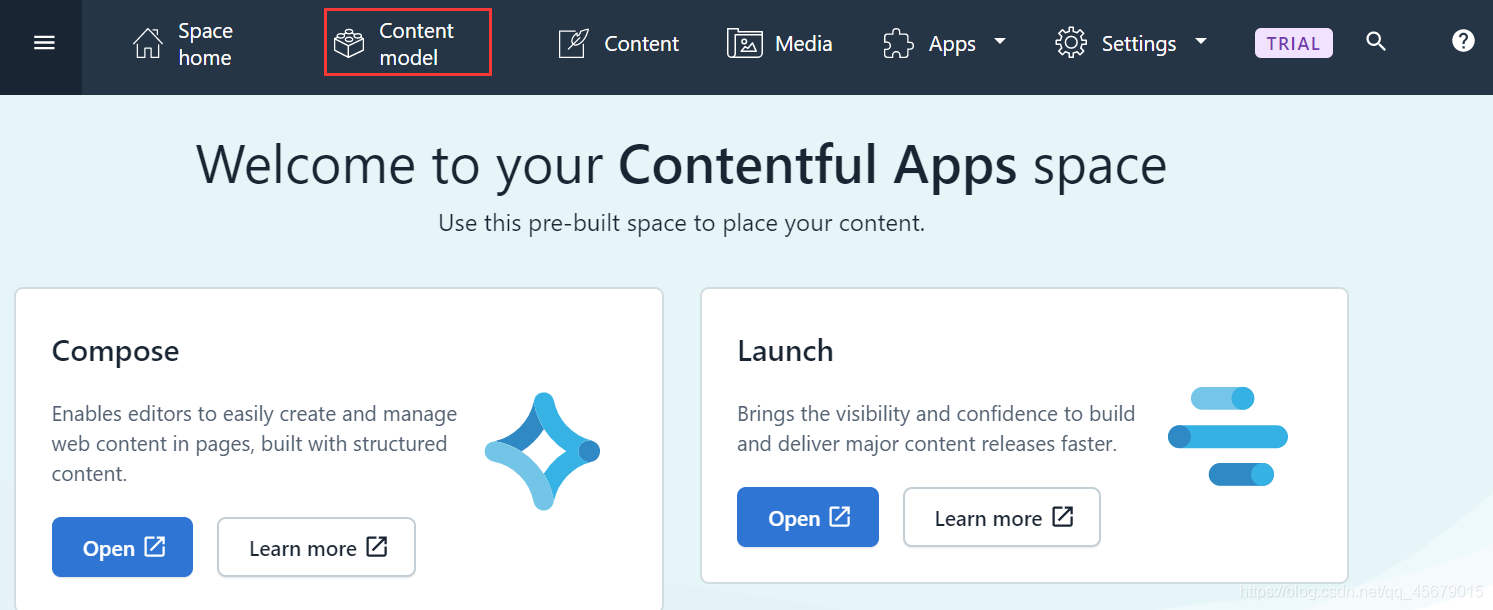
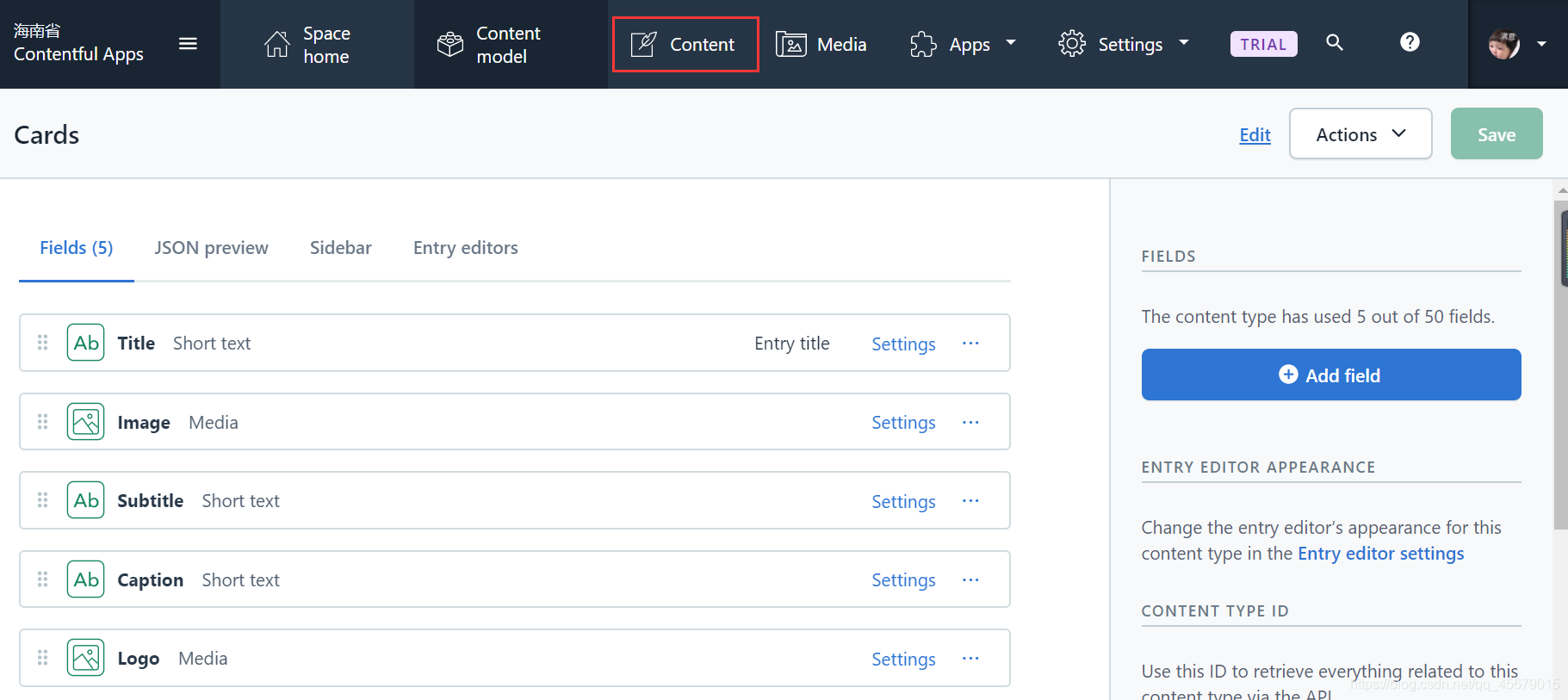
1.登陆contentful,点击Content model
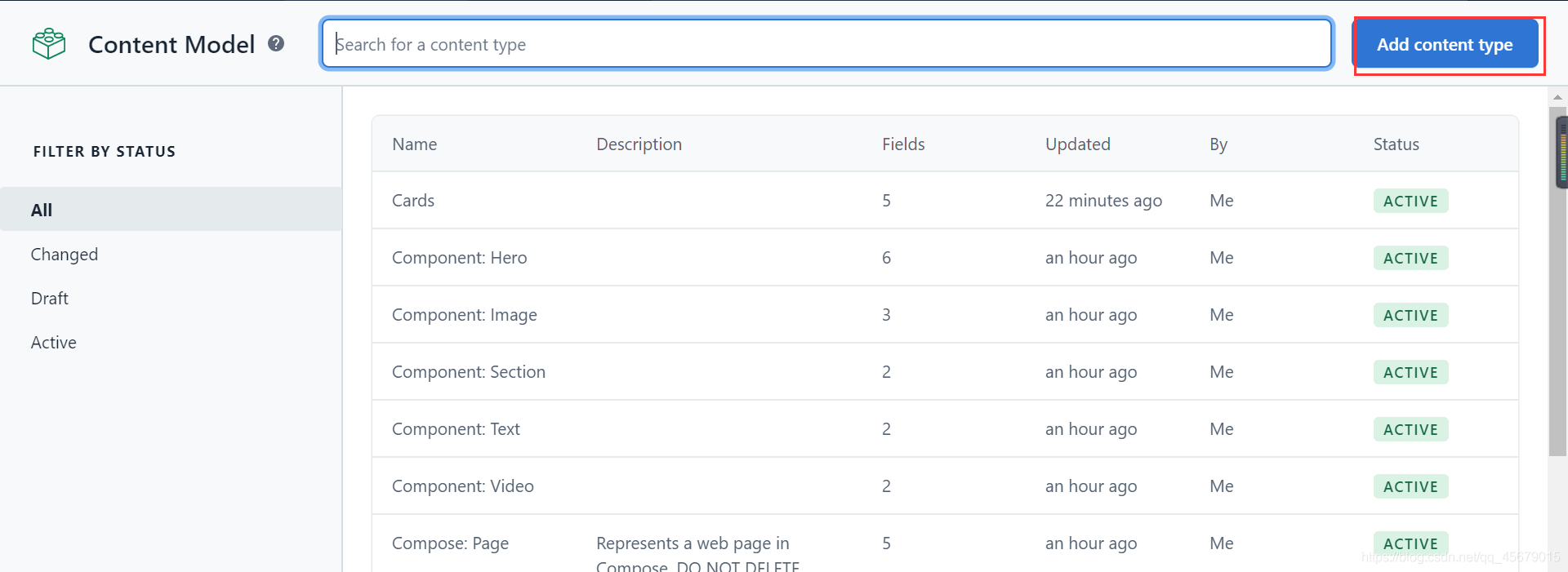
2.创建一个content type
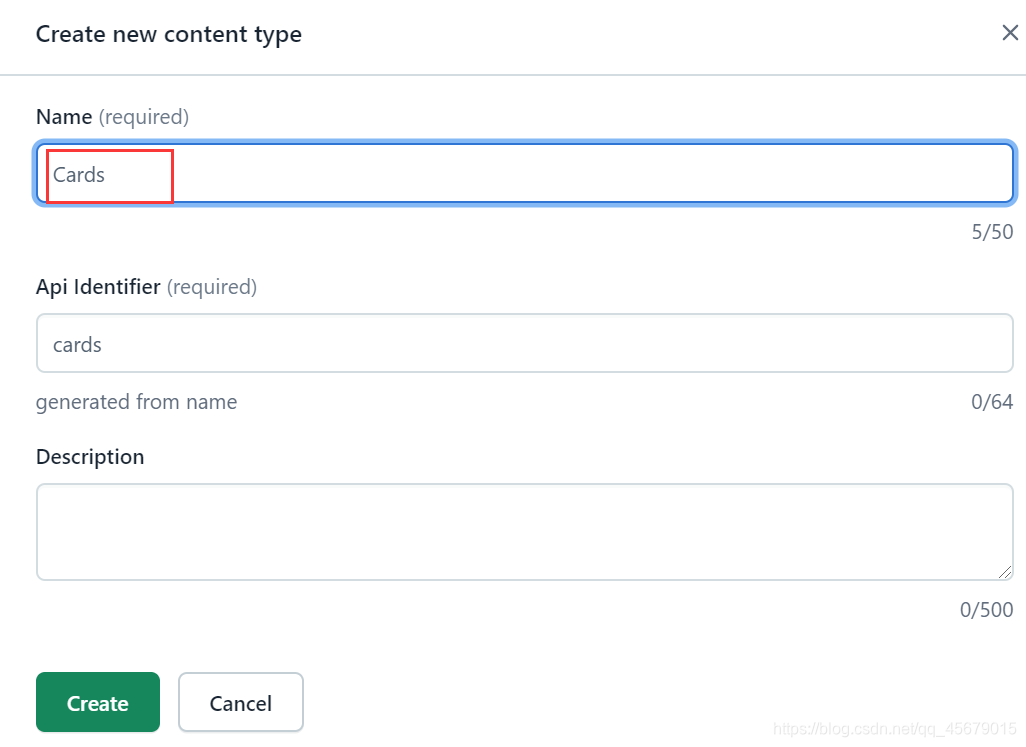
3.在这里我创建的是Cards,我静态数组名为cards
4.创建成功后,点击创建字段的类型
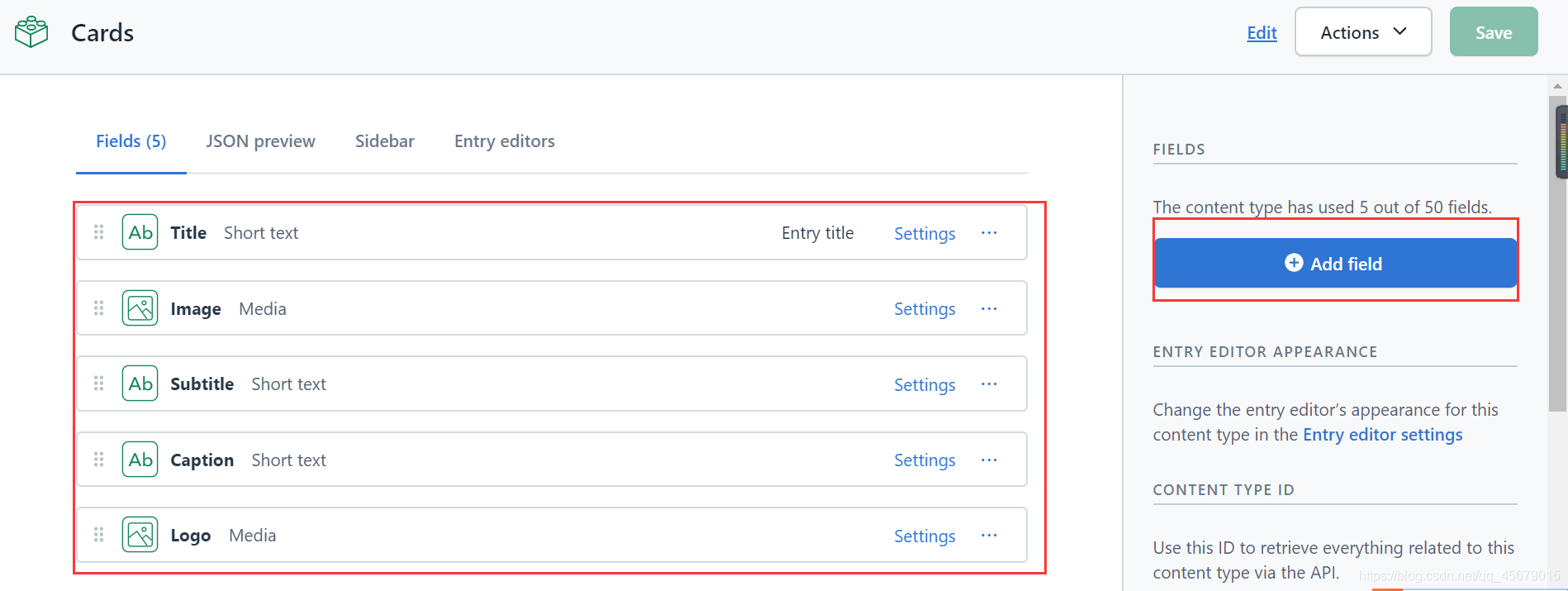
5.全部所需的字段创建完后,点击Content,会弹出一个弹窗,save changes
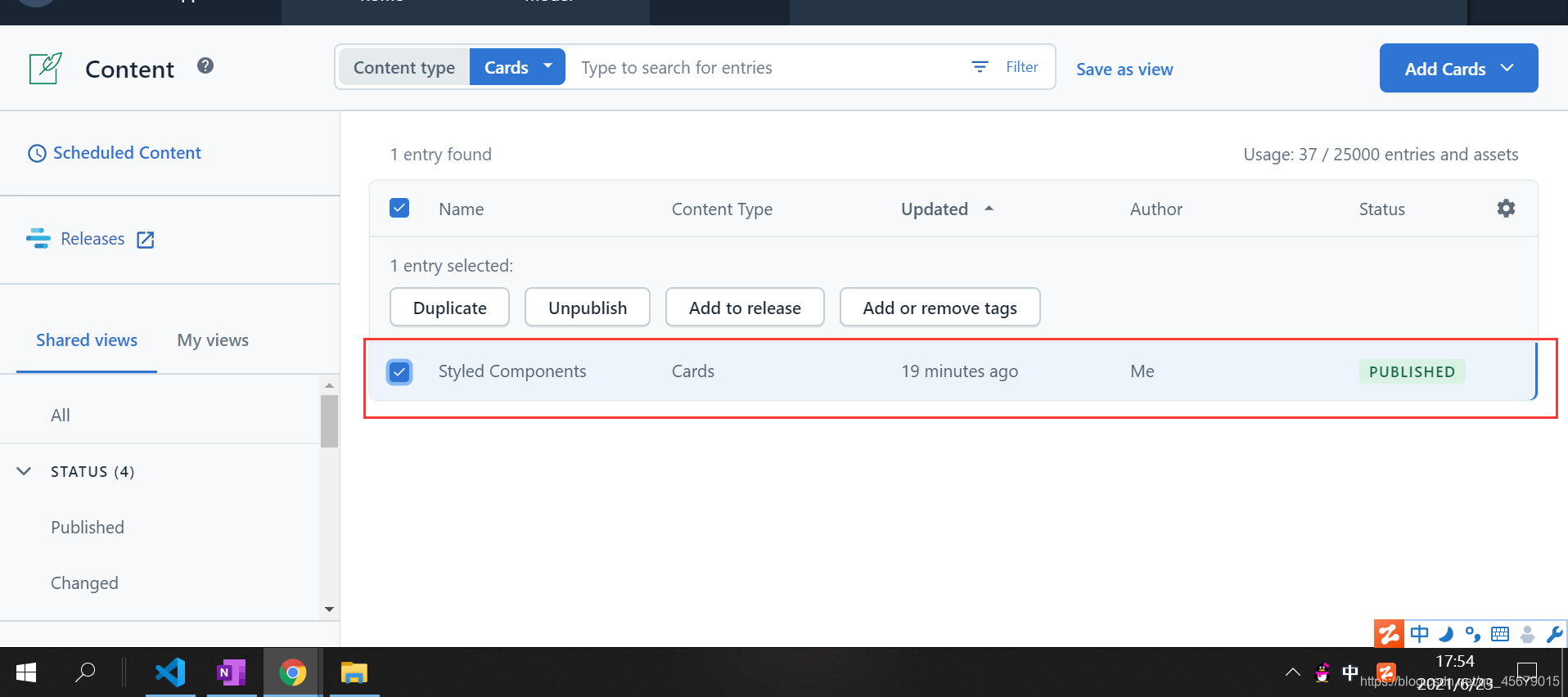
6.去到content,生成一条数据,我们可以直接到网页改写资源,包括队员,解决了在本地更改的问题。
7.来到这里using-contentful-graphql-with-javascript
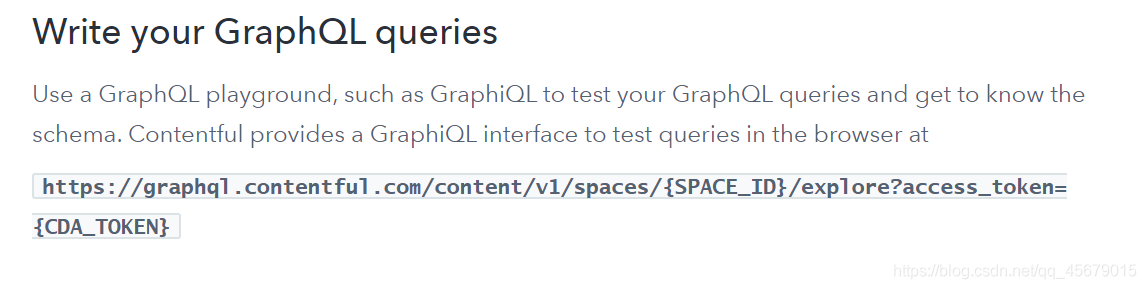
可以测试你的内容
地址:
https://graphql.contentful.com/content/v1/spaces/{SPACE_ID}/explore?access_token={CDA_TOKEN}
{SPACE_ID}和{CDA_TOKEN}怎么获取呢?我们来到这里
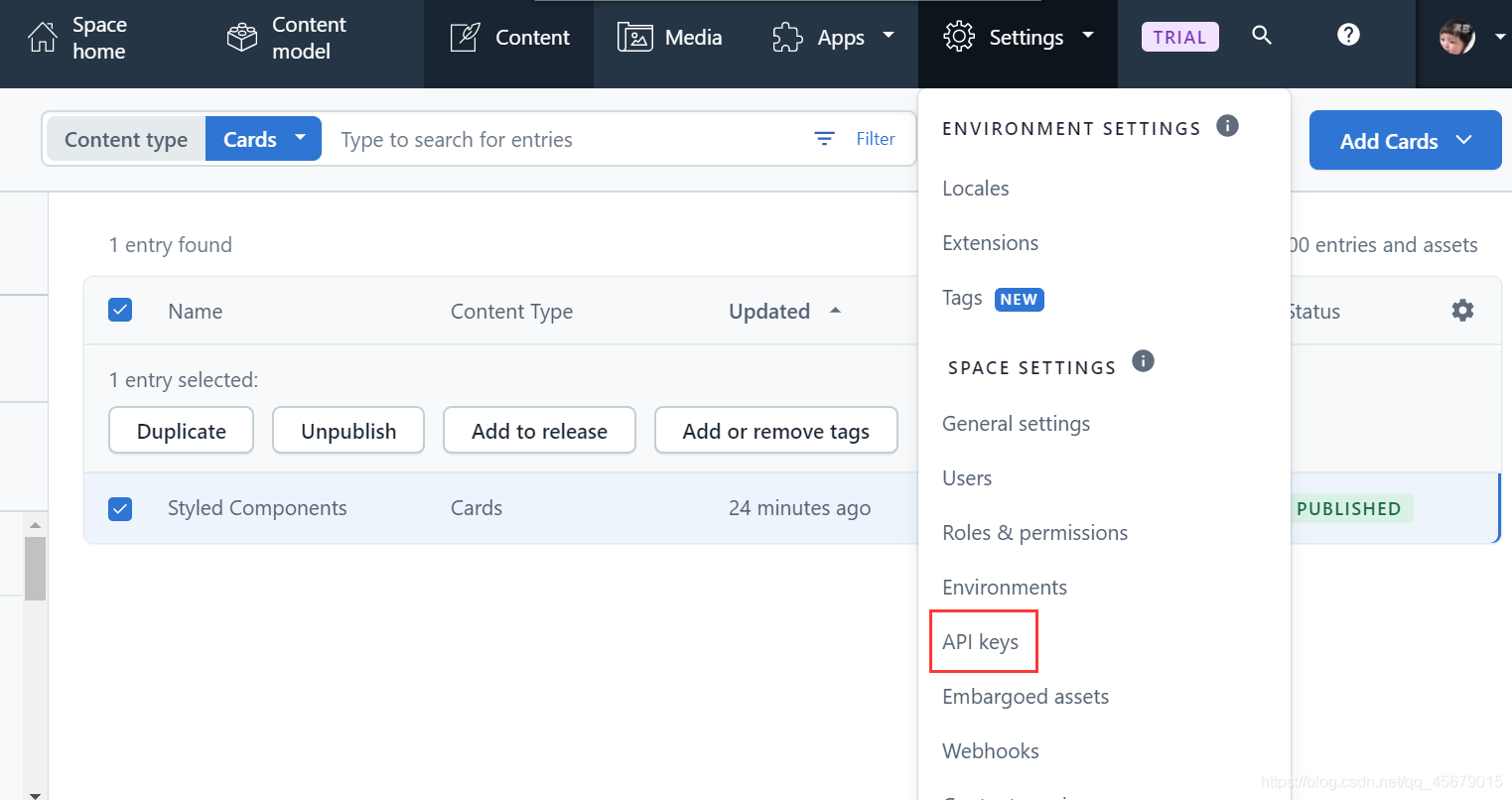
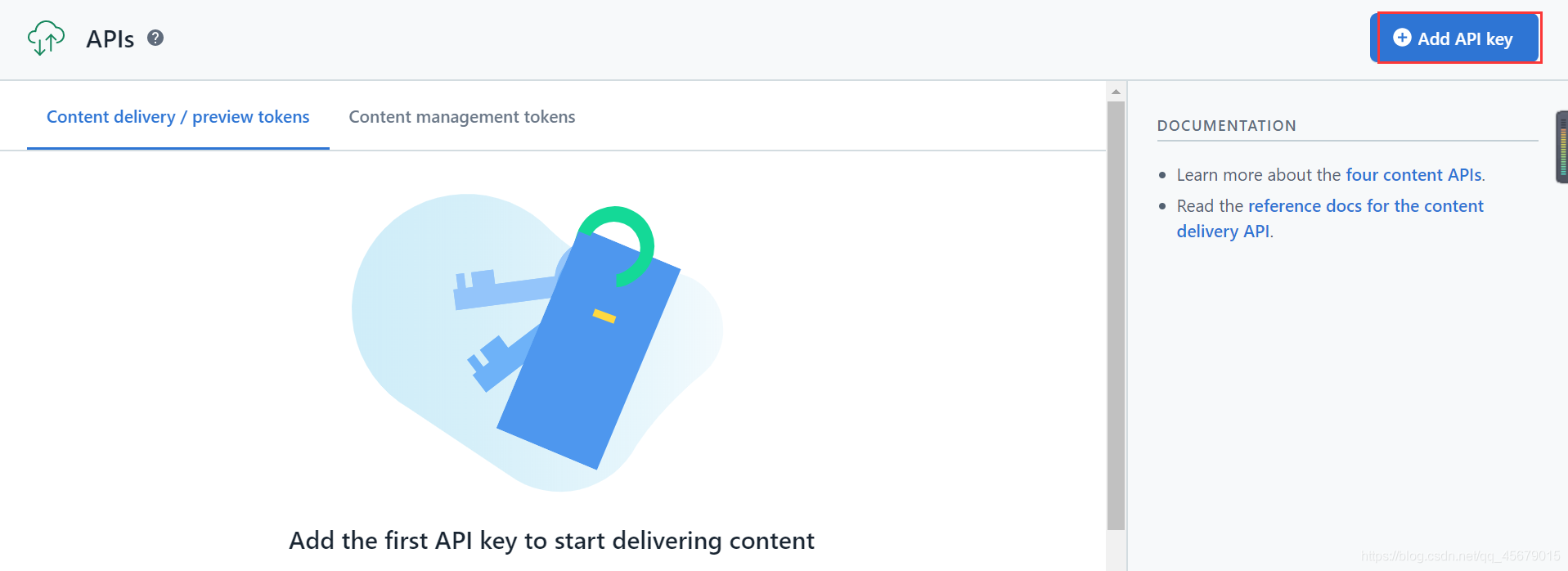
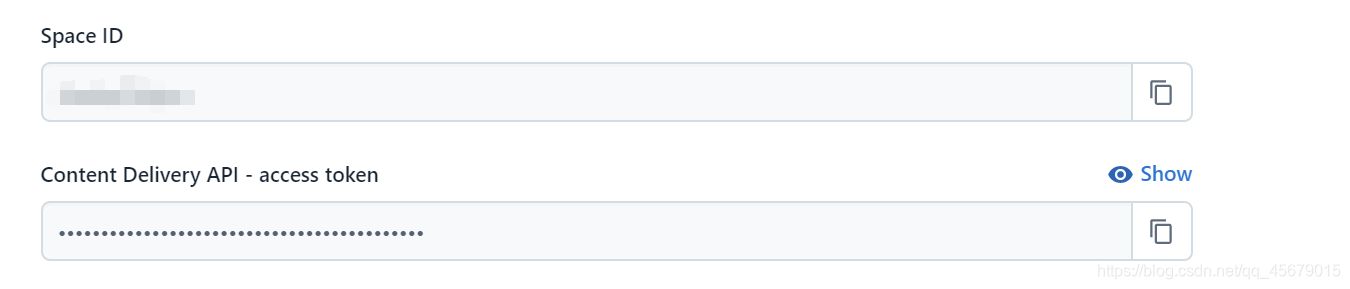
接着访问该地址

现在您可以访问数据库,点击Docs查看内容
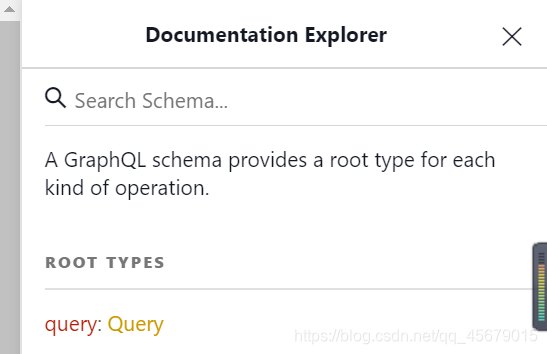
点击query,可以看到数据库可用的所有内容,看到我们创建的Cards和cardsCollections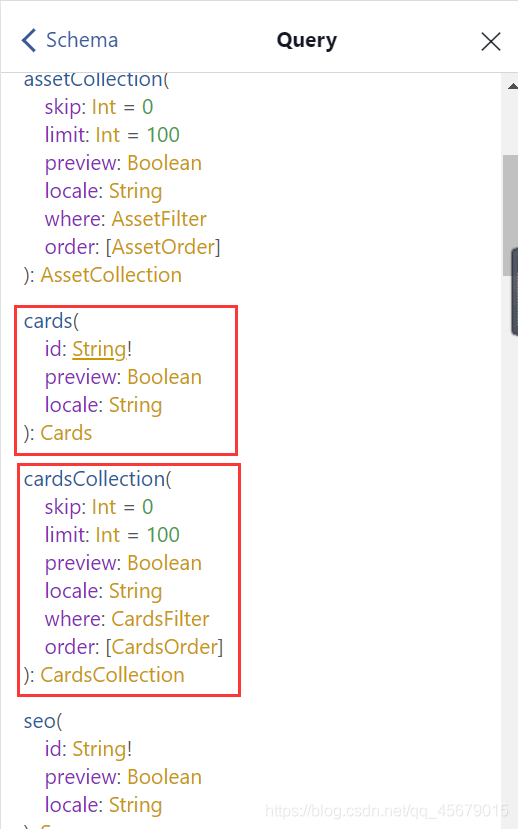
接着点击cardsCollections == > type:cardsCollections =>items: [Cards]!=>type:[Cards]!
可以看到我们之前创建的所有字段
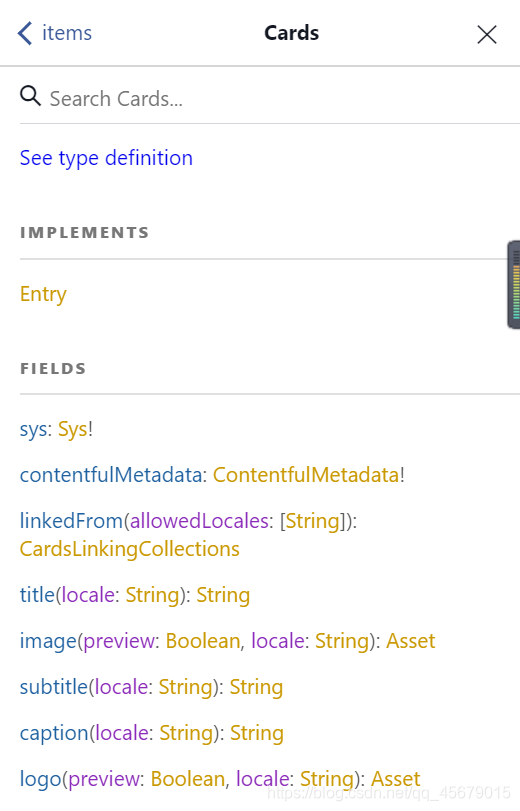
现在我们来测试我们的内容
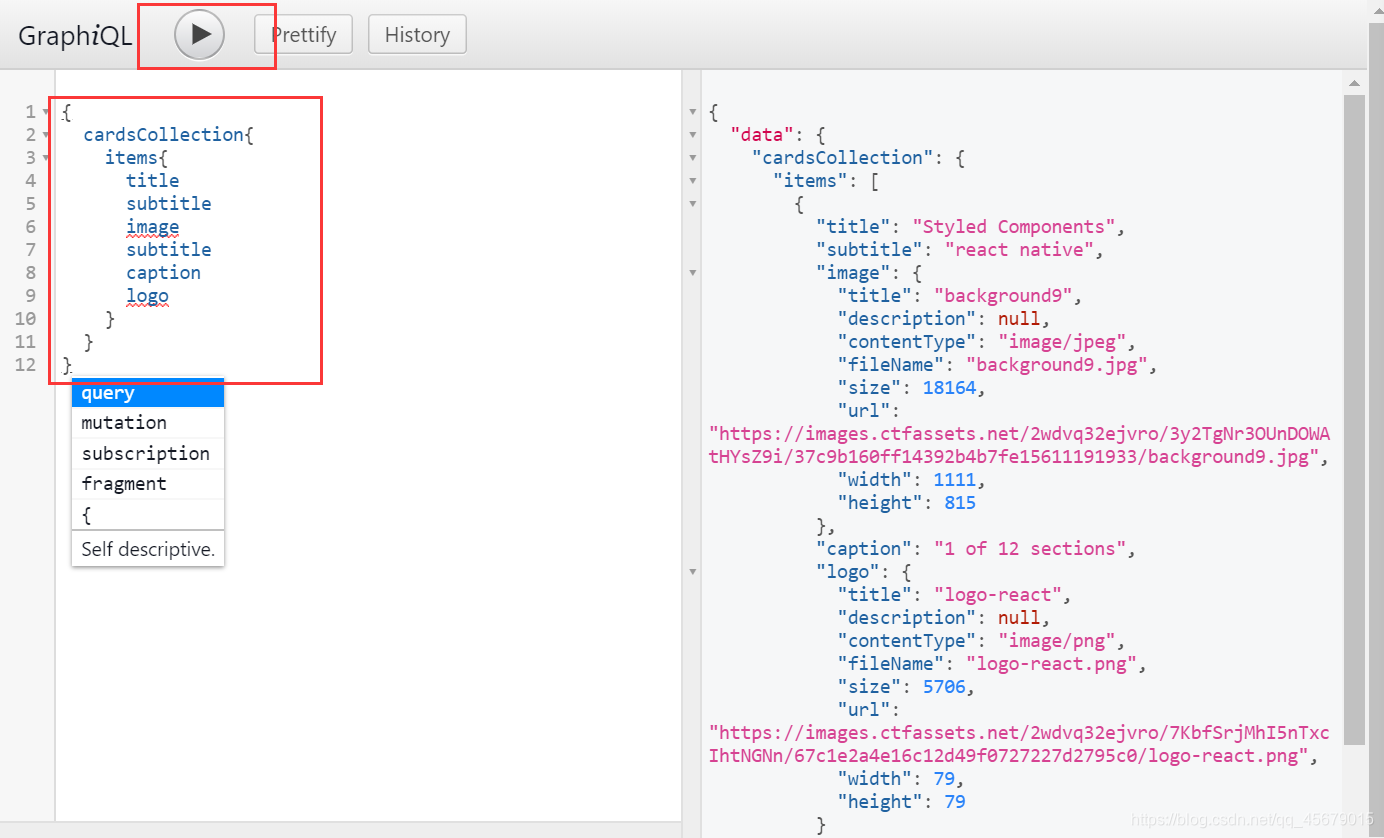
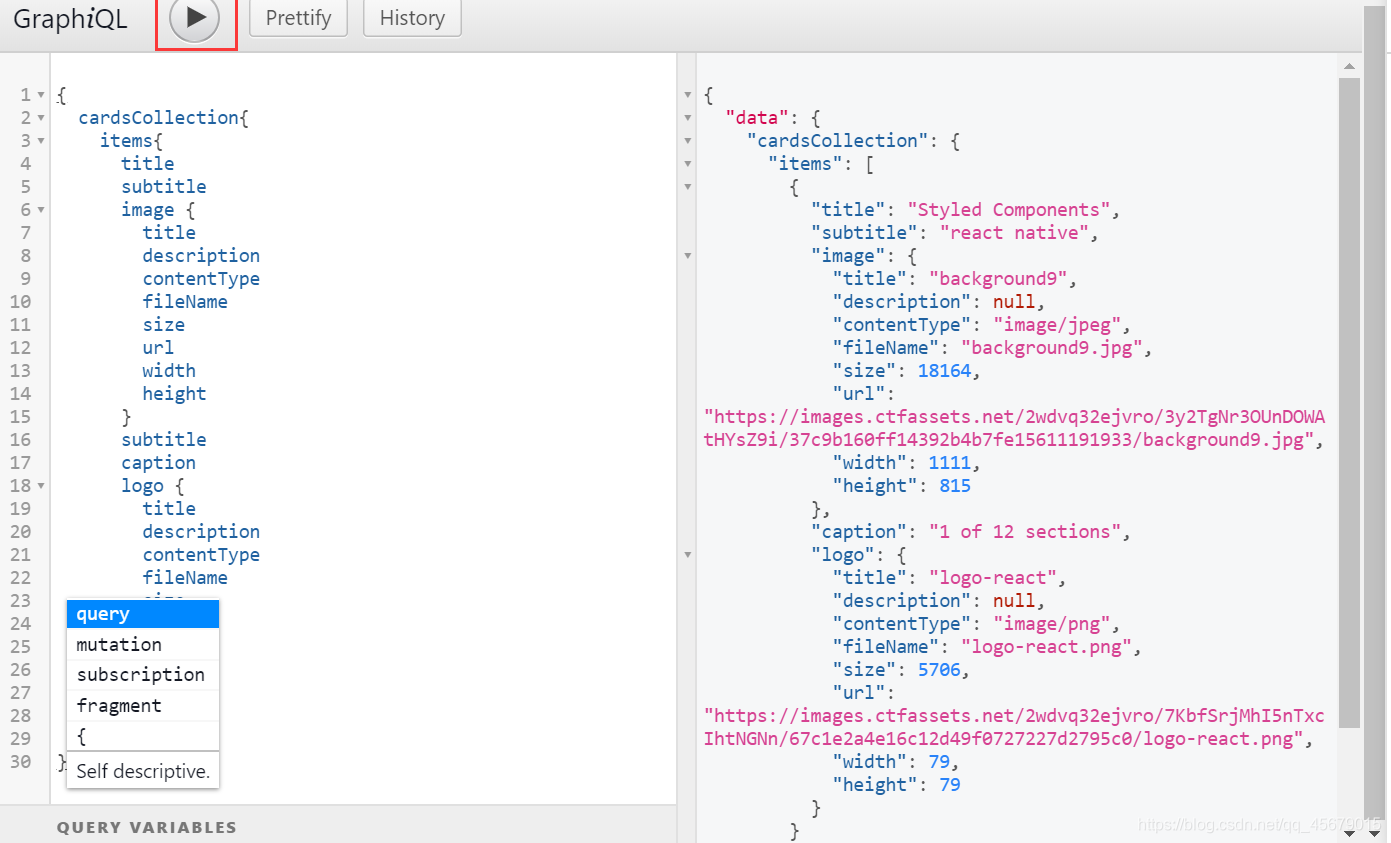
8.测试完毕后,我们可以在应用程序设置数据,我们可以使用apollographql一个数据图平台,通过将 API、数据库和微服务组合到一个可以使用 GraphQL 查询的数据图中来简化应用程序开发。
我们在react-native中安装对应的库
npm install apollo-boost react-apollo graphql --save
我们在App.js页面中以Apollo客户端的身份去访问contentful
import ApolloClient from 'apollo-boost'
import {ApolloProvider} from 'react-apollo'

const client = new ApolloClient({
  uri:"https://graphql.contentful.com/content/v1/spaces/2wdvq32ejvro",
  Credentials:"same-origin",
  headers:{
    Authorization:`Bearer fQ6GjYrwZERrW_-oZ5CnQg0qJP5bIHWpjo5ZGj793Vo`
  }
})
在App.js结尾把它包装一下
const App = ()=>(
  <ApolloProvider client={client}>
  <Provider store={store}>
    <AppNavigator/>
  </Provider>
  </ApolloProvider>
)
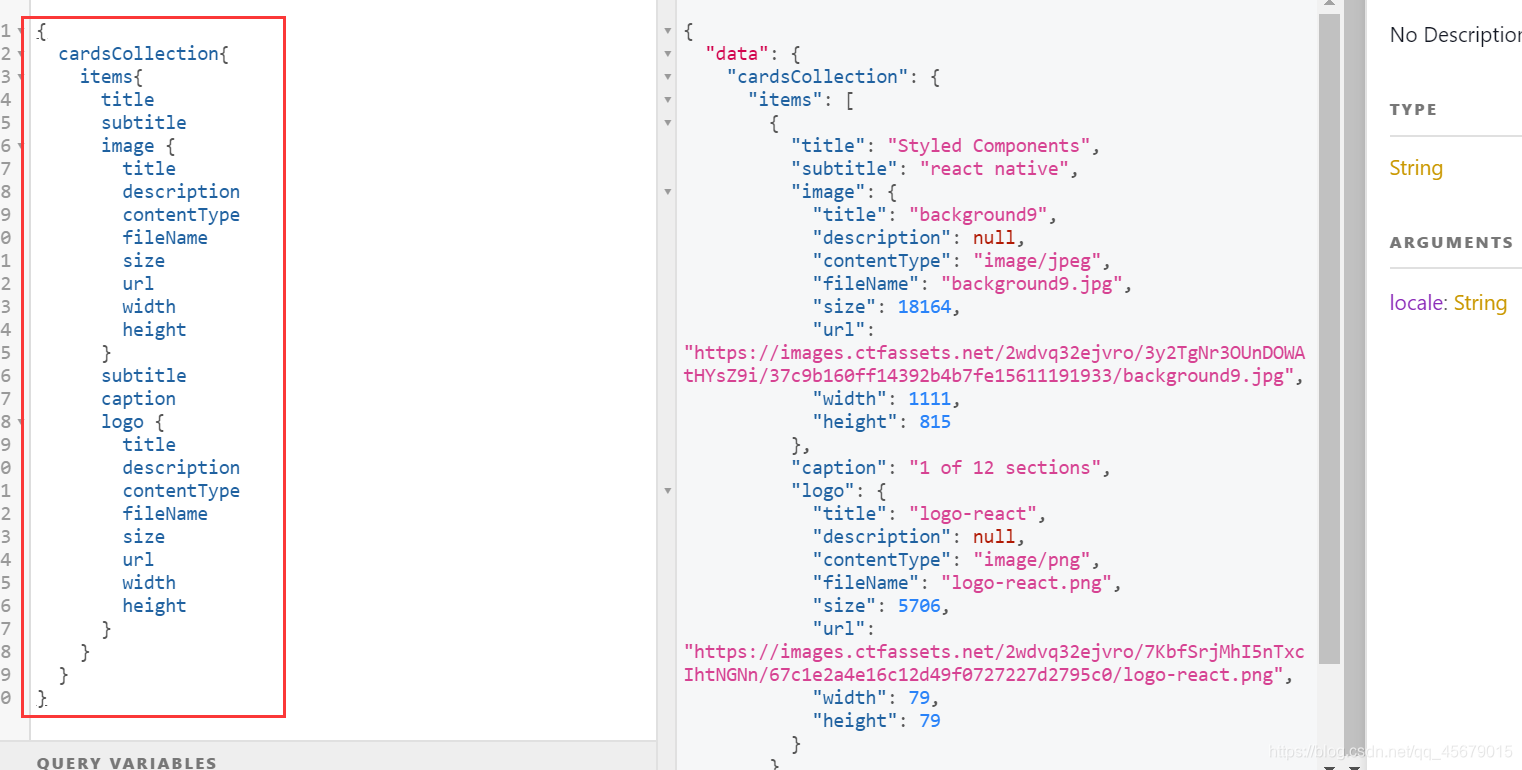
9.我们怎么在页面中使用conteentful中的数据呢?例如在HomeScreen.js页面中
import gql from ‘graphql-tag’
import {Query} from ‘react-apollo’
		const CardQuery = gql`
		{
		  cardsCollection{
		    items{
		      title
		      subtitle
		      image {
		        title
		        description
		        contentType
		        fileName
		        size
		        url
		        width
		        height
		      }
		      subtitle
		      caption
		      logo {
		        title
		        description
		        contentType
		        fileName
		        size
		        url
		        width
		        height
		      }
		    }
		  }
		}
``
模块化里面的数组是来自这里的哈
最后替换掉之前的
 {
            cards.map((card,index)=>(
                <Card
                   key={index}
                   image = {course.image}
                   logo={course.logo}
                   subtitle={course.subtitle}
                   title={course.title}
                   caption={course.caption}

                />
            ))
         }
 <Query query={CardQuery}>
 {
      ({loading,error,data})=>{
         if(loading)
            return <Message>Loading...</Message>
         if(error)
            return <Message>Error...</Message>

         console.log(data.cardsCollection.items)

         return (
           <CardContainer>
             {
               data.cardsCollection.items.map((card,index)=>(
                 <TouchableOpacity
                 key={index}
                 onPress={()=>{
                   this.props.navigation.push('Section',{section:card})
                 }}
                 >
                  <Card
                  image={card.image}
                  title={card.title}
                  caption={card.caption}
                  subtitle={card.subtitle}
                  logo={card.logo}
                  />
                  </TouchableOpacity>
               ))
             }
           </CardContainer>
         )
      }
    }
  </Query>
就OK了~~

开源鸿蒙跨平台开发社区汇聚开发者与厂商,共建“一次开发,多端部署”的开源生态,致力于降低跨端开发门槛,推动万物智联创新。
更多推荐
 5
5 0
0- 0


 已为社区贡献2条内容

所有评论(0)