Start with Kotlin
·
1 online developer
https://developer.android.com/training/kotlinplayground
2 use IntelliJ IDEA
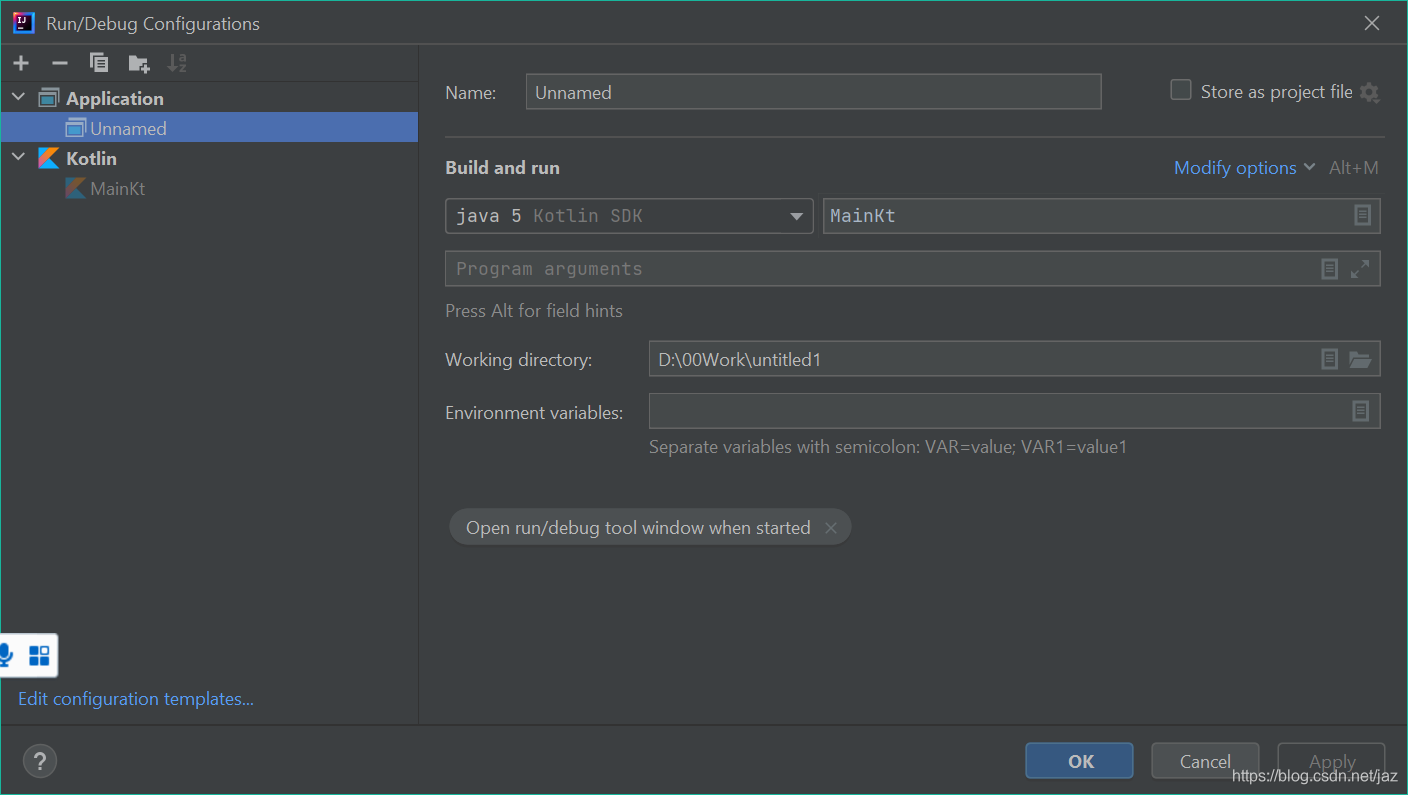
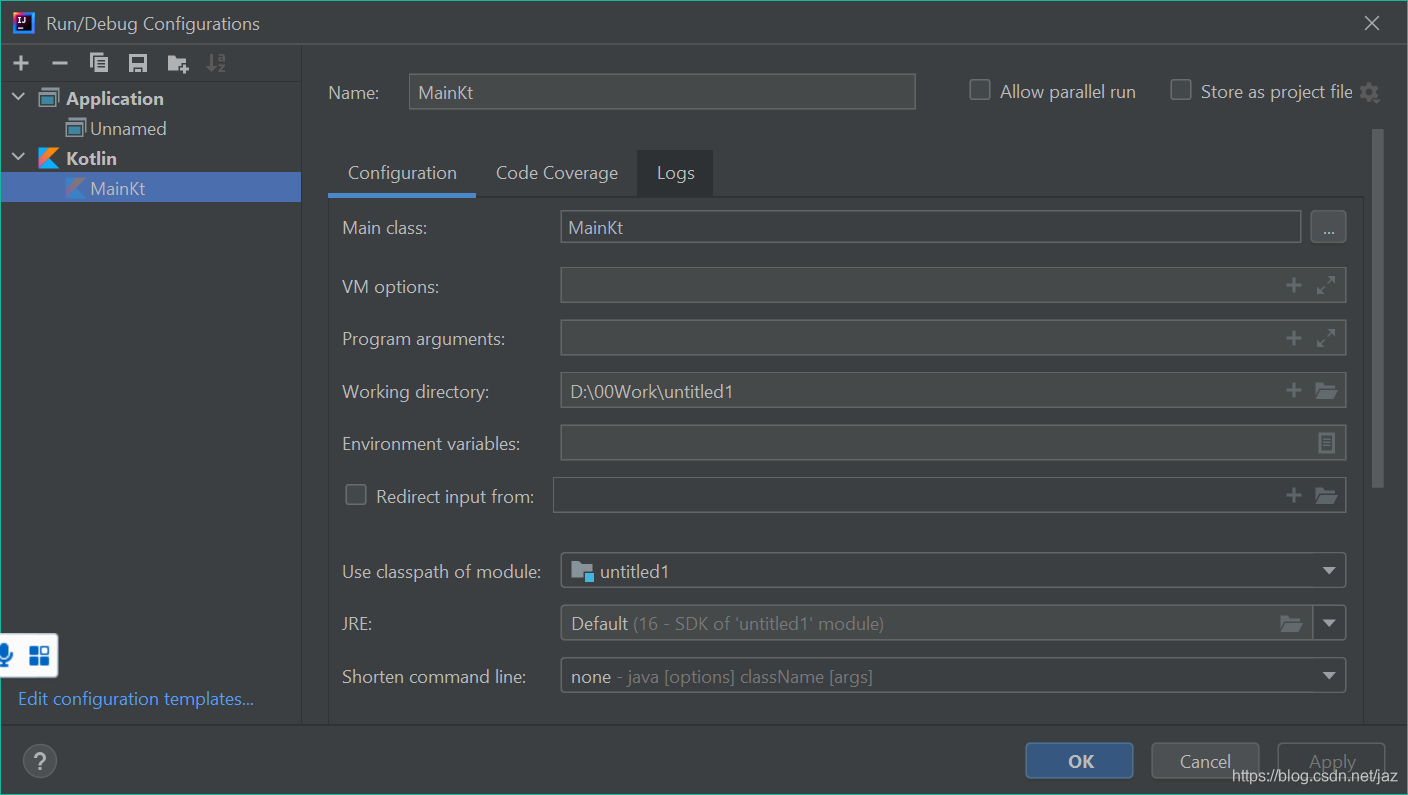
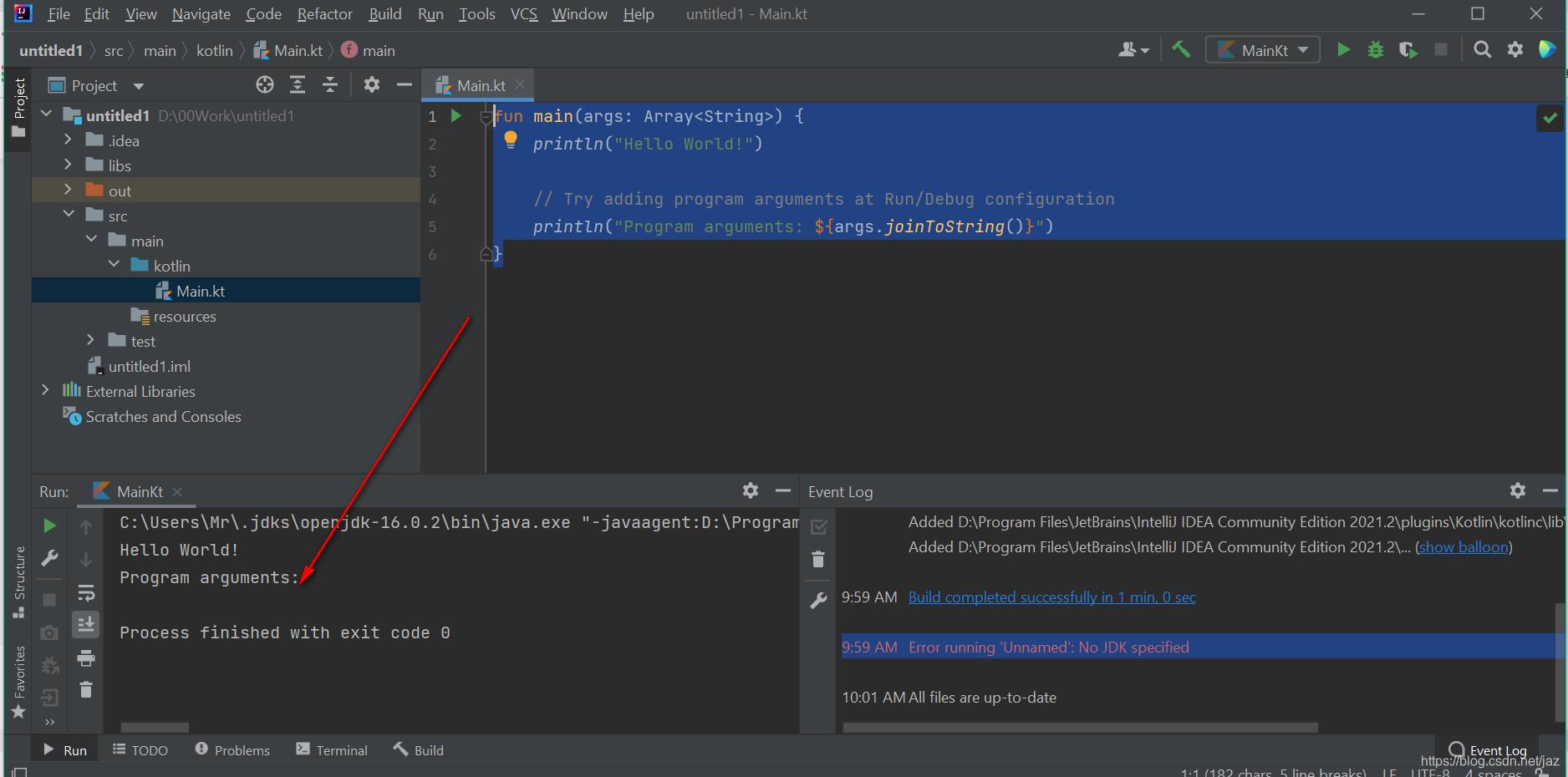
fun main(args: Array<String>) {
    println("Hello World!")

    // Try adding program arguments at Run/Debug configuration
    println("Program arguments: ${args.joinToString()}")
}
it works.
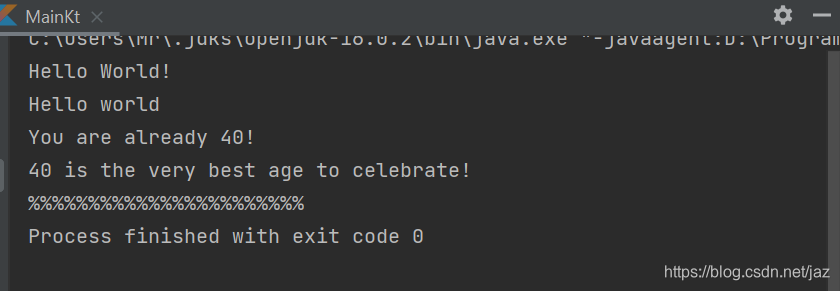
fun main(args: Array<String>) {
    val age  =40
    val Border ="%"
    println("Hello World!")

    // Try adding program arguments at Run/Debug configuration
   // println("Program arguments: ${args.joinToString()}")
    println("Hello world")
    println("You are already ${age}!")
    println("${age} is the very best age to celebrate!")
    printBorder(Border,23)
}
fun printBorder(Border:String, RepeatTimes:Int){
    repeat(RepeatTimes){
        print(Border)
    }
} 
Add class
3 Android Studio
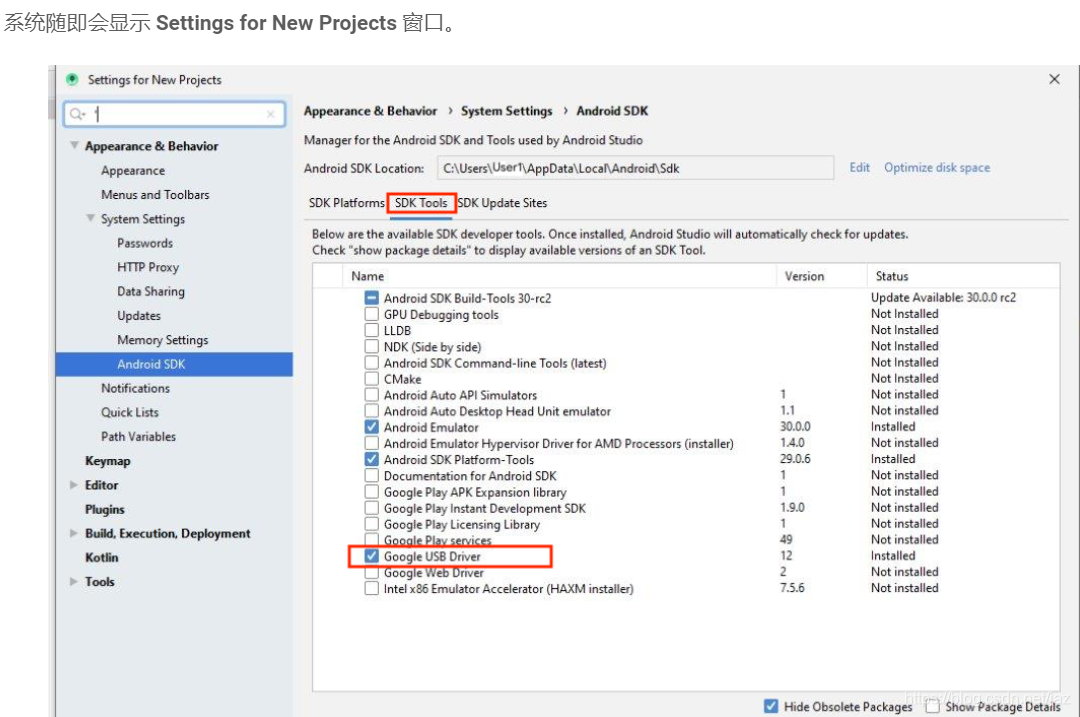
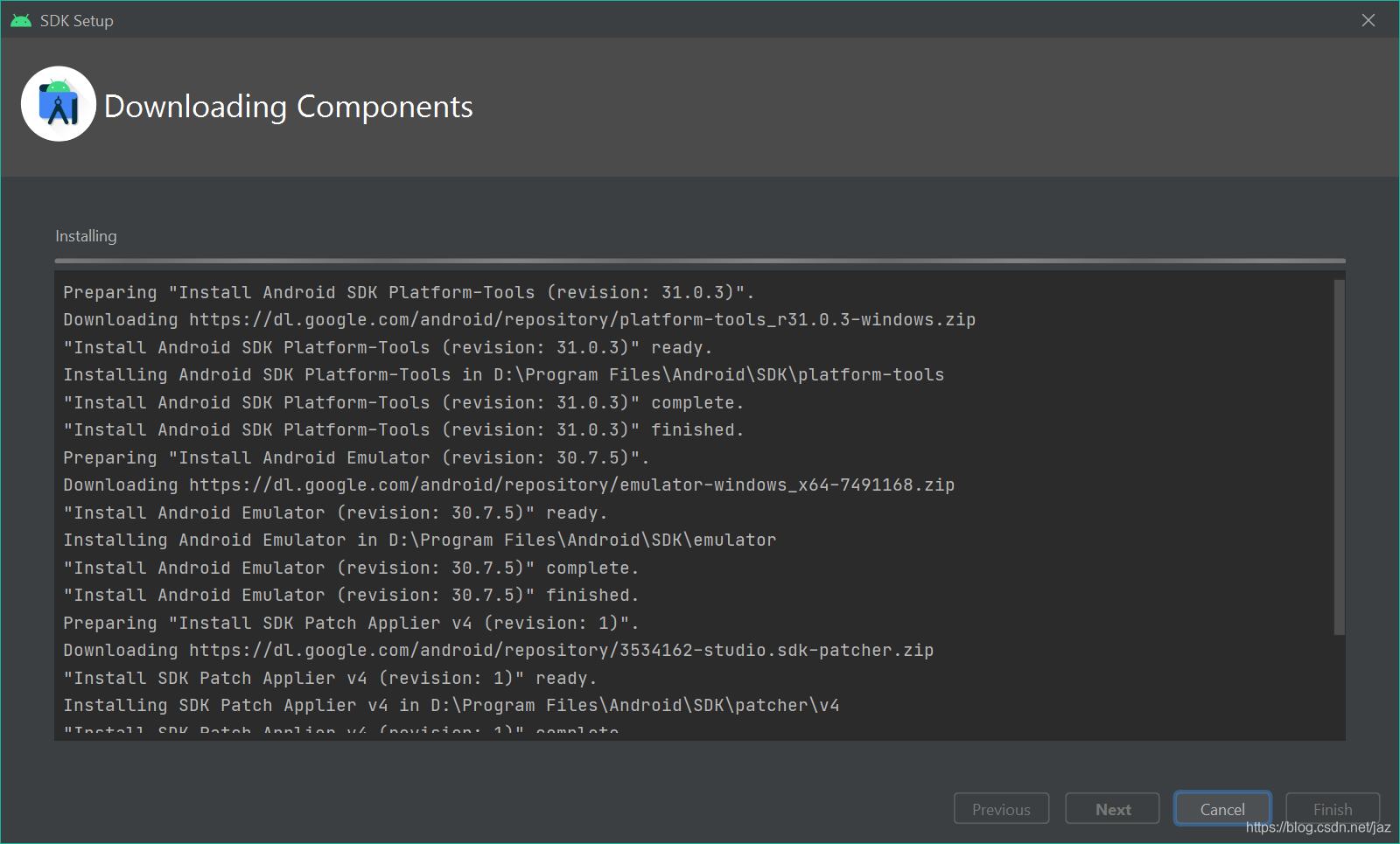
if graddle is not installed,
- Right click on launcher icon of Android Studio
- Click on "Run as administrator"
or fix at Graddle fixer
Problems:
1. jdk . install the newest version, and set path variable.
Add the location of the bin folder of the JDK installation to the PATH variable in System Variables
2 sdk lackness : download.
3 Graddle can't run , even I have download and set its path ,but it doesn't work, only when the AS download it and fix.
4 haxm-7.7.0-setup.exe. download it . and Enable BIOS "Virtualization Technology" , then install it.
NOw , I can build the project.
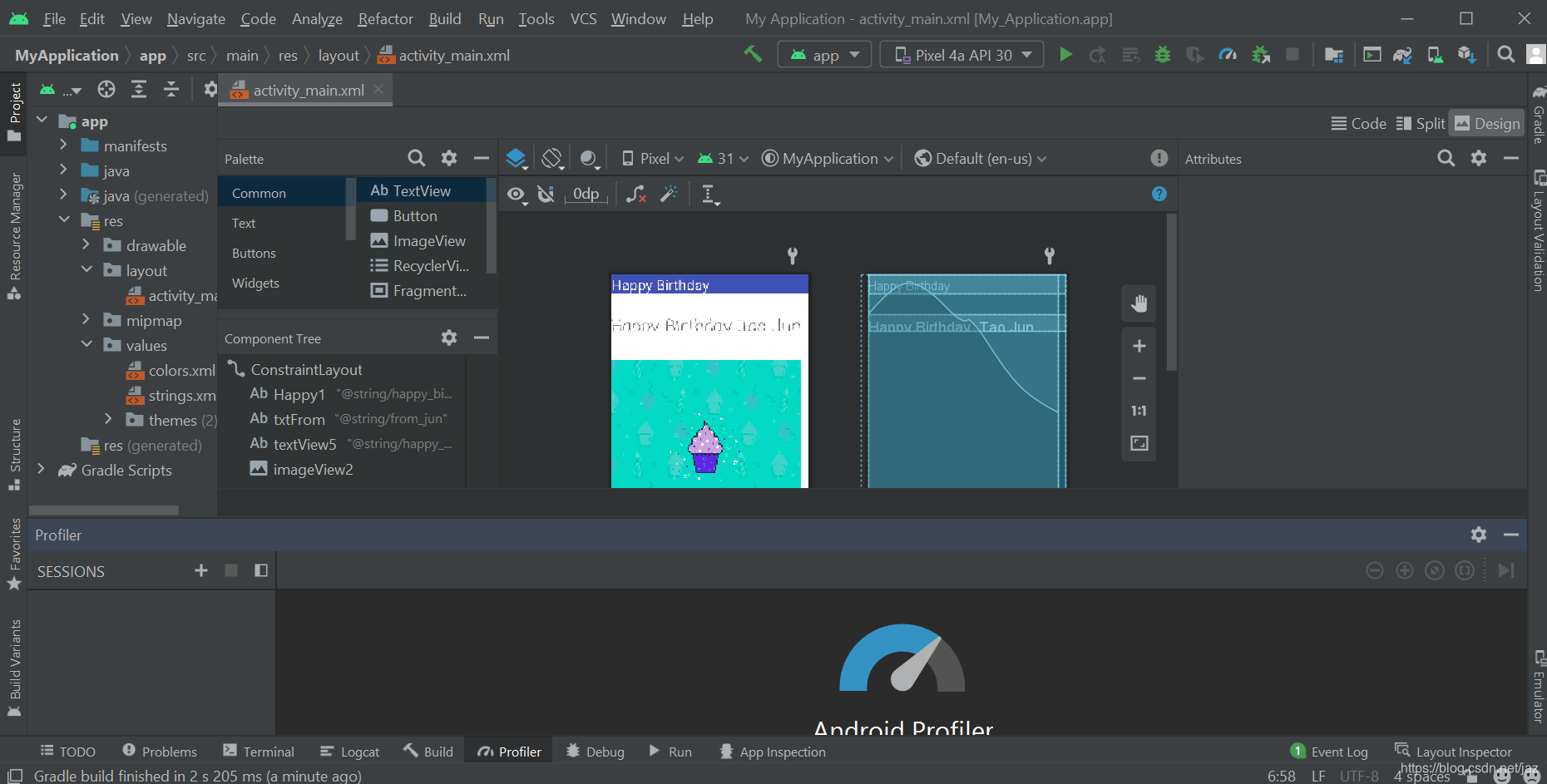
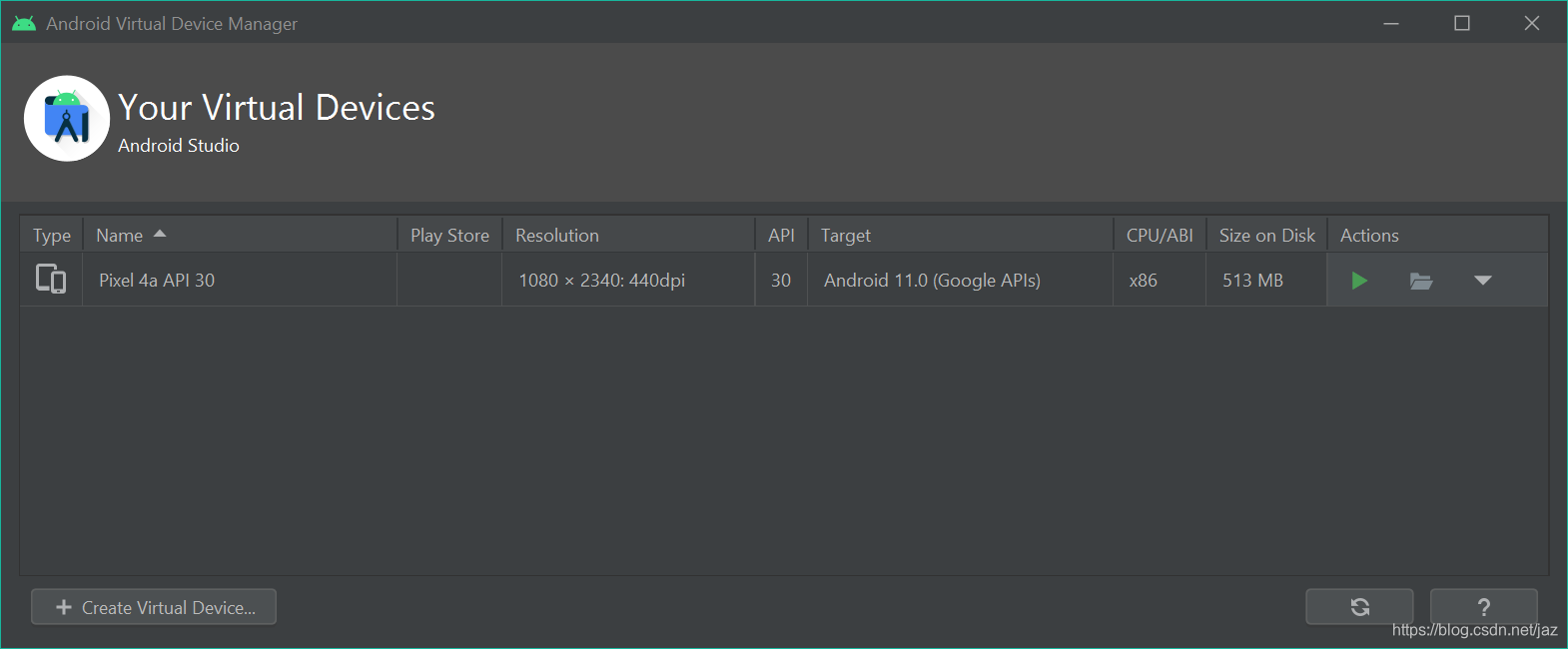

4 Simulate on 夜神
Sometimes we can not use the simulator of AS, so we can use third party software.
And if we can't enable VT-X, you can refer

开源鸿蒙跨平台开发社区汇聚开发者与厂商,共建“一次开发,多端部署”的开源生态,致力于降低跨端开发门槛,推动万物智联创新。
更多推荐



 0
0 0
0- 0



 已为社区贡献3条内容

所有评论(0)